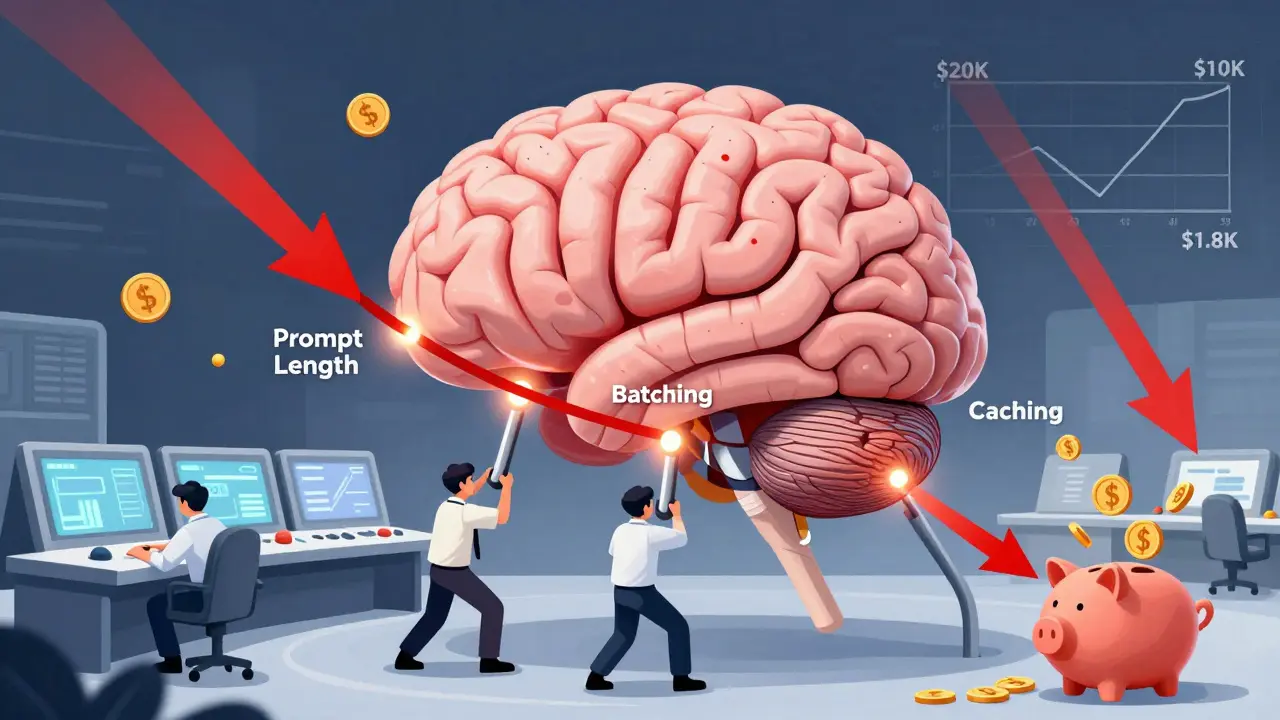
Running large language models (LLMs) isn’t just about getting good answers-it’s about not getting bankrupt doing it. By early 2025, companies were spending up to 300% more on AI infrastructure than the year before. Some teams saw their monthly LLM bills jump from $5,000 to $20,000 in just six months. The fix isn’t buying cheaper hardware or switching vendors. It’s optimizing how you use the models you already have. Three levers dominate real-world savings: prompt length, batching, and caching.
Trim the Fat: Why Prompt Length Matters More Than You Think
LLM pricing is almost entirely based on tokens. GPT-4 charges $0.03 per 1,000 input tokens and $0.06 per 1,000 output tokens. That means every extra sentence, every repeated phrase, every redundant context clue adds up. One financial services firm cut their average prompt from 1,200 tokens to just 450. Result? A 62.5% drop in cost-with no drop in output quality. How? They stopped dumping entire customer histories into every request. Instead, they used embeddings to pull only the relevant parts. This is called Retrieval-Augmented Generation (RAG). It doesn’t just reduce tokens-it makes responses more accurate by focusing on what actually matters. Teams that implemented RAG saw context-related token usage drop by over 70%. But there’s a trap. If you cut too much, quality crashes. A study from TowardsAI found that removing critical context dropped output quality by 15-20% on G-Eval metrics. The trick is testing. Start by trimming 10% of your prompts. Measure quality. Keep going until you hit the edge of acceptable performance. Most teams find their sweet spot between 30-40% reduction.Batch It Up: Turn Real-Time Requests Into a Production Line
If you’re sending one request at a time-like a customer service chatbot handling each query individually-you’re leaving 50% of your savings on the table. Batch processing changes everything. Providers like AWS, Hugging Face, and vLLM offer up to 50% discounts for grouped requests because they can use GPU memory more efficiently. The math is simple. Instead of running 100 separate requests, you group them into 5 batches of 20. The model loads once, processes all 20, and sends back 20 responses. GPU utilization jumps. Idle time drops. Cost per request plummets. Real-world example: SpotServe processed 12,000 daily requests using batched inference on preemptible instances. Their failure rate during instance interruptions? Just 3.2%. They saved 50% without losing reliability. But batching isn’t plug-and-play. You need queues, async processing, and the right infrastructure. Mistral 7B hits peak efficiency at 32 requests per batch. GPT-4-turbo starts lagging past 16. Test your model. Monitor latency. Find your sweet spot. A batch size that’s too small wastes the discount. Too big, and users wait too long.Caching Smart: Don’t Answer the Same Question Twice
Caching isn’t new. But traditional caching-storing exact text matches-fails with LLMs. Two questions like “What’s my account balance?” and “Can you show me how much I have?” are different strings, but identical meaning. Enter semantic caching. Semantic caching uses vector embeddings to find similar questions, not identical ones. If someone asks “How do I reset my password?” and you’ve seen “I forgot my login details,” you reuse the same response. Companies using this approach cut costs by 50-75%. Koombea’s research shows that combining semantic caching with model cascading delivers even bigger wins. Route 90% of simple queries to a tiny model like Mistral 7B (costing $0.00006 per 300 tokens). Only escalate complex or high-stakes questions to GPT-4. One healthcare startup slashed monthly costs from $18,500 to $2,100 using this exact setup. The trick? Similarity thresholds. Most teams use 0.82-0.87 cosine similarity. Below that, you risk giving wrong answers. Above it, you cache too little. Binadox’s 2025 analysis of 47 enterprise deployments found 0.85 was the average sweet spot.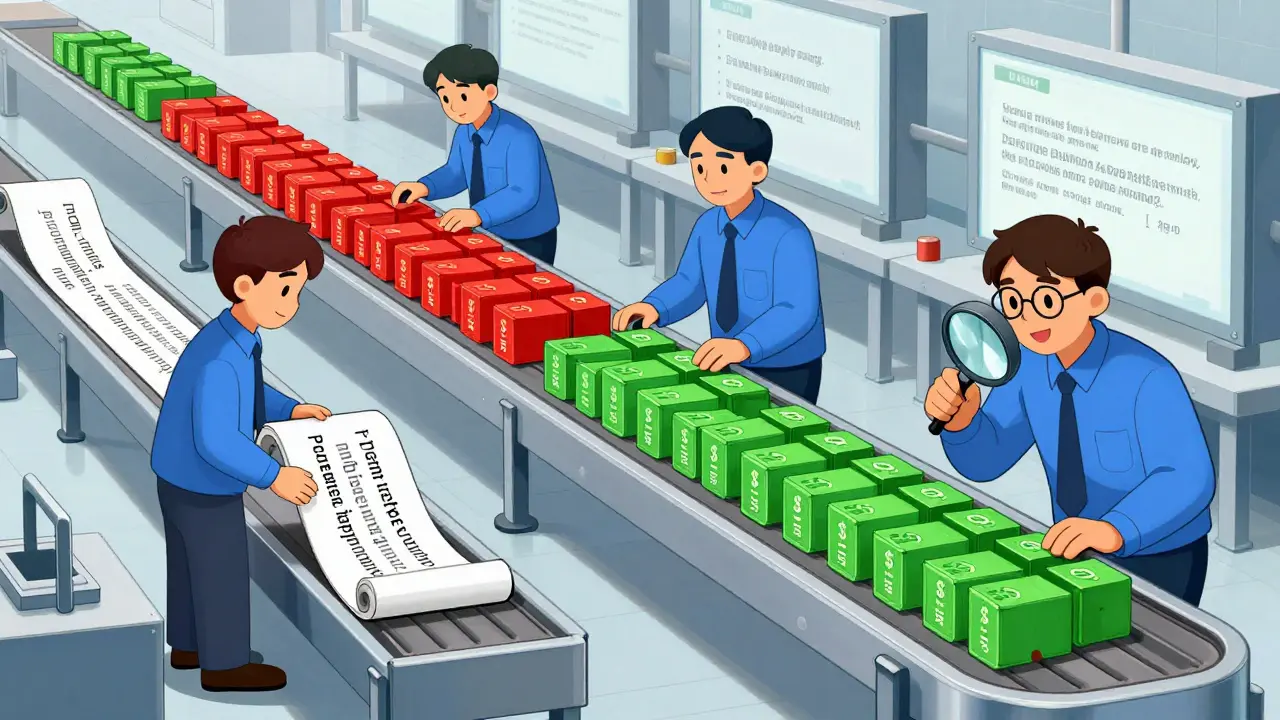
Putting It All Together: The Real Savings Formula
No single lever gives you 80% savings. But together? They’re game-changing. - Start with prompt trimming. It’s low-effort, high-reward. Cut 30% of your tokens. That’s 25-35% savings, right away. - Then layer in batching. If you’re doing more than 100 requests a day, set up a queue. You’ll hit another 40-50% drop. - Finally, add semantic caching. For repetitive tasks-customer support, internal FAQs, form autofill-you’ll save 50-75% on those queries. One team did all three. Their monthly LLM bill went from $14,000 to $1,800. That’s 87% savings. Not because they switched providers. Not because they downsized. Just by using what they had better.The Hidden Cost: Quality Tradeoffs and What No One Tells You
Every optimization has a price. Trim prompts too hard, and answers get vague. Batch too aggressively, and users get frustrated waiting. Cache too loosely, and you give someone the wrong answer. Sixty-eight percent of teams saw quality dip in the first two weeks of optimization. That’s normal. The key is monitoring. Use tools like Helicone or AWS Cost Guardrails to track quality metrics alongside cost. Set alerts. If response accuracy drops below 95%, pause optimization and re-tune. Also, watch out for token counting mismatches. AWS Bedrock users reported 12-18% discrepancies between expected and billed tokens in early 2025. Always validate with your own token counter. Don’t trust the vendor’s estimate.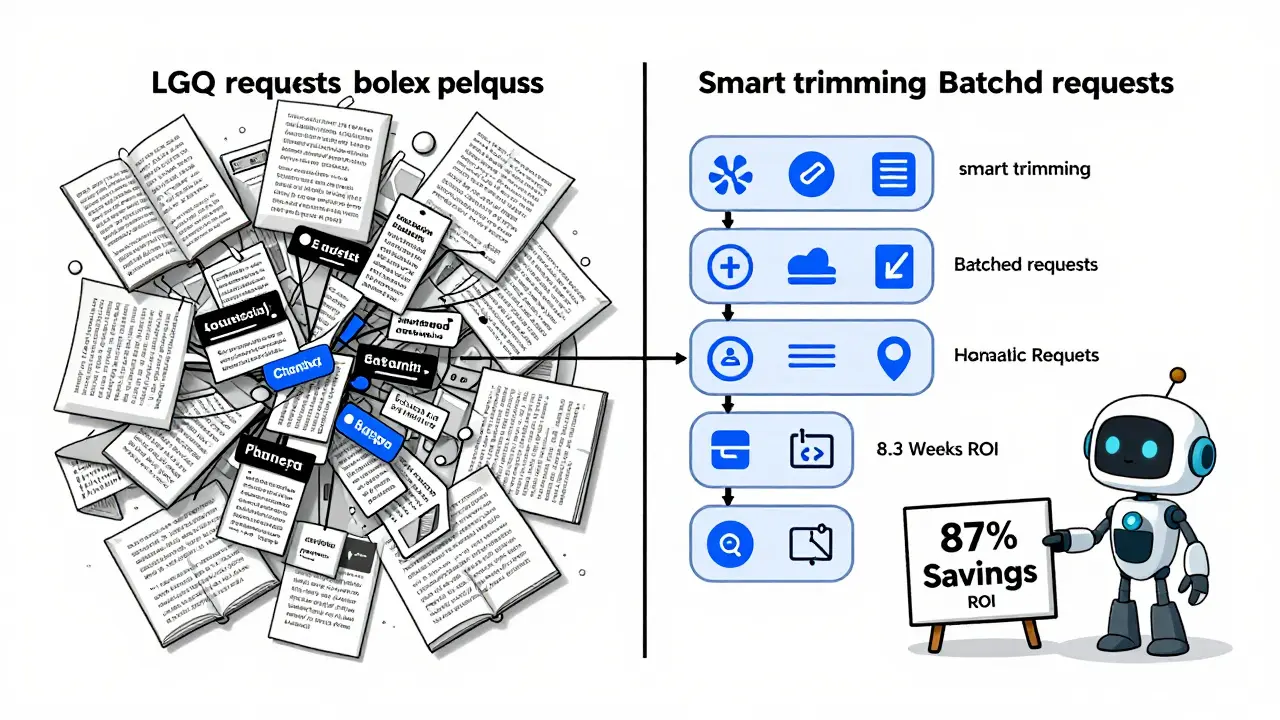
Tyler Durden
February 26, 2026 AT 21:14Also, batching? Do it. Even if you're just doing 50 requests/hour. The math doesn't lie.
Aafreen Khan
February 28, 2026 AT 19:18Pamela Watson
March 1, 2026 AT 15:44Also, I use emojis. You should too. 😊
michael T
March 1, 2026 AT 16:00They want you to think this is about saving money. It’s about surrendering autonomy. I stopped using LLMs entirely. Now I write everything by hand. It’s slower. It’s painful. It’s honest.
Christina Kooiman
March 3, 2026 AT 14:18Also, 'token counting mismatches' - that’s not a phrase. It should be 'token-counting discrepancies.' Please, people. Precision matters.
Stephanie Serblowski
March 4, 2026 AT 06:15Also, semantic caching? Cute. But if you’re not using a hybrid approach with reinforcement learning from human feedback (RLHF) to auto-adjust similarity thresholds, you’re leaving 30% of your savings on the table.
And yes, I’ve done this. At a Fortune 500. We saved $400k last quarter. You’re welcome.
Renea Maxima
March 4, 2026 AT 22:43What if the real cost isn’t in tokens - but in creativity? In unpredictability? In the messy, human, slightly wrong answers that spark real innovation?
Maybe we’re not saving money. Maybe we’re just making AI less interesting.
Jeremy Chick
March 5, 2026 AT 17:20Stop reading blog posts. Go set up a queue. Use Redis. Deploy a Mistral 7B gateway. It takes 3 hours. Your CFO will cry tears of joy. I did it. My team got a bonus. You can too.
Tyler Durden
March 6, 2026 AT 06:02Use cascading. Route 80% to Mistral. Let the big model handle only the edge cases. That’s how you go from $14k to $1.8k. Not magic. Just math.