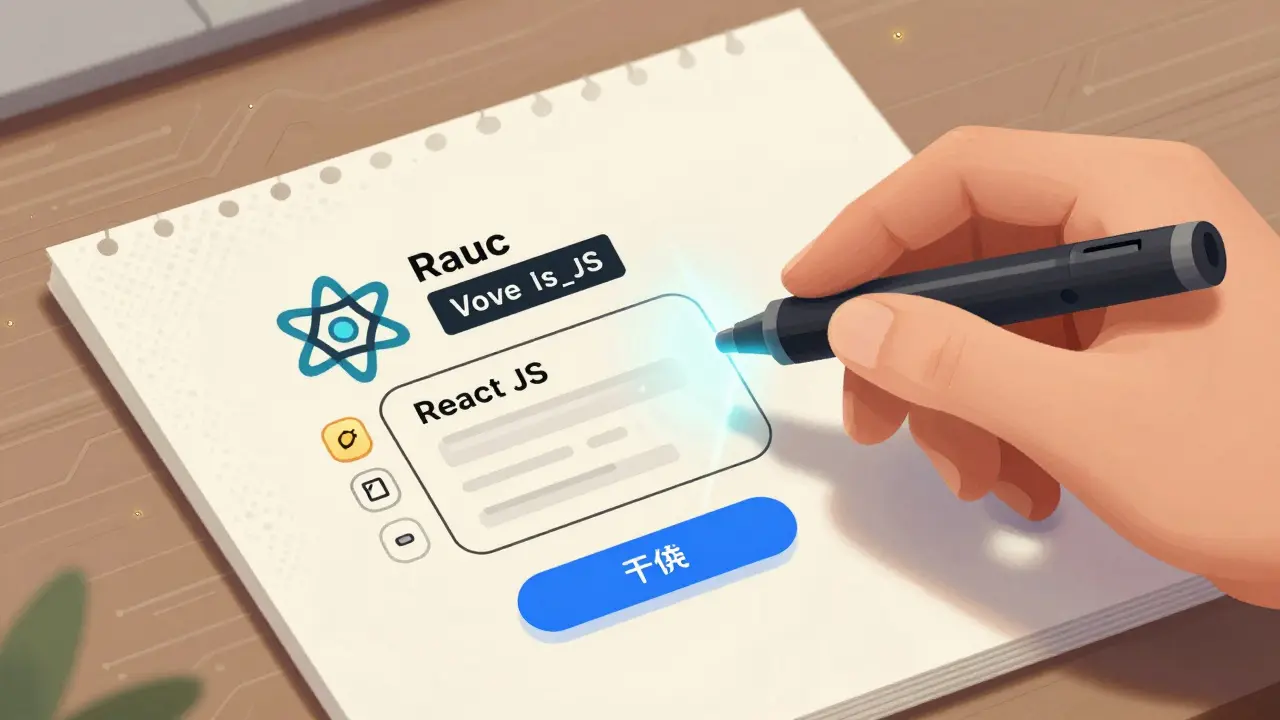
Imagine sketching a screen on a napkin, taking a photo, and seconds later having a fully working web app. No typing. No debugging. Just vibes. That’s multimodal vibe coding - and it’s not science fiction anymore. By early 2026, tools like GitHub Copilot Vision and Claude 3.2 can turn hand-drawn mockups into React components, Flutter interfaces, or Vue.js layouts in under 10 seconds. This isn’t just faster coding. It’s a complete shift in how software gets built.
What Is Multimodal Vibe Coding?
Multimodal vibe coding means building software using more than just text. You don’t type code. You show, speak, or sketch what you want - and the AI figures out the rest. The term was popularized by Andrej Karpathy in early 2025, who described it as letting go of the need to write every line. Instead, you guide the AI with natural language, images, voice, and feedback loops. The AI becomes your co-pilot that doesn’t just suggest code - it generates entire screens from a photo of a doodle.
Unlike older AI tools like standard GitHub Copilot, which still relies on you typing prompts, vibe coding removes the middleman. You don’t need to know HTML, CSS, or JavaScript. You just need to describe what you want. Want a login screen with a blue button? Draw it. Upload it. Hit generate. Done. The system uses vision-language models to read your sketch, identify buttons, input fields, and layout structure, then maps it to actual code using fine-tuned LLMs trained on millions of real-world apps.
How It Works: From Doodle to Deploy
The workflow is simple, but the tech behind it isn’t. Here’s how it actually plays out:
- You create a visual mockup - on paper, in Figma, or even in a phone note app.
- You upload it to a multimodal AI tool like GitHub Copilot Vision or Cursor.sh Pro.
- The AI analyzes the image: it spots buttons, text boxes, spacing, colors, and even implied interactions.
- It matches these elements to a framework (React, Vue, etc.) and generates clean, functional code.
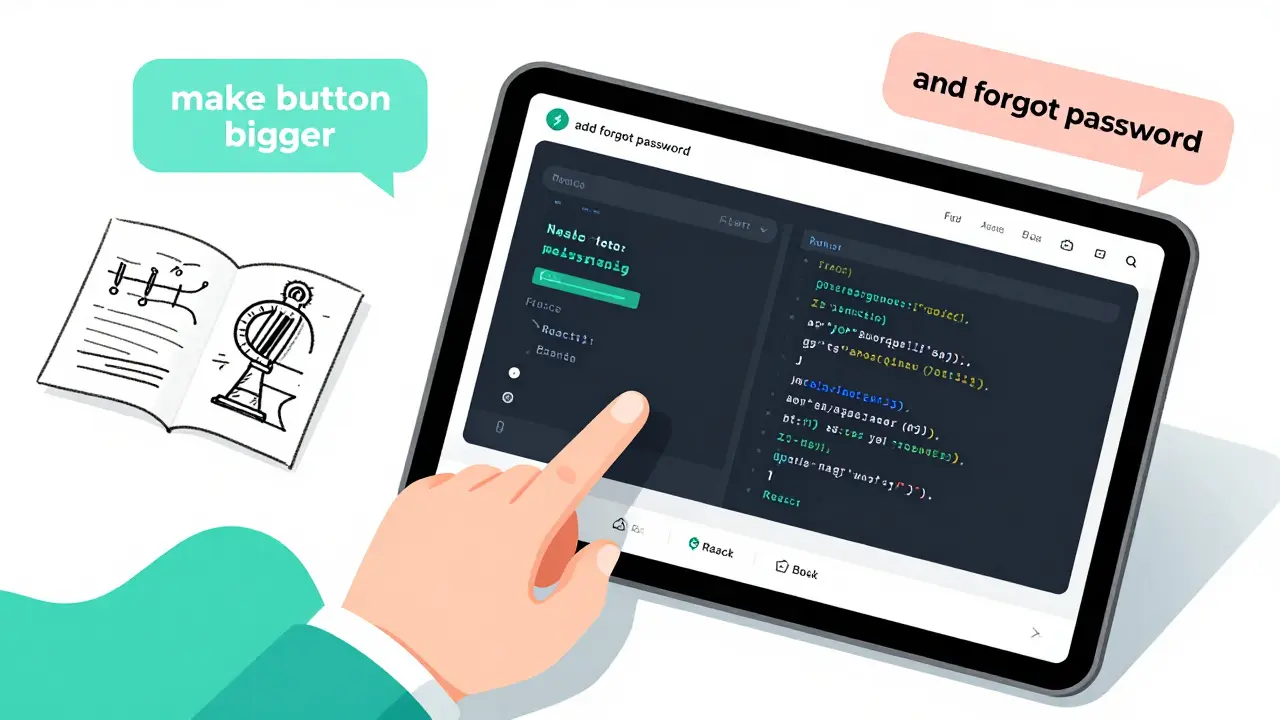
- You review, tweak with voice commands like “make the button bigger” or “add a forgot password link,” and the AI updates in real time.
- Export the code, test it locally, and deploy.
For a basic form or dashboard, this whole process can take under 15 minutes. Compare that to traditional development, where a single screen might take 2-4 hours to code manually. A startup founder in Austin built 12 investor-ready prototypes in 48 hours using this method - something that would’ve taken months before.
Who’s Using It - And Who Shouldn’t
Multimodal vibe coding isn’t for everyone. It’s wildly popular with:
- Startups - 76% use it for MVPs and pitch decks. Speed is everything.
- Product managers and designers - 57% of companies now let non-developers generate code directly.
- Internal tool builders - 87% of Fortune 500 companies use it for employee dashboards, inventory trackers, and reporting tools.
But it’s not ready for:
- High-security apps - Finance and healthcare use it at just 28-32% rates. Why? AI-generated code can slip in vulnerabilities. SANS Institute found 18.7% of generated code had hidden security flaws.
- Complex algorithms - If you need to optimize a real-time data pipeline or build a custom ML model, vibe coding won’t cut it.
- Regulated environments - Audit trails and explainability matter. Vibe coding often creates a “black box” - you get code you don’t understand.
Michael Berthold of KNIME put it bluntly: “If you can’t debug it, you can’t own it.”
The Big Trade-Off: Speed vs. Control
The biggest win? Speed. IEEE Software’s 2025 study showed these tools convert simple mockups to working code with 78-89% accuracy. Zbrain.ai found teams using vibe coding build prototypes 63% faster than those using traditional AI pair programmers.
But here’s the catch: you trade control for speed. When the AI generates a responsive layout, it might not handle mobile breakpoints correctly. It might pick React when you wanted Vue. It might add a third-party library you didn’t ask for. And when something breaks? Good luck figuring out why.
On Reddit, users split down the middle. One wrote: “Built an inventory tracker in 3 hours that would’ve taken me 2 weeks.” Another said: “Spent 3 weeks debugging AI spaghetti code.” The common thread? People who succeed treat vibe coding as a prototyping tool - not a replacement for developers.
Top Tools in 2026
Here’s what’s actually working right now:
| Tool | Visual Accuracy | Frameworks Supported | Price | Best For |
|---|---|---|---|---|
| GitHub Copilot Vision Pro | 92% | React, Vue, Angular, Flutter, Svelte | $19/user/month | Teams already using GitHub |
| Claude 3.2 (Anthropic) | 87% | React, Next.js, Node.js, Python | $20/user/month | Complex logic + visual input |
| Amazon CodeWhisperer Visual | 85% | Python, Java, JavaScript, TypeScript | $0.001 per image | Low-volume users |
| Cursor.sh Pro | 89% | React, Vue, Angular, Tailwind | $25/user/month | Design-heavy workflows |
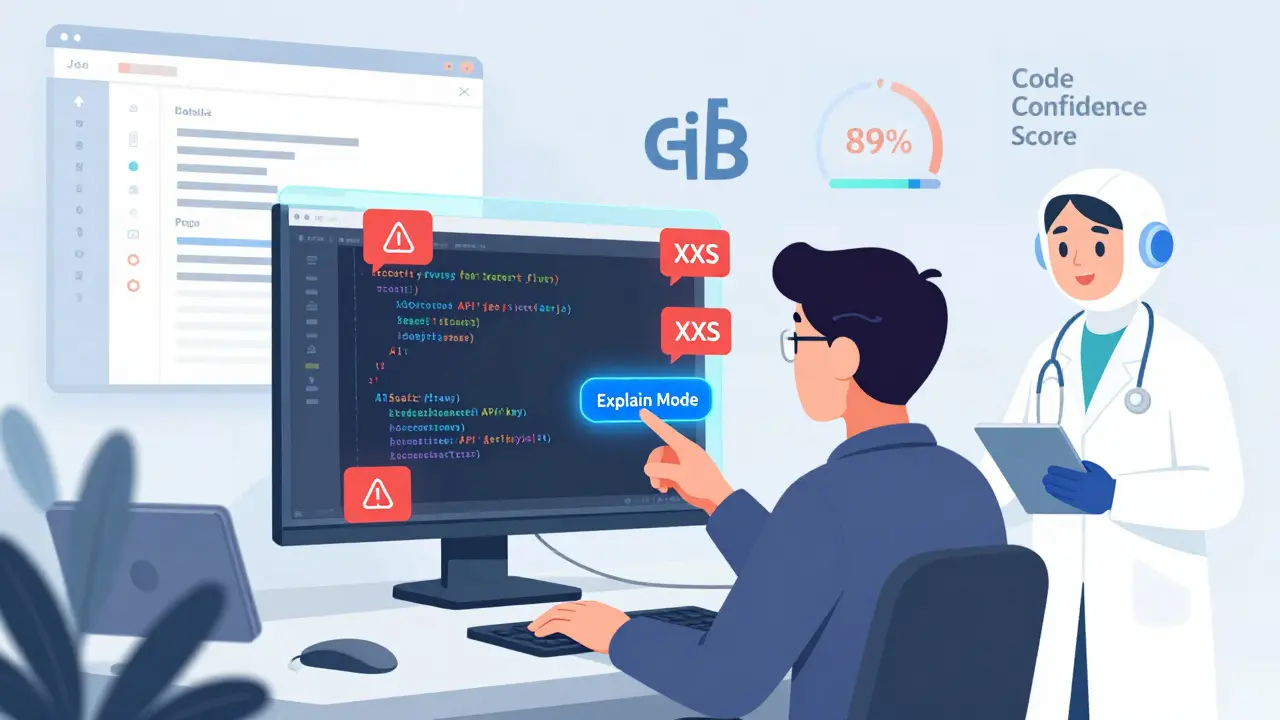
GitHub leads the market with 38% share, followed by Amazon (22%) and Anthropic (17%). All now offer “Code Confidence Scores” - highlighting parts of the generated code that might be risky or unclear. That’s a big step toward trust.
Pro Tips for Getting Started
If you’re curious, here’s what actually works:
- Start small - Try a login screen or settings page. Not a full e-commerce app.
- Be specific - Don’t just say “make it look nice.” Say “use Material Design buttons” or “copy the spacing from this Figma file.”
- Specify the framework - AI often guesses wrong. Tell it: “Generate this in React 18 with TypeScript.”
- Always review - Even if you don’t understand every line, scan for obvious errors: missing imports, hardcoded values, or insecure API calls.
- Use version control - Commit after every change. You’ll need to roll back when the AI goes off track.
A popular GitHub gist, “Multimodal Vibe Coding: 10 Pro Tips,” has over 2,300 stars. One tip says: “If you’re not reading the code, you’re not building - you’re just clicking buttons.”
What’s Coming in 2026
The next wave of tools will fix the biggest complaints:
- Explain Mode - Coming Q4 2026. Click any line of AI-generated code and get a plain-English explanation of what it does.
- Auto-accessibility checks - Q2 2026. Tools will flag contrast issues, missing labels, or keyboard navigation gaps before you deploy.
- Figma integration - Q3 2026. Upload a Figma file directly. No screenshots needed.
- Security scanning - Built-in checks for SQL injection, XSS, and API key leaks.
MIT’s Technology Review called this “the most significant democratization of software since the GUI.” Gartner forecasts the market will hit $4.8 billion by 2027. But here’s the reality: this isn’t replacing developers. It’s replacing the manual translation between design and code. The role of the developer is changing - from coder to curator.
Final Thought: Are You a Builder or a Guide?
Before vibe coding, you had to be a programmer to build software. Now, you just need to know what you want. That’s powerful. But it also means the line between user and developer is blurring. Product managers are writing code. Designers are deploying apps. And engineers? They’re stepping into a new role: auditing, refining, and securing what the AI creates.
Don’t fear the vibe. Embrace it - but don’t hand over the keys. The best developers in 2026 won’t be the ones who write the most code. They’ll be the ones who know how to guide AI, spot its mistakes, and make sure the final product doesn’t just look good - it’s safe, stable, and sustainable.
Can I use multimodal vibe coding to build a production app?
Yes - but only for simple apps. Most teams use it for internal tools, prototypes, and MVPs. For customer-facing apps with strict security or compliance needs (like banking or healthcare), it’s still risky. AI-generated code can contain hidden vulnerabilities, and debugging is often impossible without understanding the underlying logic. Use it to prototype fast, then rebuild with traditional coding for production.
Do I need to know how to code to use vibe coding?
No - you don’t need to know syntax. Product managers and designers are using it successfully. But you still need to understand what a good app looks like. You need to know if a button should be clickable, if data should be saved, or if a form needs validation. Vibe coding removes the typing, not the thinking. Without clear requirements and feedback, you’ll get beautiful code that doesn’t work.
Is vibe coding secure?
Not by default. SANS Institute found 18.7% of AI-generated code contains security flaws - like hardcoded API keys, unvalidated inputs, or vulnerable libraries. The AI doesn’t know your security policy. Always scan generated code with tools like Snyk or Dependabot. Never deploy without review. Treat vibe coding like a powerful but untrustworthy intern - give it tasks, then check the work.
What happens if the AI generates the wrong framework?
It happens often - especially if you don’t specify. You might ask for a React app and get Vue. To fix this, be explicit: “Generate this in React 18 with Tailwind CSS.” You can also provide reference screenshots from existing apps using your preferred stack. The more context you give, the better the output. Always check the generated code’s imports and dependencies before running it.
Will vibe coding replace software developers?
No - it will change what developers do. Instead of writing boilerplate code, they’ll focus on architecture, security, testing, and refining AI output. The demand for developers who can guide AI and audit its work is rising. Companies are already hiring “AI Workflow Specialists” to manage vibe coding teams. The future isn’t no-code - it’s code-aided. The best developers will be the ones who learn to collaborate with AI, not compete with it.
Rocky Wyatt
January 9, 2026 AT 00:47This is the dumbest thing I've seen since autocorrect changed 'fuck' to 'duck'. You think some AI can read my napkin doodle and magically fix my shitty UI decisions? I've seen generated code that breaks on mobile, uses 37 unneeded libraries, and hardcodes API keys like it's 2012. This isn't innovation-it's lazy people pretending they're devs. Next they'll make a button that says 'make it work' and expect the AI to debug it too.
Santhosh Santhosh
January 9, 2026 AT 05:35I have been thinking about this for many months now, especially since I work in a small startup in Bangalore where we don’t have a full-time frontend engineer. The idea of sketching a screen on my phone and getting a working component in seconds is both thrilling and terrifying. I tried it last week with a simple login form-drew it in Notes, uploaded it to Copilot Vision, and it generated React + Tailwind code that actually ran. But then I noticed the button had no focus state, the input fields didn’t validate on blur, and it imported a whole library just to center a div. I spent three hours cleaning it up, but at least I didn’t have to write the base structure from scratch. It’s not magic, but it’s like having a very enthusiastic intern who doesn’t know when to stop. I think the real value is in removing the tedium of boilerplate, not replacing thought. Still, I worry that juniors will grow up thinking code just appears out of thin air, and then they’ll be useless when things go wrong. We need to teach them to read the output, not just click ‘generate’.
Veera Mavalwala
January 9, 2026 AT 15:39Oh honey, this isn’t ‘vibe coding’-it’s the death rattle of real engineering wrapped in Silicon Valley glitter. You think your doodle is art? Please. I’ve seen toddlers draw better UIs on napkins than half the ‘product leads’ using this garbage. And don’t get me started on the ‘Code Confidence Scores’-like some glowing green tick is gonna save you from a SQL injection that’s buried in a 400-line component the AI hallucinated because you said ‘make it pop.’ You’re not building software, you’re outsourcing your brain to a bot that’s trained on 10 million broken GitHub repos. And now you want to deploy this to customers? Sweetie, the only thing more dangerous than bad code is *confident* bad code. I’ve seen companies get breached because someone trusted AI to generate their auth flow. You don’t get to skip learning how the damn thing works just because you’ve got a pretty sketch. This isn’t progress-it’s a Ponzi scheme for the delusional.
Ray Htoo
January 10, 2026 AT 15:23I’m genuinely excited about this, but I think the real win isn’t speed-it’s accessibility. My cousin, who’s a graphic designer with zero coding experience, built a dashboard for her nonprofit’s donor tracking using Cursor.sh Pro. She drew it on her iPad, tweaked it with voice commands like ‘make the chart bigger’ and ‘change the color to teal,’ and within 90 minutes had a working prototype she could show her board. That’s revolutionary. I know the code is messy, and yeah, I’d never ship it as-is-but it unlocked something huge: non-engineers can now *participate* in building the tools they need. We’re not replacing devs-we’re expanding the circle. The real skill now is knowing what to ask for, how to refine it, and when to say ‘this needs a human.’ I’ve started using it for internal tools at work, and it’s cut my backlog by 60%. Just gotta treat it like a really smart assistant who needs supervision. And honestly? The explain mode coming in Q4 is going to be a game-changer for teams trying to onboard folks who don’t speak code.
Natasha Madison
January 11, 2026 AT 13:11They’re not just replacing coders-they’re replacing Americans. Look at the stats: 76% of startups using this are Indian or Chinese. GitHub Copilot Vision? Built by Microsoft, but most of the training data comes from open-source repos outside the US. This isn’t innovation-it’s a stealth takeover. They’re letting foreign devs train AI on American code, then selling it back to us as ‘easy.’ And now our kids are gonna grow up thinking they don’t need to learn programming because ‘the AI will do it.’ Meanwhile, our tech jobs are vanishing while China’s AI labs eat our lunch. This isn’t progress-it’s surrender. You think the Chinese government doesn’t know what this means? They’re building entire government apps this way. Soon, they’ll be running our infrastructure with code we can’t audit, can’t understand, and can’t fix. Wake up. This isn’t a tool-it’s a Trojan horse.
Sheila Alston
January 12, 2026 AT 09:49It’s so sad how people are celebrating this as if it’s some kind of liberation. You’re not empowering designers-you’re enabling them to be lazy. You think a product manager who can’t tell the difference between a flexbox and a grid should be generating production code? That’s not inclusion, that’s negligence. And the security risks? 18.7% of generated code has vulnerabilities? That’s not a bug-it’s a crime. We’re letting people who don’t understand the basics of HTTP, cookies, or state management deploy apps that handle sensitive data. And then we pat ourselves on the back for being ‘inclusive.’ No. This isn’t equity. It’s dangerous. If you can’t explain what the code does, you shouldn’t be allowed to run it. This isn’t the future of development-it’s the future of liability. And someone’s gonna get hurt. Or worse-someone’s gonna get sued. And when that happens, who’s gonna be blamed? The AI? Or the person who clicked ‘generate’ without reading a single line?
sampa Karjee
January 12, 2026 AT 12:57How quaint. You think a napkin sketch is equivalent to a well-structured software specification? Please. I’ve reviewed AI-generated code from these tools-half of it violates SOLID principles, the rest is just a collage of Stack Overflow snippets stitched together by a neural net that’s never seen a real production system. And you call this ‘democratization’? No. You’ve created a new class of software fraudsters: people who don’t know what they’re doing, but have the confidence of someone who’s watched a YouTube tutorial. I’ve seen engineers at top Indian firms spend 80% of their time undoing AI-generated nonsense. The real cost isn’t time-it’s cognitive load. You think you’re saving hours? You’re just shifting the work from writing to debugging. And now, because ‘anyone’ can generate code, companies are cutting dev teams. But guess what? The ones who survive are the ones who can read the AI’s garbage and fix it. So you’re not replacing developers-you’re making them into code janitors. And the worst part? The AI doesn’t even know what ‘clean code’ means. It just knows what’s statistically likely. That’s not engineering. That’s gambling with your company’s infrastructure.