What if you could turn a simple idea into a working mobile app prototype in less than a day-no coding experience needed? That’s not science fiction anymore. With vibe coding, you describe what you want-"a grocery list app that works offline, with a green theme and swipe-to-delete"-and an AI generates a clickable, functional prototype. No typing a single line of code. Just a prompt, a few clicks, and you’ve got something investors or users can interact with.
How Vibe Coding Actually Works
Vibe coding isn’t magic. It’s AI trained on millions of lines of real mobile app code. Tools like Cursor, Lovable, and Google’s Vibe Code with Gemini take your natural language description and turn it into React Native or Flutter code. The key? You’re not asking for perfection. You’re asking for speed. You’re giving the AI a "vibe," not a spec sheet. Here’s how it breaks down in practice:- Write a clear prompt: "Build a habit tracker with daily check-ins, weekly stats, and dark mode. Use Flutter and Material Design."
- Pick your tool: Lovable for team collaboration, Cursor if you’re a developer who wants AI inside your IDE, or v0 by Vercel if you need clean UI components.
- Generate the prototype: In under 10 minutes, you get a working app on your phone or simulator.
- Test and refine: Show it to five people. Ask: "Would you use this?" Tweak your prompt. Regenerate. Do this 2-3 times.
Why Cross-Platform Frameworks Are the Perfect Match
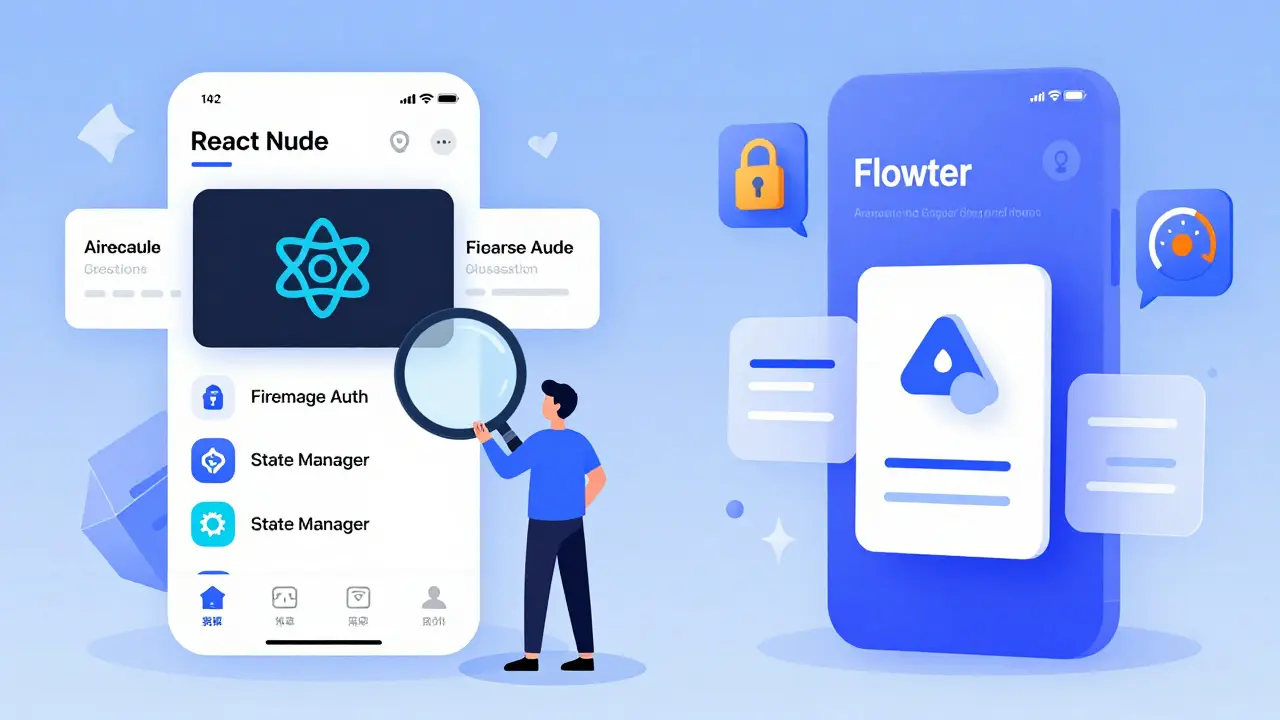
Vibe coding doesn’t work well with native iOS or Android development. Why? Because AI models are trained mostly on open-source, cross-platform code. The two biggest players here are React Native and Flutter. React Native has over 1.3 million GitHub stars. It’s the go-to because it’s everywhere. AI tools know its patterns, libraries, and common mistakes. You can ask for "a login screen with Google OAuth and Firebase auth" and get a working example 90% of the time. Flutter, with 148,000 stars, is leaner and faster. If your app needs smooth animations-like a swipeable carousel or a draggable card stack-Flutter’s performance is 20-30% better. But it’s less common in training data, so AI might need more nudging. Here’s what you can expect from each:| Feature | React Native | Flutter |
|---|---|---|
| AI accuracy in initial generation | High (85%+) | Medium (70%) |
| Speed of prototype creation | Faster (avg. 4 hours) | Slower (avg. 6 hours) |
| Performance of final prototype | Good | Excellent |
| Third-party library support | Extensive (15,000+ packages) | Good (3,000+ packages) |
| Ease of refinement | Easy for developers | Harder for non-coders |
The Catch: Why 92% of Vibe-Coded Apps Must Be Rewritten
Here’s the hard truth: vibe coding doesn’t build production apps. It builds proofs of concept. Guarana Technologies audited 120 apps started with vibe coding. 92% had to be thrown away and rebuilt from scratch. Why?- Security gaps: AI doesn’t know how to handle encrypted storage, secure API keys, or input sanitization. One prototype stored user passwords in plain text. Another exposed a backend endpoint that let anyone delete all data.
- Scalability issues: AI generates code that works for 10 users. It doesn’t plan for 10,000. State management is often hardcoded. Database calls are synchronous. Memory leaks are common.
- Missing architecture: No clean separation between UI and logic. No testing layers. No CI/CD pipeline. No error boundaries.
- Platform-specific quirks: iOS gestures don’t work the same as Android. AI often ignores platform guidelines.
How to Use Vibe Coding Without Wasting Time
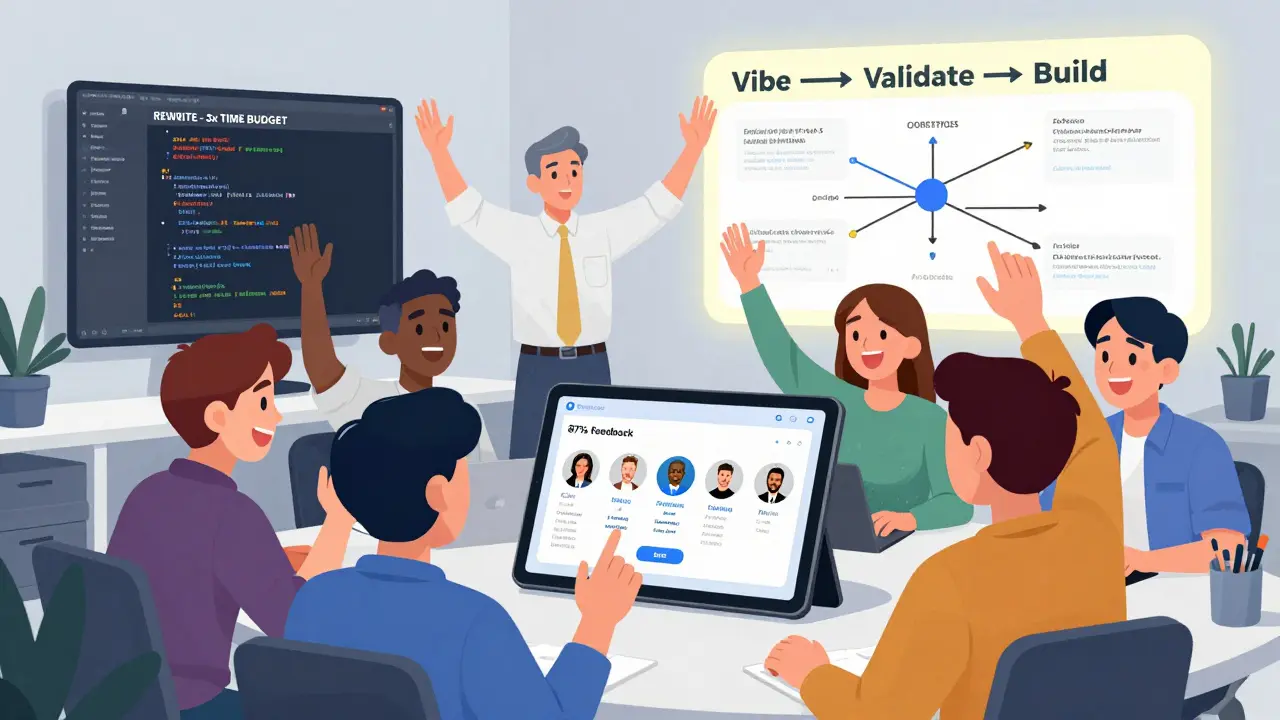
There’s a right way-and a very expensive wrong way. The winning strategy is simple:- Use it for validation, not delivery. Your goal isn’t to ship. It’s to learn. Can users understand the flow? Do they care about the feature? Would they pay for it?
- Set a 72-hour deadline. Give yourself three days to build, test, and kill the idea. If it doesn’t pass user feedback by then, drop it. No regrets.
- Choose the right tool for your team. Non-technical founders? Use Lovable. Developers? Use Cursor. Designers? Try v0 by Vercel for UI mockups.
- Document the vibe. Save your original prompt. That’s your product vision. When you hand off to engineers, give them that. It’s faster than writing a 20-page spec.
- Plan the rewrite from day one. Budget 3x the time you spent prototyping for the real build. Hire a senior dev early-not to code the prototype, but to review it.
Tools You Should Know in 2026
Not all vibe coding tools are equal. Here’s what’s actually working right now:- Lovable: Best for teams. Chat-based, built-in version control, works with non-tech users. $20/month. Documentation is weak, but the interface is intuitive.
- Cursor: Best for developers. It’s an AI-powered code editor. Integrates with GitHub, GitLab, and local projects. $20/month. Lets you edit generated code in real time.
- v0 by Vercel: Best for UI mockups. Turns text into React + Tailwind components. Doesn’t generate full apps, but gives you pixel-perfect screens in seconds.
- Google’s Vibe Code with Gemini: Still in preview. Uses Gemini 3 Pro. Can generate full app scaffolds, but mobile support is limited. Free for now.
- GitHub Copilot: Not a vibe coding tool per se, but great for auto-completing code as you build. $10/month. Use it after you’ve got a prototype.
What Experts Really Think
Dr. Elena Rodriguez, CTO of Guarana Technologies, put it bluntly: "Vibe coding accelerates exploration. It doesn’t replace engineering." She’s right. A Forrester survey of 200 tech leaders in January 2026 showed 78% recommend vibe coding only for pre-funding or pre-build validation. Only 11% use it for anything beyond that. Michael Chen, CTO of CodingScape, sees more potential: "Teams using vibe coding iterate 2-5 times faster. That’s huge when you’re trying to find product-market fit." The consensus? Use it to answer one question: "Is this worth building?" If the answer is yes, bring in the humans. If it’s no, walk away. No shame in that.Where This Is Headed
The next big leap won’t be better AI. It’ll be better transitions. Several companies are building tools that take your vibe-coded prototype and automatically convert it into production-ready architecture. Think: "Here’s my clickable app. Turn it into a secure, scalable React Native project with CI/CD, tests, and error tracking." That’s the future. Not AI replacing developers. AI handling the grunt work so developers can focus on the hard stuff: security, scalability, and user trust. Gartner predicts this will be standard by 2027. Until then, treat vibe coding like a sketchpad. It’s not the finished painting. It’s the rough draft that saves you from painting the wrong thing.Can I launch a mobile app using only vibe coding?
No. Every vibe-coded prototype requires a complete rewrite for production. AI tools generate code that works for demos but lacks security, scalability, and performance optimizations needed for real users. Expect to spend 2-3 times longer rebuilding than you did prototyping.
Is vibe coding worth it for solo developers?
Yes-if you’re validating an idea before investing weeks of work. Use Cursor or GitHub Copilot to generate UIs and basic logic. But don’t skip testing. Even solo devs need to show their prototype to 5+ people before writing serious code. It saves more time than it costs.
Which is better for vibe coding: React Native or Flutter?
React Native is better for beginners and faster prototyping. AI generates more accurate code because it’s trained on more React Native examples. Flutter performs better in final apps and handles animations smoother, but you’ll need more manual fixes during prototyping. Start with React Native unless you know you need high-performance visuals.
How much does vibe coding cost?
Most tools are affordable. Cursor and Lovable cost $20/month. GitHub Copilot is $10/month. Google’s Vibe Code is free. The real cost isn’t the tool-it’s the time spent rewriting. Budget 3x the prototype time for production development.
Do I need to know how to code to use vibe coding?
No. Tools like Lovable and v0 by Vercel let non-developers create clickable prototypes with simple prompts. But if you want to tweak the code or fix bugs, you’ll need basic understanding of UI components and app flow. Think of it like using Canva: you don’t need to be a designer to make a poster, but you need to know what looks good.
What’s the biggest mistake people make with vibe coding?
Believing the prototype is close to production-ready. Many teams waste weeks trying to patch AI-generated code instead of starting fresh. The right move is to treat the prototype as disposable. Use it to get feedback. Then rebuild with purpose.
Ronak Khandelwal
January 24, 2026 AT 16:17Jeff Napier
January 25, 2026 AT 09:14Sibusiso Ernest Masilela
January 25, 2026 AT 13:55Daniel Kennedy
January 27, 2026 AT 02:51Sanjay Mittal
January 27, 2026 AT 16:26Mike Zhong
January 28, 2026 AT 14:48Jamie Roman
January 29, 2026 AT 17:41