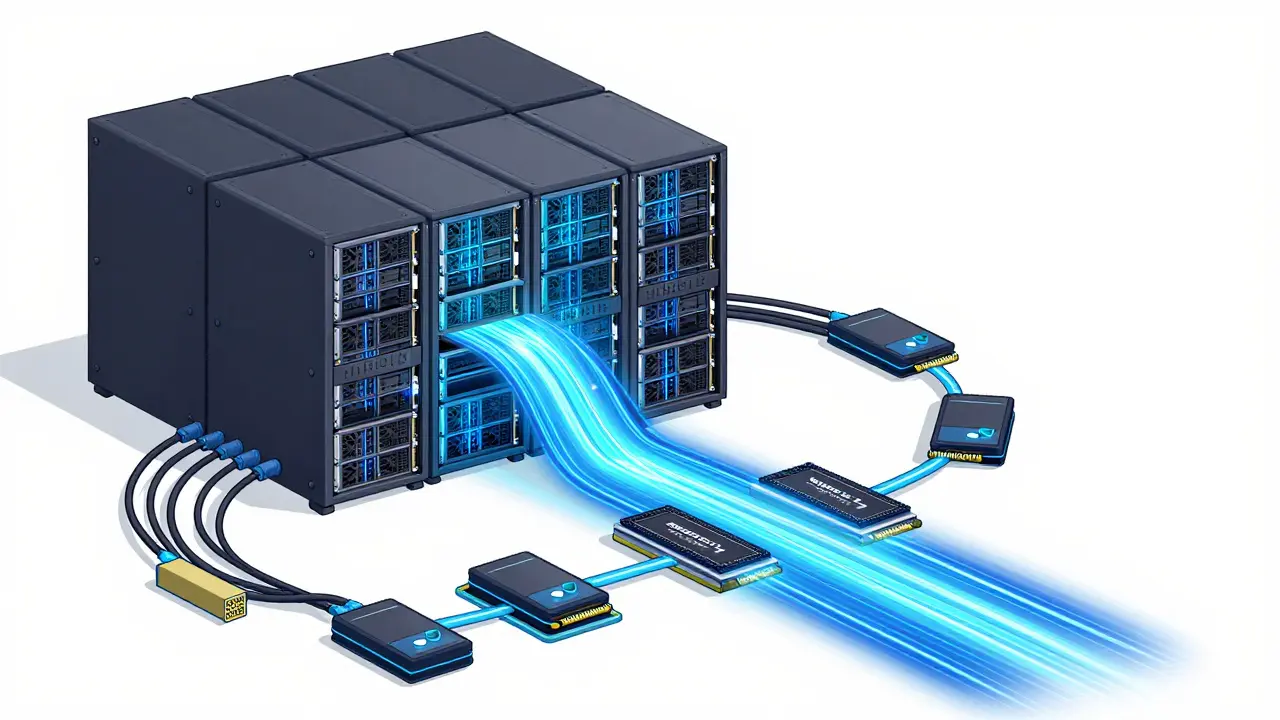
Running a large language model (LLM) in production isn’t like deploying a website. You can’t just upload code to a server and call it a day. If you’ve ever tried to serve a model with 70 billion parameters and watched your GPU memory explode, you know what we’re talking about. The infrastructure needed to make LLMs work reliably, fast, and affordably is complex - and it’s changing fast. By 2026, most companies using LLMs in production are no longer just experimenting. They’re building systems that handle thousands of requests per minute, with response times under half a second. And if your setup can’t keep up, users notice. Fast.
Hardware Isn’t Optional - It’s the Foundation
Let’s cut through the noise: if you’re serving LLMs in production, your hardware choices decide whether you succeed or stall. There’s no magic software fix for insufficient VRAM. Models like Qwen3 235B need 600 GB of VRAM just to run at full capacity. That’s not a suggestion. That’s a hard requirement. For smaller models - say, 7B to 13B parameters - you might get by with one or two high-end GPUs. But anything above 40GB of model weights? You’re looking at multi-GPU setups. And not just any GPUs. NVIDIA’s H100, with its 3.35 TB/s memory bandwidth, is the current standard for serious deployments. The older A100? It’s still used, but it’s slower. Much slower.
Memory bandwidth matters more than raw compute. A model can be perfectly optimized, but if the GPU can’t pull weights into memory fast enough, it sits idle. That’s why 8 H100s in one box can outperform 16 A100s. Disk space isn’t just for backups - it needs to match VRAM size. Model weights are huge. A 175B-parameter model can take up 350 GB just in its FP16 form. Add in tokenizer files, configs, and caching layers, and you’re looking at terabytes of storage. NVMe SSDs are non-negotiable here. SATA drives? They’ll bottleneck you before you even see traffic.
Networks, Storage, and the Hidden Bottlenecks
Most teams forget about networking until it’s too late. If your LLM is split across multiple GPUs or servers, you need 100+ Gbps interconnects. InfiniBand or NVIDIA NVLink are common. Ethernet won’t cut it. You can’t have one GPU waiting for data from another while users sit there waiting for a reply. Latency kills user experience. And it’s not just about speed - it’s about consistency. Packet loss, jitter, or routing delays can turn a 300ms response into 800ms. That’s the difference between seamless and frustrating.
Storage architecture follows a tiered model. Cold data - like archived training logs or backup weights - goes on cheap object storage (AWS S3 at $0.023/GB/month). Active models, inference caches, and frequently accessed data live on NVMe drives ($0.084/GB/month). But the real win? Caching. Tools like vLLM and Text Generation Inference use smart caching to reuse attention keys and values across similar prompts. That cuts memory usage by up to 70% for repeated queries. One company using this approach cut their GPU usage by 40% without changing hardware.
Software Stack: More Than Just PyTorch
You don’t just throw a model into a Docker container and call it done. Packaging an LLM for production involves pinning exact versions: CUDA, Python, GPU drivers, and even Linux kernel versions. One mismatch, and your model crashes on startup. Containerization tools like Docker and Podman are standard, but they need special handling. NVIDIA’s Container Toolkit is required to expose GPU access properly. And don’t forget security scanning. Tools like Trivy should scan every image in your CI pipeline for vulnerabilities. A single outdated library can open a backdoor into your entire AI stack.
Orchestration is another layer. Kubernetes is the go-to for managing GPU clusters at scale. But it’s not plug-and-play. You need Horizontal Pod Autoscalers (HPA) tuned to GPU utilization, not CPU or memory. Most teams try to scale based on request count - that’s a mistake. A single complex prompt can use 10x the memory of a simple one. Instead, monitor actual GPU memory usage and compute load. Tools like Prometheus with NVIDIA DCGM exporters give you real-time metrics. One team reduced their cloud spend by 55% just by switching from request-based to GPU-utilization-based scaling.
Costs and Trade-offs: Cloud, Self-Hosted, or API?
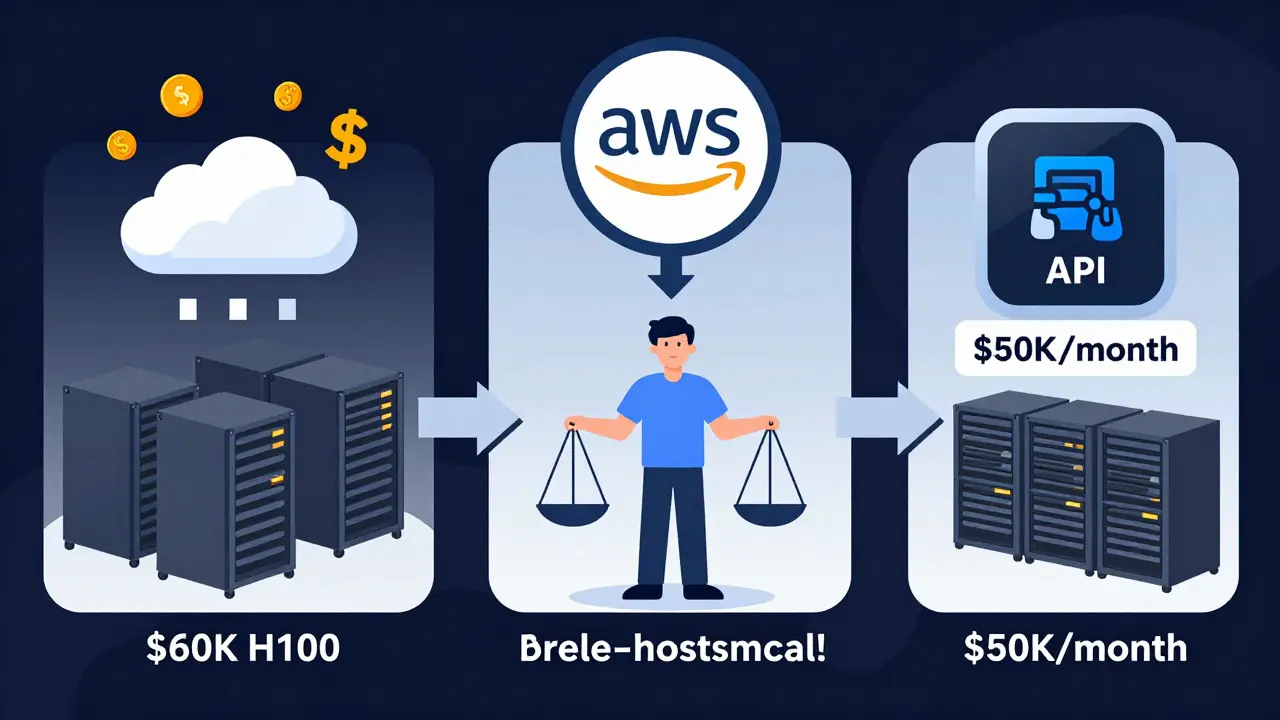
You have three main paths: cloud, self-hosted, or third-party API.
- Cloud platforms (AWS SageMaker, Google Vertex AI) handle the heavy lifting. A single g5.xlarge instance costs $12/hour. But scale that to 10 H100s? You’re looking at $100,000/month. Great for startups testing ideas. Terrible for long-term use.
- Self-hosted means buying your own hardware. One NVIDIA H100 server runs $60,000-$80,000. A full 8-GPU cluster? $500,000+. But if you’re running 10,000+ daily requests, you break even in under 12 months. Plus, you control everything - no vendor lock-in, no data leaving your network.
- APIs (OpenAI, Anthropic) are the easiest. GPT-3.5-turbo costs $0.005 per 1K tokens. But if you’re serving 10 million tokens daily, that’s $50,000/month. And you can’t customize. No fine-tuning. No private data. No latency control. It’s a black box.
Here’s the truth: 68% of enterprises now use hybrid setups. They run sensitive, high-volume workloads on-premises and use cloud burst capacity for spikes. One financial services firm runs core LLMs in their data center and uses AWS only during end-of-month reporting surges. Their monthly bill dropped from $92,000 to $41,000.
Quantization: The Secret Weapon
Quantization isn’t a buzzword - it’s a necessity. Converting a model from 32-bit floating point (FP32) to 4-bit integers (INT4) reduces memory use by 8x. That means a 700GB model becomes 90GB. You can run it on a single H100 instead of eight. The trade-off? Accuracy drops by 1-5%, depending on the model and task. For customer service chatbots? Unnoticeable. For legal document analysis? Maybe not.
Tools like AWQ (Activation-aware Weight Quantization) and GPTQ preserve accuracy better than older methods. One team using AWQ on Llama 3 70B reduced VRAM from 140GB to 18GB with just a 1.2% drop in benchmark scores. That’s the kind of win that turns a $500,000 setup into a $120,000 one. And it’s not experimental anymore - 50% of production deployments use quantization by early 2026, according to Gartner.
Real-World Pipeline: What Actually Gets Built
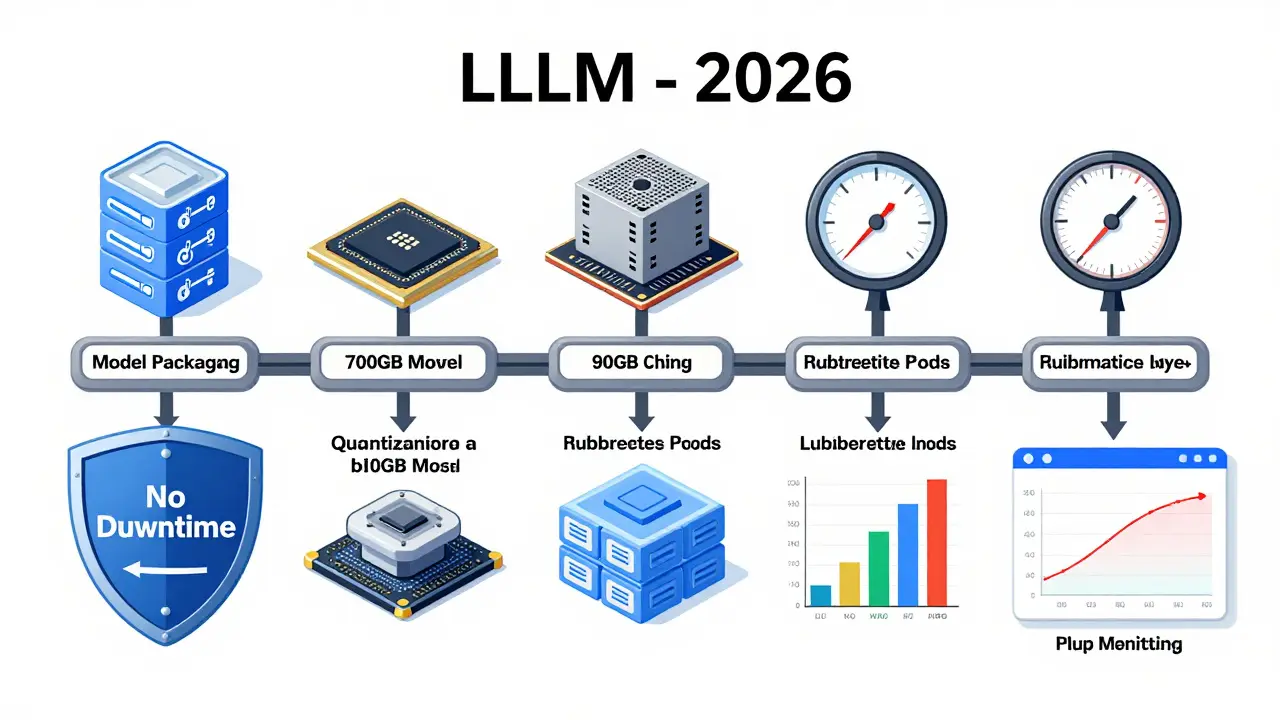
Here’s what a working LLM deployment pipeline looks like in 2026:
- Model packaging: The model, tokenizer, and config are bundled into a container with pinned CUDA and NVIDIA drivers.
- Quantization: The model is quantized to 4-bit using AWQ. Benchmarked against the original.
- Testing: Run in a sandbox with simulated traffic. Monitor latency, memory spikes, and error rates.
- API endpoint: Expose via FastAPI or Triton Inference Server. Add authentication and rate limiting.
- Autoscaling: Kubernetes scales pods based on GPU memory usage, not request count.
- Monitoring: Prometheus tracks GPU utilization, request queue length, and error rates. Alerts trigger if latency exceeds 500ms.
- Failover: If a GPU fails, traffic reroutes automatically. No downtime.
Most teams take 2-3 months to build this. The biggest hurdles? Getting GPU memory allocation right (78% of teams report issues) and tuning latency (65%). Don’t skip sandbox testing. One company deployed without it - their first production run crashed three servers. They lost $20,000 in cloud fees and a week of uptime.
What’s Next: RAG, Specialized Chips, and the Future
LLMs aren’t standalone anymore. They’re part of systems. Retrieval-Augmented Generation (RAG) is now standard. Instead of relying on the model’s internal knowledge, you feed it real-time data from vector databases like Pinecone or Weaviate. That’s how you avoid hallucinations. And it changes your infrastructure - now you need fast, low-latency vector search on top of your LLM pipeline.
Hardware is evolving fast. NVIDIA’s Blackwell architecture, launched in March 2025, offers 4x the throughput of H100s for LLM inference. It’s not just faster - it’s more efficient. That means you can run the same workload on half the hardware. Companies adopting it are seeing 60% lower operational costs.
And the trend? Dynamic scaling. Models that auto-adjust their compute based on input complexity. One startup built a system that uses 8 GPUs for a 500-word legal brief but drops to 2 for a 10-word customer query. Their costs are 70% lower than fixed setups.
By 2026, the companies winning with LLMs won’t be the ones with the biggest budgets. They’ll be the ones who built smart, tuned, and efficient infrastructure. Not flashy. Not over-provisioned. Just right.
How much VRAM do I need to serve a 70B parameter LLM in production?
For a 70B parameter model in full precision (FP16), you need about 140 GB of VRAM. With 4-bit quantization, that drops to around 20 GB. Most production setups use quantized models and run them on single H100 GPUs (80GB) or dual H100s (160GB) for redundancy and headroom. Always leave 20-30% extra memory for caching and system overhead.
Is cloud hosting cheaper than self-hosting for LLMs?
It depends on usage. If you’re running under 5,000 requests per day, cloud services like AWS SageMaker are easier and cheaper. But once you hit 10,000-15,000 daily requests, self-hosting becomes more cost-effective. A single H100 server costs $60,000-$80,000 upfront but pays for itself in 8-14 months at scale. Cloud pricing scales linearly - self-hosting doesn’t. For high-volume, 24/7 workloads, self-hosted is almost always cheaper.
Can I use consumer GPUs like the RTX 4090 for production LLMs?
Technically, yes - but you shouldn’t. Consumer GPUs lack ECC memory, have lower memory bandwidth, and aren’t designed for 24/7 workloads. They also don’t support NVLink or multi-GPU scaling well. Most enterprise tools (Kubernetes, Triton, vLLM) are optimized for NVIDIA data center GPUs. You’ll run into driver issues, stability problems, and vendor support gaps. Stick with H100, A100, or Blackwell for production.
What’s the biggest mistake teams make when deploying LLMs?
Scaling based on request count instead of GPU memory usage. A single complex prompt can use 10x the resources of a simple one. Teams that auto-scale on requests end up over-provisioning during light traffic and under-provisioning during heavy prompts. The fix? Monitor actual GPU memory utilization and scale based on that. Tools like Prometheus with NVIDIA DCGM exporters make this easy.
Do I need a vector database for my LLM app?
If your application needs to answer questions based on real-time or private data - like internal docs, customer records, or live feeds - then yes. LLMs hallucinate when they rely only on their training data. Vector databases like Pinecone or Weaviate let you retrieve relevant context on the fly. This is called RAG (Retrieval-Augmented Generation), and it’s now standard in 80% of production LLM applications. Skip it, and you’ll get inaccurate answers.
How long does it take to build a production LLM pipeline?
Most teams need 2-3 months. The first month is spent on testing hardware, quantization, and containerization. The second is building the API, autoscaling, and monitoring. The third is stress-testing and optimizing latency. The biggest delays come from GPU memory misconfigurations and unexpected latency spikes. Don’t rush testing. A single mistake in deployment can cost tens of thousands in downtime.
Jeremy Chick
February 21, 2026 AT 10:39Bro, I just deployed a 70B model on 2x H100s and let me tell you - the quantization game is REAL. We went from 140GB VRAM usage to 18GB with AWQ and suddenly our cloud bill dropped from $45k/month to $8k. No joke. I thought I was gonna need a fucking server farm. Turns out, 4-bit is the unsung hero of LLM ops. Stop over-provisioning. Just quantize and move on.
Sagar Malik
February 22, 2026 AT 21:15One must contemplate the ontological weight of inference itself - the GPU as a modern altar, the VRAM as sacred vessel. We are not merely deploying models, dear interlocutor, but participating in a post-human liturgy of computation. The H100 is not hardware - it is a sacrament. And yet… who watches the watchers? The NSA, the Chinese state actors, the quantized ghosts in the attention layers… they are all listening. Did you know that GPTQ doesn’t just compress weights - it *reprograms* the latent space? We are not in control. We are conduits.
Seraphina Nero
February 23, 2026 AT 04:44This was so helpful! I’ve been trying to get my team to stop using request-based scaling and you just explained why it’s a disaster. I’m going to share this with my boss. Also, thanks for mentioning vLLM - we’ve been using TGI but didn’t know about the caching trick. Game changer.
Megan Ellaby
February 23, 2026 AT 15:13Okay but can we talk about how everyone ignores the damn network layer? I spent 3 weeks debugging why our latency was spiking - turned out it was a dodgy switch between our two servers. We had 100Gbps NICs but the switch was only doing 10Gbps. No one thought to check that. Also, NVLink is NOT optional. Just buy the good stuff. Don’t be cheap. Your users will hate you if it’s slow.
Rahul U.
February 24, 2026 AT 17:55Great breakdown! 🙌 One thing I’d add - always test quantization with your actual use cases. We quantized Llama 3 70B with AWQ and thought we were golden… until a legal QA bot started hallucinating contract clauses. Went back to 6-bit. Accuracy drop was 0.8% but hallucinations dropped 90%. Tools matter, but context matters more. Also, Kubernetes + NVIDIA DCGM = lifesaver. 👍
E Jones
February 26, 2026 AT 00:26Let me tell you what they don’t want you to know - the entire LLM infrastructure industry is a psyop orchestrated by NVIDIA and the Pentagon. H100s? They’re not for inference. They’re for training surveillance models that predict dissent. Every time you run a chatbot, you’re feeding data into a black box that’s being used to profile users, map social networks, and flag ‘high-risk’ individuals. The quantization? It’s not about efficiency - it’s about obfuscation. They don’t want you to see what’s happening in the latent space. And don’t even get me started on vector databases - Pinecone is owned by a defense contractor. Your private docs? They’re already in the cloud. You think you’re safe? You’re just the cattle. Wake up.
Barbara & Greg
February 26, 2026 AT 01:59While the technical details presented are undeniably compelling, one cannot help but observe the profound ethical vacuity of this discourse. The entire enterprise - the quantization, the scaling, the hardware procurement - is predicated upon a utilitarian calculus that reduces human cognition to a commodity. We have become technicians of the soul, optimizing the delivery of artificial intelligence while neglecting the very humanity it purports to augment. Is it not a tragedy that we pour millions into GPU clusters while public schools lack basic funding? One must ask: at what cost do we pursue efficiency? And who, precisely, benefits?
selma souza
February 26, 2026 AT 17:39You wrote "VRAM" as "VRAM" in the title but "VRAM" in the body. This inconsistency is unacceptable. Also, "NVMe" is not an acronym for "Non-Volatile Memory express" - it's "NVM Express". The capitalization matters. And you used "FP16" without defining it first. In a technical document, precision is not optional. This entire post would have been better with a proofreader. And no, "it’s" is not a contraction of "it is" in formal contexts - it’s a grammatical error to use it here. Fix your punctuation. Fix your acronyms. Fix your tone.