
You just launched your chatbot. It works great in the demo. But when real users hit it during peak hours, responses slow to a crawl, or worse, the server crashes under the load. This isn't a bug; it's a physics problem. In production LLM deployments, you are constantly fighting a battle between two opposing forces: latency and throughput. You can usually have one, but rarely both at maximum efficiency without careful engineering.
Most teams get this wrong by optimizing for the wrong metric. They chase raw tokens-per-second (throughput) until their users start rage-quitting because of lag, or they obsess over millisecond response times (latency) until their cloud bill explodes. The sweet spot isn't a fixed number-it's a dynamic balance that depends entirely on what your application does. A fintech fraud detector needs different settings than a creative writing assistant. Let's break down how to find that balance before your infrastructure melts down.
The Fundamental Tension: Why You Can't Have Both
Think of an LLM inference engine like a highway. Latency is how fast a single car travels from point A to B. Throughput is how many cars pass a checkpoint per minute. If you want high throughput, you pack more cars onto the road (batching). But adding more cars creates traffic jams, slowing down every individual driver. That’s the core tradeoff.
In technical terms, Latency is the time delay between sending a request and receiving the first token (Time-to-First-Token, or TTFT) and subsequent tokens (Inter-Token Latency, ITL). Throughput measures the total volume of data processed, typically expressed as tokens per second across all concurrent requests.
When you increase the batch size-the number of requests processed simultaneously-you force the GPU to do more work in parallel. This boosts throughput significantly. However, each request now waits in line longer for its turn on the compute units. According to Databricks performance engineering data, increasing batch size from 1 to 64 on an NVIDIA A100 GPU can increase throughput by 14x, but latency jumps by 4x. For a user waiting for a reply, that 4x slowdown feels like an eternity.
Defining Your Application's Needs
Before you tweak any configuration files, ask yourself: What does my user tolerate? There is no universal "good" latency. It depends on the interaction model.
- Real-time Conversational Interfaces: Think customer support bots or voice assistants. Users expect immediate feedback. Here, TTFT must stay below 500ms. If it takes longer, users think the system hung. You prioritize low latency, even if it means lower throughput and higher cost per query.
- Interactive Web Applications: Search engines or content generators where users click a button and wait a moment. A 1-2 second window is acceptable. You can afford moderate batching to improve throughput.
- Batch Processing Pipelines: Summarizing thousands of documents overnight or analyzing sentiment in historical data. No human is watching the clock. Here, latency is irrelevant. Maximize throughput to minimize cost per token.
A common mistake is treating all endpoints equally. One client of ours, a fintech startup, ran their real-time fraud detection through the same high-throughput batch configuration as their nightly reporting job. During peak trading hours, fraud checks took over 2 seconds. By separating these workloads into distinct deployment groups with different batching strategies, they reduced fraud check latency by 70% while keeping reporting costs flat.
The Role of Batching Strategies
Static batching is simple: you set a fixed batch size, say 8, and the server waits until it has 8 requests before processing them. This is inefficient for spiky traffic. If you only get 2 requests, the server sits idle, wasting money. If you get 100, the queue backs up.
Dynamic batching solves this. Modern inference servers like vLLM use continuous batching. Instead of waiting for a full batch, new requests join the processing stream as soon as slots open up. This keeps the GPU fully utilized without forcing early requests to wait for late arrivals. vLLM’s PagedAttention mechanism further optimizes this by managing GPU memory like virtual memory in an OS, reducing fragmentation and allowing up to 24x higher throughput compared to older Hugging Face Text Generation Inference (TGI) setups under high concurrency.
However, dynamic batching introduces variability. While average latency might look good, tail latency (the worst-case scenario for 5-10% of requests) can spike. Engineers on Reddit reported that moving from batch size 4 to 16 reduced average latency but caused 5% of requests to hang for over 3 seconds due to resource contention. For a chatbot, those few angry users matter.
Hardware and Software Co-Design
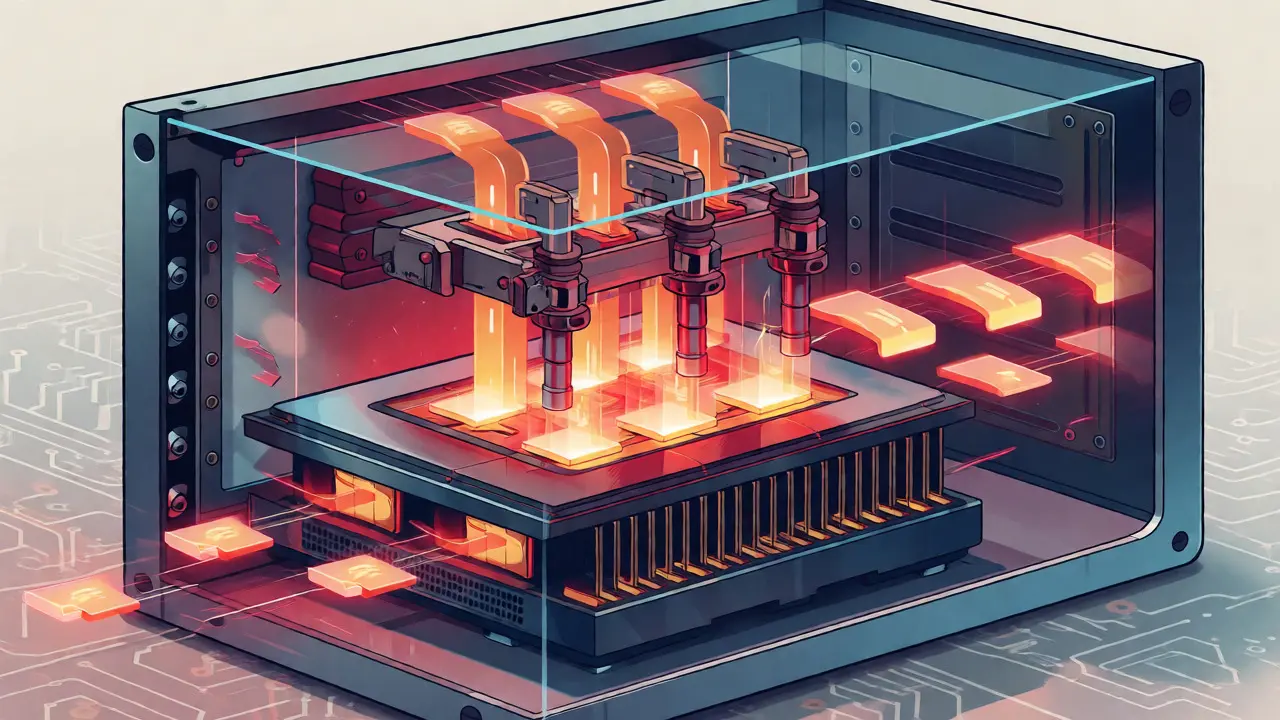
You cannot fix bad software architecture with faster hardware alone, but hardware choices do shift the curve. The move from NVIDIA A100 to H100 GPUs reduces per-token computation time by 35-45%. This gives you headroom to either lower latency or increase batch sizes without hitting the same wall.
Multi-GPU setups introduce another layer of complexity: network overhead. When you split a large model across multiple GPUs using tensor parallelism, the GPUs must talk to each other. On standard PCIe connections, this communication adds 20-35% latency. Using NVLink or InfiniBand reduces this overhead by 20-30%, making distributed inference viable for interactive applications. Without high-speed interconnects, distributed architectures often fail to meet sub-second latency targets despite having massive throughput potential.
| Batch Size | Avg Latency (ms) | Throughput (Tokens/sec) | Best Use Case |
|---|---|---|---|
| 1 | 976 | Low | Single-user debug, strict SLA |
| 8 | 126 | Medium | Interactive Chatbots |
| 64 | High (4x baseline) | Very High (14x baseline) | Batch Analysis, Background Jobs |
Optimizing Tokenization and Pre-processing
People forget that latency isn't just about the LLM generating text. It starts before the first token is produced. Input processing-tokenizing the prompt and retrieving context via vector search-can account for 20-150ms of your total budget. If your RAG (Retrieval-Augmented Generation) pipeline is slow, no amount of GPU optimization will save your UX.
Use optimized tokenizers. Standard Hugging Face tokenizers can take 150-200ms for long sequences. Fast tokenizers based on Rust implementations reduce this to 50-80ms. Additionally, ensure your embedding generation is offloaded to CPU or dedicated accelerators so it doesn't block the main GPU thread. Every millisecond saved here buys you room to increase batch size later.
Monitoring the Right Metrics
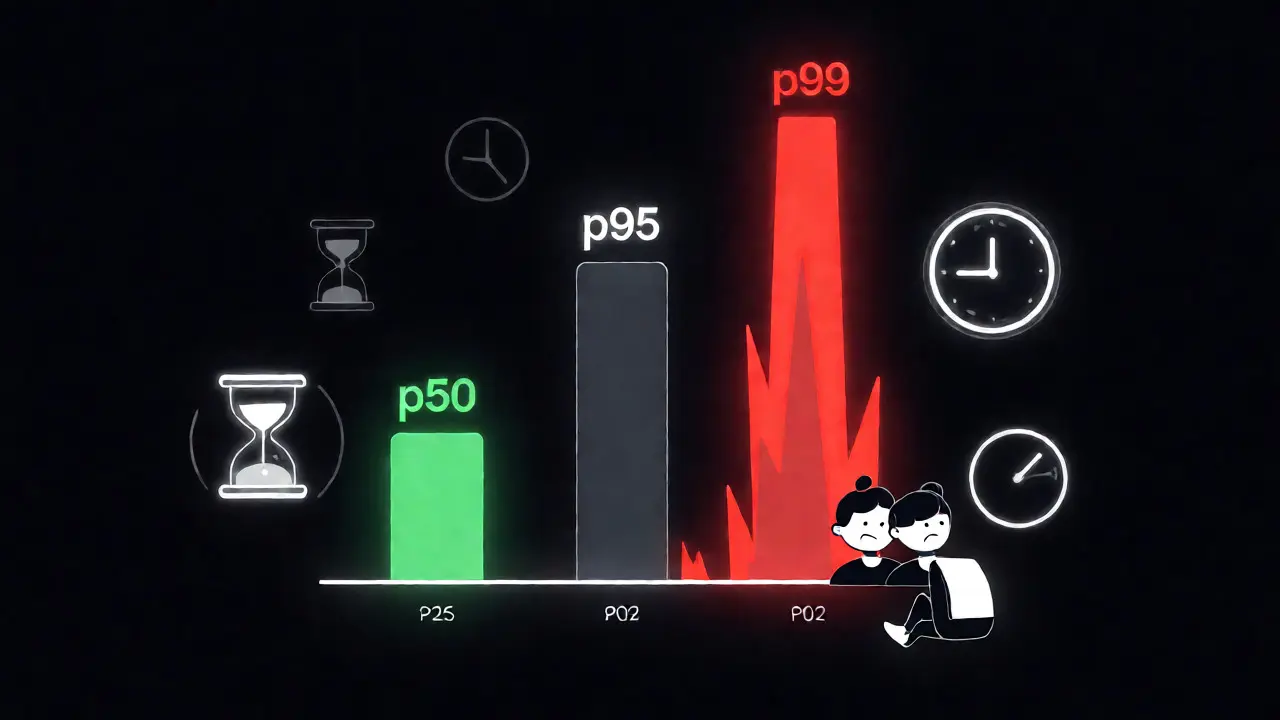
If you only monitor average latency, you're flying blind. Averages hide disasters. You need to track percentiles: p50 (median), p95, and p99. If your p99 latency exceeds your SLA, you have a problem, even if p50 looks perfect.
Set up alerts for:
- Time-to-First-Token (TTFT): Critical for perceived responsiveness.
- Inter-Token Latency (ITL): Determines how smooth the streaming output feels. Target <100ms for competitive chatbots.
- Queue Depth: If requests are queuing up, you’re approaching saturation. Increase capacity or adjust batching dynamically.
Adaptive batching systems, like those in recent vLLM releases, automatically adjust batch sizes based on real-time queue length. They aim to keep p95 latency under 1 second while maintaining 85% of max throughput. This automation is becoming essential as manual tuning becomes too complex for modern scale.
Frequently Asked Questions
What is the difference between latency and throughput in LLMs?
Latency is the time it takes for a single request to be processed and returned to the user (response speed). Throughput is the total number of requests or tokens the system can handle per second (capacity). Increasing throughput usually increases latency because resources are shared among more concurrent requests.
How does batching affect LLM performance?
Batching processes multiple requests simultaneously on the GPU. Larger batches improve GPU utilization and throughput but increase the wait time for individual requests (latency). Dynamic batching helps mitigate this by adding requests to ongoing batches rather than waiting for a full static batch.
Which is more important for chatbots: latency or throughput?
For chatbots, latency is critical. Users expect immediate responses, so Time-to-First-Token (TTFT) should ideally be under 500ms. Throughput is secondary unless you have extremely high concurrency that threatens to crash the server. Prioritize low latency configurations, such as smaller batch sizes, for interactive interfaces.
Can hardware upgrades solve latency issues?
Partially. Faster GPUs like NVIDIA H100s reduce computation time, improving both latency and throughput. However, network overhead in multi-GPU setups can add latency. Hardware helps, but efficient software architecture (like vLLM or TGI) and proper batching strategies are equally important for optimal performance.
What is Tail Latency and why does it matter?
Tail latency refers to the longest response times experienced by a small percentage of users (e.g., the slowest 5% or 1%). Even if average latency is good, high tail latency leads to poor user experience and timeouts. Monitoring p95 and p99 metrics helps identify and fix these outliers.
Quintin Franzese
September 15, 2026 AT 02:18Great breakdown of the highway analogy, though I suspect most teams are just hoping their cloud bill doesn't explode before they figure out which lane to drive in.
Brandon Olvera
September 15, 2026 AT 14:28This is exactly what happens when you let non-engineers dictate infrastructure strategy.
We spent months fighting with vLLM configs because management wanted "real-time" responses but refused to pay for the H100s needed to make that possible without massive batching delays. It’s not a physics problem it’s a budget problem disguised as engineering. You can’t squeeze blood from a stone and you can’t get sub-200ms TTFT on an A100 with batch size 64 no matter how much you optimize your tokenizer.
I’ve seen startups burn through seed funding trying to solve this with software alone while ignoring the hardware reality. The article mentions the 14x throughput gain at the cost of 4x latency but fails to highlight that for many consumer apps even a 3-second delay feels like failure. We had to implement aggressive caching and smaller models for our high-volume endpoints just to keep users from rage-quitting.
Dynamic batching sounds great in theory until you hit tail latency spikes during peak hours. Those 5% of requests hanging for over 3 seconds? That’s enough to ruin a user’s day and churn rate reflects that immediately. If you aren’t monitoring p99 specifically you’re lying to yourself about performance.
Also the RAG pipeline point is underrated. Most people focus on the LLM inference time but ignore the retrieval step which adds significant overhead. If your vector DB is slow or your embedding generation blocks the main thread you’re dead in the water regardless of GPU speed.
Hardware co-design isn’t optional anymore. PCIe overhead is real and if you’re splitting tensors across GPUs without NVLink you’re paying a tax every single token generated. This article gets the basics right but misses the operational nightmare of managing these tradeoffs at scale without dedicated SRE support.
Elizabeth Brooks
September 17, 2026 AT 00:24Hey everyone! 👋 Really helpful post here. Just wanted to add a quick note on the tokenizer part since I've been working on this recently.
Using fast tokenizers (Rust-based) definitely helped us cut down pre-processing time significantly. But don't forget about prompt caching! If you're doing RAG often you might have overlapping context windows. Caching those embeddings or even the KV cache for static system prompts can save a ton of compute.
Also regarding the fintech example: separating workloads is key. We use separate deployment groups for interactive vs batch jobs. For interactive we cap batch size low to ensure low TTFT even if it means lower overall throughput per GPU. It costs more per query but keeps users happy. For batch jobs we max out batch size and run overnight when traffic is low.
One thing missing maybe? Quantization. Using INT8 or FP8 weights can drastically reduce memory bandwidth pressure which indirectly helps with both latency and throughput especially on consumer-grade or older data center GPUs. Worth looking into if you're constrained by VRAM.
Hope this helps! Let me know if anyone has questions about setting up dynamic batching with vLLM. I struggled with config initially but once you get the queue length thresholds right it's pretty smooth sailing. 🚀
Deb Kortyna, MBA
September 17, 2026 AT 03:07While the technical details are accurate one must consider the broader implications of prioritizing throughput over user experience in customer-facing applications.
The assertion that "latency is irrelevant" for batch processing pipelines is technically true but operationally dangerous if not monitored correctly. Even background jobs impact downstream systems if they consume excessive resources unpredictably. A surge in batch processing can starve interactive services sharing the same infrastructure leading to unexpected degradation in perceived performance.
Furthermore the reliance on dynamic batching introduces complexity in debugging. When a request hangs due to resource contention reproducing the exact state of the queue at that moment is nearly impossible without sophisticated tracing tools. Many organizations lack the observability maturity to handle this level of nuance effectively.
From a business perspective the cost-per-token metric mentioned is critical but often misinterpreted. Lower cost per token does not equate to higher profitability if user retention drops due to poor responsiveness. The fintech example illustrates this well but such strategic alignment requires cross-functional collaboration between engineering product and finance teams which is rarely achieved in siloed organizations.
In conclusion achieving the optimal balance is less about tweaking configuration files and more about establishing robust monitoring frameworks and clear service level objectives that reflect actual user expectations rather than theoretical maximums.
alex kobri
September 17, 2026 AT 11:24the tradeoff is inevitable
we chase numbers but lose the human element
if a response takes 2 seconds instead of 1 does it really matter if the answer is perfect?
maybe we should stop optimizing for machines and start listening to what users actually need
sometimes silence is better than bad speed
i think we forget that technology serves people not the other way around
the highway analogy works but ignores the fact that drivers want to arrive safely not just quickly
letting go of control allows for better flow
we try to force efficiency but chaos emerges naturally
accepting imperfection might be the real solution here
less is more always
Zach Loescher
September 18, 2026 AT 11:24I appreciate the nuanced take on different application needs. It's easy to fall into the trap of thinking there's a one-size-fits-all solution for LLM deployment.
The point about separating workloads resonates with me. We tried running everything on a single cluster and ended up with inconsistent performance across all services. By isolating high-latency-tolerant batch jobs from real-time interactions we saw a marked improvement in stability.
Regarding the mention of p99 metrics I completely agree. Average latency can be misleadingly optimistic. Seeing the worst-case scenarios helps in planning capacity buffers more accurately.
One aspect I'm still exploring is the impact of model quantization on inter-token latency. While it reduces memory footprint does it introduce any noticeable jitter in token generation speed? Would love to hear others' experiences on that front.