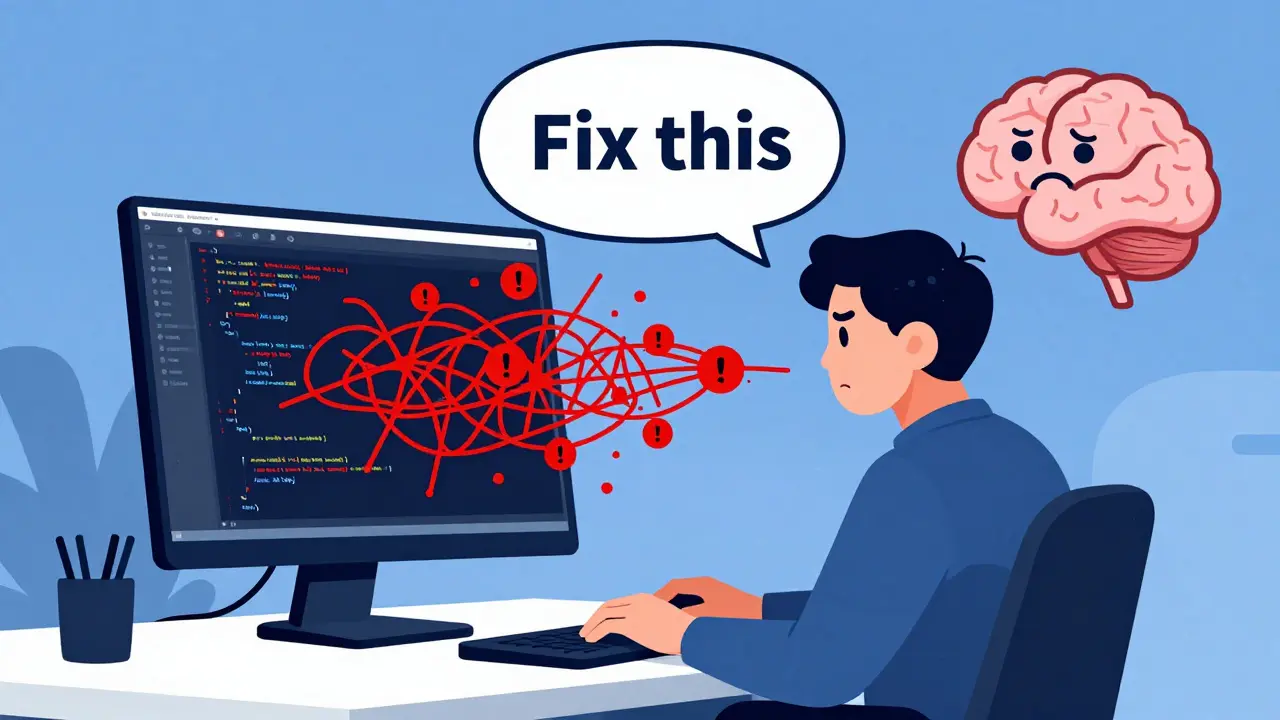
You’ve probably been there. You paste a messy function into your AI coding assistant, ask it to "fix this," and get back code that looks clean but fails every single unit test. Or worse, it introduces subtle bugs that only show up in production. The problem isn’t the model-it’s the prompt. Most developers treat Large Language Models (LLMs) like magic search engines, throwing vague requests at them and hoping for the best. But if you want reliable code, especially for critical tasks like writing unit tests or refactoring legacy systems, you need structure.
Recent research has shifted the focus from guessing what works to defining exact patterns that consistently produce passing code. We’re moving away from long, chatty conversations with the AI toward precise, single-shot prompts that leave no room for ambiguity. This guide breaks down the specific prompting patterns that actually work for generating robust unit tests and safe refactors, based on current industry standards and empirical testing.
The Shift from Chatting to Specifying
For a while, the advice was to "talk" to the AI. Use Chain-of-Thought (CoT) prompting, explain your reasoning step-by-step, and iterate through multiple turns. While conversational AI is great for brainstorming, it’s inefficient and risky for production code. CoT prompts increase token usage, raise costs, slow down inference, and often lead to hallucinations where the model invents logic that sounds plausible but is technically wrong.
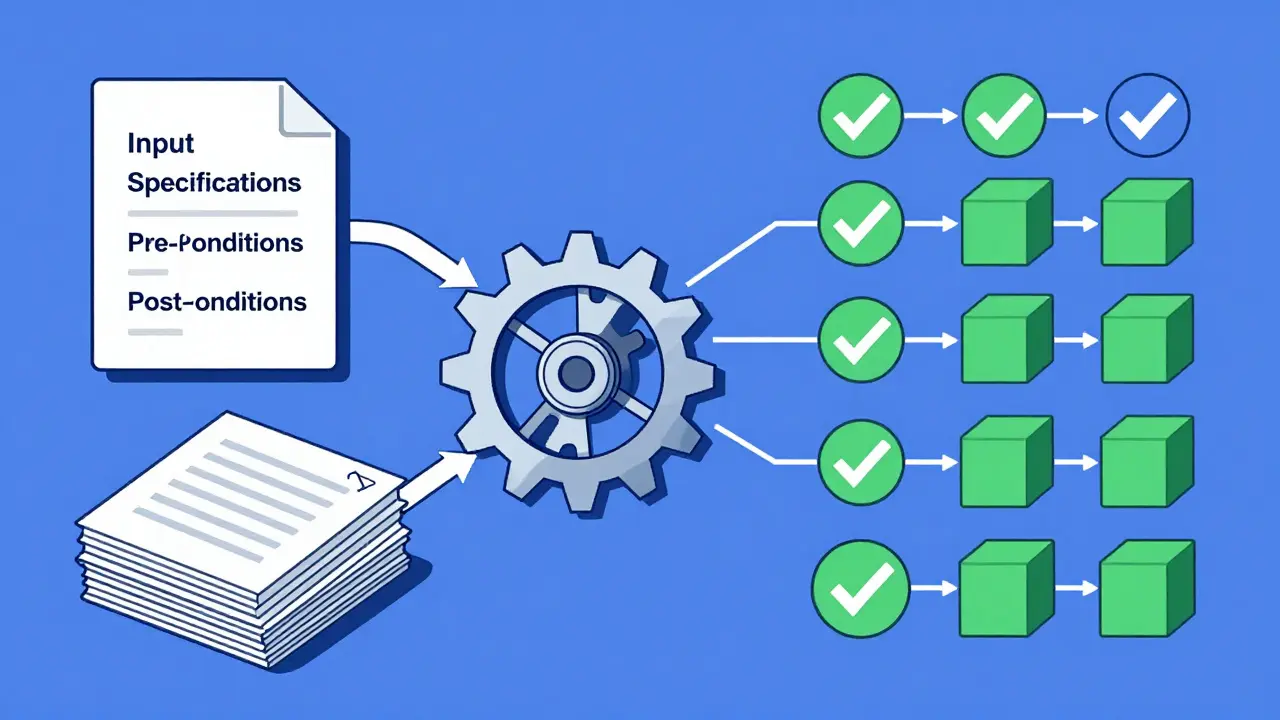
The new standard is prompt engineering focused on specification. Instead of asking the AI to "think out loud," you provide a rigid contract: input specifications, output expectations, pre-conditions, and post-conditions. Studies using datasets like BigCodeBench and HumanEval+ have shown that when prompts are optimized to include these structural elements, the rate of passing unit tests jumps significantly. The goal is to create a single, well-crafted prompt that elicits accurate code without needing ten rounds of back-and-forth corrections.
Think of it like hiring a contractor. You don’t tell them to "make the kitchen nice." You give them blueprints, material specs, and a timeline. The same applies to LLMs. When you remove ambiguity, you remove errors.
Core Patterns for Generating Unit Tests
Writing unit tests is tedious, which makes it a prime candidate for AI assistance. However, generic prompts like "write tests for this function" often result in shallow checks that miss edge cases. To get comprehensive coverage, you need to use specific prompt patterns that force the model to consider failure modes.
Here is how you structure an effective prompt for unit tests:
- Define the Input/Output Contract: Explicitly state what types the function accepts and returns. If it handles integers, specify ranges. If it handles strings, mention encoding or length limits.
- List Pre-conditions: What must be true before the function runs? For example, "The database connection must be active" or "The list cannot be null."
- Specify Post-conditions: What should change after execution? Does it modify state? Return a specific object? Throw an exception?
- Demand Edge Cases: Instruct the model to explicitly test for empty inputs, maximum values, negative numbers, or special characters. Don’t just say "test thoroughly." Say "include tests for null, empty string, and integer overflow."
When you provide concrete examples within the prompt-showing one correct test case format-the model mimics that structure for all subsequent tests. This reduces the variance in output quality. Research indicates that including even one concrete example in the prompt can improve accuracy more than lengthy explanations.
Prompting for Safe Refactoring
Refactoring is riskier than writing new code because you’re changing existing logic without altering external behavior. One wrong move breaks dependencies. LLMs are prone to over-engineering here, adding complexity where simplicity is needed, or missing subtle side effects.
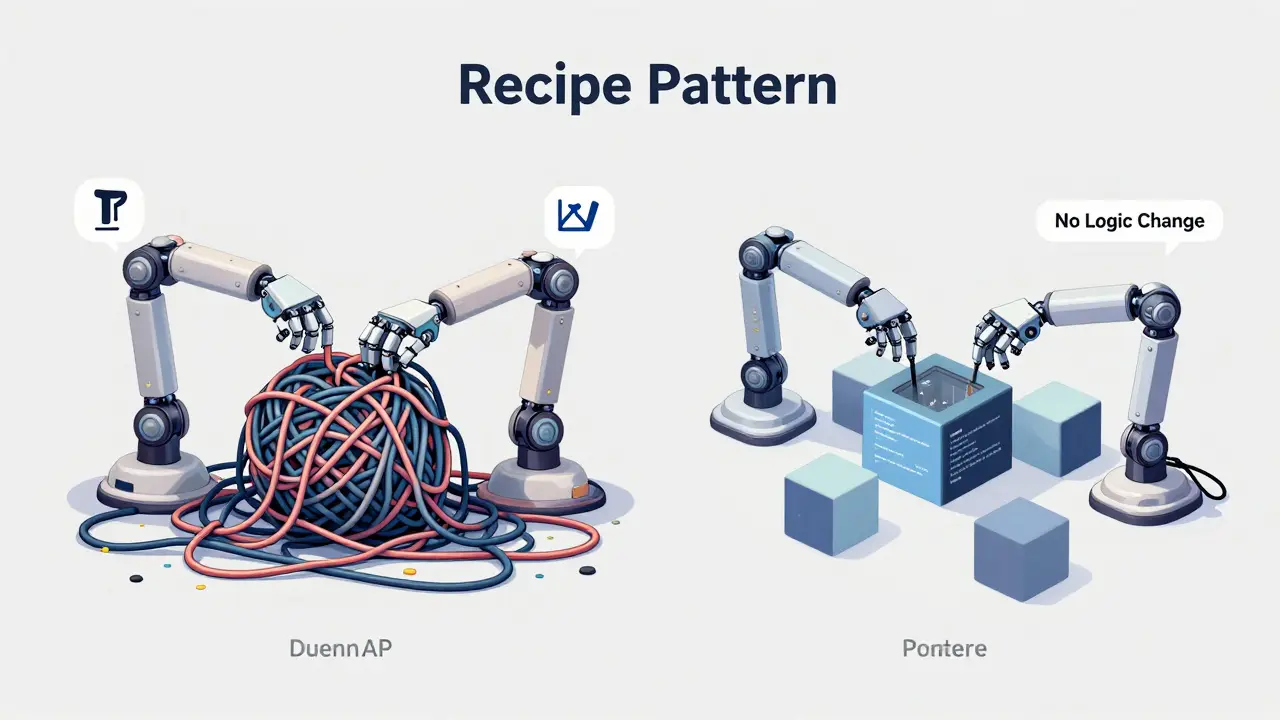
To refactor safely, use the "Recipe" Pattern. This approach treats the refactoring task as a set of sequential steps rather than a free-form request. You break the transformation down into discrete actions.
- Identify the Target: Paste the code block to be refactored.
- State the Goal Clearly: Are you reducing cyclomatic complexity? Extracting a method? Renaming variables for clarity? Be specific. "Make this cleaner" is useless. "Extract the validation logic into a separate private method" is actionable.
- Preserve Behavior Constraint: Add a strict rule: "Do not change the public API. Do not alter return values. Ensure all existing unit tests would still pass."
- Request Verification: Ask the model to output the refactored code alongside a brief explanation of why each change maintains behavioral equivalence.
This pattern minimizes the chance of the AI introducing breaking changes. By constraining the model’s creativity with strict behavioral preservation rules, you keep the refactoring focused on structure, not logic.
Comparing Prompt Strategies for Code Generation
Not all prompt techniques are created equal. Some are better for quick snippets, while others are essential for complex architectural changes. Understanding the trade-offs helps you choose the right tool for the job.
| Strategy | Best Used For | Risk Level | Iteration Needed |
|---|---|---|---|
| Creation/Generation | Simple functions, boilerplate code, documentation | Low | Minimal |
| Problem-Solving | Debugging, finding root causes, algorithm design | Medium | High (conversational) |
| Context & Instruction | Unit tests, secure code generation, strict implementations | Low | Low (single-shot) |
| Recipe Pattern | Refactoring, migrating frameworks, restructuring classes | Low-Medium | Low |
The table above highlights why "Context and Instruction" and "Recipe" patterns are superior for reliability. Creation prompts are fine for getting a quick array sum function, but they fail when precision matters. Problem-solving prompts are useful when you’re stuck, but they require significant human oversight to verify the solution. For automated or semi-automated workflows, the structured patterns win because they reduce cognitive load and increase consistency.
Handling Ambiguity and Security
One of the biggest pitfalls in AI-assisted development is ambiguity. If a function name is vague, the model guesses. If the requirements are open-ended, the model improvises. Improvisation leads to bugs.
Always clarify ambiguities in your prompt. If a parameter can be optional, state how it defaults. If a function interacts with external APIs, specify the expected response format. This ties directly into secure code generation. LLMs trained on public repositories may inadvertently suggest insecure practices, such as hardcoding secrets or ignoring input validation.
To mitigate security risks, integrate security constraints into your prompt template. Add lines like: "Ensure all user inputs are sanitized," "Use parameterized queries for database interactions," and "Do not log sensitive data." By making security a non-negotiable part of the instruction set, you shift the burden of safety from post-review to pre-generation. This proactive approach aligns with modern DevSecOps principles, where security is baked in from the start.
Practical Implementation Checklist
Ready to upgrade your workflow? Use this checklist to evaluate your next prompt before hitting enter.
- Have I included the full function signature and type definitions?
- Did I specify pre-conditions (what must be true before execution)?
- Did I define post-conditions (what should happen after execution)?
- Are edge cases explicitly listed (null, empty, max/min values)?
- Is the desired output format clear (e.g., Python unittest, Jest, JUnit)?
- For refactoring: Did I forbid changes to the public API?
- Did I include at least one concrete example of the expected output style?
If you answer yes to most of these, your prompt is likely to yield high-quality, test-passing code. If not, refine it before sending it to the model. Remember, the time spent crafting the prompt saves hours of debugging later.
Common Pitfalls to Avoid
Even with good patterns, mistakes happen. Here are the most common ways developers sabotage their own prompts.
Overloading Context: Pasting an entire file when only one function matters confuses the model. It dilutes the focus. Trim the context to only what’s necessary. If the function depends on another class, provide just that class’s interface, not its implementation.
Vague Instructions: Words like "optimize," "improve," or "clean up" are subjective. The model might optimize for speed at the cost of readability, or vice versa. Be specific about the metric you care about.
Ignoring Dependencies: If your code relies on third-party libraries, mention them. The model needs to know if it’s working with React, Pandas, or Spring Boot to generate compatible syntax.
Assuming Implicit Knowledge: Don’t assume the model knows your project’s naming conventions or architectural patterns. State them explicitly. "Use camelCase for variables" or "Follow SOLID principles" are helpful directives.
What is the difference between Chain-of-Thought and Context/Instruction prompting for code?
Chain-of-Thought (CoT) asks the model to explain its reasoning step-by-step, which increases token usage and latency. Context/Instruction prompting provides strict specifications and constraints upfront, aiming for a single, accurate output without verbose explanation. For production code, Context/Instruction is generally more efficient and reliable.
How do I ensure the AI generates secure code?
Integrate security constraints directly into your prompt. Explicitly instruct the model to sanitize inputs, avoid hardcoded secrets, and use parameterized queries. Treat security as a functional requirement, not an afterthought. Reviewing the generated code against OWASP guidelines is also recommended.
Can LLMs reliably refactor complex legacy code?
LLMs can assist with refactoring, but they require strict boundaries. Use the "Recipe" pattern to break down complex refactors into small, verifiable steps. Always preserve the public API and run existing unit tests immediately after applying AI-generated changes. Never trust a large refactor without human verification.
Why are concrete examples important in prompts?
Concrete examples act as few-shot learning signals. They show the model exactly what format, style, and depth you expect. Including one well-formed test case or code snippet significantly reduces variance in output quality compared to text-only instructions.
Which LLMs are best for code generation in 2026?
Models like GPT-4o-mini, Llama 3.3 70B Instruct, Qwen2.5 72B Instruct, and DeepSeek Coder V2 Instruct are currently leading in code generation benchmarks. Performance varies by language and task, so testing multiple models with your specific prompt patterns is recommended.