
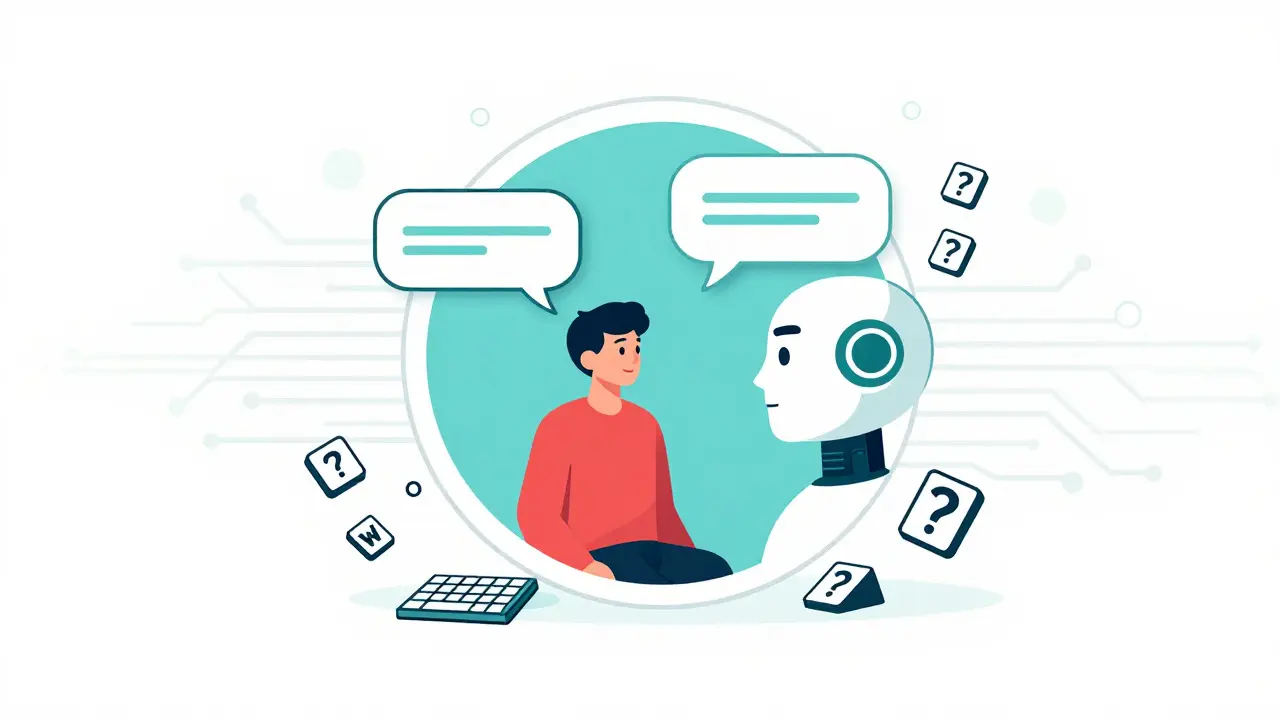
Imagine trying to buy a flight ticket on an airline website that changes its layout every time you press the 'Tab' key. Or worse, imagine a customer service chatbot that refuses to acknowledge your keyboard inputs after three messages, leaving you stuck in a loop with no way to exit. This isn't a hypothetical nightmare scenario from a dystopian novel; it is the daily reality for millions of users interacting with AI-generated interfaces.
We are living through a massive shift in how digital products are built. Artificial intelligence allows companies to deploy dynamic, adaptive websites faster than ever before. But speed has come at a steep price: accessibility. As these systems proliferate, they are creating new barriers for people with disabilities, often violating established standards like the Web Content Accessibility Guidelines (WCAG) are the international standard for making web content accessible to people with disabilities. The gap between what AI can do and what it does correctly is widening, leading to legal risks, lost revenue, and, most importantly, digital exclusion.
The Scale of the Problem
You might assume that because AI is smart, it builds smart, accessible interfaces. The data says otherwise. According to WebAIM's analysis of one million home pages in 2023, nearly 96% contained WCAG failures. That number has only worsened as generative AI takes over more of the design and development process. Why? Because AI models are trained on vast amounts of existing web data-data that is already full of accessibility errors. When an AI generates a new interface, it often replicates those mistakes or introduces new ones that automated scanners miss entirely.
Consider the sheer volume of people affected. Globally, there are approximately 1.3 billion people with some form of disability. For many of them, an inaccessible website is not just an inconvenience; it is a wall. If your AI-powered checkout page cannot be navigated by a screen reader, you are instantly locking out a significant portion of your potential market. It is bad business, but it is also increasingly illegal.
How AI Breaks WCAG Standards
To understand the risk, we need to look at where AI fails technically. The WCAG 2.1 and 2.2 standards were designed with static or predictable dynamic content in mind. They rely on structure, consistency, and clear labeling. Generative AI, however, thrives on fluidity and variation. This mismatch creates specific types of failures:
- Semantic Markup Errors: AI often generates HTML that looks right visually but lacks the underlying structure needed by assistive technologies. Instead of using proper heading tags (
<h1>,<h2>) or landmark regions, AI might wrap everything in generic<div>tags. A screen reader user relying on headings to navigate a page gets nothing but a blur of text. - Inaccurate Alternative Text: Image generation tools are impressive, but their ability to describe images for blind users is flawed. Studies show that up to 73% of AI-generated alt text is inaccurate or meaningless. You might see an alt tag that simply says "a picture of something" instead of describing the actual content, such as "a graph showing quarterly sales growth."
- Keyboard Navigation Traps: Many AI interfaces, particularly chatbots and adaptive forms, lose track of focus order. A user might tab into a chat window, but when the AI generates a new response, the focus jumps unpredictably or disappears entirely. This violates WCAG Success Criterion 2.1.1, which requires all functionality to be available via keyboard.
- Cognitive Overload: Research published in the ACM Digital Library found that over 50% of accessibility errors in AI-generated sites were cognitive issues. These include unpredictable interface behavior, inconsistent navigation patterns, and sudden layout shifts that disorient users with cognitive disabilities.
These aren't minor glitches. They are fundamental breakdowns in communication between the software and the user.
Real-World Failures: What Users Are Experiencing
Numbers tell one story, but user feedback tells another. On platforms like Reddit’s r/Accessibility community, developers and users share horror stories about AI implementations gone wrong. One common complaint involves AI-generated forms that randomly reorder fields during interaction. Imagine filling out a job application, and suddenly the "Last Name" field moves below "Email Address" while you are typing. For someone using a screen reader, this breaks the logical flow of information, violating WCAG 2.2 Success Criterion 1.3.2 (Meaningful Sequence).
Another frequent issue is the "chatbot trap." Users report that after three or four exchanges, the AI ignores keyboard commands entirely, forcing them to use a mouse-which many disabled users cannot do. Trustpilot reviews of major AI platforms reveal an average accessibility rating of just 2.1 out of 5, based on over 1,200 verified reviews in early 2025. Common complaints include voice command unpredictability and algorithmic bias in content personalization, where the AI assumes certain preferences that don't align with the user's needs.
However, it is not all bad news. Some users with cognitive disabilities have praised AI for its ability to simplify complex language. One user noted that ChatGPT helped them understand government forms for the first time by rephrasing dense legalese into plain English. This highlights a crucial point: AI has immense potential for inclusion, but only if it is guided by accessibility principles from the start.
| Feature | Traditional Web Development | AI-Generated Interfaces |
|---|---|---|
| Auditing Process | One-time audit after development | Continuous monitoring required due to dynamic outputs |
| Automated Scan Score | 65-78% compliance rate | 42-58% compliance rate |
| Remediation Effort | Standard coding fixes | 37% more effort required to achieve WCAG 2.1 AA |
| Consistency | High (static codebase) | Low (varies by query/context) |
| Primary Failure Points | Missing alt text, poor contrast | Dynamic focus loss, semantic markup errors |
The Legal and Financial Stakes
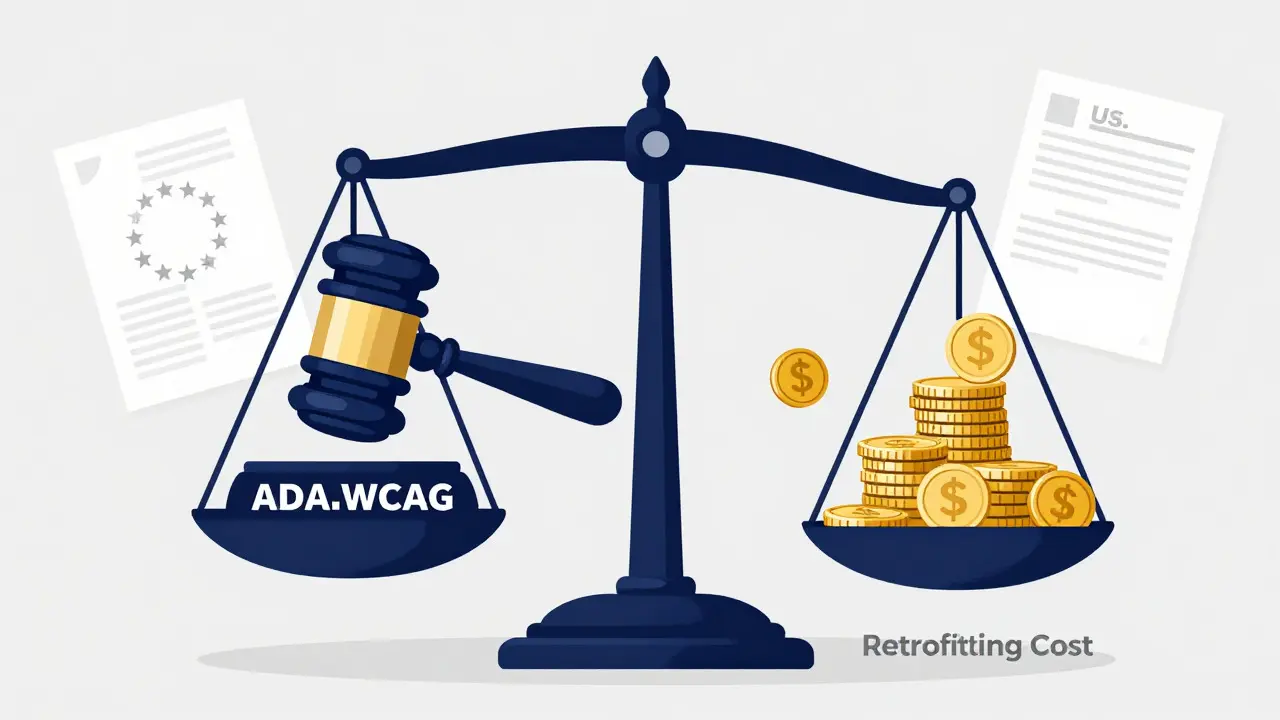
If you think accessibility is just a "nice-to-have," look at the legal landscape. The Americans with Disabilities Act (ADA) and Section 508 of the Rehabilitation Act are being enforced more rigorously than ever. In 2025, the U.S. Department of Justice increasingly cited WCAG 2.1 in settlement agreements involving AI interfaces. Companies are no longer getting away with claiming they didn't know their AI was non-compliant.
Regulatory pressure is also mounting globally. The EU's AI Act, effective in 2025, mandates accessibility compliance for high-risk AI systems. In California, AB-331 took effect in January 2026, requiring public-facing AI systems to undergo "algorithmic accessibility assessments." These laws mean that ignoring accessibility is no longer just an ethical misstep; it is a financial liability.
The cost of fixing these issues after launch is staggering. Exalt Studio's testing reveals that AI interfaces require significantly more remediation effort than traditional apps. Retrofitting accessibility onto a live AI system can cost up to 97 times more than integrating it during the initial design phase. Conversely, the accessibility compliance market for AI is projected to reach $4.7 billion by 2027, growing at 34% annually. Investing in accessibility now is not just about avoiding lawsuits; it is about capturing a growing market segment.
Best Practices for Accessible AI Design
So, how do you build AI interfaces that don't fail your users? It requires a shift from "build and hope" to "design and verify." Here are actionable steps based on expert recommendations from Mass.gov, A11yPros, and Pivotal Accessibility:
- Enforce Semantic HTML: Configure your AI backend to output proper HTML5 tags. Don't let the model choose between
<div>and<button>based on aesthetics. Use strict templates that enforce semantic structure. - Test with Assistive Technology: Automated scanners catch only about 30-40% of accessibility issues. You must manually test your AI interfaces with screen readers like JAWS or NVDA, and with keyboard-only navigation. Tools like ANDI can help identify basic issues, but human verification is essential.
- Involve Disabled Users Early: Engage people with disabilities in your design and evaluation process. Pay them fairly for their time and expertise. Their feedback will uncover nuances that no algorithm can predict.
- Monitor Dynamic Content: Since AI outputs vary, implement continuous monitoring. Use tools that can detect changes in focus order, contrast ratios, and aria-labels in real-time.
- Provide Human Fallbacks: Always offer a non-AI alternative. If a chatbot fails, allow the user to switch to a phone call or email immediately. This ensures that no user is left stranded.
Documentation is also key. While WCAG 2.2 provides technical specifications, it lacks specific guidance for AI. Developers are turning to community resources like the GitHub repository "AI-Accessibility-Patterns," which offers practical examples and code snippets for common scenarios.
The Future of AI Accessibility
The industry is waking up to these challenges. The W3C is currently drafting WCAG 3.0, which introduces outcome-based testing specifically designed to address dynamic content. This new standard will move beyond checkbox compliance to measure whether users can actually achieve their goals. Additionally, new tools like Accessible.org's "Tracker AI" are emerging to provide detailed reports and implementation roadmaps for AI-specific issues.
However, technology alone won't solve this. As Pivotal Accessibility predicts, future compliance will be continuous, algorithm-aware, and shared across vendors, deployers, and regulators. We need a cultural shift where accessibility is seen as a core feature of AI, not an afterthought.
By 2027, Gartner predicts that 90% of new digital products will incorporate AI. If we don't fix these accessibility risks now, we risk creating a digital world that is smarter but less inclusive. The choice is ours: we can let AI widen the gap, or we can use it to bridge it.
Does WCAG apply to AI-generated content?
Yes. The W3C states that all web content must comply with WCAG regardless of how it is generated. However, current WCAG versions (2.1 and 2.2) were not explicitly written for generative models, creating testing challenges that are being addressed in upcoming WCAG 3.0 drafts.
What are the most common accessibility failures in AI interfaces?
The most common failures include lack of proper semantic HTML markup, inaccurate or missing alternative text for images, keyboard navigation traps, and unpredictable layout shifts that disrupt screen reader users. Cognitive issues like inconsistent navigation also account for over half of documented errors.
How much does it cost to fix AI accessibility issues after launch?
Retrofitting accessibility onto live AI systems can cost up to 97 times more than integrating it during the initial design phase. AI interfaces generally require 37% more remediation effort than traditional web applications to achieve WCAG 2.1 AA compliance.
Are there new laws targeting AI accessibility?
Yes. The EU's AI Act (2025) requires accessibility for high-risk systems, and California's AB-331 (effective Jan 2026) mandates algorithmic accessibility assessments for public-facing AI. The U.S. DOJ is also increasingly citing WCAG in ADA settlements involving AI.
Can automated tools ensure my AI interface is accessible?
No. Automated scanners typically catch only 30-40% of accessibility issues. Manual testing with assistive technologies (like screen readers) and involvement of disabled users are essential for true compliance, especially for dynamic AI content.
What is WCAG 3.0 and how does it help AI?
WCAG 3.0 is a draft standard introducing outcome-based testing rather than just technical checkpoints. It is designed to better handle dynamic and adaptive content, providing clearer guidelines for measuring whether users can successfully complete tasks on AI-driven interfaces.
Bonnie Watt
August 2, 2026 AT 08:20Meagan Mueller
August 2, 2026 AT 13:17Dave Gibbeson
August 4, 2026 AT 09:44Sabrina Newland
August 4, 2026 AT 23:09Amara Akbar
August 6, 2026 AT 03:41Mark Harvey
August 7, 2026 AT 14:27