
You know the feeling. It’s 5 AM, you’re staring at a stack trace, and the README says one thing about how an API endpoint works, but the code does something completely different. You waste twenty minutes realizing the doc is six months old. This isn't just annoying; it’s expensive. In fast-moving dev environments, continuous documentation is the practice of keeping technical docs automatically aligned with code changes through automated pipelines. If you aren’t doing this, your team is likely bleeding hours on outdated info.
The High Cost of Stale Docs
Documentation drift is real. When manual updates fail to keep pace with code commits, you get what experts call "doc debt." A 2023 analysis by Kinde found that software documentation is often the first thing to go stale. Teams regularly encounter references to endpoints deleted months prior. Why does this happen? Because developers hate writing docs, and they hate updating them even more. By the time a feature ships, the doc is already wrong.
The goal here isn’t just to have docs; it’s to have accurate docs without constant human babysitting. True continuous documentation goes beyond auto-publishing. It ensures the content itself stays in sync. Think of it as unit tests for your prose. If the code changes, the doc should change, or at least flag that it needs attention. GitHub’s State of the Octoverse report noted that 78% of engineering teams now see doc sync as critical to their CI/CD pipeline. That’s not a trend; that’s a standard.
How Automated Sync Actually Works
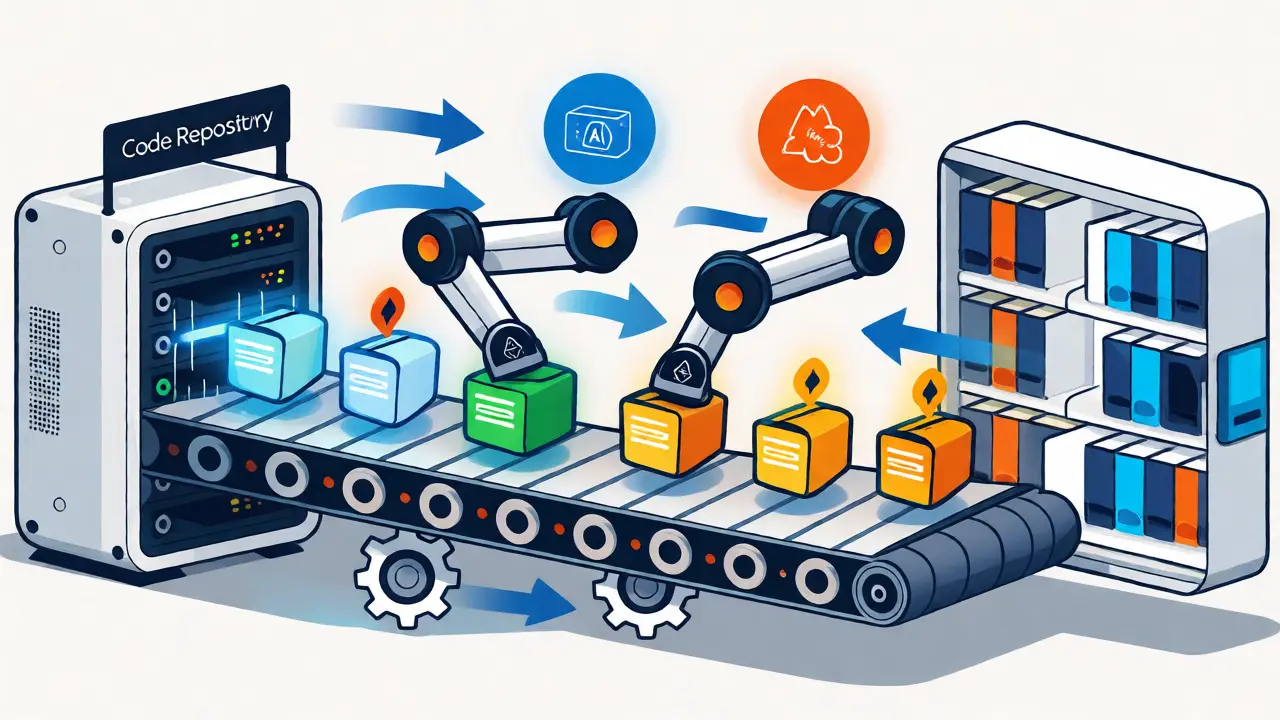
So, how do you make this happen? It usually involves three moving parts: your code repository, a synchronization tool, and your documentation platform. The backbone is often GitHub Actions a workflow automation service that triggers scripts when code is pushed. For example, specific actions can push markdown files from your repo to external platforms like ReadMe.io whenever you commit.
For diagrams, things get trickier but no less important. Tools like Terrastruct introduced GitHub Sync in early 2024, which checks for diagram changes hourly and pushes them to your repo. Performance metrics show these syncs complete in under 90 seconds with error rates below 2%. But text documentation is where AI is stepping in. DeepDocs uses Large Language Models (LLMs) to analyze code and docs together. Their June 2024 benchmarks showed they could detect discrepancies with nearly 90% accuracy. They don’t just update the file; they create a branch with proposed changes for you to review. This keeps humans in the loop while automating the grunt work.
| Feature | ReadMe.io | DeepDocs | Terrastruct |
|---|---|---|---|
| Primary Focus | Bi-directional text sync | AI-driven discrepancy detection | Diagram automation |
| Automation Level | High (API-based) | Medium (AI suggestions + Human review) | High (Hourly checks) |
| Cost Entry Point | $299/month | Custom Enterprise Pricing | Freemium / Paid Tiers |
| Best For | Teams using Git-based workflows | Complex codebases needing semantic checks | Visual architecture maintenance |
Choosing Your Toolset
Not all solutions fit every team. If you’re already on ReadMe.io a developer-focused documentation platform with strong git integration capabilities, their bi-directional sync is hard to beat. Launched in late 2023, it ensures changes in the editor flow back to Git and vice versa. One senior engineer at Shopify reported their API doc accuracy jumped from 68% to 97% after implementing this. But it costs money-starting around $299/month for teams.
If you need help spotting errors rather than just moving files, look at DeepDocs an AI-powered tool that analyzes code and documentation consistency. It excels at finding where the words don’t match the logic. However, be warned: it has a false positive rate of about 10%. You’ll spend time reviewing AI suggestions. For pure visual assets, Terrastruct is great, but it doesn’t handle prose well. Most mature teams end up combining tools: one for text sync, one for diagrams, and maybe an AI layer for quality control.

Implementation Pitfalls to Avoid
Don’t expect magic. Setting this up takes effort. Reports suggest initial configuration takes 8-12 hours per project. You also need to handle links carefully. Relative links break when docs move between local editors and web platforms. Use parameters like `make-relative-links-absolute` in your GitHub Actions to fix this automatically.
Another trap is over-automating conceptual docs. Current tools are fantastic at updating parameter names in API references. Accuracy there hits 92%. But try to auto-update a high-level architectural explanation, and accuracy drops to 63%. A Stripe engineer noted that their tool updated variable names correctly but left surrounding explanatory text unchanged, creating confusing contradictions. Keep human review mandatory for anything that explains "why" rather than "what."
Measuring Success
How do you know it’s working? Track onboarding time and support tickets. Dr. Elena Rodriguez from Forrester noted that teams using continuous docs see a 37% reduction in onboarding time. That’s huge. Also, watch your PR comments. If people stop asking "Is this still true?" in code reviews, you’re winning. Reddit users in r/devops reported a 40% drop in doc-related PR comments after adopting AI-assisted sync.
Finally, budget for maintenance. Even with automation, successful teams still allocate 5-10% of dev time to docs. It’s down from the industry average of 15-20%, but it’s not zero. Treat your docs like code: version them, test them, and review them.
What is the main benefit of continuous documentation?
The primary benefit is eliminating "documentation drift," where docs become outdated compared to the actual code. This reduces developer confusion, speeds up onboarding, and decreases support tickets caused by incorrect information.
Can AI fully replace human writers for documentation?
No. While AI tools like DeepDocs are excellent at detecting inconsistencies and updating structured data (like API parameters), they struggle with conceptual explanations. Human judgment is still required for high-level architectural context and nuanced prose.
How long does it take to implement continuous documentation?
Initial setup typically requires 8-12 hours for basic README synchronization. Adding specialized components like diagram syncing or AI-driven quality checks can add another 4-6 hours per component. Ongoing maintenance is significantly lower than manual updates.
Which tool is best for diagram synchronization?
Terrastruct is highly regarded for diagram-specific synchronization, offering automatic hourly checks against GitHub repositories. For text-heavy documentation, ReadMe.io or GitHub Actions-based solutions are more appropriate.
Does continuous documentation save money?
Yes, indirectly. By reducing onboarding time by ~37% and cutting support tickets related to confusion by ~29%, it saves significant labor costs. These savings often outweigh the subscription fees of tools like ReadMe.io within the first year.