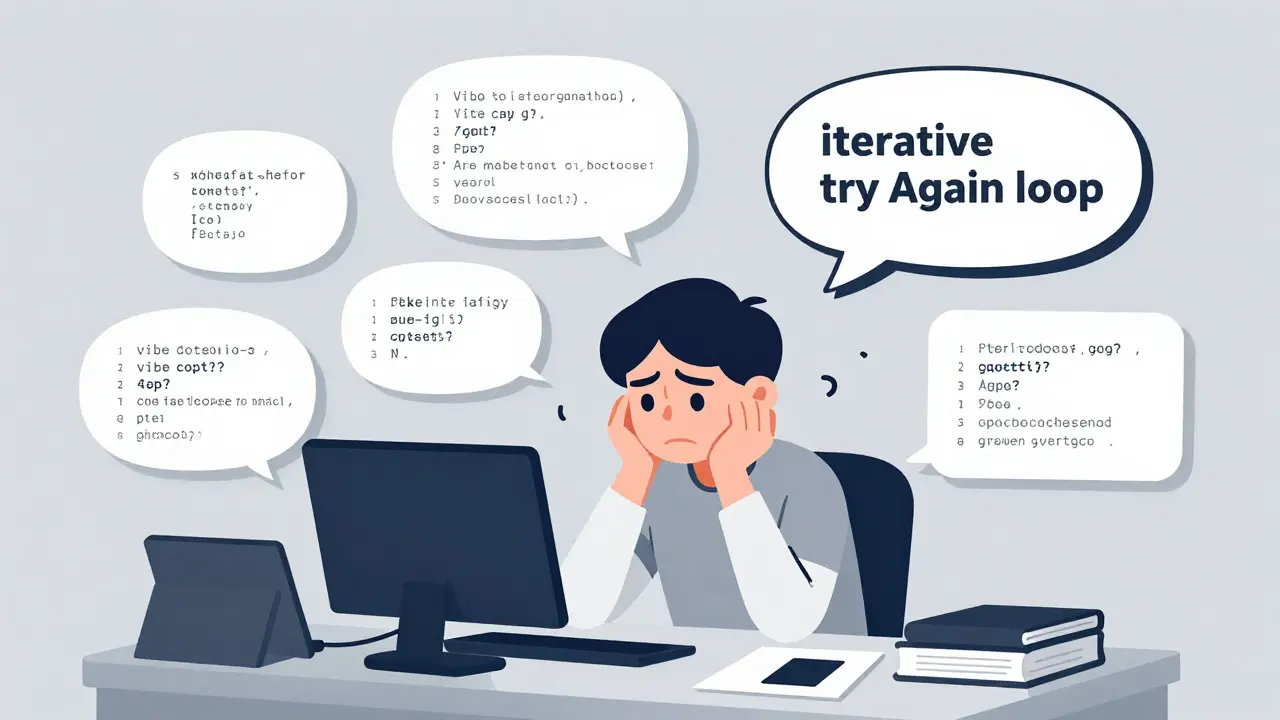
Stop typing the same instructions into your AI coding assistant every time you build a login form or an API endpoint. It’s repetitive, it’s slow, and frankly, it’s wasting your most valuable resource: time. This is where vibe coding stops being a buzzword and starts being a professional engineering practice. By using reusable prompt snippets, you can cut down the endless "try again" loops that eat up nearly 40% of a developer's day.
We are moving past the era of ad-hoc prompting. The industry standard in 2026 is modular composition-building complex application features by snapping together pre-optimized, standardized text blocks. This approach transforms how we interact with Large Language Models (LLMs), turning chaotic conversations into structured, predictable workflows.
The Problem with Ad-Hoc Prompting
Think about the last time you asked an AI to "build a user authentication system." What happened? You likely got a generic response. Then you had to ask for JWT implementation details. Then you needed error handling. Then you realized the code didn't match your project's naming conventions. This iterative cycle is exhausting.
Data from Strapi.io’s 2024 analysis of 1,200 developer workflows reveals a stark reality: approximately 37% of development time is consumed by this "iterative try again loop." Developers spend more time refining their requests than actually reviewing the generated code. The root cause isn’t the AI’s intelligence; it’s the lack of structure in our communication.
When you prompt from scratch every time, you introduce variability. One day you’re casual; the next day you’re technical. The AI responds differently each time, leading to inconsistent code quality. Reusable prompt snippets solve this by enforcing consistency. They ensure that every request for a specific feature carries the same level of detail, context, and constraint.
How Reusable Snippets Work in Practice
Reusable prompt snippets aren't just saved text files. They are specialized components within a broader architecture designed for AI-assisted development. According to the documentation from Vibe Coding Toolbox, which serves as an industry reference standard since its launch in late 2023, this methodology involves three primary components:
- The Snippet Library: A centralized repository where you store individual reusable elements like "React Form Validation" or "Node.js Error Handling."
- The Prompt Builder: An interface or mental model for combining these snippets into comprehensive, multi-part prompts.
- The Project Workspace: Contextual organization that ties snippets to specific projects, ensuring version compatibility and style alignment.
The workflow follows four distinct stages. First, you Draft the initial idea in natural language. Second, you Enhance it, often using AI itself to optimize the prompt for technical clarity. Third, you Organize it by tagging it appropriately (e.g., #auth, #frontend). Finally, you Apply it directly to your coding agent.
This structure matters because it separates the *logic* of what you want from the *syntax* of how you ask for it. Independent benchmarks show that developers using this structured approach achieve 68% fewer revision cycles. That means less debugging and more building.
Key Categories for Your Snippet Library
You don't need thousands of snippets to start. In fact, over-engineering your library can become a productivity sinkhole. Start with five to seven core categories that cover 80% of common app features. Here are the high-impact areas based on usage data from Ranthebuilder.cloud’s March 2025 study:
- Authentication Flows: Snippets for JWT implementation, OAuth integration, and session management. Note that 87% of developers reuse snippets here because security logic is critical and rarely changes fundamentally.
- Data Tables & Pagination: Components for sorting, filtering, and paginating large datasets. 76% of teams found reusing these snippets saved significant frontend development time.
- API Integrations: Standardized patterns for RESTful or GraphQL calls, including headers, timeouts, and retry logic. 68% of developers leverage specific "error handling" snippets for this category.
- UI Components: Responsive layouts, button states, and form validation rules. These benefit greatly from "Pattern Seeding," where you provide naming conventions and folder structures upfront.
- Testing Patterns: Unit test structures and mock data generators. Consistent testing snippets ensure your AI-generated code is immediately verifiable.
By categorizing your snippets this way, you create a mental map. When you need a login page, you know exactly which snippets to pull: one for the UI layout, one for form validation, and one for the backend auth call.
Modular Composition vs. Full Templates
A common mistake is creating full-page templates. For example, saving a massive block of text for "Create a Blog Post Page." The problem? Next month, you might want a blog post page with a different comment system or a dark mode toggle. If you use a rigid template, you have to delete half the content before starting.
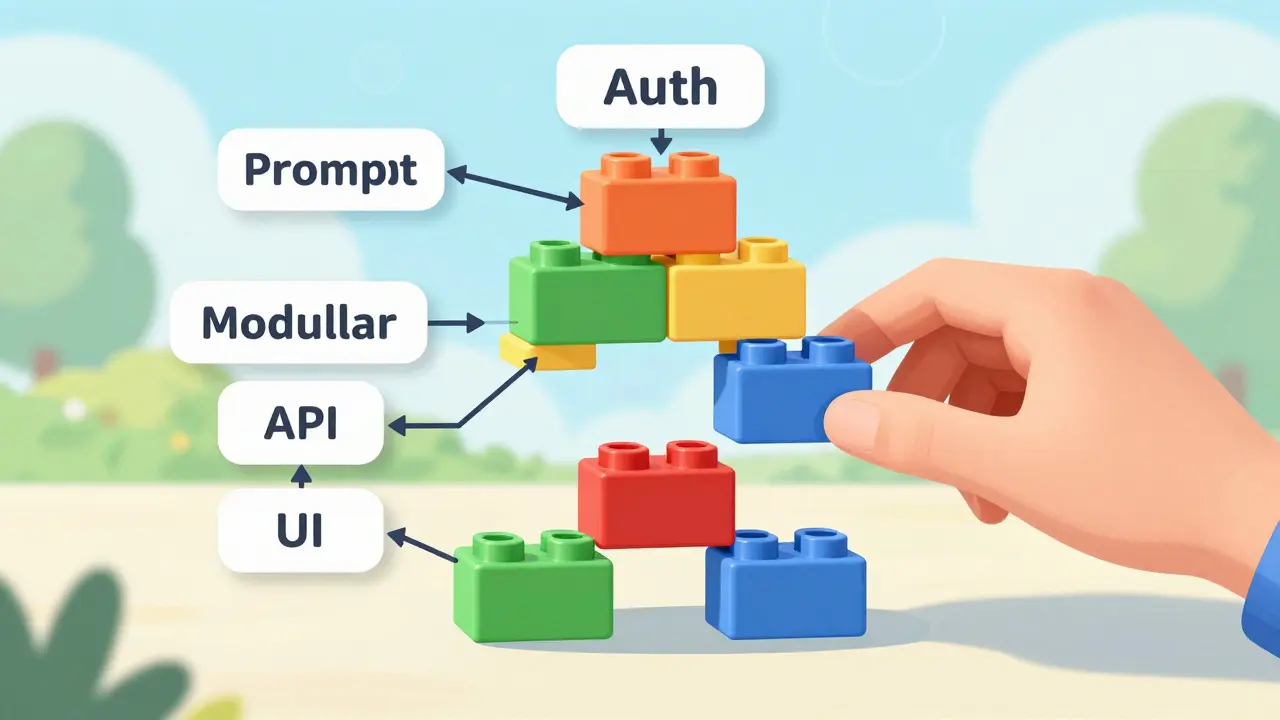
Snippets offer flexibility through modular composition. Instead of one giant template, you mix and match:
- Snippet A: "Create a responsive card layout using Tailwind CSS..."
- Snippet B: "Implement server-side rendering for SEO optimization..."
- Snippet C: "Add a 'Read More' expansion animation..."
Ranthebuilder.cloud’s comparative study found that snippet-based prompting reduced prompt creation time by 53 seconds per feature compared to full-template approaches. More importantly, it reduced cognitive load. You’re not rewriting common elements; you’re assembling them like LEGO bricks.
| Feature | Ad-Hoc Prompting | Full Templates | Reusable Snippets |
|---|---|---|---|
| Flexibility | High | Low | High |
| Consistency | Low | Medium | High |
| Maintenance Effort | None | High | Medium |
| Time Savings (Avg) | Baseline | 15% | 42% |
Best Practices for Maintaining Your Library
A snippet library is living infrastructure. If you don’t maintain it, it becomes obsolete. Here’s how to keep it effective:
Use Consistent Naming Conventions. Eighty-four percent of successful teams adopt strict naming standards. Don’t name one snippet "login" and another "user-auth." Use a prefix system like feat-login-jwt or ui-card-dark. This makes searching and retrieving snippets instant.
Version Control Your Snippets. Treat your snippets like code. Sixty-seven percent of professional teams use Git to track snippet evolution. If you update your React version from 17 to 18, your snippets need to reflect that change. Without versioning, you risk "context mismatch errors," where old snippets break new projects-a complaint reported by 27% of users in Trustpilot reviews.
Prune Quarterly. Not every snippet will survive. Teams that review their libraries quarterly see a 22% higher effectiveness rate. Delete snippets that are too niche, merge duplicates, and update those that no longer align with current best practices.
Document Constraints. A snippet isn’t useful if you don’t know when *not* to use it. Include notes on dependencies. For example, a snippet for "Next.js Image Optimization" should explicitly state it requires the `next/image` component and won’t work in plain HTML projects.

Tools and Ecosystem in 2026
The tooling landscape has matured significantly. While you can manage snippets in simple text editors, dedicated tools offer automation. Vibe Coding Toolbox currently holds approximately 62% market share among professional developers, according to G2’s Q4 2025 report. Its recent January 2026 release introduced "Smart Snippet Chaining," which automatically connects related snippets for multi-step features, reducing manual composition time by 28 seconds per feature.
However, competition is heating up. GitHub Copilot introduced native snippet functionality in September 2024, capturing 28% adoption among enterprise teams. VS Code’s Prompt Engineering Toolkit, released in November 2025, now includes native snippet management used by 34% of developers.
Look out for the Prompt Engineering Standards Consortium, formed in January 2026. They are developing RFC-style specifications for common feature snippets. Authentication patterns are expected to be the first ratified standard by Q3 2026. This means your snippets could soon be interoperable across different AI assistants, solving the current cross-platform compatibility issue where only 22% of snippets work seamlessly everywhere.
Pitfalls to Avoid
Don’t fall into the trap of "snippet hoarding." Ik5, a developer who wrote widely read guides on Vibe Coding, warns that over-engineering snippet libraries can become a productivity sinkhole. If you spend more time curating snippets than writing code, you’ve lost the plot.
Also, beware of "stylistic drift." Even with snippets, AI can generate code that looks slightly off. Sarah Drasner, VP of Developer Experience at Netlify, advocates for "Pattern Seeding." Before applying your functional snippets, feed the AI representative examples of your team’s code style-naming conventions, comment tone, and folder structure. This reduces stylistic drift by 41% in controlled tests.
Finally, remember that snippets excel at common features but struggle with novel ones. Strapi.io reports 32% less time savings for highly domain-specific features requiring custom logic. For unique business logic, revert to detailed, ad-hoc prompting. Use snippets for the scaffolding, not the soul of your application.
Getting Started Today
You don’t need expensive software to begin. Open your preferred IDE and create a folder named ".prompts" or ".snippets." Start by documenting the five most frequent tasks you perform this week. Write them out clearly, including all constraints and desired outputs. Save them as markdown files.
Next time you need to build one of these features, paste the snippet into your chat window. Add any specific project context, and hit enter. Notice the difference in speed and accuracy. Over the next month, refine these snippets based on the AI’s responses. Tag them. Version them. Share them with your team.
As Forrester projects, 89% of professional development teams will implement some form of snippet management by 2027. The early adopters are already seeing faster delivery times and higher code quality. The question isn’t whether you should use reusable prompt snippets, but how quickly you can integrate them into your daily workflow.
What is the learning curve for using reusable prompt snippets?
According to Capterra’s December 2025 assessment, the average learning curve is about 3.2 hours for developers already familiar with basic prompt engineering. Proficiency typically kicks in after you’ve created and refined 15-20 project-specific snippets. The initial investment pays off quickly through reduced revision cycles.
Do reusable snippets work with all AI coding assistants?
Currently, cross-platform compatibility is a challenge. Wisprflow.ai’s December 2025 compatibility matrix shows that only 22% of snippets work seamlessly across different AI coding assistants due to model-specific formatting requirements. However, the newly formed Prompt Engineering Standards Consortium aims to fix this by establishing universal standards in 2026.
How do I prevent my snippet library from becoming cluttered?
Adopt a "quarterly pruning" strategy. Review your snippets every three months to delete unused ones, merge duplicates, and update outdated references. Also, stick to consistent naming conventions and avoid creating overly niche snippets unless they are used frequently by your team.
Is it better to use snippets or full prompt templates?
Snippets are generally superior for flexibility. Full templates force you to modify entire structures, whereas snippets allow modular composition. Studies show snippet-based prompting saves 53 seconds per feature compared to templates and offers higher adaptability for changing project requirements.
Can I share snippets with my team securely?
Yes, but caution is advised. Snyk’s January 2026 audit found that only 37% of community-shared snippets pass basic security validation checks. Always review shared snippets for hardcoded credentials or insecure patterns before integrating them into your production environment. Using Git for version control also helps track changes and accountability.