The Hardware Behind the Hype
You’ve heard about vibe coding. It’s that new way of building software where you describe what you want in plain English, and an AI agent writes the code for you. But here is the catch: this magic doesn’t happen on its own. It needs serious muscle to run. Without fast, dedicated hardware, your coding assistant stutters, lags, or crashes when you ask it to refactor a large project. The speed at which you can iterate-your "flow"-depends entirely on the silicon under the hood.
We are seeing a massive shift in how developers build tools. It’s no longer just about having a powerful cloud server. It’s about having smart chips right there on your laptop, your desktop, or even inside the robot you’re programming. In 2026, three types of hardware are driving this change: high-end GPUs, efficient NPUs, and compact edge accelerators. Let’s look at how each one changes the game for vibe coders.
Why Your Local Machine Matters More Than Ever
A few years ago, we sent everything to the cloud. Today, latency is the enemy of creativity. If you type a prompt and wait five seconds for the first line of code, you lose your train of thought. Vibe coding requires near-instant feedback loops. This is why local inference-running the AI model directly on your device-is becoming the standard for serious developers.
Running models locally also solves privacy issues. When you vibe code a proprietary algorithm or sensitive internal tool, you don’t want that code traveling over the internet to a third-party server. You want it processed in your machine, kept private, and ready to test immediately. This demand for speed and security is pushing hardware manufacturers to pack more AI-specific power into smaller packages.
Desktop Powerhouses: The Role of GPUs
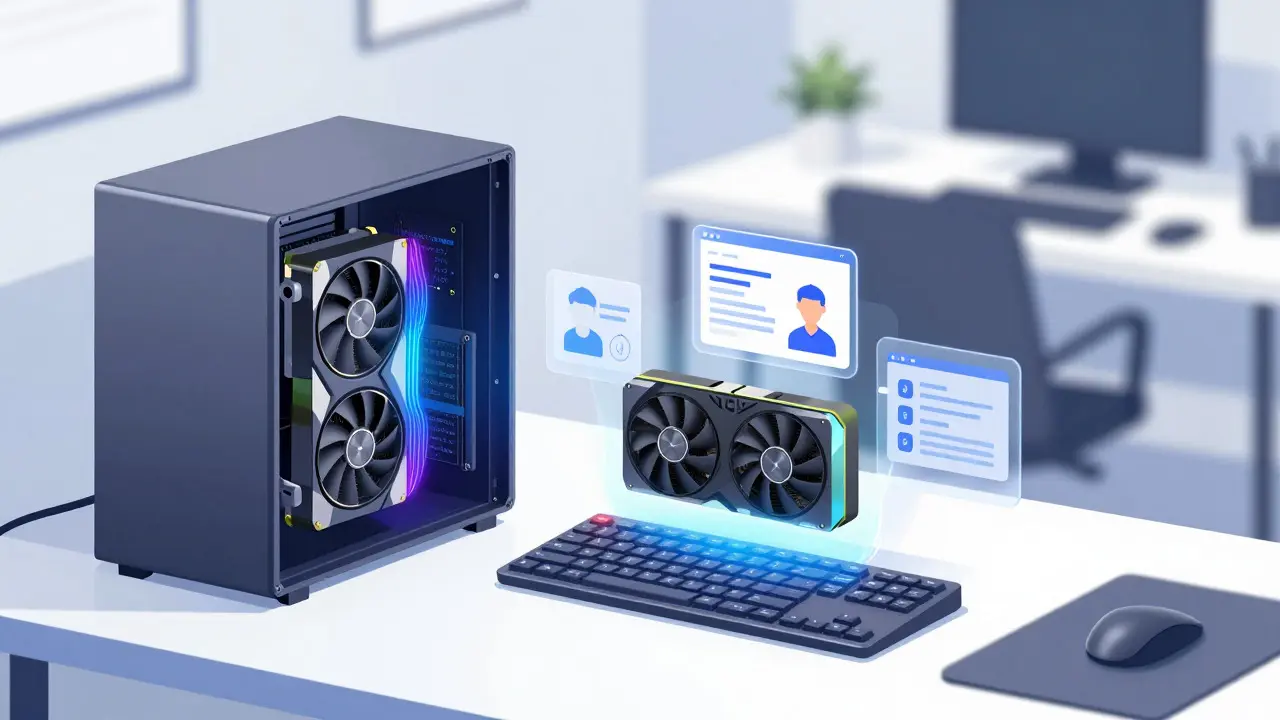
If you are doing heavy-duty vibe coding on a desktop, the Graphics Processing Unit (GPU) is still king. Specifically, NVIDIA’s consumer cards remain the go-to choice because of their mature software ecosystem and raw parallel processing power.
Take the NVIDIA GeForce RTX 4090. Launched in late 2022, this card is still a beast in 2026. It has 24 GB of GDDR6X memory and roughly 82.6 TFLOPS of FP32 compute. Why does this matter? Because modern Large Language Models (LLMs) used for coding are huge. To run a 70-billion parameter model locally without choking, you need massive VRAM (Video RAM). The RTX 4090 allows individual developers to host these large models on their own workstations.
This setup supports multi-agent workflows. Imagine having one AI agent write the code, another review it for bugs, and a third generate tests-all running simultaneously on your local machine. The RTX 4090 handles this load smoothly, streaming tokens per second across multiple contexts. For small teams who want to avoid cloud costs and latency, this kind of desktop GPU is essential infrastructure.
| Hardware Type | Example Device | Performance Metric | Best Use Case |
|---|---|---|---|
| Consumer GPU | NVIDIA RTX 4090 | ~82.6 TFLOPS FP32, 24GB VRAM | Local LLMs, Multi-agent workflows |
| Laptop NPU | Qualcomm Snapdragon X Elite | 45 TOPS INT8 (NPU only) | On-device assistants, Battery life |
| Edge Module | NVIDIA Jetson Orin Nano Super | 67 Sparse INT8 TOPS | Robotics, IoT, Offline automation |
Laptops and NPUs: Coding on the Go
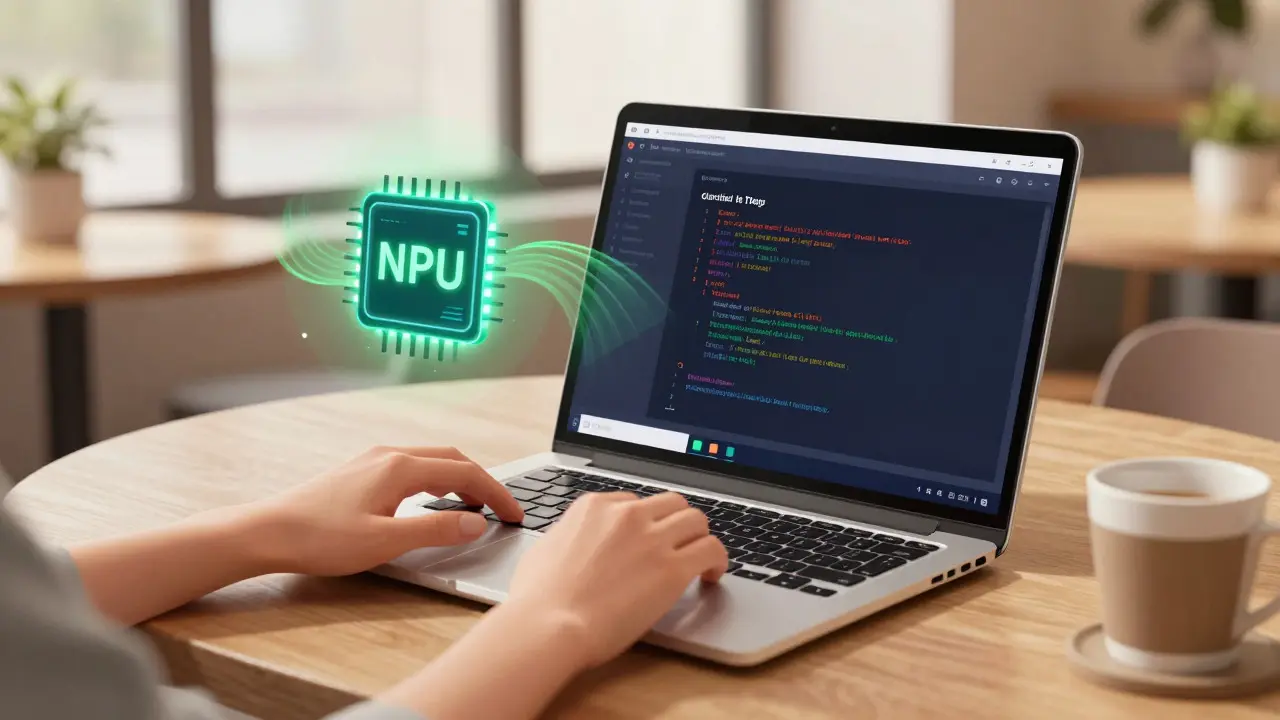
Most developers don’t sit at a desktop all day. They move around. This is where Neural Processing Units (NPUs) come in. An NPU is a specialized chip designed specifically for AI tasks. Unlike a general-purpose CPU or a graphics-focused GPU, an NPU is built to handle matrix math efficiently and with very low power consumption.
The standout player here is Qualcomm’s Snapdragon X Elite. Announced in late 2023, this platform powers many of the new Windows AI PCs. Its Hexagon NPU delivers 45 TOPS (Trillions of Operations Per Second) in INT8 precision. To put that in perspective, Intel’s competing Core Ultra chips often cite combined CPU+GPU+NPU scores, but their standalone NPU performance hovers around 10-11 TOPS. The difference is significant. The Snapdragon X Elite can sustain heavy AI workloads-like continuous code completion and inline refactoring-without draining your battery in two hours.
Microsoft recognized this shift with its Copilot+ PC initiative, which mandates a minimum of 40 TOPS for certified devices. This ensures that when you buy a modern AI laptop, it has enough grunt power to run coding copilots natively. You get instant suggestions as you type, background context analysis of your entire repository, and voice-to-code features that feel natural rather than laggy. Tests show these NPUs deliver nearly 2 TOPS per watt, making them incredibly efficient for all-day coding sessions away from a power outlet.
Edge Computing: Coding Beyond the Screen
Vibe coding isn’t just for web apps and mobile games. It’s entering the physical world. Engineers are using AI agents to write scripts for robots, industrial controllers, and IoT gateways. These devices live "at the edge"-far from data centers-and often have limited connectivity. They need to process instructions and generate logic locally.
NVIDIA’s Jetson Orin Nano series is leading this charge. The original module offered 40 TOPS, but the newer "Super" variant, released in late 2024, bumps that up to 67 sparse INT8 TOPS while costing less ($249 vs $499). This price-performance drop is crucial. It means hobbyists and startups can embed powerful AI coding agents into small devices.
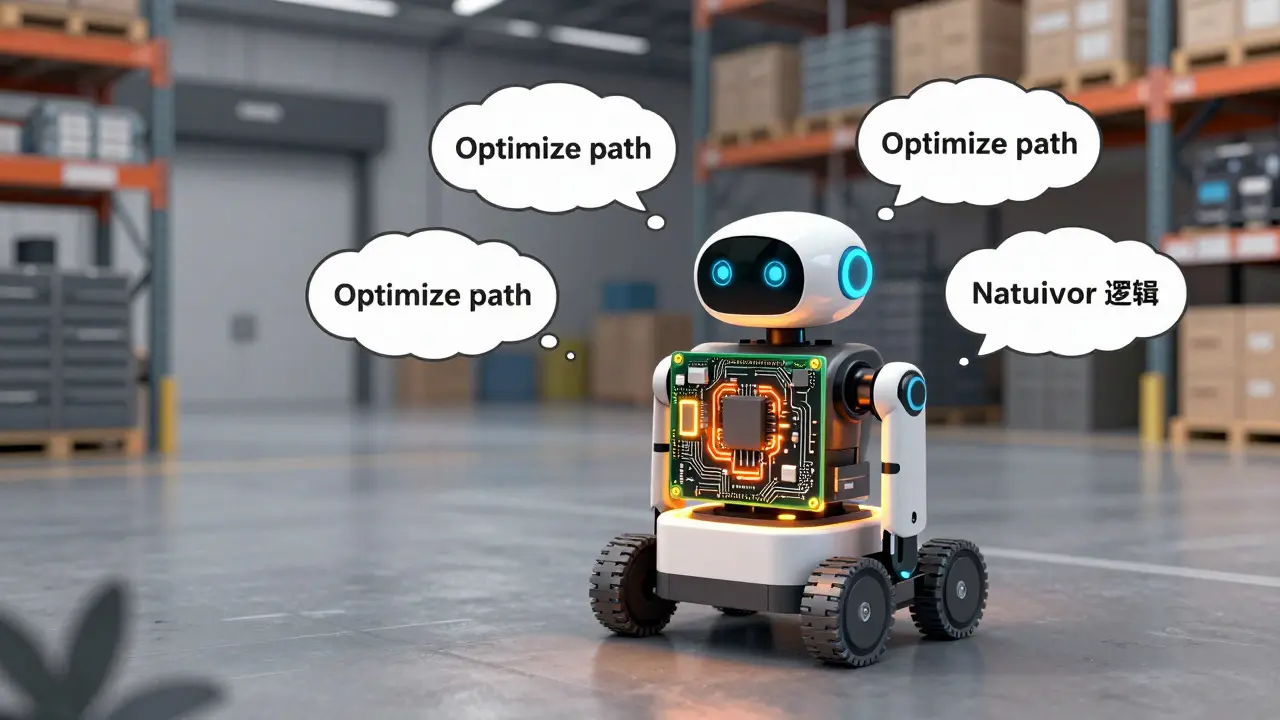
Imagine a warehouse robot that receives a verbal command: "Optimize your path to avoid the loading dock." Instead of sending this request to a cloud server, the robot’s onboard Jetson module processes the intent, generates the necessary navigation code adjustments, and executes them instantly. This requires handling both perception (seeing the dock) and generation (writing the path logic) on a tiny board consuming only 7-15 watts. While software toolchains are still maturing, the hardware capability is now accessible.
Google’s Edge TPU offers another option for simpler tasks. With only 4 TOPS, it seems weak compared to the Jetson, but it consumes almost no power (~0.5W per TOPS). Developers use clusters of these for micro-automation tasks, like configuring sensor pipelines via natural language rules in constrained environments where power is scarce.
Market Growth and Future Outlook
The investment in this hardware is exploding. The global data center GPU market is projected to grow from $14.48 billion in 2024 to over $190 billion by 2033. Meanwhile, the edge AI hardware market is expected to see double-digit annual growth through 2035. This isn’t just hype; it’s capital flowing into the infrastructure that makes vibe coding possible.
As these markets expand, we will see better integration between hardware and software. Currently, getting the most out of an NPU or edge GPU requires tweaking drivers, updating firmware, and sometimes disabling antivirus scans that interfere with AI libraries. By 2027, expect these processes to be seamless. Your IDE will automatically detect your NPU and offload tasks without you lifting a finger.
However, a warning is necessary. Just because the hardware can generate code quickly doesn’t mean the code is good. Academic studies warn that relying too heavily on AI agents can reduce developer precision. The hardware removes the friction of typing, but it doesn’t remove the need for architectural oversight. You still need to review the output, run tests, and understand the logic. The hardware accelerates the creation; your brain must ensure the quality.
Getting Started: A Practical Checklist
If you want to leverage these trends today, here is how to evaluate your setup:
- For Desktop Users: Ensure your GPU has at least 12GB of VRAM. Ideally, aim for 24GB if you plan to run larger models locally. Check that your CUDA drivers are updated to support the latest AI frameworks.
- For Laptop Buyers: Look for the "Copilot+ PC" badge or specific mention of an NPU with 40+ TOPS. Avoid older models that rely solely on CPU/GPU for AI tasks, as they will throttle and drain battery quickly.
- For Edge Developers: Start with a Jetson Orin Nano Super kit. It offers the best balance of price and performance for experimenting with on-device LLMs. Be prepared to optimize your models (quantization) to fit within the 8GB memory limit.
The future of coding is conversational, but it is powered by concrete, expensive, and complex hardware. Understanding the role of GPUs, NPUs, and edge chips helps you choose the right tools to keep your creative flow uninterrupted.
What is vibe coding?
Vibe coding is an AI-assisted development method where developers describe functionality and tone in natural language, and an AI agent generates the corresponding code. It shifts the focus from manual typing to high-level intent steering and review.
Do I need a GPU for vibe coding?
Not necessarily. If you use cloud-based AI tools, any modern computer works. However, for local, low-latency, and private vibe coding, a powerful GPU (like an NVIDIA RTX series) or a strong NPU is highly recommended to run large language models efficiently.
What is an NPU and why is it important?
An NPU (Neural Processing Unit) is a specialized chip designed for AI calculations. It is important for vibe coding on laptops because it provides high performance with low power consumption, allowing AI coding assistants to run continuously without draining the battery quickly.
Can I vibe code on edge devices?
Yes. Edge devices like the NVIDIA Jetson Orin Nano allow you to run AI coding agents locally on robots or IoT systems. This is useful for offline scenarios or when you need to modify device behavior in real-time without cloud connectivity.
Is local AI coding safer than cloud coding?
Generally, yes. Local AI coding keeps your source code and proprietary algorithms on your machine, reducing the risk of data leakage to third-party servers. However, you must still secure your local environment and validate the generated code for vulnerabilities.
Dave Gibbeson
August 3, 2026 AT 12:32Stop sleeping on the Jetson Orin Nano Super. I just flashed a quantized Llama-3-8B onto one of these bad boys and it’s running inference at 15 tokens per second while drawing less power than my coffee maker. The price drop to $249 is insane for what you get. If you’re building robotics or IoT stuff, this is your new best friend. Don’t wait for the cloud to catch up.
Kim Edwards
August 5, 2026 AT 06:42Oh wow, look at me, I bought a $2000 GPU and now I can type words into a box that writes code for me! 🙄
It’s not 'vibe coding' if you still have to debug the garbage the AI spits out every three seconds. I spent four hours yesterday trying to get an agent to fix a simple React state issue and it ended up rewriting half my component in TypeScript syntax errors. My soul left my body. The hardware is fast, sure, but the software is still hallucinating like a stoned tourist in Prague. We are trading typing fatigue for existential dread.
Bonnie Watt
August 7, 2026 AT 02:14You guys are all missing the point because you’re too busy worshipping silicon. This whole 'local inference' trend is just a marketing scam by chip manufacturers to sell us more expensive laptops. You think running a model locally is private? Please. Your OS is logging everything anyway. And don’t get me started on NPUs-they’re basically glorified calculators that drain your battery faster than you think. Save your money and stick to the cloud until they figure out how to make AI actually useful instead of just 'fast'.
Elisabeth Ballet
August 7, 2026 AT 21:39I love seeing this discussion! It’s so important we talk about accessibility here. While the RTX 4090 is amazing, let’s not forget that not everyone has $1,500 to drop on a graphics card. That’s why the NPU route on modern laptops is such a game-changer for junior devs and students. If you can run a decent model on a laptop without melting your desk, that lowers the barrier to entry massively. Let’s support each other in finding the right setup for our budgets! 💪✨
Sabrina Newland
August 9, 2026 AT 14:16isnt it funny how we used to worry about memory leaks and now we worry about context window leaks?? 🤔 i mean like yeah the hardware is cool but do we really need 45 TOPS just to write a hello world script? feels like overkill tbh. also someone please explain why my nvidia drivers keep crashing when i try to load two models at once lol. maybe its just me being bad at tech 😅
Joanna Mucha
August 11, 2026 AT 05:25The banality of reducing the sublime act of creation to mere 'vibes' is truly indicative of our post-truth digital decay. One does not simply 'code' anymore; one curates a hallucination. The reliance on these brute-force silicon monoliths-these NVIDIA colossi-suggests a lack of intellectual rigor in the developer community. We are outsourcing our cognitive dissonance to GPUs. Is it efficiency? Or is it the atrophy of the human spirit? The NPU is merely a pacifier for the attention-deficit generation, offering instant gratification where deep contemplation should reside. We are building cathedrals of code on foundations of sand, and calling it progress. How quaint.
Meagan Mueller
August 12, 2026 AT 19:47theyre watching you through the webcam but also the gpu sensors are collecting biometric data to train the next gen ai slaves. local inference is a lie. the code never stays local. it goes to the black site servers in nevada. wake up sheeple. the vibe is controlled. stop buying their chips.
Amara Akbar
August 14, 2026 AT 02:54Absolutely fascinating perspective from everyone here. I must say, the distinction between desktop GPUs and mobile NPUs is quite nuanced. For those who might be feeling overwhelmed by the technical jargon, remember that the goal is simply to enhance your workflow, not replace your creativity. It is perfectly acceptable to start small with a cloud-based solution and migrate to local hardware as your needs grow. Let us foster a supportive environment where both high-end enthusiasts and casual coders feel welcome. After all, technology serves us, not the other way around. Keep learning and stay curious!