
You’ve got a great idea for an app. Maybe it’s a tool to track inventory for your boutique, or a portal for clients to submit requests. The problem? You don’t know how to code. For decades, that meant hiring a developer, waiting months, and spending thousands of dollars. But something shifted in 2023 and 2024. A new approach called vibe coding is changing the game by letting you build functional software just by describing what you want in plain English.
This isn’t science fiction. It’s happening right now on platforms like Knack, Replit, and Google Firebase Studio. If you can write an email, you can likely build an app. Let’s break down exactly how this works, what tools are best, and where the pitfalls lie so you can launch your first real application without writing a single line of traditional code.
What Is Vibe Coding?
Vibe coding is a style of programming that uses natural language prompts to assist with the coding process. Instead of worrying about syntax, semicolons, or database schemas, you tell an AI what you need. Think of it less like coding and more like directing a very fast, very literal assistant. You say, "I need a form where users can upload photos," and the system generates the interface, the backend logic, and the database connection to make it happen.
The term gained traction after Google Cloud formally documented it in early 2024, but the technology behind it-Large Language Models (LLMs)-had been maturing for years. The key difference between vibe coding and old-school "no-code" tools is the generative aspect. Old no-code tools required you to drag and drop components from a pre-set library. Vibe coding creates those components for you based on your description. It’s a paradigm shift from construction to direction.
Why Non-Developers Are Embracing This Shift
Why would a marketing manager or a small business owner bother learning this? Because the barrier to entry has collapsed. According to a 2023 survey by Forrester Research, 78% of non-technical users reported building applications they previously thought were impossible without a developer. That’s not just hype; it’s measurable efficiency.
Consider the time savings. A study from MIT in February 2024 found that vibe coding reduces the initial setup time for basic applications by 83%. Where traditional development might take 37 hours to get a basic CRUD (Create, Read, Update, Delete) app running, vibe coding gets you there in about 6 hours. For many businesses, speed is worth more than perfect architecture-at least at the start.
There’s also the cost factor. One user on Reddit shared how they built a client portal in three hours using Knack, saving their company $8,500 in development fees. When you’re testing a new business idea, spending $10,000 to find out nobody wants your product is painful. Spending $50/month on a subscription platform is manageable.
Top Platforms for Non-Developers
Not all vibe coding tools are created equal. Some are better for quick prototypes, while others handle complex business logic. Here’s how the major players stack up for someone who doesn’t write code.
| Platform | Best For | Key Feature | Learning Curve |
|---|---|---|---|
| Knack | Business process automation & internal tools | Auto-generated sample data & visual builders | Low (Average 2.7 hours to prototype) |
| Replit | Rapid full-stack app generation | Integrated cloud services & one-click deployment | Moderate (Requires some tech comfort) |
| Google Firebase Studio | Prototyping & integration with Google ecosystem | Single-prompt app generation | Low-Moderate |
| Microsoft Experimental Tools | Dashboards & component-based apps | Separation of concerns (List, Chart, Detail views) | Moderate |
Knack stands out for business users because it includes features like Automated Table Creation. This means if you describe a customer database, Knack sets up the fields, relationships, and even populates it with dummy data so you can test workflows immediately. It serves over 25,000 paying customers, largely because it handles the boring stuff so well.
Replit is different. It leans into its identity as a developer tool but makes it accessible. Its AI agents can build entire working apps with databases and backends automatically. It’s powerful, but it assumes you understand concepts like "deployment" and "environment variables." If you’re comfortable with tech jargon, Replit offers more flexibility than Knack.
A Step-by-Step Workflow for Your First App
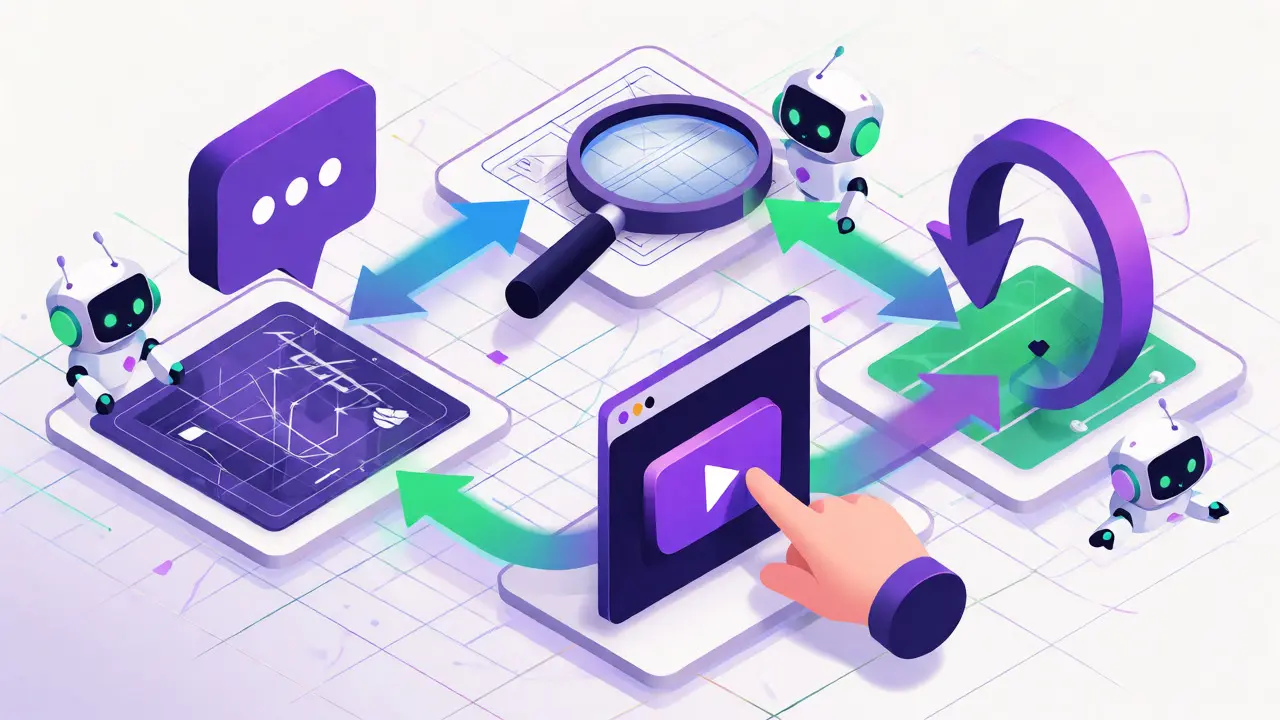
So, how do you actually do it? The process is surprisingly linear. Most successful non-developers follow this four-step loop.
- Describe the Concept: Start with a clear, simple prompt. Don’t try to build everything at once. Say, "I need a web app where employees can log work hours and managers can approve them." Avoid vague terms like "easy" or "fast." Be specific about inputs and outputs.
- Review the Blueprint: The AI will generate a structure-tables, forms, and buttons. Look at it critically. Does it have a login page? Does it save the hours correctly? This is where you act as the product manager, not the coder.
- Prototype Immediately: Click "Build" or "Preview." Most platforms allow you to interact with the app instantly. Try to break it. Enter bad data. See what happens.
- Iterate with Prompts: This is the core of vibe coding. If the approval button doesn’t send an email, type: "When a manager approves hours, send an email notification to the employee." The AI updates the code. Repeat until it works.
Data from IBM suggests that users with spreadsheet experience succeed 37% more often than complete novices. Why? Because spreadsheets teach you about data relationships. If you understand that a "Customer" row connects to multiple "Order" rows, you’ll describe your app better to the AI.
Where Vibe Coding Hits a Wall
It’s not magic, and pretending otherwise sets you up for failure. There are clear limitations you need to respect.
First, complexity kills momentum. A survey by Tanium found that 63% of advanced use cases struggled with highly customized functionality. If your app needs to calculate complex tax brackets across five states with dynamic exemptions, the AI might hallucinate-or just get it wrong. These tools excel at standard patterns (forms, lists, dashboards), not novel algorithms.
Second, scaling is risky. Gartner analyst Thomas Lee warns that 60-70% of vibe-coded applications require significant rework when they move beyond prototypes. You might build a tool that works perfectly for 10 users. When 1,000 users hit it, performance might tank because the underlying architecture wasn’t optimized. Always plan for a migration path if your app becomes critical to your business.
Third, security is a blind spot. 73% of enterprise security teams worry that non-developers create compliance vulnerabilities. You might inadvertently expose sensitive data because you didn’t ask the AI to restrict access properly. Always double-check who can see what.

Real-World Success Stories
Let’s look at concrete examples. A school administrator used these tools to build a student tracking system serving 1,200 students across three campuses. They didn’t hire a dev team. They described the requirements, iterated on the interface, and launched it internally.
On the flip side, a retail operations manager tried to build a complex inventory system with conditional logic-e.g., "If stock is low AND supplier is X, then reorder Y amount." She hit a wall because the logic was too nuanced for the initial prompts. She eventually needed a developer to tweak the backend rules. The lesson? Start simple. Get the core function working, then add complexity carefully.
Getting Started Today
If you’re ready to try this, don’t overthink it. Pick a small problem you have today. Maybe it’s a way to track leads, or a simple booking form. Choose a platform like Knack or Replit, sign up for a free trial, and spend two hours talking to the AI.
Remember, you’re not trying to become a programmer. You’re becoming a director. Your job is to define the vision clearly and check the results rigorously. With the market projected to hit $187 billion by 2030, this skill set is becoming as valuable as knowing Excel. Give it a shot-you might be surprised how much you can build before lunch.
Do I need any coding knowledge to use vibe coding platforms?
No, you don't need traditional coding knowledge. However, basic digital literacy helps. Understanding how data relates to other data (like in a spreadsheet) improves your results significantly. About 92% of users build their first prototype within 4 hours of starting.
Can vibe coding replace professional developers entirely?
Not yet. While great for prototypes and internal tools, complex applications often require human intervention. Surveys show 71% of non-developers need developer help for advanced functionality or scaling issues.
Which platform is best for beginners?
Knack is often recommended for business beginners due to its visual builder and auto-generated sample data. Replit is better if you are comfortable with slightly more technical interfaces and want full-stack capabilities.
Is my data secure when using vibe coding tools?
Generally yes, but you must configure permissions correctly. Security teams warn that non-developers may inadvertently create vulnerabilities. Always review privacy settings and ensure the platform complies with regulations relevant to your industry.
How long does it take to build a real app?
For a basic application, expect 2 to 6 hours for the initial foundation. Complex apps with custom logic can take days or weeks of iterative refinement. Speed depends heavily on how clearly you can describe your requirements.
Liam Whelan
October 14, 2026 AT 11:10honestly this feels like hype but i tried it on a small inventory tracker and it actually worked?? weirdly enough the ai hallucinated the db schema twice so be carefull with that!! :/
Elizabeth Calwell
October 15, 2026 AT 03:10This is such an exciting shift for us non-techies! I built a client portal last weekend using Knack and saved my agency thousands. It’s not perfect, but the speed to value is unmatched. Don’t let the fear of 'not being a coder' stop you from solving your own problems.
The key is starting small and iterating. You don't need to build the whole thing at once. Just get the core function working first. It’s empowering!
Sabrina Silvani
October 16, 2026 AT 18:29We are witnessing a fundamental restructuring of labor value where the ability to articulate intent supersedes the ability to implement syntax. This democratization suggests that the barrier to entry has shifted from technical proficiency to logical clarity. If one cannot define the problem clearly no amount of AI assistance will yield a coherent solution.
The danger lies in the illusion of competence. Users may believe they understand the system because the output looks correct while remaining ignorant of the underlying architectural fragility. True understanding requires more than just prompt engineering; it requires systems thinking.
Mithilesh Singh
October 17, 2026 AT 18:04Indian developers have been building these apps manually for years!!! We know the pain of debugging. Now Americans want to do it in 3 hours? Haha. Good luck with the security holes. The US always rushes things without checking the foundation. We are better at quality control. :)
Shaina Silver-Baird
October 18, 2026 AT 03:05One must consider the implications of data sovereignty when utilizing these cloud-based generative platforms. When you describe your business logic to an LLM, you are effectively surrendering proprietary operational knowledge to third-party servers. Are we certain that this data is not being harvested to train models that will eventually compete with our own businesses?
Furthermore, the reliance on external APIs introduces single points of failure that are beyond the user's control. A change in the provider's terms of service could render your entire application infrastructure obsolete overnight. Vigilance is required.
Lauren Martin
October 18, 2026 AT 11:49Let's cut through the marketing fluff. Vibe coding is just high-level abstraction wrapped in natural language processing. It doesn't eliminate the need for software engineering principles; it merely obscures them. If you don't understand normalization or state management, you're going to create technical debt that compounds exponentially. This isn't a replacement for devs; it's a crutch for people who refuse to learn the fundamentals.
The 'hallucinations' mentioned are actually symptoms of poor prompt architecture. Garbage in, garbage out still applies. Until these tools can handle complex conditional logic without human oversight, they remain toys for prototyping, not production-grade solutions for enterprise environments.
evelyn starcher
October 20, 2026 AT 11:22I feel like everyone is hyping this up but nobody talks about the maintenance nightmare. My friend spent 2 days building an app and then 2 weeks fixing bugs the AI created. 😩 It’s exhausting watching people pretend this is easy. The tech industry loves to sell dreams.
Ian Mason-Laurence
October 22, 2026 AT 11:20It is worth noting that the term 'vibe coding' was indeed popularized by Andrej Karpathy in early 2024, though the article attributes the formal documentation to Google Cloud. While the sentiment holds true regarding the utility of LLMs for rapid prototyping, the distinction between 'no-code' drag-and-drop interfaces and 'prompt-to-code' generation is critical. Traditional no-code platforms offer deterministic outcomes, whereas vibe coding relies on probabilistic generation, which inherently introduces variability and potential instability in production environments.
Furthermore, the cost savings cited often ignore the long-term maintenance costs associated with generated codebases that lack proper documentation or modular structure. One might save $8,500 upfront only to spend significantly more later refactoring the spaghetti code produced by the AI agent.
Tommy Cahyadi
October 24, 2026 AT 02:10Sure, let's all pretend we aren't just pasting StackOverflow answers into a chatbot now. But hey, if it saves me from hiring a dev who charges $150/hr, I'll take it. 🤷♂️
Anthony .
October 25, 2026 AT 05:58This is a huge win for inclusivity! 🌟 For so long, software development felt like an exclusive club. Now, anyone with a clear idea and good communication skills can contribute. It’s not about replacing experts, but about expanding who gets to create. 🚀 Let’s keep supporting each other as we learn these new tools. No judgment, just growth! 💪✨