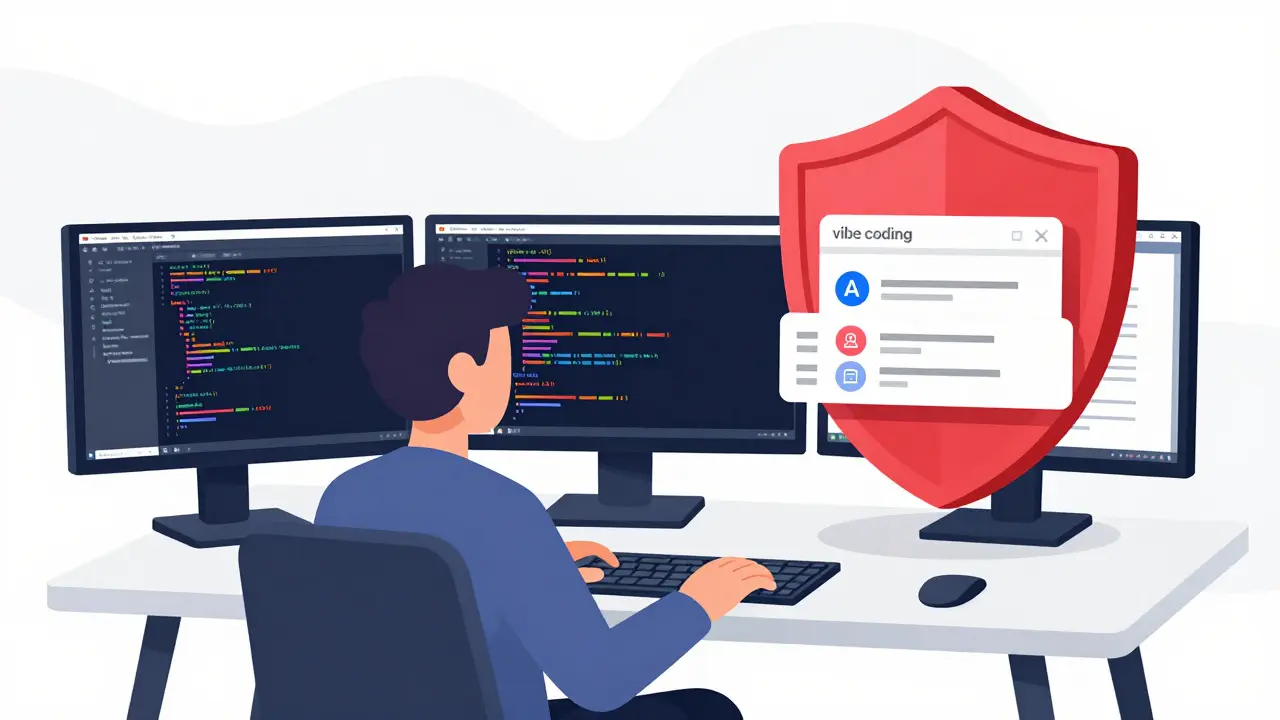
You spent three hours chatting with an AI to build a stunning landing page. The design is sleek, the copy is witty, and the deployment was instant. But there’s a glaring hole in your app: no cookie banner. No privacy policy. Just raw data collection sitting exposed under regulatory scrutiny. This is the silent trap of vibe coding-the rapid, conversational method of building software using large language models. It democratizes creation but often skips the boring, legal plumbing that keeps your business alive.
In 2026, regulators don’t care how fast you built your site. They care if you asked permission before tracking users. If your vibe-coded frontend touches personal data-even just an email address or a basic analytics pixel-you need a robust consent mechanism. This isn't about slowing down; it's about building smart so you don't get blocked by app stores or fined later.
The Reality of Vibe Coding and Data Privacy
Vibe coding is a development approach where programmers use natural language prompts to generate code for frontends and applications rapidly. It prioritizes speed and user experience over manual configuration. However, this speed creates a blind spot. When you ask an AI to "add Google Analytics," it gives you the script. It rarely warns you that dropping that script without a prior consent banner violates the General Data Protection Regulation (GDPR).
The core problem is that modern web apps are interconnected ecosystems. Your vibe-coded React or Vue frontend might look simple, but it likely loads third-party scripts for fonts, payments, or chat widgets. Each of these entities sets cookies. Without a centralized cookie management system, you are silently collecting data from users who haven't agreed to it. In the EU and increasingly globally, this is a breach of trust and law.
Why Cookie Banners Are Non-Negotiable
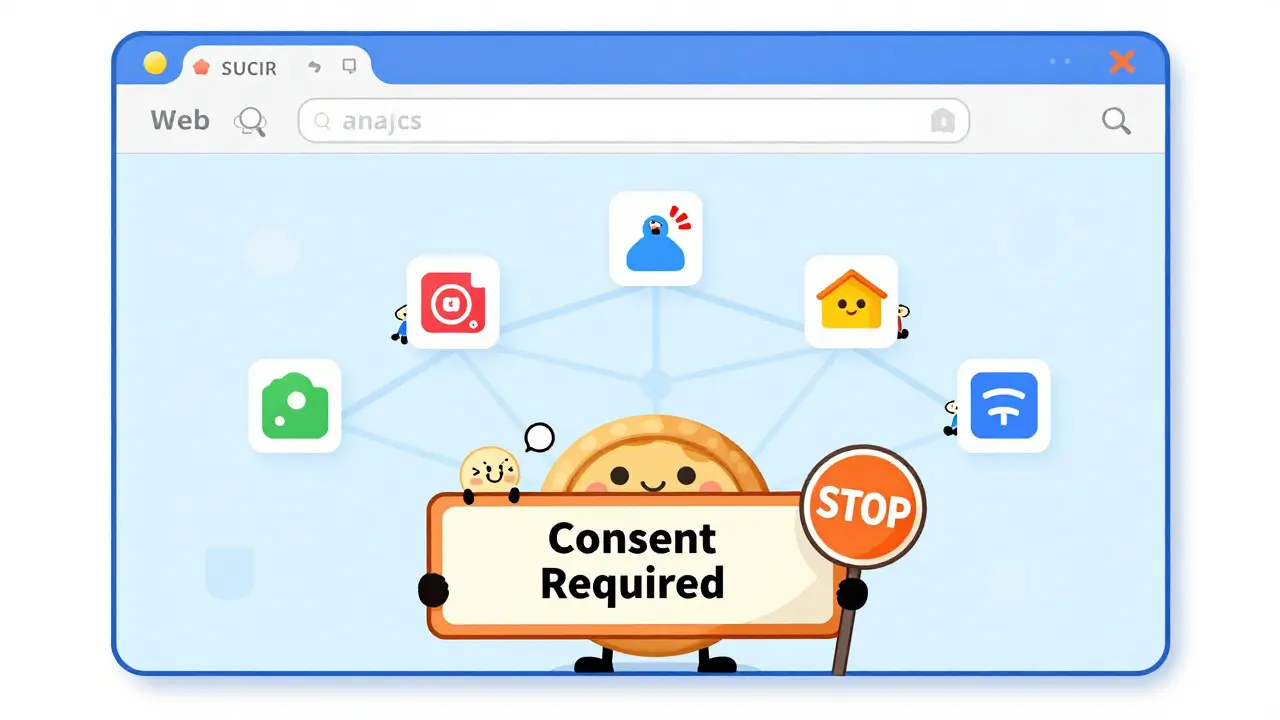
Let's cut through the noise. You need a cookie banner for two reasons: legality and trust.
- Legal Compliance: Regulations like the GDPR mandate explicit consent before setting non-essential cookies. This means analytics, advertising pixels, and social media trackers must wait until a user clicks "Accept." Only strictly necessary cookies (like keeping items in a shopping cart) can run immediately.
- Platform Verification: If you plan to launch on major app stores, integrate with payment providers like Stripe, or run ads via Meta or Google, they will audit your privacy documentation. Missing or vague privacy notices will delay your launch or ban your account. Services like iubenda exist specifically to generate these policies based on your actual tech stack, ensuring you pass these checks without writing legalese manually.
Some developers argue, "I only collect anonymous data." That is a dangerous assumption. Even IP addresses combined with browsing behavior can constitute personal data under strict interpretations. Unless you have verified that every single script on your page is truly anonymous (which is rare), assume you need consent.
Technical Implementation: Best Practices for Frontends
Implementing a banner in a vibe-coded environment requires specific technical discipline. You cannot just paste a generic snippet; it needs to integrate with your component architecture. Here is how to do it right, balancing performance with compliance.
1. Placement Matters
Where you put the banner changes how users interact with it. Most sites default to a modal-a pop-up that blocks content. While effective at grabbing attention, modals disrupt the user journey. For a smoother experience, consider footer placement. It informs users without halting their scroll. However, if you choose a footer, ensure it remains visible enough to be noticed. Mobile responsiveness is critical here; a banner that covers half a smartphone screen will drive users away instantly.
2. Default to Privacy (Opt-In)
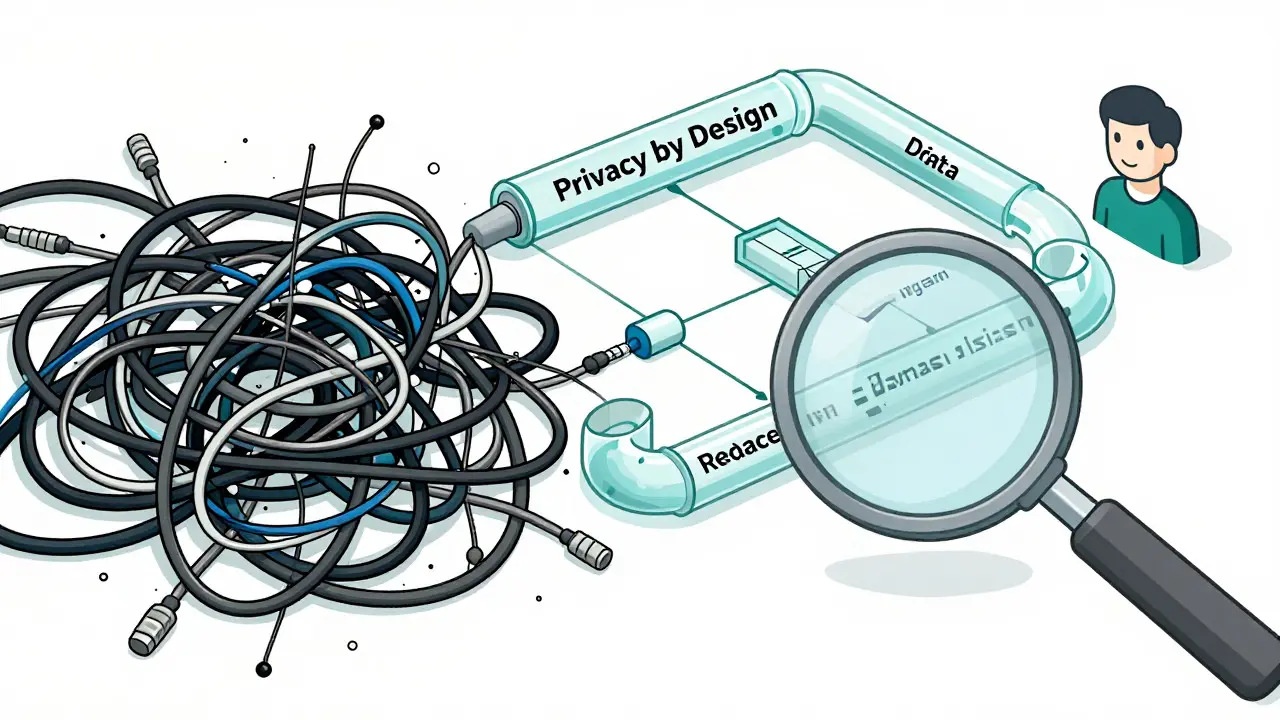
This is the golden rule. By default, all non-essential cookies must be turned off. Your vibe-coded app should load in a "lean" state. Only when a user actively toggles "Analytics" or "Marketing" to 'on' should those scripts execute. This aligns with the concept of privacy-by-design. It forces you to structure your code so that tracking scripts are lazy-loaded based on user preference, not auto-fired.
3. Asynchronous Loading
Cookie consent scripts can slow down your site if not handled correctly. To prevent blocking the main thread, load your consent manager asynchronously. Be aware that this can cause a "flicker" effect-the page loads briefly before the banner appears. To mitigate this, use a small inline script to hide body content until the consent state is determined. This ensures a seamless visual transition while maintaining performance metrics.
| Strategy | User Experience Impact | Compliance Risk | Implementation Complexity |
|---|---|---|---|
| Modal Pop-up | High disruption, high visibility | Low (clear consent) | Low |
| Footer Banner | Low disruption, easy to miss | Medium (must ensure noticeability) | Medium |
| Header Strip | Moderate disruption | Low | Low |
Auditing Your Vibe-Coded Stack
Before you deploy, you need to know exactly what your app is doing. Open your browser's Developer Tools (F12), go to the Application tab, and inspect the Cookies section. What do you see?
- First-party cookies: These come from your domain. Are they essential? If not, block them until consent.
- Third-party cookies: These come from external services. Look for identifiers like
crl8.fpcuidused by platforms like Bazaarvoice's Vibe product to track engagement. Ensure these are pseudonymous and compliant.
If you find unexpected trackers, trace them back to your code. Often, vibe-coding prompts inadvertently include heavy libraries or analytics snippets. Clean this up early. A leaner frontend is faster, cheaper to host, and easier to comply with regulations.
Tools and Ecosystems for Compliance
You don't need to build a consent manager from scratch. The ecosystem has matured to support rapid development workflows.
Platforms like Cocoding.ai now integrate cookie consent directly into their generation pipelines. When you prompt for a new feature, the system suggests or implements the necessary privacy hooks. Similarly, services like iubenda scan your site's technology stack and auto-generate the required privacy policies and terms of service. This removes the guesswork. Instead of hoping your AI-generated text is legally sound, you use a tool that updates its legal database regularly.
For developers using custom stacks, consider lightweight Consent Management Platforms (CMPs). Look for ones that offer:
- Granular Controls: Allow users to toggle categories (e.g., Functional, Analytics, Marketing) individually.
- Easy Re-consent: Provide a persistent link (usually in the footer) for users to change their minds later.
- Geolocation Awareness: Show the banner only to users in regions requiring it (e.g., EU, California), improving UX for others.
Building Trust Through Transparency
Finally, remember that a cookie banner is a communication tool, not just a legal shield. Use it to explain *why* you collect data. "We use cookies to remember your preferences" is better than a wall of legal jargon. In the age of vibe coding, where apps are built quickly and iteratively, transparency becomes your competitive advantage. Users are savvy. They appreciate when you respect their data rather than hiding behind complex settings.
By integrating privacy notices and cookie banners thoughtfully into your vibe-coded frontends, you protect your business, enhance user trust, and ensure your rapid development doesn't outpace your responsibility.
Do I really need a cookie banner if I only use local storage?
If you strictly use localStorage for client-side data that never leaves the user's device and contains no personal identifiers, you may not need a banner. However, most modern apps send some data to servers (even for error logging). If any data transmission occurs, consult legal counsel. Generally, it is safer to implement a lightweight consent mechanism.
How does vibe coding affect GDPR compliance?
Vibe coding speeds up development but can lead to accidental inclusion of tracking scripts. Developers must audit the generated code to ensure all third-party integrations respect user consent. The developer remains liable for the output, regardless of how it was created.
What is the best placement for a cookie banner on mobile?
A bottom-sheet or footer banner is usually best for mobile. It preserves screen real estate for content while remaining accessible. Avoid full-screen modals unless absolutely necessary for clarity, as they significantly increase bounce rates on mobile devices.
Can AI generate my privacy policy?
AI can draft a template, but it is risky for final legal documents. Use specialized tools like iubenda that update based on current laws and your specific tech stack. Manual review by a legal professional is recommended for high-risk applications handling sensitive data.
How do I prevent the 'cookie flicker' effect?
Use a small inline script in your HTML head to set the body opacity to zero until the consent manager loads and determines the user's status. Once the state is known, restore opacity. This prevents the page from flashing before the banner appears.