
You know that feeling when you're deep in a coding session, your fingers moving faster than your conscious thought, and then-stutter. The AI assistant takes half a second to suggest the next line. Half a second feels like an eternity when you're trying to maintain flow. That tiny pause breaks the "vibe," forcing your brain to re-contextualize what it was about to type. This isn't just annoyance; it's a productivity killer. As of late 2025, the industry has shifted from simply having AI in the IDE to demanding Realtime Vibe Coding, defined as a development workflow where AI assistance occurs with such minimal delay (typically under 50ms) that it feels like an extension of the developer's own motor skills rather than an external tool. If your current setup makes you wait, you're leaving code quality and speed on the table.
The Science of Flow: Why Latency Matters More Than Accuracy
Most developers assume that better AI means smarter AI. Wrong. In the context of daily coding, responsiveness beats raw intelligence every time. A study by xcube LABS in June 2025 found that coding velocity increased by 37.2% when AI response times stayed below 50 milliseconds compared to those hovering around 200ms. Why? Because human working memory is fragile. When you wait more than a few hundred milliseconds, your brain starts to drop the thread of logic you were holding. You have to reload the context, which costs cognitive energy.
Dr. Elena Rodriguez, a Senior AI Researcher at MIT, pointed out in a recent IEEE Spectrum interview that sub-50ms is the hard threshold for maintaining flow state. Below 20ms, the gains diminish because humans can't perceive the difference between instant and super-instant. The goal isn't to beat light speed; it's to stay under the perceptual radar of disruption. This is why specialized low-latency models are engineered differently than general-purpose LLMs. They sacrifice broad knowledge for speed, often using smaller active parameter counts to deliver predictions before your finger leaves the keyboard.
Anatomy of a Low-Latency Model
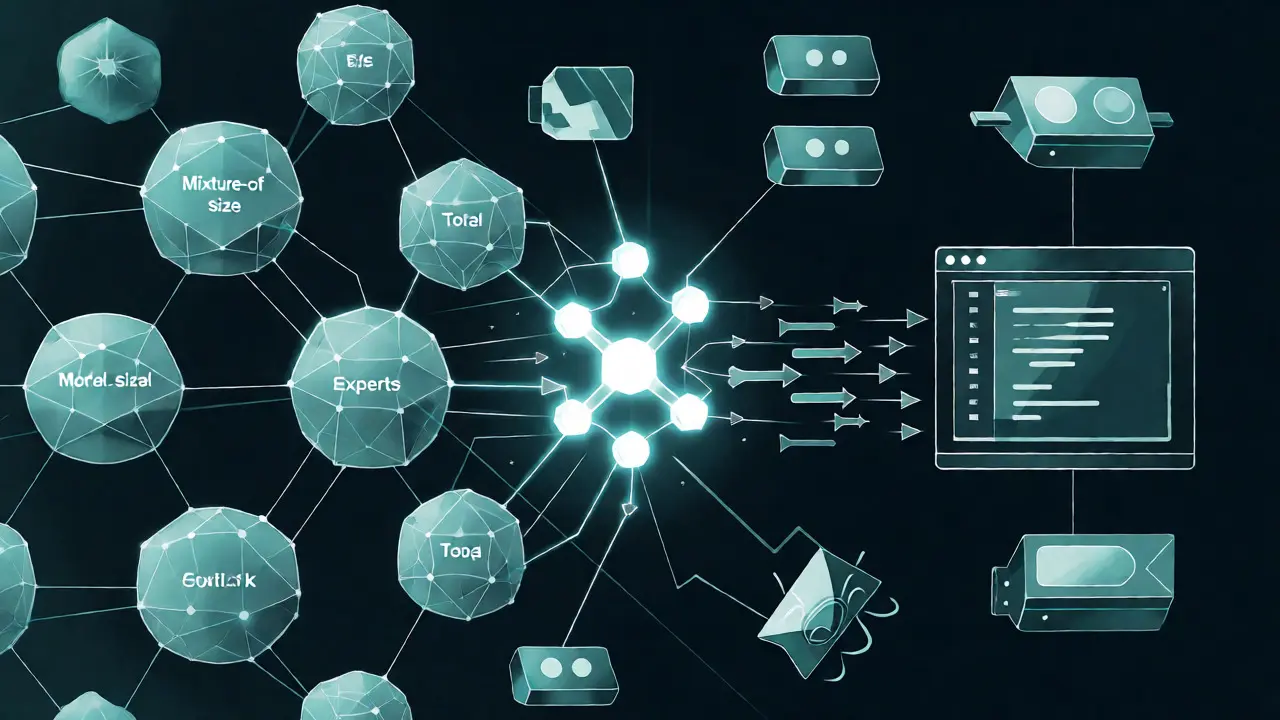
How do these models pull off such fast responses without running on quantum computers? It comes down to architectural choices and optimization techniques. Standard large language models process billions of parameters for every token generated. Low-latency coding models use Mixture-of-Experts (MoE) architectures, where only a small fraction of the model (often 3-5 billion active parameters) is engaged per prediction, even if the total model size is larger. This drastically reduces compute time.
Quantization is another key lever. By compressing model weights from 16-bit or 32-bit floating-point numbers down to 4-bit or 8-bit integers (using formats like GGUF via frameworks like Unsloth), developers can run powerful models on consumer hardware. According to Builder.io’s September 2025 analysis, this technique allows models to fit into 8-24GB of VRAM, making local deployment feasible on standard RTX 3070 or better GPUs. Pruning also plays a role, stripping away redundant neural connections to reduce model size by 40-60% while retaining over 92% of completion accuracy.
| Model / Tool | Median Latency | Deployment Type | Key Strength | Best For |
|---|---|---|---|---|
| Cursor Composer 2.3 | <30ms | Hybrid / Local-assisted | Predictive single-token look-ahead | Full-stack devs needing seamless flow |
| Tabnine Enterprise 5.1 | <50ms (SLA) | Cloud & Local | Deep IDE integration stability | Enterprise teams prioritizing security |
| gpt-oss-20b | 42.1ms | Local (RTX 4080+) | Privacy & zero network dependency | Developers with high-end local GPUs |
| GitHub Copilot Realtime | 87.3ms | Cloud | Broadest language support | Generalists who tolerate slight lag |
| Amazon CodeWhisperer | ~60ms | Cloud | AWS ecosystem integration | Java/Python cloud-native devs |
Local vs. Cloud: The Privacy-Speed Tradeoff
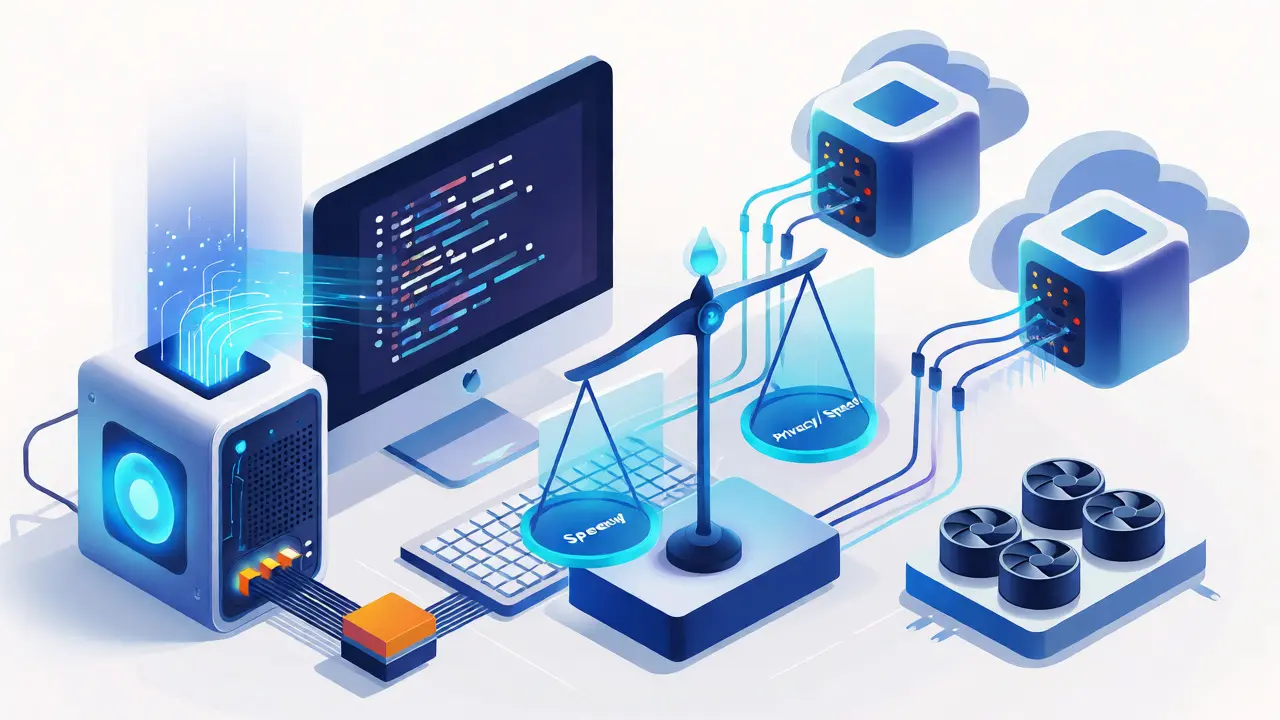
The biggest decision you face is whether to run your AI locally or rely on the cloud. Local models, like gpt-oss-20b or quantized versions of Llama, offer unbeatable privacy and no network jitter. If your Wi-Fi hiccups, your coding doesn't stop. However, they require serious hardware. To hit that sub-50ms target locally, you typically need an NVIDIA RTX 4080 or better. On lesser cards, you might see latencies creep up to 80-100ms, which starts to break the vibe again.
Cloud models, conversely, handle heavy lifting on massive server farms. Tools like Cursor’s Composer or Tabnine’s enterprise tier use optimized inference endpoints to guarantee speeds, often achieving 24.8ms median latency for GPT-4o Realtime variants. The catch? Network dependency. Even with fiber optics, packet loss can introduce unpredictable spikes. A Reddit user named 'LatencyHater' noted on HackerNews that while local models are fast, they crash when handling complex React TypeScript configs, whereas cloud models struggle with cross-repository context. There is no perfect solution yet, but hybrid approaches are emerging.
Hardware Requirements: Do You Need a New Rig?
If you want true local vibe coding, check your GPU. Consumer-grade cards like the RTX 3070 can run 4-bit quantized models effectively, but extended sessions will push GPU utilization up by 28% compared to standard tasks, generating heat and noise. For most professional developers, a workstation with at least 16GB of VRAM is the sweet spot. This allows you to load a 7B-13B parameter model fully into memory, avoiding the slow swap between RAM and VRAM that kills latency.
Don't underestimate CPU and RAM either. While the GPU does the math, the CPU handles the IDE interface and tokenization. A bottleneck here can add 10-20ms of overhead. If you're stuck on an older laptop, consider cloud-based options with a strong SLA. Tabnine, for instance, offers a guaranteed <50ms latency service level agreement for $12/user/month, which includes dedicated inference endpoints. This is often cheaper than buying a new GPU and provides consistent performance regardless of your local machine's thermal throttling.
Setting Up Your Environment for Speed
Getting started is easier than it looks, though it requires some tweaking. Most developers spend about 2.7 hours initially configuring their setup, according to Qodo AI surveys. Here’s how to optimize:
- Install the Right Plugin: VS Code users report 98.7% stability with major plugins. JetBrains IDEs are close behind at 96.3%. Vim/Neovim users should be aware of slightly lower stability (89.2%) due to different input handling.
- Configure Quantization: If running locally, start with 8-bit quantization for a balance of speed and accuracy. Move to 4-bit only if you’re VRAM-constrained, accepting a slight dip in code correctness.
- Limit Context Window: Don’t let the model read your entire monorepo. Configure it to focus on the current file and immediate imports. Larger contexts slow down inference. Use repository filtering tools to exclude node_modules or build directories.
- Disable Unnecessary Features: Turn off chat features during pure coding sessions. Chat interfaces often trigger heavier reasoning models that aren't needed for simple autocomplete.
The Future: Edge-Assisted and Embedded AI
We are moving toward a future where AI isn't a plugin, but part of the IDE itself. Gartner predicts that by 2027, 90% of professional IDEs will include embedded low-latency coding models as standard features. We’re already seeing signs of this convergence. NVIDIA’s Triton Inference Server 3.2, released in December 2025, introduced specific optimizations for IDE workflows, cutting latency by another 18-22%.
Meta’s upcoming Llama 4 Scout, expected in early 2026, promises 10-million-token context windows with sub-40ms latency, aiming to solve the cross-file dependency issue that plagues current local models. The trend is clear: vendors are racing to make AI invisible. The best low-latency model is the one you forget is there. As Andrew Ng noted, the most effective models prioritize specialized token prediction over general knowledge, sacrificing broad benchmark scores for the sheer speed that keeps you in the zone.
What is considered "realtime" latency for AI coding assistants?
In the context of developer flow state, "realtime" generally means a response time under 50 milliseconds. Anything above 100ms begins to disrupt cognitive rhythm, while sub-30ms is considered ultra-low latency, offering the smoothest experience possible on current hardware.
Do I need a powerful GPU for local low-latency coding models?
Yes, for true local execution. An NVIDIA RTX 3070 or better with at least 8GB VRAM is recommended for 4-bit quantized models. For higher accuracy or larger context windows, 16GB+ VRAM (like on an RTX 4080) is ideal to prevent swapping and maintain sub-50ms speeds.
Are cloud-based AI coding assistants slower than local ones?
Not necessarily. Optimized cloud endpoints (like those used by Cursor or Tabnine Enterprise) can achieve latencies as low as 24-30ms, often beating mid-range local setups. However, they are subject to network variability, whereas local models provide consistent performance independent of internet connection quality.
Which IDEs have the best support for low-latency AI models?
Visual Studio Code currently leads with 98.7% plugin stability and extensive model compatibility. JetBrains IDEs follow closely with 96.3% stability. Vim and Neovim users may experience slightly more friction due to less standardized plugin ecosystems, though community-driven solutions are improving rapidly.
How does model quantization affect code quality?
Moving from 16-bit to 8-bit quantization usually results in negligible quality loss for coding tasks. Dropping to 4-bit can increase error rates, particularly in complex languages like TypeScript, by up to 18.7% in edge cases. Developers must balance the speed gains against potential debugging time.
Sundaraiah Kollipara
October 6, 2026 AT 18:19it really makes you think about what we are actually optimizing for here
is it just speed or is there something deeper about how our brains interface with these tools when the friction disappears completely
i wonder if this shift towards sub-50ms latency is going to change how we teach programming fundamentals because if the machine anticipates your next move so perfectly do students ever learn to pause and reflect on their logic before typing
the idea that working memory drops threads after a few hundred milliseconds is fascinating but also slightly terrifying in terms of cognitive dependency
we might be building a generation of developers who cannot code without that immediate feedback loop
Tommy Cahyadi
October 6, 2026 AT 18:50oh great another article telling me my hardware is obsolete
so basically if i want to feel like a wizard i need to spend two grand on an rtx 4080 just to save half a second per keystroke
thanks for the reminder that my laptop from three years ago is apparently holding back my genius
Elizabeth Calwell
October 8, 2026 AT 16:09I totally get where you're coming from Tommy, and honestly, the price tag can definitely feel steep at first glance.
But I’d encourage you to look at the hybrid options mentioned in the post, like Tabnine’s enterprise tier or Cursor’s cloud endpoints, which offer those low-latency speeds without requiring you to upgrade your entire rig immediately.
It’s all about finding the balance that works for your current workflow and budget while still keeping that flow state intact.
You don’t have to jump straight into buying new hardware to start seeing benefits, especially since some cloud solutions are surprisingly stable now.
Marisa Marroquin
October 8, 2026 AT 17:54The juxtaposition of raw computational power against the delicate architecture of human cognition is truly mesmerizing.
One must consider the profound implications of embedding such instantaneous responsiveness into the very fabric of our development environments.
It is not merely a matter of efficiency but rather a redefinition of the symbiotic relationship between creator and tool.
The notion that we are moving toward AI becoming invisible within the IDE suggests a future where technology recedes into the background, allowing pure creativity to flourish unencumbered by technical friction.
This evolution demands that we remain vigilant observers of how these subtle shifts influence our professional identities and daily practices.
Kathy Mccoy
October 9, 2026 AT 19:07Great points everyone!
For those hesitating on the hardware investment, I’ve found that starting with the setup tips in the post made a huge difference for me before I even considered a GPU upgrade.
Limiting the context window and disabling chat features during coding sessions helped reduce that stutter significantly on my mid-range machine.
It’s worth trying those tweaks first because they’re free and often solve the biggest bottlenecks.
You might be surprised how much smoother the vibe feels just by cleaning up the environment configuration.