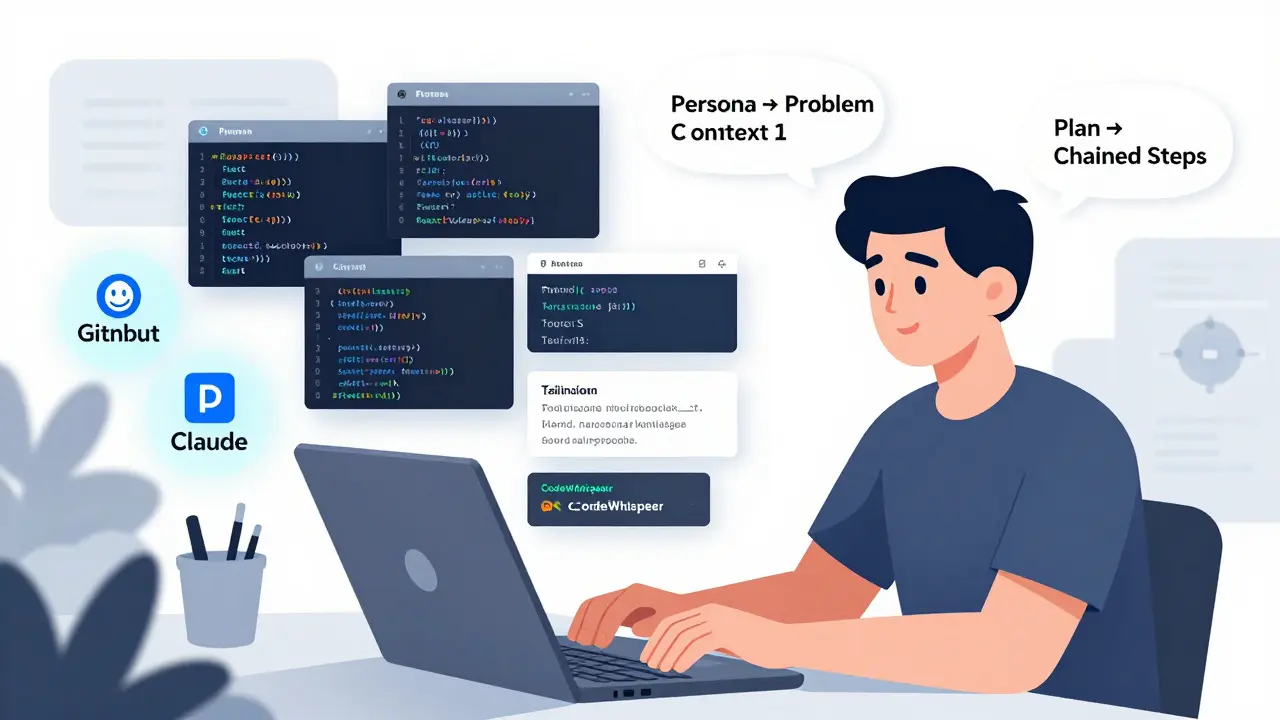
When you can turn an idea into working code in minutes instead of days, something fundamental changes about how software gets built. That’s the promise of vibe coding-a method where developers use natural language prompts to guide AI tools like GitHub Copilot, Amazon CodeWhisperer, or Claude into writing code for them. It’s not magic. It’s not replacing programmers. But it’s reshaping how even experienced developers start building things.
Forget typing out every line. Instead, you say: "Build a login form with email validation and a "forgot password" link using React and Tailwind." And suddenly, there’s working UI code on your screen. The speed is staggering. According to Supabase’s March 2025 benchmark, vibe coding cuts initial implementation time from 4-8 hours down to 15-30 minutes for simple components. That’s not a nice-to-have. It’s a game-changer for prototyping, testing ideas, or onboarding new team members.
Why Vibe Coding Works-And Where It Fails
The real power of vibe coding isn’t just speed. It’s flow. When you’re thinking in user actions-"users should be able to submit their email and get a confirmation message"-and the AI turns that into clean code, you stay in the zone. You’re not switching between abstract logic and syntax. You’re solving problems, not debugging semicolons.
But here’s the catch: vibe coding excels at isolated tasks, not complex systems. Emergent’s November 2025 study found that AI-generated code succeeds 89% of the time on single features like a button or form. But when you need database connections, authentication flows, or state management across multiple screens? Success drops to 37%. That’s because AI doesn’t understand architecture. It doesn’t know your team’s conventions. It doesn’t anticipate edge cases.
Senior developers know this. A July 2025 Hacker News thread from u/architectguy summed it up: "The time saved in initial creation gets consumed 3x over in understanding and fixing the AI’s assumptions." The code works on the happy path. But what happens when the user pastes a 200-character name? Or submits an empty form? Or refreshes mid-request? That’s where human oversight kicks in.
The Six-Step Prompting Framework That Actually Works
Not all prompts are created equal. A vague prompt like "Make a contact form" leads to messy, unusable code. Effective vibe coding relies on structure. RantheBuilder’s November 2025 framework breaks it down into six steps:
- Define the Persona: "Act as a senior React developer specializing in accessibility." This tells the AI how to think, not just what to write.
- State the Problem Clearly: "Build a contact form with name, email, and message fields." No fluff. Just the requirement.
- Add Context: "This will integrate with our existing Next.js 14 app using Tailwind CSS." Context prevents mismatched libraries or styles.
- Ask for a Plan First: "Before writing code, outline the steps you’ll take." This cuts hallucinations by 67%, according to David Kim’s analysis. If the AI’s plan is wrong, you fix it before the code is written.
- Adapt Based on Complexity: A simple button? One prompt. A full checkout flow? Break it into five smaller prompts.
- Use Chained Prompting: This is the secret weapon. Instead of asking for everything at once, you build step by step: "First, generate the form structure. Then, add validation. Then, connect it to the backend." 85% of positive feedback on Dev.to in Q3 2025 highlighted this as the most effective technique.
One team at a SaaS startup used this method to build a user dashboard in under 90 minutes. They didn’t write a single line of code manually. They wrote six prompts. Each one refined the output. The final product? A working UI that passed QA on the first try.
Constraints Are Your Best Friend
AI doesn’t know your stack. It doesn’t know your rules. That’s why you must lock it down.
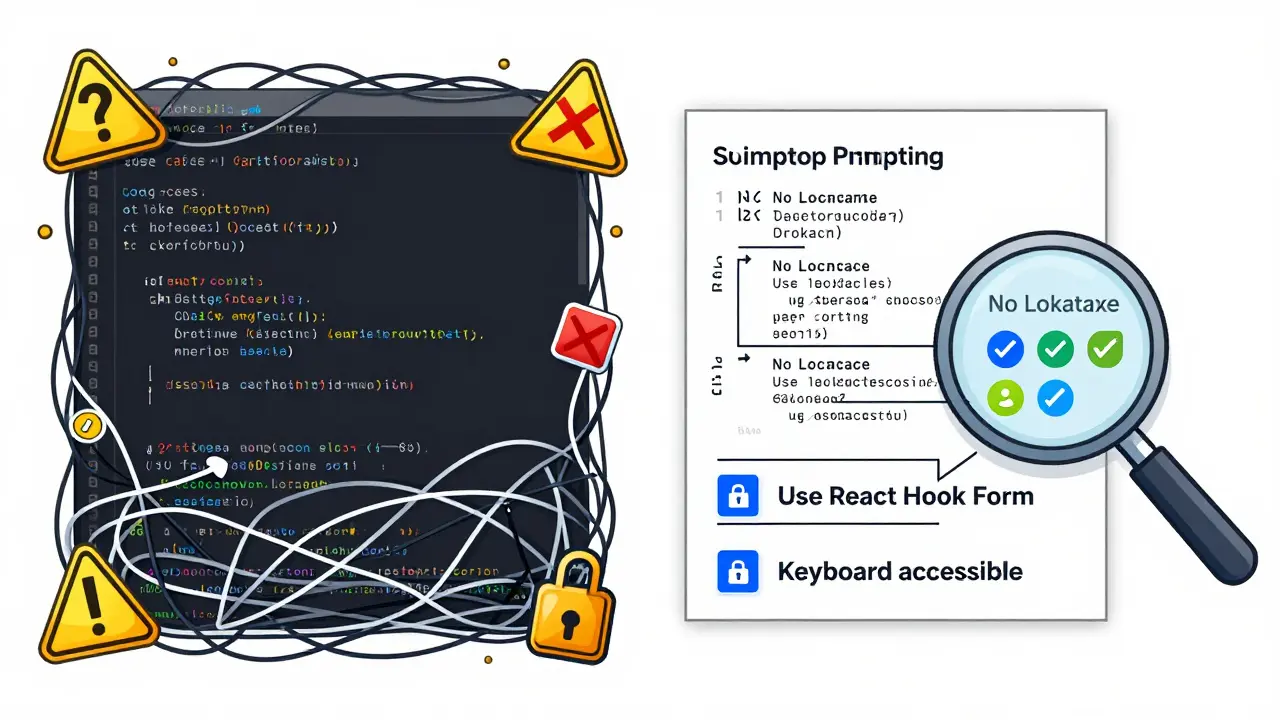
AIM Consulting’s case studies show that adding just two constraints reduces incompatible code outputs by 62%. Examples:
- "Use only React Hook Form, not Formik."
- "Do not use external APIs."
- "All components must be accessible via keyboard."
- "No third-party libraries beyond Tailwind and React."
Negative prompting-telling the AI what not to do-is just as important as positive instructions. One developer on Reddit, u/codingveteran, shared how their AI kept generating code that used localStorage. They added: "Do not use localStorage for user data. Use Supabase Auth." The next output was flawless.
Dr. Elena Rodriguez from AIM Consulting warns: "Vibe coding without proper constraints creates 3.2x more technical debt than traditional development." You’re not just writing code. You’re writing a contract with the AI. Be specific.
Think Like a Partner, Not a Boss
The best vibe coders don’t treat AI as a code generator. They treat it as a collaborator.
WeAreFounders’ Sarah Johnson found that asking questions like "What are three ways this contact form could be improved for better user experience?" unlocked 44% more innovative solutions. The AI didn’t just build the form. It suggested adding a character counter, auto-focusing the first field, and showing a loading state during submission-all things the developer hadn’t considered.
Modular prompting also helps. Dr. Marcus Chen’s Stanford research showed breaking complex tasks into small, testable chunks reduces error rates by 58%. Instead of "Build a full e-commerce cart," you do:
- "Create a cart item component that displays name, price, and quantity."
- "Add a button to remove an item from the cart."
- "Calculate the total price based on quantity."
- "Persist the cart to local storage."
Each piece is isolated. Each piece can be tested. Each piece is easier to fix if it breaks.
The Hidden Cost: Debugging AI Code
Here’s the uncomfortable truth: vibe-coded code is often harder to debug than human-written code.
Why? Because it’s inconsistent. AI doesn’t follow patterns. It guesses. It might use camelCase in one file and snake_case in another. It might import a library three different ways. It might hardcode values instead of using constants.
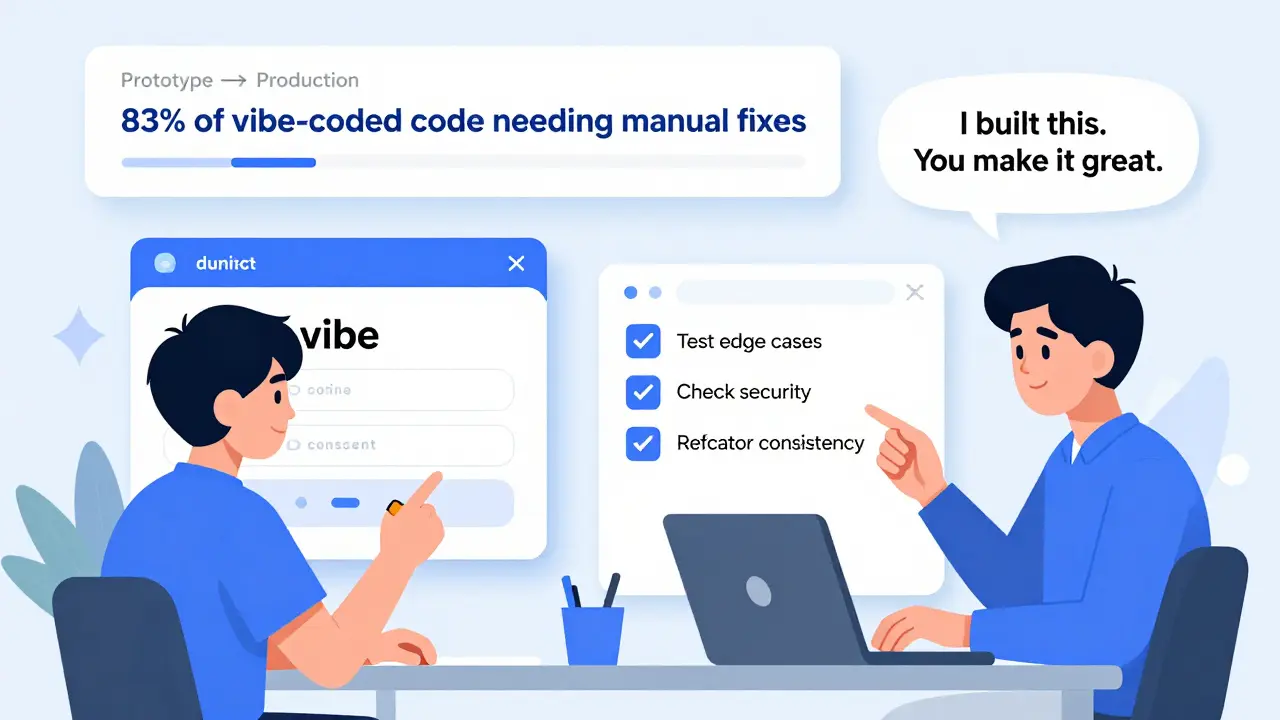
Dev.to’s September 2025 case study found that 83% of vibe-coded prototypes needed major architectural refactoring before going to production. The code works-but it’s brittle. It’s full of hidden assumptions. It fails on edge cases.
That’s why testing is non-negotiable. RantheBuilder’s October 2025 audit showed that 83% of AI-generated code contains at least one minor security oversight-like missing input sanitization or unhandled errors. Test-driven vibe coding reduces production defects by 61%, according to the same study. Write tests before or right after the AI generates code. Don’t skip this step.
Who’s Using Vibe Coding-and Who Isn’t
Adoption is split by age, experience, and company size.
Gen Z developers (born 1997-2012) are the biggest adopters. HackerRank’s December 2025 data shows 73% use vibe coding regularly. For them, it’s not a shortcut. It’s the default way to learn and build. One Reddit user, u/frontendnewbie, said: "I shipped my first portfolio site in 2 hours using vibe coding when manual coding would have taken weeks."
But senior developers? They’re more cautious. 89% report major challenges debugging AI-generated code. The productivity gains are real-but so is the cognitive load of untangling the AI’s logic.
Startups are all in. Gartner reports 47% now use vibe coding in prototyping. UI/UX teams love it (68% adoption), internal tools (59%), and marketing sites (53%). But Fortune 500 companies? Only 22% use it beyond experimental teams. Security, compliance, and maintainability concerns are real.
What’s Next: From Prototype to Production
The future of vibe coding isn’t replacing developers. It’s augmenting them.
Supabase’s January 2026 release introduced "prompt validation layers" that automatically check AI output against security and performance rules. Their beta testing showed a 44% drop in post-generation fixes.
RantheBuilder’s December 2025 update formalized the "three-layer prompt structure":
- Context: What’s the environment?
- Constraints: What’s forbidden or required?
- Creative Freedom: What’s open for innovation?
This approach improved production readiness by 38%.
And Anthropic’s March 2026 Claude 3.5 prototype introduced "self-correcting prompts"-where the AI evaluates its own output against quality metrics. Early results? 29% fewer revisions needed.
The real winner? Progressive enhancement. Start with vibe coding to get the core working. Then manually refine the critical paths: authentication, data validation, error handling. This hybrid approach is becoming the new standard.
Final Rule: Never Stop Learning
Mastering vibe coding takes practice. WeAreFounders’ training data shows developers need 12-15 hours of deliberate practice to get good. The hardest part? Understanding what the AI can’t do. 92% of beginners overestimate its capabilities.
Start small. Build one component. Refine your prompt. Test it. Break it. Fix it. Repeat. The goal isn’t to write less code. It’s to write better code-faster, with fewer mistakes.
Vibe coding won’t replace developers. But developers who don’t learn to prompt well? They’ll be left behind.
Is vibe coding the same as using GitHub Copilot?
No. GitHub Copilot is a tool. Vibe coding is a methodology. Copilot suggests code as you type. Vibe coding is about how you structure your prompts to get the best results-whether you’re using Copilot, CodeWhisperer, Claude, or another AI assistant. It’s not about the tool. It’s about the approach.
Can vibe coding replace junior developers?
Not really. While vibe coding lowers the barrier to entry, it doesn’t eliminate the need for understanding code. Junior developers still need to debug, test, refactor, and understand architecture. In fact, vibe coding makes those skills more important-not less. The best junior devs now use AI to build faster, then learn by fixing what the AI got wrong.
Why do some developers hate vibe coding?
Because it often produces code that works in theory but fails in practice. AI-generated code can be inconsistent, poorly structured, or full of hidden bugs. Senior developers who have to maintain it spend more time untangling it than they saved building it. The frustration comes from poor prompting, not the method itself.
What’s the biggest mistake beginners make?
Being too vague. Prompts like "make a website" or "build an app" lead to garbage. The best prompts are specific, constrained, and context-rich. Think like a project manager: What exactly needs to happen? Who’s using it? What tech stack are we using? The more detail, the better the output.
Should I use vibe coding for production code?
Not alone. Use it to prototype, build UI components, or generate boilerplate. But always review, test, and refactor before deployment. Production code needs consistency, security, and maintainability-things AI still struggles with. Treat vibe coding as a powerful assistant, not a replacement.
How long does it take to get good at vibe coding?
Most developers reach basic proficiency after 12-15 hours of deliberate practice. That’s about 3-4 weeks if you practice 3-4 hours a week. The steepest learning curve is learning to constrain the AI and recognize its limitations-not writing better prompts.
Destiny Brumbaugh
March 4, 2026 AT 01:26Sally McElroy
March 4, 2026 AT 12:56Sara Escanciano
March 6, 2026 AT 01:41Elmer Burgos
March 7, 2026 AT 22:59Jason Townsend
March 9, 2026 AT 15:19Antwan Holder
March 11, 2026 AT 08:33Angelina Jefary
March 13, 2026 AT 00:21TIARA SUKMA UTAMA
March 13, 2026 AT 19:43