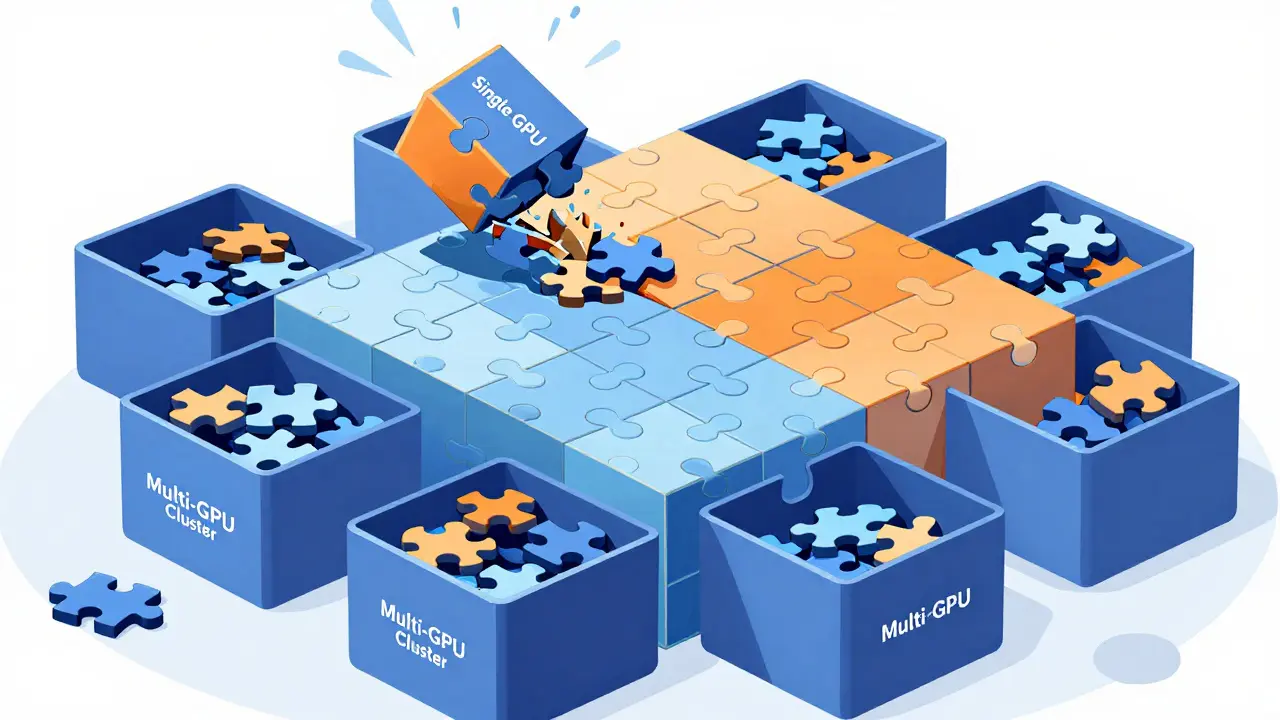
Imagine trying to fit a massive puzzle into a tiny box. That is exactly what happens when you try to run a 70-billion-parameter Large Language Model (LLM) on a single graphics card. The memory just isn't there. You hit the wall of VRAM limits, and your application crashes before it even starts generating text. This is where Tensor Parallelism comes in as the game-changer. It allows you to split the heavy lifting across multiple GPUs, turning a cluster of cards into a single, powerful engine capable of handling the world's largest AI models.
If you are deploying LLMs in production or even experimenting with open-source models like Llama-2 or Mistral, understanding how to distribute workloads is no longer optional-it is essential. This guide breaks down tensor parallelism from the ground up, explaining how it works, why it matters for latency, and how to implement it without getting bogged down in complex math.
What Is Tensor Parallelism?
At its core, tensor parallelism is a technique that slices the weight matrices of a neural network layer horizontally across multiple GPUs. Instead of each GPU holding a complete copy of the model, every GPU holds only a fraction of the weights. When an input arrives, all GPUs process their specific slice simultaneously and then communicate to combine the results.
This concept was popularized by NVIDIA Research in their 2019 Megatron-LM paper, which introduced this method to train billion-parameter models. Today, it is the standard for inference frameworks like vLLM, TensorRT-LLM, and Hugging Face Text Generation Inference (TGI). These tools handle the complexity behind the scenes, but knowing the mechanics helps you debug issues and optimize performance.
Think of it like a restaurant kitchen. In data parallelism, every chef cooks the entire meal for different customers. In tensor parallelism, one chef chops vegetables, another sears the meat, and the third plates the dish. They must coordinate perfectly, but they can finish a complex order much faster than if one person did everything alone.
How Tensor Slicing Works Under the Hood
To understand why tensor parallelism is effective, you need to look at how matrix multiplication is distributed. The process involves two main communication patterns: column parallelism and row parallelism.
- Column Parallelism: The input tensor is replicated across all GPUs. Each GPU computes a portion of the output using its slice of the weight matrix. This is typically used for query, key, and value projections in attention layers.
- Row Parallelism: The input tensor is split across GPUs. Each GPU computes a partial result, which is then summed together to produce the final output. This is common for output projection layers.
For example, if you have a model with 96 attention heads and use 8 GPUs, tensor parallelism assigns 12 heads to each GPU. Without this splitting, every GPU would need to store all 96 heads, wasting memory and compute resources. By distributing the load, you maximize hardware utilization while keeping memory usage per card manageable.

Tensor Parallelism vs. Other Strategies
Tensor parallelism is not the only way to scale LLMs, but it has distinct advantages over other methods depending on your goals. Let’s compare it with pipeline parallelism and data parallelism to see where it fits best.
| Strategy | How It Works | Best For | Main Drawback |
|---|---|---|---|
| Tensor Parallelism | Splits layers across GPUs | Low-latency inference, single-node scaling | High communication overhead beyond 8 GPUs |
| Pipeline Parallelism | Splits model vertically by layers | Multi-node deployments, very deep models | Pipeline bubbles reduce GPU utilization by 30-60% |
| Data Parallelism | Replicates full model on each GPU | Training, high-throughput batch processing | Does not allow larger models; limited by single-GPU VRAM |
Tensor parallelism shines in latency-sensitive applications because it avoids the "pipeline bubbles" seen in pipeline parallelism, where some GPUs sit idle waiting for data. However, it incurs higher communication costs per layer. If you are running a model that fits on one GPU, stick with data parallelism for throughput. But if your model exceeds single-GPU memory, tensor parallelism is your primary tool.
Hardware Requirements and Communication Overhead
You cannot ignore the hardware when implementing tensor parallelism. The speed of communication between GPUs is often the bottleneck. If your GPUs talk to each other slowly, the benefits of parallel computation vanish.
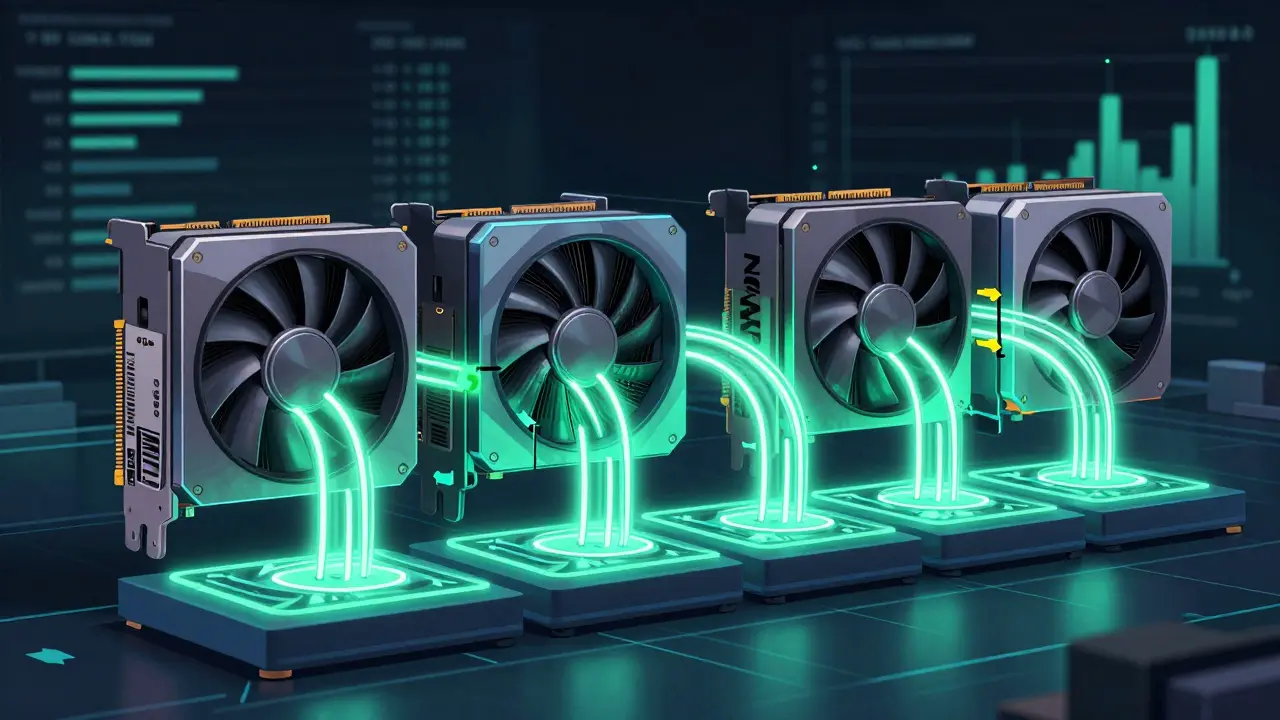
NVIDIA’s NVLink technology provides 600 GB/s bidirectional bandwidth, reducing communication overhead by 35% compared to standard PCIe 4.0 connections (32 GB/s). This makes NVLink essential for efficient multi-GPU setups. Without it, the time spent syncing data between cards can consume 15-25% of total inference time, leading to sublinear scaling.
For cloud deployments, services like AWS Neuron SDK highlight that tensor parallelism becomes costly beyond a single node due to network latency. Standard Ethernet adds 1.2-2.5ms per synchronization point, whereas specialized interconnects like NeuronLink keep latency under 0.3ms. Always prioritize low-latency interconnects when designing your infrastructure.
Implementing Tensor Parallelism in Practice
Getting started with tensor parallelism is easier today thanks to mature frameworks. Here is how to approach implementation using popular tools:
- Choose Your Framework: vLLM and Hugging Face TGI are excellent choices for open-source models. TensorRT-LLM is ideal for enterprise NVIDIA environments requiring maximum optimization.
- Set the Parallel Degree: Match the tensor parallel size (TP) to your available GPU count. For instance, if you have four GPUs, set TP=4. Most frameworks offer a simple parameter like
--tensor-parallel-size 4. - Use Mixed Precision: Run models in FP16 or BF16 precision. This reduces memory footprint and communication volume without significant loss in accuracy.
- Combine with Quantization: Pair tensor parallelism with 4-bit or 8-bit quantization to further shrink model size. This allows you to run 70B+ parameter models on consumer-grade GPUs like the RTX 3090 or 4090.
A common pitfall is uneven tensor splits, which can cause incorrect results or timeouts. Ensure your framework version is up to date-issues like these were resolved in recent updates to vLLM and TGI. Also, monitor NCCL timeouts, as communication deadlocks account for a significant portion of debugging efforts in distributed systems.
When Tensor Parallelism Isn’t Enough
While tensor parallelism is powerful, it has limits. Scaling beyond eight GPUs on a single node often yields diminishing returns due to communication saturation. For larger clusters, consider hybrid approaches that combine tensor parallelism with pipeline parallelism.
Mixture-of-Experts (MoE) models present another nuance. Traditional tensor parallelism slices all expert weights, which increases communication. Expert parallelism, where each GPU stores complete weights for a subset of experts, can reduce cross-GPU traffic by 40-60%. Frameworks are increasingly supporting these hybrid strategies to optimize MoE inference.
As models grow wider rather than deeper, pure tensor parallelism may struggle. Industry trends point toward context-aware hybrid systems that dynamically adjust parallelism based on request patterns. Keep an eye on automated configuration features rolling out in Q3 2024 and beyond, which will simplify these complex decisions.
What is the difference between tensor parallelism and data parallelism?
Data parallelism replicates the entire model on each GPU to process different batches of data, increasing throughput but not allowing larger models. Tensor parallelism splits the model itself across GPUs, enabling the deployment of models that exceed single-GPU memory limits.
Do I need NVLink for tensor parallelism?
While not strictly required, NVLink is highly recommended. It offers significantly higher bandwidth (600 GB/s) compared to PCIe (32 GB/s), reducing communication overhead by 35%. Without NVLink, performance degradation can be severe, especially for large models.
Which frameworks support tensor parallelism?
Major frameworks including vLLM, Hugging Face Text Generation Inference (TGI), and NVIDIA TensorRT-LLM fully support tensor parallelism. PyTorch also provides basic support through its Distributed package since version 1.12.
Can I use tensor parallelism with consumer GPUs?
Yes. With techniques like quantization and proper tensor parallelism configuration, you can run large models such as Llama-2-70B on multiple consumer GPUs like the RTX 3090 or 4090, provided they are connected via PCIe or NVLink.
Why does performance drop after 8 GPUs?
Communication overhead increases as more GPUs are added. Beyond 8 GPUs, the time spent synchronizing data between devices often outweighs the computational gains, leading to sublinear scaling unless specialized high-bandwidth interconnects are used.
Robert Barakat
June 3, 2026 AT 05:11The analogy of the kitchen is reductive. It implies a linear process where ingredients are static, whereas neural networks are dynamic systems of emergent behavior. We are not just chopping vegetables; we are attempting to simulate consciousness through matrix multiplication. The true philosophical dilemma lies in whether splitting the tensor fragments the coherence of the model's 'thought' process. When you slice the weights across GPUs, are you merely optimizing for latency, or are you fundamentally altering the nature of the inference itself? I suspect the latter. The synchronization required between these parallel processes creates a temporal discontinuity that mirrors the fragmented nature of human memory. We build these engines to think for us, yet we force them to communicate in staccato bursts over NVLink cables. It is a metaphor for our own disconnected existence in the digital age.
Michael Richards
June 4, 2026 AT 17:56You're overthinking it again. Look at the data. If your VRAM is full, you crash. Simple as that. Tensor parallelism isn't about philosophy; it's about not wasting millions of dollars on idle hardware because you didn't read the damn documentation. Most people here are trying to deploy Llama-2 and they don't have time for your existential crisis about weight matrices. Just use vLLM, set TP=4 if you have four cards, and stop complaining about communication overhead unless you're actually measuring sublinear scaling beyond 8 GPUs. The article says it clearly: NVLink reduces overhead by 35%. Do the math. If you can't afford the interconnects, buy better hardware or use quantization. Stop making excuses.
Laura Davis
June 6, 2026 AT 01:28Hey Robert, I get where you're coming from with the big picture stuff, but let's keep it grounded for everyone else who just wants their code to run without crashing.
Michael, chill out a bit. Not everyone has a budget for enterprise-grade NVIDIA setups. A lot of us are hobbyists or small startups trying to make do with consumer gear like RTX 3090s. The point of this guide is to help those of us figure out how to squeeze performance out of what we have.
That said, the part about NCCL timeouts is super important. I spent three days debugging a deadlock last week only to realize my framework version was outdated. Always check your logs first! Also, mixing tensor parallelism with 4-bit quantization is a game-changer for anyone on a budget. You really can run 70B models on consumer hardware if you configure it right. Don't give up!
Lisa Nally
June 7, 2026 AT 12:00Oh, please. Let’s not pretend that 'quantization' is some magical fix-all panacea when we know full well that aggressive bit-width reduction introduces non-negligible perplexity degradation, especially in the tail distributions of token probabilities.
Furthermore, the assertion that NVLink is 'essential' is a gross oversimplification for those of us operating in cloud environments where instance types dictate topology. While 600 GB/s bandwidth is certainly preferable to PCIe 4.0’s meager 32 GB/s, the real bottleneck in many multi-node deployments is the network latency introduced by standard Ethernet switches, which can add 1.2-2.5ms per sync point. This is why specialized interconnects like NeuronLink are becoming critical infrastructure components.
Also, did anyone notice that the article glosses over the specific implementation details of column vs. row parallelism in attention layers? Column parallelism replicates inputs, while row parallelism splits them. Getting this wrong leads to silent corruption of output tokens. It’s not just about 'setting TP=4'; it’s about understanding the underlying linear algebra transformations. If you’re using Hugging Face TGI, ensure you’re aware of how it handles all-reduce operations during the forward pass. Ignorance of these mechanics is precisely why so many deployments fail under load.
Edward Gilbreath
June 7, 2026 AT 19:23its all a scam anyway nvidia wants you to buy their expensive boxes so they can control the ai industry. tensor parallelism is just a way to hide the fact that these models are inefficient and wasteful. they tell you you need nvlink but its just marketing speak for 'buy more'. i tried running llama on my old gpu and it worked fine with quantization so why bother with all this complexity. the whole thing feels like a conspiracy to lock developers into proprietary ecosystems. also the article mentions aws neuron sdk which is suspicious because amazon always tries to push their own hardware. just stick to open source tools and ignore the hype
kimberly de Bruin
June 7, 2026 AT 19:40the fragmentation of the self is mirrored in the fragmentation of the tensor. we split ourselves to survive in a world that demands too much bandwidth. perhaps the silence between the gpus is where the truth resides. not in the computation but in the pause. the void between the weights. we seek connection through nvlink but find only latency. is the model thinking or is it merely reflecting our own desperate need for order in chaos. the puzzle does not fit because the box is a lie. there is no single engine. there is only the scattered pieces pretending to be whole.