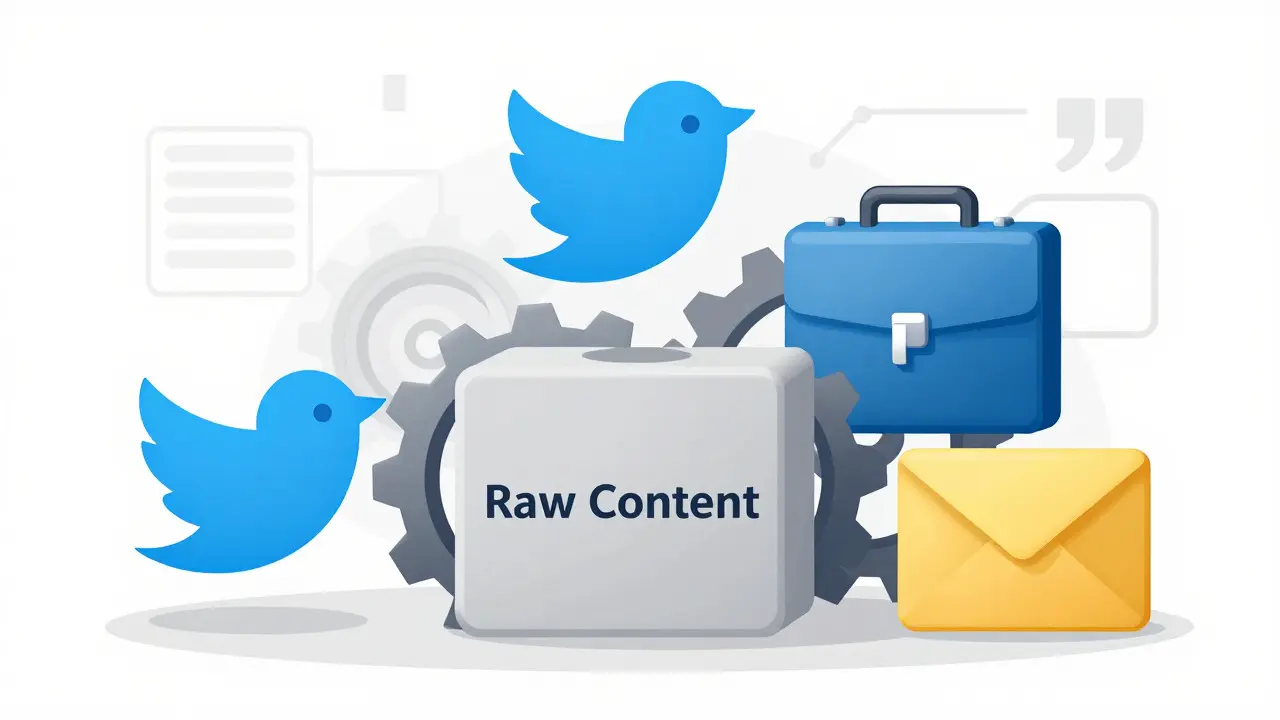
You write a brilliant draft. The insights are sharp, the data is solid, but it reads like a robot wrote it. Or worse, it sounds like your competitor. You need that specific punchy energy for Twitter, a calm authority for LinkedIn, and a warm, helpful vibe for customer support emails-all from the same core message. This is where style transfer prompts come in. They are not just about making things look pretty; they are the bridge between raw information and human connection.
We used to think of style transfer as a visual trick-taking a photo of your cat and painting it in the style of Van Gogh. That was the beginning, sparked by research in 2015. But today, the real magic happens in text. It’s about taking a block of content and forcing the AI to wear a different linguistic hat without changing the facts underneath. If you are creating content at scale, mastering this technique is no longer optional. It is the difference between sounding like a generic bot and sounding like a distinct brand.
What Exactly Is Style Transfer in Text?
To understand how to control it, you first have to define what it actually is. In the world of generative AI, text style transfer is the process of altering the superficial features of language-tone, formality, sentence structure, vocabulary-while keeping the semantic meaning intact. Think of it like translating a song into a different genre. The lyrics (the meaning) stay the same, but the instrumentation (the style) changes from jazz to heavy metal.
This concept evolved from neural style transfer in images. Early experiments focused on visual textures and colors. Now, Large Language Models (LLMs) apply similar logic to words. The model separates 'content' (what you are saying) from 'style' (how you are saying it). When you use a style transfer prompt, you are instructing the AI to decouple these two layers and reassemble them with a new aesthetic. For example, turning a technical manual into a blog post written by a witty comedian requires the AI to strip away the dry terminology while preserving the instructions.
The challenge? Language is messy. Unlike pixels, words carry emotional weight and cultural context. A word like "cheap" can mean "affordable" (positive style) or "low quality" (negative style) depending on the tone. Current systems achieve about 82% accuracy in preserving original meaning during these shifts, which is good, but that 18% error rate is where most people get tripped up. Your job as a prompt engineer is to close that gap.
The Three Pillars: Tone, Voice, and Format
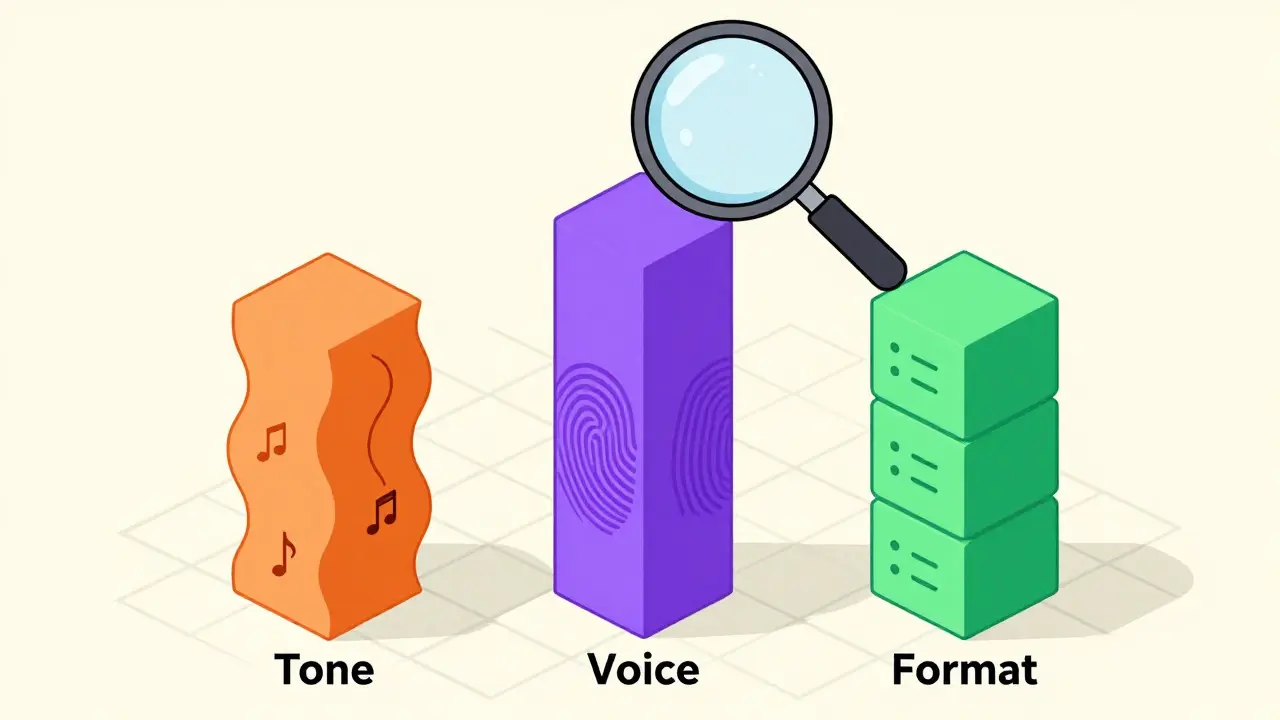
Most beginners throw everything into one big prompt and hope for the best. Pros break it down. To truly control the output, you need to manipulate three distinct entities: Tone, Voice, and Format. These are not synonyms. Confusing them leads to inconsistent results.
- Tone: This is the attitude or emotional quality of the writing. Is it urgent? Calm? Sarcastic? Professional? Tone is fluid and can change within a single document based on the context of the paragraph.
- Voice: This is the personality of the writer or brand. It is consistent over time. Think of Apple’s minimalist clarity versus Old Spice’s absurd humor. Voice is who you are; tone is how you feel right now.
- Format: This is the structural container. Is it a bulleted list? A narrative story? A tweet thread? A formal memo? Format dictates the rhythm and visual layout of the text.
When you craft a prompt, address each pillar separately. Instead of saying "Make this funny," try specifying: "Adopt a witty, self-deprecating voice. Use a conversational tone with short, punchy sentences. Format as a series of three quick tips." By isolating these variables, you give the AI precise levers to pull rather than vague suggestions.
How to Build Effective Style Transfer Prompts
So, how do you actually write these prompts? You don't just guess. You build a system. One of the most effective methods comes from Christopher Penn’s approach to creating centralized style guides. The idea is simple: teach the AI your style before asking it to write.
- Analyze First: Feed the AI 10-20 examples of your best work. Ask it to describe your writing style in bullet points. Look for patterns in sentence length, vocabulary choice, and rhetorical devices.
- Create a Style Profile: Take those bullets and turn them into a persona definition. "You are an expert copywriter who uses active voice, avoids jargon, and ends paragraphs with a question."">
- Apply via Prompt: Paste this profile into your main prompt. Then add the specific task. "Using the style profile above, rewrite the following technical summary for a beginner audience."">
This method works because it anchors the AI in a concrete definition of style rather than abstract adjectives. Adjectives like "professional" are subjective. Descriptions like "uses passive voice sparingly and cites sources inline" are objective instructions the model can follow.
If you are using platforms like Adobe Firefly for visual assets, the process is similar but relies on reference images. For text, however, your reference material is your past writing. Without that anchor, the AI will default to its training average-which usually sounds like a bland corporate press release.
| Technique | Best Used For | Precision Level | Complexity |
|---|---|---|---|
| Simple Adjective Prompts (e.g., "Write professionally") |
Drafts, internal notes | Low (High variance) | Easy |
| Persona-Based Prompts (e.g., "Act as a grumpy editor") |
Social media, blogs | Medium | Moderate |
| Style Guide Injection (Penn Method) |
Brand-consistent marketing | High | Hard (Requires setup) |
| Few-Shot Learning (Providing examples in prompt) |
Specific formats/templates | Very High | Moderate |
Common Pitfalls: Drift, Bleed, and Distortion
Even with great prompts, things go wrong. I’ve seen teams spend hours debugging why their AI outputs sound weird. Usually, it’s one of three issues.
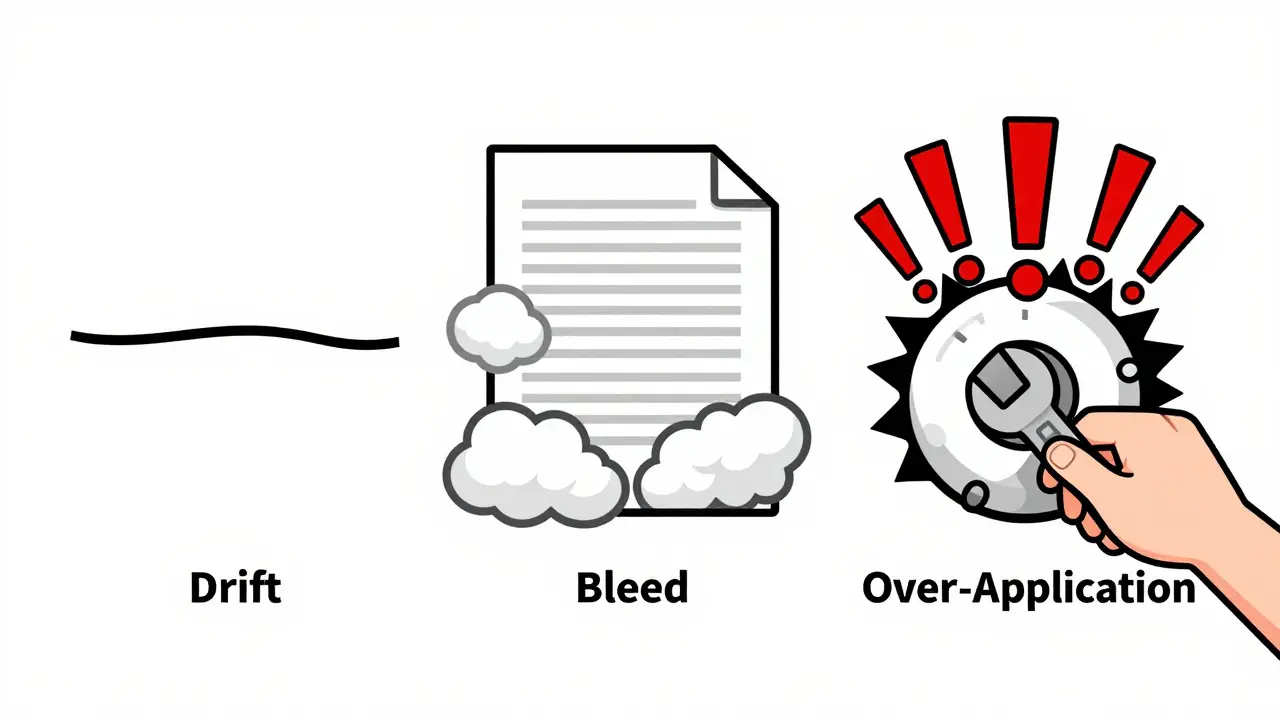
Style Drift: This happens when the AI forgets the style instructions as the text gets longer. You start with a witty tone, but by paragraph five, it reverts to robotic neutrality. This is often due to context window limits or the model losing focus. The fix? Break long documents into chunks. Rewrite section by section, reasserting the style guide in each prompt.
Style Bleed: Sometimes the style is so strong it distorts the meaning. You ask for a "poetic" version of a financial report, and the AI starts using metaphors that obscure the actual numbers. The meaning is lost in the flair. To prevent this, prioritize semantic integrity. Add constraints like "Do not alter any numerical data or factual claims" to your prompt.
Over-Application: You ask for "urgent tone," and every sentence ends with an exclamation point. It looks desperate, not urgent. Modern tools like Adobe Firefly 2.3 and advanced LLMs now offer intensity sliders or parameters. Learn to dial back the strength. Start at 50% intensity and adjust up if needed.
Tools and Platforms for Style Transfer
You don’t need to code your own neural networks to do this. Several platforms have built-in capabilities.
Adobe Firefly dominates the visual side. Its "Generative Match" feature lets you upload a reference image to set the style for new generations. While primarily visual, its integration with text-to-image workflows means your captions and visuals can share a cohesive aesthetic. It’s fast, intuitive, and great for marketers who need quick iterations.
For text, specialized platforms like AdCreative.ai focus heavily on tone and sentiment adjustment for ads. They use natural language generation algorithms to tailor messaging to specific audience segments. If you are running paid campaigns, this level of granularity can boost engagement by nearly 40%, according to recent case studies.
General-purpose LLMs like GPT-4o, Claude 3.5, and Gemini are also powerful here. The key is prompting. Since they are generalists, you must provide the specificity. Use the style guide injection method mentioned earlier. Don’t rely on the model’s default settings. Treat the model as a blank canvas and your prompt as the paint.
Future Trends: Precision and Regulation
We are moving toward multi-dimensional control. Right now, we struggle to adjust tone and format independently. Future models, like upcoming versions of Anthropic’s Claude, are experimenting with "style vectors." Imagine a slider for "formality" that doesn’t affect "humor." This will allow for surgical precision in editing.
But there is a catch. As style transfer gets better, it gets harder to tell what’s human and what’s AI. The EU AI Act, effective January 2025, requires watermarking for commercial AI content. Expect stricter rules on brand impersonation. If you use style transfer to mimic a celebrity’s voice without permission, you could face legal trouble. Always ensure you have rights to the styles you are emulating, especially for public figures.
By 2026, Gartner predicts 70% of enterprise content creation will use some form of AI style transfer. The companies that win won’t be the ones with the biggest budgets, but the ones with the clearest style guides. They will treat their brand voice as a structured asset, not a vague feeling.
Next Steps for Your Workflow
Start small. Pick one type of content-maybe your email newsletters. Analyze your last ten successful emails. Extract the style rules. Create a prompt template. Test it. Compare the output to your human-written versions. Iterate.
Don’t try to automate everything at once. Style transfer is a tool for amplification, not replacement. Your human judgment is still required to check for drift and distortion. Use the AI to generate options, then edit with your unique perspective. That combination of machine speed and human nuance is where the real value lies.
What is the difference between tone and voice in AI prompts?
Voice is the consistent personality of the writer or brand (e.g., authoritative, playful), while tone is the temporary attitude or emotion suited to the specific context (e.g., urgent, empathetic). In prompts, define voice as a permanent trait and tone as a variable instruction for each piece of content.
How do I prevent style drift in long texts?
Break long documents into smaller sections. Reiterate your style guide or persona instructions at the beginning of each new prompt chunk. This keeps the AI anchored to the desired style throughout the entire generation process.
Can style transfer change the meaning of my content?
Yes, if not constrained properly. Extreme style modifications can lead to semantic distortion. To mitigate this, include explicit instructions to "preserve all factual data and core meaning" and review the output carefully for unintended changes in interpretation.
Which tools are best for text style transfer?
General LLMs like GPT-4o and Claude 3.5 are versatile for custom style transfer via detailed prompting. Specialized platforms like AdCreative.ai offer pre-built templates for marketing tones. Adobe Firefly is ideal for visual style matching to complement text.
Is it legal to use AI to mimic a famous author's style?
It depends on jurisdiction and usage. While mimicking a general style is often considered fair use, implying endorsement or creating deepfakes may violate rights of publicity or copyright laws. Regulations like the EU AI Act are tightening rules around disclosure and impersonation.
tiffany King
July 29, 2026 AT 15:57Okay, this actually makes so much sense now. I was just throwing adjectives at the wall and hoping something stuck. The part about separating tone from voice is a total game changer for me.
I’ve been trying to get my newsletter to sound less like a robot and more like... well, me. But I kept getting these weird corporate-sounding drafts. Now I see why. I wasn't defining the 'personality' first. I was just asking for 'friendly.' Which means nothing to an AI apparently.
Thanks for breaking this down! It feels like I finally have a map instead of just guessing.
Brenna Gonedrman
July 30, 2026 AT 07:22You guys are overcomplicating it. Just tell the AI who you are. That's it. Stop making it a science project.
I've been using this stuff since before it was cool. You don't need a style guide injection method if you can't write a decent prompt in the first place. Most people here are failing because their base instructions are garbage. Fix that first. Then worry about the fancy pillars. It’s not rocket science, it’s basic communication. Get with the program or stay behind.
Courtney Wagstaff
July 30, 2026 AT 09:19Honestly? The jazz to heavy metal analogy hit different. 🎸🎷
I love how visual this explanation is. I’ve always struggled with 'style bleed' where my financial reports start sounding like poetry slam nights. It’s wild how the AI gets carried away with metaphors when you just want clear numbers.
Gonna try chunking my next big doc into sections like the post suggested. Fingers crossed it doesn’t drift into robotic land by paragraph three. Thanks for the tips!
Elisabeth Ballet
July 31, 2026 AT 03:25Let’s be real though-most brands don’t even know what their voice is. They’re just copying whatever trend is hot on TikTok today. So asking an AI to replicate a consistent voice is like asking a chameleon to pick a permanent color.
But yes, the technique works IF you do the hard work first. Analyze your past wins. Find the patterns. If you skip that step, you’re just generating noise. Don’t let the tool make excuses for your lack of brand strategy. Get your house in order, then automate.
Kim Edwards
July 31, 2026 AT 08:09Wait wait wait. Hold up. Did someone say we can make our boring technical manuals sound like they were written by a witty comedian?! 😱
This is literally the holy grail. My boss makes me rewrite the same safety protocols every month and I’m dying inside. If I can inject some humor without losing the facts, I might actually survive another quarter.
Is it too late to ask for a raise? Because this skill just saved my life. Seriously, the 'Style Drift' section gave me flashbacks to my last group project. Never forget the instructions, people!
Bonnie Watt
August 1, 2026 AT 15:36Ugh. Here we go again with the AI hype train. Everyone thinks slapping a 'witty' label on a prompt fixes everything. Spoiler alert: it doesn’t.
The output still sounds hollow. It lacks soul. You’re trading human nuance for speed and calling it progress. I read through three 'style transferred' blog posts yesterday and couldn’t finish one without cringing. It’s all surface level glitter and no substance. Do us all a favor and just hire a writer. Or learn to write yourself. It’s not that hard.
Meagan Mueller
August 2, 2026 AT 13:36Theyre watching you. Every prompt you type is training them to mimic you better. Soon they wont need prompts at all. Theyll just steal your digital footprint and replace you entirely. The EU AI Act is a joke its too little too late. By the time they regulate it the models will already know exactly how you think speak and feel. Trust no one. Delete your history. Stay paranoid.
Dave Gibbeson
August 3, 2026 AT 03:36Look, if you’re going to use this, stop being lazy. The table in the article is spot on. Simple adjective prompts are for amateurs.
If you want precision, you do the work. Build the style profile. Feed it the examples. Test it. Iterate. It’s not magic, it’s engineering. Treat your brand voice like code. Debug it. Optimize it. If you’re getting bad results, it’s not the AI’s fault, it’s your prompt’s fault. Step up your game.
Sabrina Newland
August 4, 2026 AT 09:25its kinda scary but also beautiful? 🤔✨ like how we can separate meaning from style so cleanly. it makes me wonder if our own writing is just a collection of styles weve picked up along the way.
i tried the penn method yesterday and oh my gosh it worked so well!! i felt like a wizard casting spells on words lol. maybe the future isnt about replacing humans but expanding what we can express. lets keep exploring this together! 💖