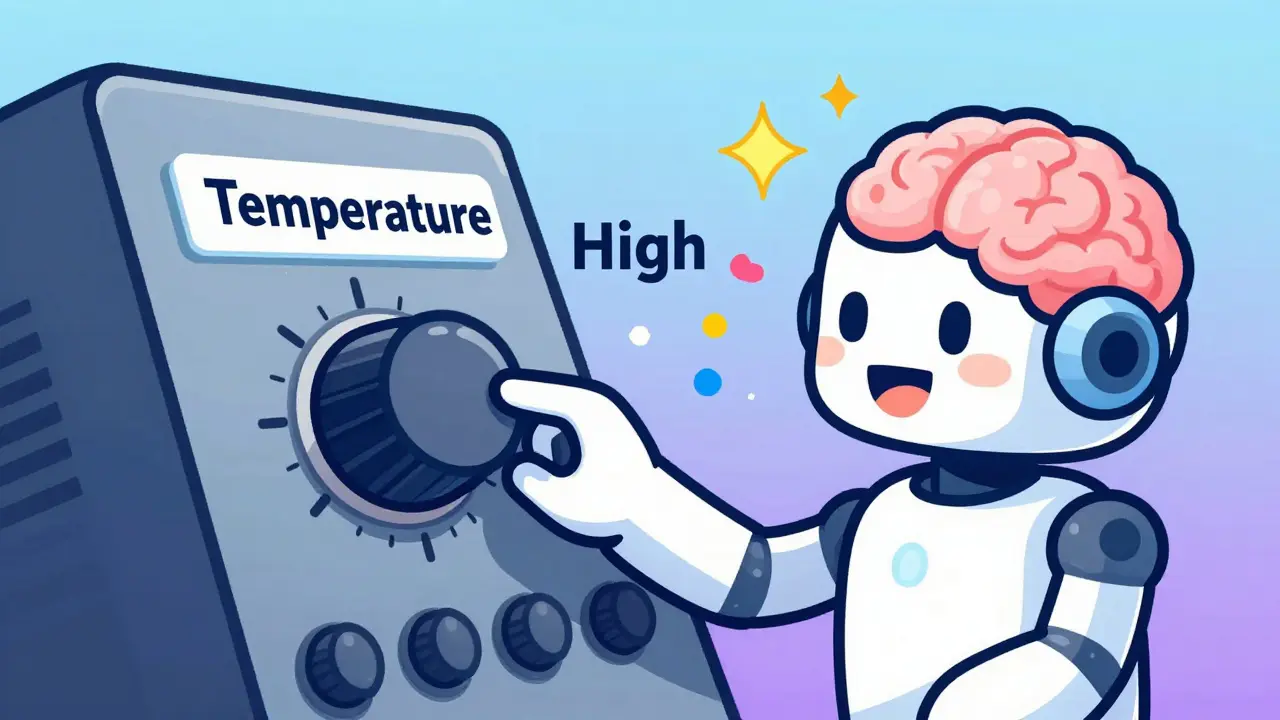
Ever asked an Large Language Model (LLM) the same question twice and gotten two completely different answers? Or maybe you needed a factual summary and got a poetic essay instead?
You aren't dealing with a glitch. You're seeing the randomness of probability at work. Under the hood, every word an AI generates is a guess based on likelihood. The tools that let you dial this randomness up or down are called temperature and top-p. Understanding these two settings is the difference between getting useful, consistent data and generating nonsense.
How Temperature Shapes Probability
Think of temperature as a knob for creativity versus precision. When an LLM predicts the next word in a sentence, it doesn't just pick one winner. It assigns a raw score, known as a logit, to thousands of possible words. Before picking, the model converts these scores into probabilities using a mathematical function called Softmax.
Temperature modifies those raw scores before the conversion happens. If you set the temperature low, say 0.2, the math amplifies the highest scores and crushes the lower ones. The resulting probability distribution becomes sharp and peaked. The model becomes confident, conservative, and highly predictable. It will almost always choose the most obvious word.
If you crank the temperature up to 1.5 or higher, the math flattens the distribution. The gap between the likely words and the unlikely words shrinks. Suddenly, a weird or creative synonym has a fighting chance against the standard choice. This leads to diverse, surprising outputs, but it also increases the risk of incoherence or factual errors.
At exactly 0.0, the temperature setting removes all randomness. The model simply picks the single token with the highest probability every time. In this state, other settings like top-p become irrelevant because there is no pool of candidates to sample from-only one winner exists.
Understanding Top-p and Nucleus Sampling
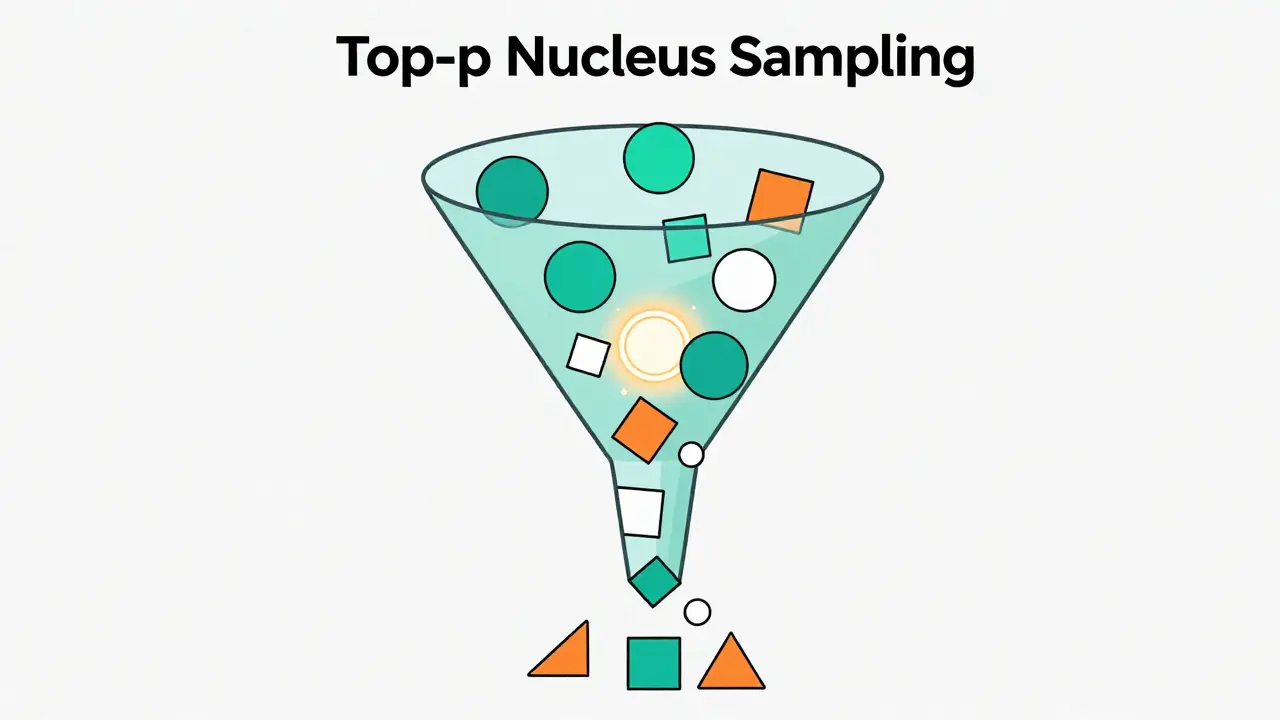
While temperature adjusts the shape of the probability curve, Top-p Nucleus Sampling acts as a filter. Instead of looking at every possible word in the dictionary, top-p looks at the cumulative probability of the most likely options.
Here is how it works step-by-step:
- The model sorts all candidate tokens by their probability, from highest to lowest.
- It adds up these probabilities starting from the top until the sum reaches your specified threshold (the 'p' value).
- All tokens outside this group are discarded.
- The remaining tokens form a "nucleus" of high-probability choices.
- The model randomly selects the next word from only within this nucleus.
Imagine the sentence: "The cat climbed up the..."
- Tree: 50% probability
- Rooftop: 25% probability
- Wall: 15% probability
- Window: 7% probability
- Carpet: 3% probability
If you set top-p to 0.90 (or 90%), the model sums the probabilities: Tree (50%) + Rooftop (75%) + Wall (90%). It stops there. The window and carpet are cut out entirely. The model then picks randomly between tree, rooftop, and wall. This ensures that the output stays within the realm of reasonable predictions while still allowing for variety.
Why Top-p Often Beats Top-k
You might have heard of Top-k sampling, which limits the choice to the top K number of words (e.g., the top 10). Top-p is generally preferred in modern applications because it adapts to the context.
With Top-k, if the model is very confident about the next word, it still considers the next 9 least likely options, which might be garbage. With Top-p, if the model is highly confident, the "nucleus" might only contain 2 or 3 words, even if you set p to 0.9. Conversely, if the model is uncertain, the nucleus might expand to include dozens of words to reach that 90% threshold. This dynamic adjustment keeps the output quality stable across different types of prompts.
Combining Temperature and Top-p for Control
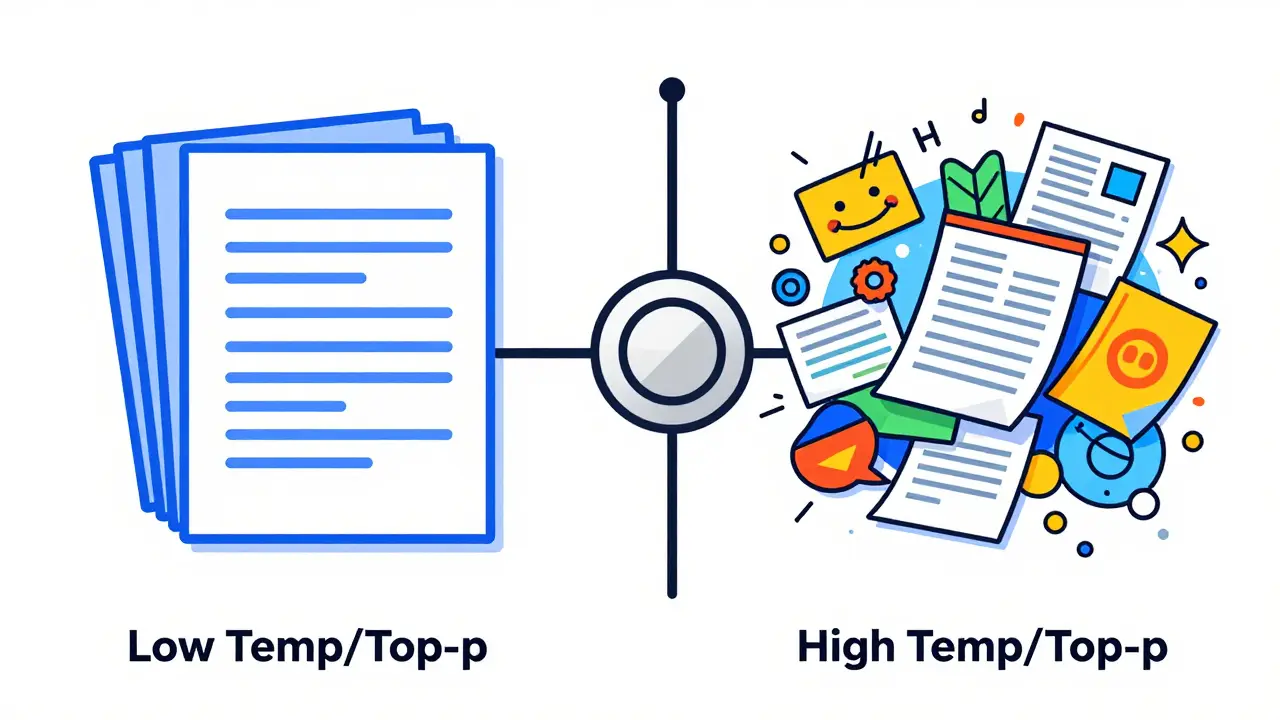
In practice, you rarely use one without the other. They work together to define the final behavior of the model. Temperature reshapes the landscape; Top-p draws the boundary line around where the model can play.
| Use Case | Temperature | Top-p | Outcome |
|---|---|---|---|
| Factual QA / Code Generation | 0.0 - 0.2 | 0.1 - 0.3 | Deterministic, precise, minimal variation |
| General Conversation / Summarization | 0.5 - 0.8 | 0.5 - 0.75 | Balanced coherence and natural flow |
| Creative Writing / Brainstorming | 0.8 - 1.2+ | 0.9 - 0.95 | High diversity, novel ideas, potential incoherence |
For tasks requiring strict accuracy, such as extracting data from a document or writing code, you want to minimize surprise. Set temperature near zero and top-p low. This forces the model to stick to the most statistically probable path, reducing hallucinations.
For creative tasks, like writing a story or generating marketing slogans, you want the opposite. High temperature flattens the curve, giving rare words a chance. High top-p ensures the model doesn't get stuck in repetitive loops by keeping a wide net of possibilities open. However, beware: push these too high, and the text may lose logical thread entirely.
Practical Tips for Tuning Your Model
Most commercial APIs default to a temperature of 0.7 and a top-p of 0.9. This is a safe middle ground designed for general chat. But "safe" isn't always "best" for your specific job.
Start by defining your tolerance for error. If a wrong answer is costly (like in medical or legal contexts), prioritize low temperature. If boredom is the enemy (like in game design), prioritize high temperature. Test small batches of prompts. Generate the same prompt five times with different settings. Look for consistency in factual tasks and variety in creative ones.
Remember that these parameters interact with the model's inherent training. A smaller model might struggle with high temperatures, producing gibberish quickly, while a larger, more robust model can handle higher randomness while maintaining coherence. Always validate outputs, especially when adjusting these controls away from defaults.
What happens if I set temperature to 0?
Setting temperature to 0 makes the model deterministic. It will always select the single most probable next token. This eliminates randomness, meaning repeated runs of the same prompt will yield identical results. Other sampling methods like top-p become ineffective in this mode.
Is top-p better than top-k?
Generally, yes. Top-p (nucleus sampling) adapts to the confidence level of the model. If the model is certain, it narrows the choice pool automatically. Top-k uses a fixed number of candidates regardless of context, which can include low-quality options when the model is confident or exclude good options when it is uncertain.
What are the default values for most LLMs?
Many providers default to a temperature of 0.7 and a top-p of 0.9. These settings offer a balance between coherence and creativity suitable for general-purpose conversation and text generation.
How do I reduce hallucinations in my LLM output?
Lower both temperature and top-p. A temperature below 0.2 and a top-p below 0.5 forces the model to stick to high-probability, factually grounded responses, significantly reducing the likelihood of making up information.
Can I use both temperature and top-p together?
Yes, they are designed to work together. Temperature first reshapes the probability distribution of all tokens, and then top-p filters that adjusted distribution to create the final sampling pool. Combining them gives you granular control over both the spread and the cutoff of possible outputs.