
Imagine asking an AI to write a function for your app. It spits out code that looks perfect. You paste it in, run it, and suddenly-crash. The logic is flawed, or worse, it leaves a security hole wide open. This happens because most developers ask AI for the solution before defining the problem clearly.
There is a better way. It’s called Unit Test First Prompting, which is a methodology where you generate unit tests using AI before writing the actual implementation code. By flipping the script, you force the AI to define what 'success' looks like before it tries to achieve it. This approach borrows from Test-Driven Development (TDD), a practice that has kept software stable for decades, but adapts it for the era of Large Language Models (LLMs).
The Core Problem: Why AI Needs Tests First
When you prompt an LLM like ChatGPT or GitHub Copilot to "write a login function," the model guesses what you mean. It might use weak encryption, skip input validation, or hallucinate library methods that don’t exist. Without a concrete specification, the AI optimizes for plausible-looking code, not correct code.
Unit Test First Prompting solves this by creating an executable contract. Instead of asking for code, you ask for tests. These tests serve as the precise requirements document. If the AI-generated implementation doesn't pass these tests, it fails objectively. There is no ambiguity. This shifts the workflow from "hope it works" to "prove it works."
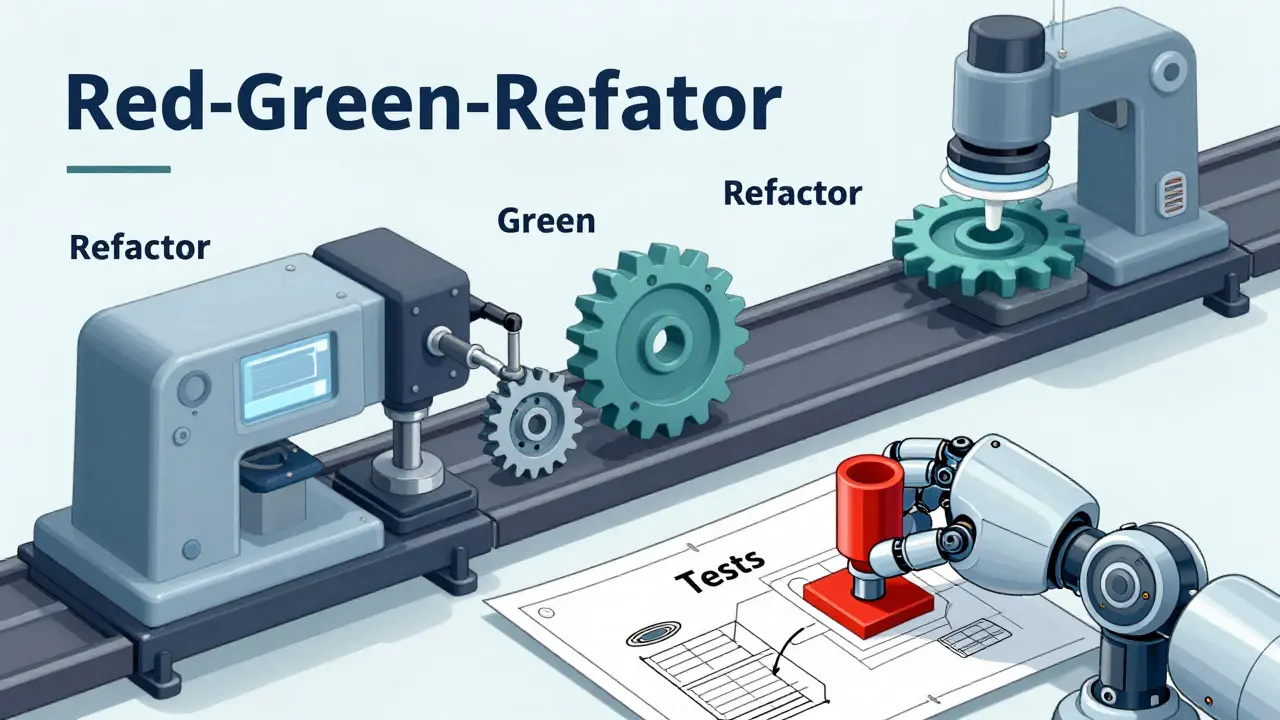
The Red-Green-Refactor Cycle with AI
This methodology follows the classic TDD rhythm, but each step is driven by prompts. Here is how the cycle works in practice:
- The Red Stage (Define Failure): You describe the function's purpose and constraints to the AI, asking it to generate only the unit tests. Crucially, you specify edge cases and security requirements. Since the implementation code doesn't exist yet, these tests will fail (or not compile). For example, you might prompt: "Generate unit tests for a username validator. Usernames must be 3-16 characters, start with a letter, and resist CWE-20 Improper Input Validation attacks. Do not write the implementation yet."
- The Green Stage (Pass Tests): Once you have the failing tests, you feed them back into the AI along with a new instruction: "Implement the function so that all these tests pass. Use secure libraries for data processing." Now the AI has a clear target. It can't guess; it must satisfy the specific assertions you provided.
- The Refactor Stage (Clean Up): Finally, you ask the AI to refactor the code for readability and performance while ensuring the tests still pass. This ensures that optimization doesn't break functionality.
This structure prevents the common pitfall of AI generating code that seems right but misses critical edge cases. By forcing the 'Red' stage first, you ensure every requirement is tested before any logic is written.
Advanced Prompting Techniques for Better Tests
Not all prompts are created equal. To get high-quality tests, you need to guide the LLM effectively. Research into computational strategies for AI testing highlights several techniques that significantly improve output quality.
- Role Priming: Start by assigning a persona. "Act as an enterprise security engineer" yields different results than "Act as a junior developer." Role priming aligns the model’s context with professional standards, making it more likely to include robust error handling and security checks.
- Few-Shot Prompting: Provide examples. If you want specific test structures, include one or two successful test prototypes in your prompt. The model will mimic the style and rigor of those examples, scaffolding the generation process on proven patterns.
- Scenario Enumeration: Explicitly list scenarios. Don't just say "test the function." Say "test normal inputs, empty strings, SQL injection attempts, and extremely long strings." This forces the AI to consider boundary conditions that it might otherwise ignore.
- Chain-of-Thought Prompting: Ask the AI to reason through the steps. A sequence of messages guiding the model through scenario analysis before final test generation produces more logical and comprehensive coverage than a single blunt command.
Using a low temperature setting (near zero) during test generation is also recommended. This reduces randomness and emphasizes deterministic behavior, ensuring the tests are consistent and repeatable.
Integrating Security by Design
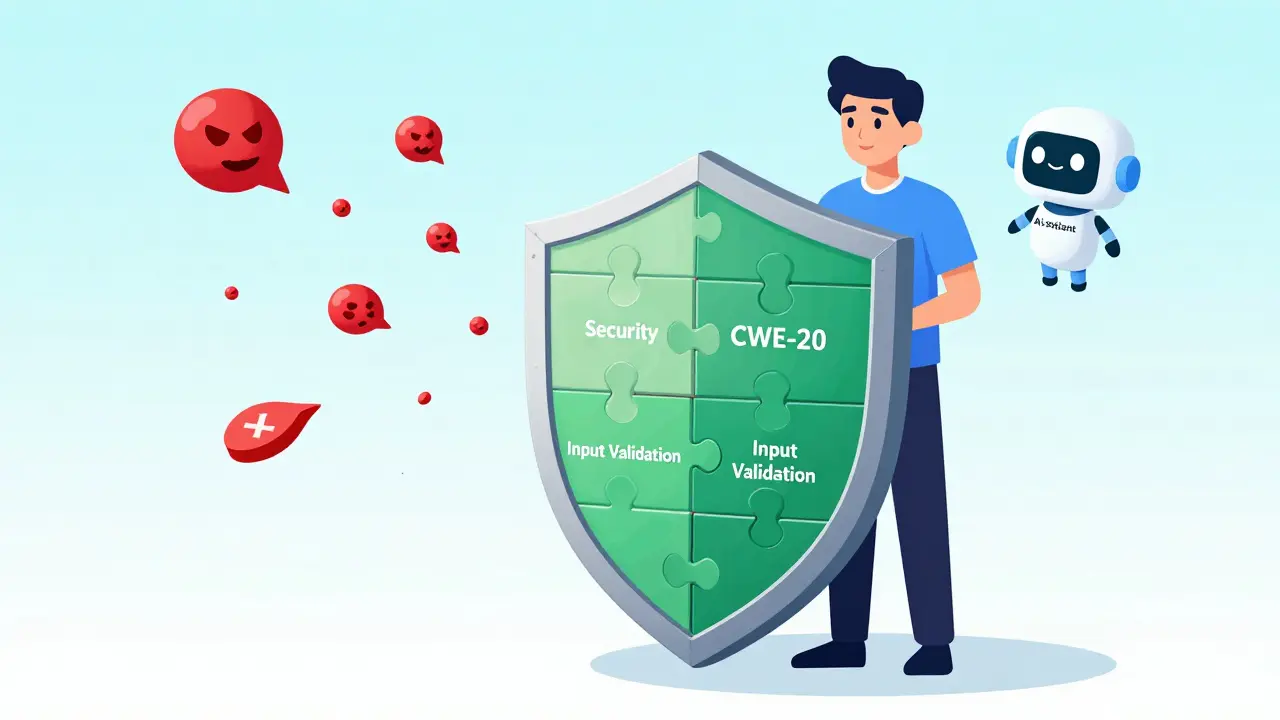
One of the biggest advantages of Unit Test First Prompting is its ability to bake security into the foundation. In traditional development, security reviews often happen after coding is complete. With AI-assisted development, this lag is dangerous because models can inadvertently introduce vulnerabilities.
By incorporating Common Weakness Enumeration (CWE) mitigations directly into the Red Stage prompts, you make security a hard constraint. For instance, explicitly requesting tests for CWE-20 (Improper Input Validation) or CWE-79 (Cross-Site Scripting) ensures that the subsequent implementation code must handle these threats to pass the tests. The AI cannot simply ignore security; it must solve for it.
This approach transforms security from an afterthought into a functional requirement. If the generated code doesn't sanitize inputs properly, the test fails, and you know immediately.
Scaling with Frameworks and Rules
Relying on individual prompts is fine for small tasks, but it doesn't scale well for large projects. To enforce Unit Test First Prompting across a team or repository, you need structured guardrails.
Tools like Cursor allow you to create .cursorrules files. These act as "always-on" instructions. You can configure rules that mandate: "Always generate failing unit tests before implementing any new feature." Similarly, other IDEs support configuration files (like .mdc) that enforce these policies automatically.
This framework-based approach ensures consistency. Every developer, whether senior or junior, follows the same rigorous process. It turns a good practice into an enforceable policy, reducing the risk of human error or inconsistent prompting styles.
Practical Implementation Tools
You don't need to type complex prompts manually every time. Modern tools offer integrated workflows for test generation.
| Tool | Interface Method | Best For |
|---|---|---|
| GitHub Copilot | Right-click "Generate Tests" or /tests slash command |
Quick unit tests for existing business logic |
| ChatGPT | Conversational prompts with role priming | Complex scenario enumeration and security-focused tests |
| Cursor | .cursorrules enforced workflows |
Team-wide enforcement of TDD practices |
When using GitHub Copilot, highlight the code block you want to test and use the /tests command. It generates tests covering various inputs and edge cases. However, remember that the AI might miss mocks or hallucinate dependencies. Always review the generated tests manually. The goal isn't to replace your judgment, but to accelerate the creation of comprehensive specifications.
Avoiding Common Pitfalls
Even with a solid strategy, mistakes happen. Here are the most common issues developers face when adopting Unit Test First Prompting:
- Ignoring Error Messages: If the AI-generated tests fail to compile, don't just re-prompt blindly. Read the error. Often, the issue is a missing import or a misunderstood API. Fix the test structure first.
- Overloading Prompts: Trying to generate tests for an entire module in one go overwhelms the model. Break it down. Generate tests for one function at a time.
- Trusting Hallucinations: AI might invent a library method that sounds real but doesn't exist. Verify imports and method signatures against official documentation.
- Skip Iteration: The first draft of tests is rarely perfect. Refine the prompts based on the initial output. Iterative validation is key to high-quality results.
Remember, the AI is a powerful assistant, not a replacement for engineering rigor. Your role shifts from writing boilerplate tests to curating and validating the specifications.
Is Unit Test First Prompting faster than manual testing?
Yes, typically. While crafting the initial prompt takes time, generating comprehensive test suites with edge cases and security checks is significantly faster than writing them manually. The iterative refinement process may add some overhead, but the overall development cycle shortens because bugs are caught earlier.
Do I need to know TDD to use this method?
It helps, but isn't strictly required. Understanding the Red-Green-Refactor cycle makes the process smoother. If you're new to TDD, focus on the concept of defining expectations (tests) before implementation. The AI handles much of the syntax, allowing you to learn the principles by doing.
How do I handle mocking in AI-generated tests?
Explicitly instruct the AI to create mock objects for external dependencies. Specify which libraries to use for mocking (e.g., Jest, Mockito, unittest.mock). If the AI fails to generate correct mocks, provide a few-shot example of a successful mock setup in your prompt.
Can this method prevent security vulnerabilities?
It significantly reduces risk. By embedding CWE mitigations and security requirements into the test specifications, you force the implementation to address these concerns. However, it does not eliminate the need for manual security audits, especially for complex systems.
What if the AI generates incorrect test logic?
Review the tests critically. Check for logical errors, missing edge cases, or unrealistic assertions. Refine your prompt with specific corrections or additional context. Iterative refinement is part of the process; don't accept the first output blindly.