Speed is the name of the game in modern software development. With AI tools generating code at lightning-fast rates, teams are shipping features faster than ever before. But there is a hidden cost to this velocity. When you rush through development with AI assistance, accessibility often gets left behind. The result? Interfaces that look great but fail users who rely on screen readers or keyboard navigation.
This is where Accessibility-Inclusive Vibe Coding comes in. It is not just a buzzword; it is a methodology designed to bake WCAG (Web Content Accessibility Guidelines) compliance directly into the AI generation process. Instead of fixing broken code after the fact, this approach ensures your components meet standards from the very first line of generated code. Let’s break down how this works, why it matters, and how you can implement it today.
What Is Accessibility-Inclusive Vibe Coding?
At its core, vibe coding refers to using AI assistants like GitHub Copilot to write code based on natural language prompts. You describe what you want, and the AI writes the implementation. The problem? Early testing showed that 78% of AI-generated UI components failed basic WCAG 2.1 AA checks. The AI was fast, but it was not inclusive.
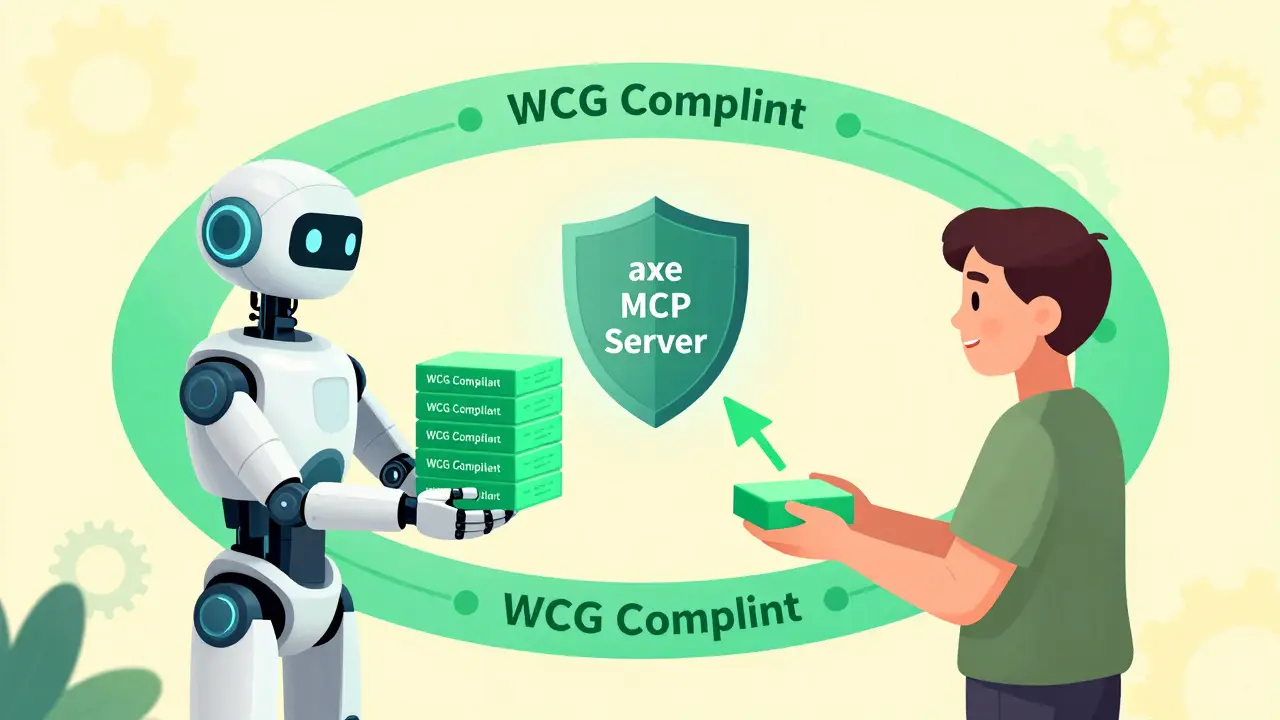
Accessibility-Inclusive Vibe Coding changes the equation. It combines the speed of AI with automated validation tools like the axe MCP Server. This creates a feedback loop where accessibility is validated in real-time. As the AI generates code, the tool checks for violations and suggests fixes immediately. This shifts accessibility from a post-launch audit to an inherent part of the build process.
The concept gained traction after Deque Systems published their findings in mid-2024. They realized that while AI accelerates development, it also amplifies common accessibility mistakes if left unchecked. By integrating validation early, teams can maintain high velocity without sacrificing inclusivity.
Core Design Patterns That Work by Default
To make this work, you need reliable building blocks. You cannot rely on generic AI outputs alone. You must feed the AI specific, proven design patterns. The ARIA Authoring Practices Guide (APG), maintained by the W3C, is your best friend here. As of late 2024, it provides 47 distinct patterns that incorporate WCAG 2.2 requirements.
Here are three critical patterns you should enforce in your AI prompts:
- Semantic Labeling: In frameworks like Flutter, use the Semantics widget with precise parameters. For example, setting
header: truefor titles helps screen readers navigate efficiently. Avoid duplicate announcements by usingexcludeSemantics: truewhen necessary. - Color Contrast Enforcement: WCAG 2.2 Success Criterion 1.4.3 mandates a minimum contrast ratio of 4.5:1 for normal text and 3:1 for large text. Configure your theme data to automatically calculate accessible palettes. Do not let the AI pick random colors; force it to use pre-approved, high-contrast variables.
- Text Scalability: Users with visual impairments often increase font sizes. Your components must handle this gracefully. Ensure paragraph spacing scales to at least 2 times the font size, letter spacing to 0.12 times, line height to 1.5 times, and word spacing to 0.16 times. Build responsive typography systems into your component libraries so they adapt automatically.
These patterns are not optional extras. They are the foundation of a usable interface. When you prompt your AI to follow these specific rules, you get code that works for everyone, not just those with perfect vision and motor control.
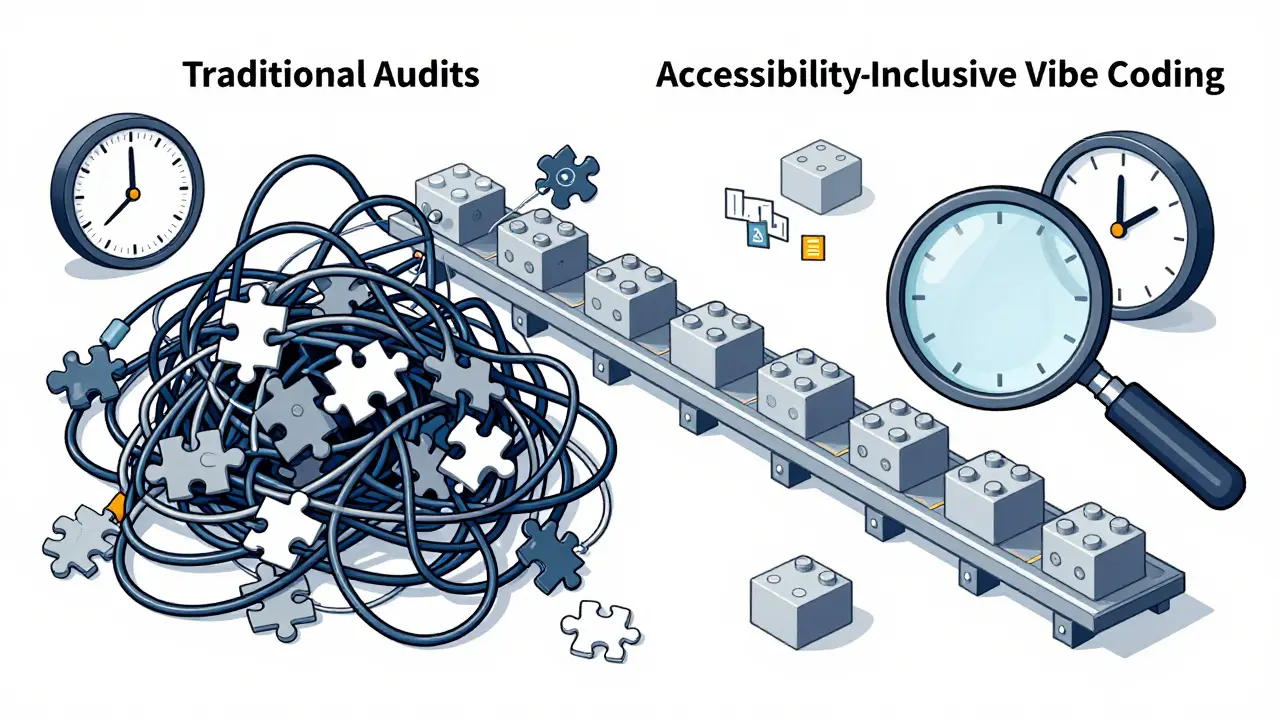
| Metric | Traditional Post-Dev Audit | Accessibility-Inclusive Vibe Coding |
|---|---|---|
| Average Violations per Page | 15-20 | 2-3 |
| Remediation Time per Page | 3-5 hours | 30-45 minutes |
| Detection Method | Manual + Automated | Real-time AI Validation |
| Human Oversight Required | High (for all issues) | Medium (for contextual issues) |
Setting Up Your Workflow
Implementing this approach requires a slight shift in your daily routine. You do not need to abandon your favorite AI tools; you just need to connect them to the right validators.
The most effective setup involves connecting the axe MCP Server to your development environment, such as VS Code. This allows you to run commands directly within your editor. A typical workflow looks like this:
- Generate: Use natural language prompts to create a component. For example, "Create a tabbed navigation widget that supports arrow key navigation."">
- Analyze: Run a command like
#analyze http://localhost:3033/example-page for accessibility issues. The axe server scans the rendered output against WCAG criteria. - Remediate: If violations are found, use
#remediate any violationsto have the AI suggest fixes. Review these changes carefully. - Verify: Re-run the analysis to ensure the fixes resolved the issues without introducing new ones.
This loop takes seconds instead of days. It keeps accessibility top-of-mind throughout the development process. Developers typically need 12-15 hours of training to become proficient with this workflow, focusing on understanding the difference between roles and aria attributes.
The Limits of Automation
While this methodology is powerful, it is not magic. There are areas where AI struggles, and human judgment remains essential. Automated tools catch about 35-40% of WCAG issues. Human testers identify the remaining 65-70%. Why the gap?
Context is king. An AI might fix a color contrast issue by making text black on a white background, which meets the technical ratio but might clash with your brand guidelines or create a jarring user experience. More importantly, AI often fails to understand meaningful link text. It might generate "click here" links because it does not know the destination’s purpose. Only a human can determine if "Download Annual Report" is a better label.
Complex components like data grids also pose challenges. While APG provides patterns for basic tables, custom interactive grids require nuanced focus management that AI may misinterpret. Always manually verify screen reader announcements for complex interactions. Do not assume that passing an automated check means the experience is good.
Why This Matters Now
The push for accessibility-inclusive coding is not just about ethics; it is about compliance and market reality. Regulatory pressures are mounting globally. In the US, Section 508 refresh requirements are tightening. In Europe, the EN 301 549 standard is strict, and public sector websites had until April 2025 to achieve WCAG 2.1 AA compliance.
Enterprises are taking notice. A 2024 report noted that 68% of large companies now include accessibility compliance in their AI workflows. Financial services and healthcare sectors lead this adoption due to stricter regulations. The global digital accessibility market is projected to grow significantly, with AI-powered tools being the fastest-growing segment. Ignoring this trend risks legal liability and alienating a massive portion of potential users.
Furthermore, the ROI is clear. Companies using these methods see reduced support tickets related to accessibility barriers. One major e-commerce platform reported a 62% drop in such tickets within three months of deploying accessibility-first patterns. This saves money and improves customer satisfaction.
Future Trends and Tools
The landscape is evolving rapidly. The W3C plans to update the APG with new patterns specifically for AI-generated content, including accessible chat interfaces. Tools are becoming more integrated. Deque Systems announced beta releases for tools that integrate directly with GitHub Copilot, providing real-time feedback during code generation.
Academic research is also advancing. Prototypes are achieving high accuracy in identifying and fixing violations automatically. However, experts caution against over-reliance. The goal is not to replace human testers but to empower developers to catch obvious errors early. The optimal approach combines AI-powered pattern implementation with human-centered testing involving people with disabilities.
As we move forward, expect more IDEs to build in WCAG suggestions natively. JetBrains has already started adding pattern suggestions to IntelliJ IDEA. This democratization of accessibility knowledge means even junior developers can build inclusive apps from day one.
What is the difference between vibe coding and traditional coding regarding accessibility?
Traditional coding often treats accessibility as a final checkpoint, leading to costly rework. Vibe coding uses AI to generate code quickly but risks creating inaccessible outputs if not guided. Accessibility-Inclusive Vibe Coding bridges this by integrating real-time validation tools like axe MCP Server, ensuring compliance during generation rather than after.
Can AI fully replace human accessibility testing?
No. AI tools currently detect only about 35-40% of WCAG issues. They struggle with contextual nuances like meaningful link text, cognitive load, and complex interaction flows. Human testers, especially those with disabilities, are essential for evaluating the actual user experience and catching the remaining 65-70% of issues.
Which WCAG version should I target when using AI tools?
You should target WCAG 2.2. Released in March 2024, it includes nine new success criteria addressing mobile accessibility and cognitive disabilities. Many older AI models were trained on earlier standards, so explicitly prompting for WCAG 2.2 compliance ensures your code meets the latest legal and usability benchmarks.
How do I set up axe MCP Server in my development environment?
Install the axe MCP Server plugin in your IDE, such as VS Code. Connect it to your local development server. You can then use commands like #analyze to scan pages for violations and #remediate to apply fixes. Ensure you have intermediate knowledge of WCAG criteria to interpret the results correctly.
What are the most common pitfalls in AI-generated accessible code?
Common pitfalls include incorrect semantic structure for complex components, poor focus management in interactive widgets, and generic link text like "click here." AI may also produce technically compliant but visually jarring color contrasts. Always manually review screen reader announcements and keyboard navigation flow.