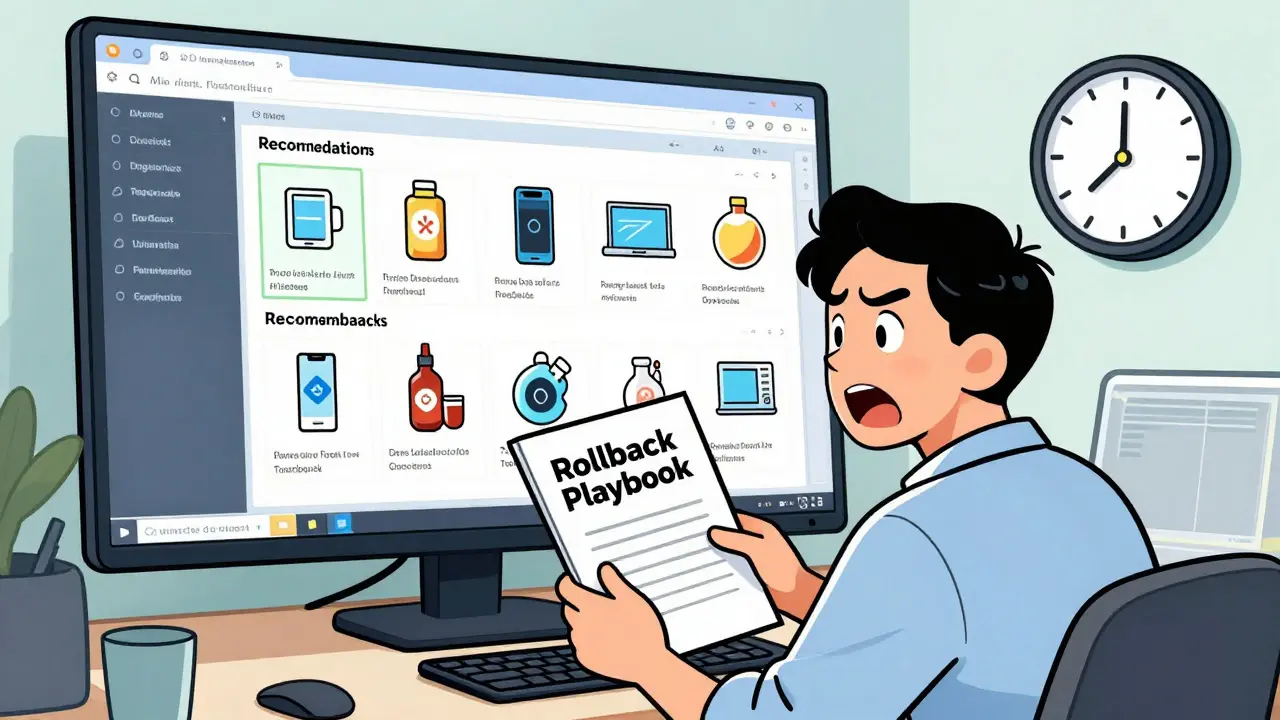
Imagine launching a new AI feature that's supposed to boost sales, only to realize an hour later that it's recommending inappropriate products to your top customers. For many companies, this isn't a nightmare-it's a Tuesday. With 68% of enterprises experiencing a major AI system failure between 2023 and 2024, the industry has learned a hard lesson: it's not about if your AI fails, but how fast you can undo the damage. This is where a AI deployment rollback strategy becomes your ultimate safety net.
A rollback playbook is essentially a structured emergency manual. It tells your team exactly how to revert an AI system to a known stable state without panic. In the past, recovering from a bad model release could take nearly 47 minutes on average. Today, mature organizations using formal playbooks are hitting sub-5-minute recovery times. For a large e-commerce site, that difference in speed can save over $2.1 million in lost revenue per incident.
The Core Strategies for Safe AI Releases
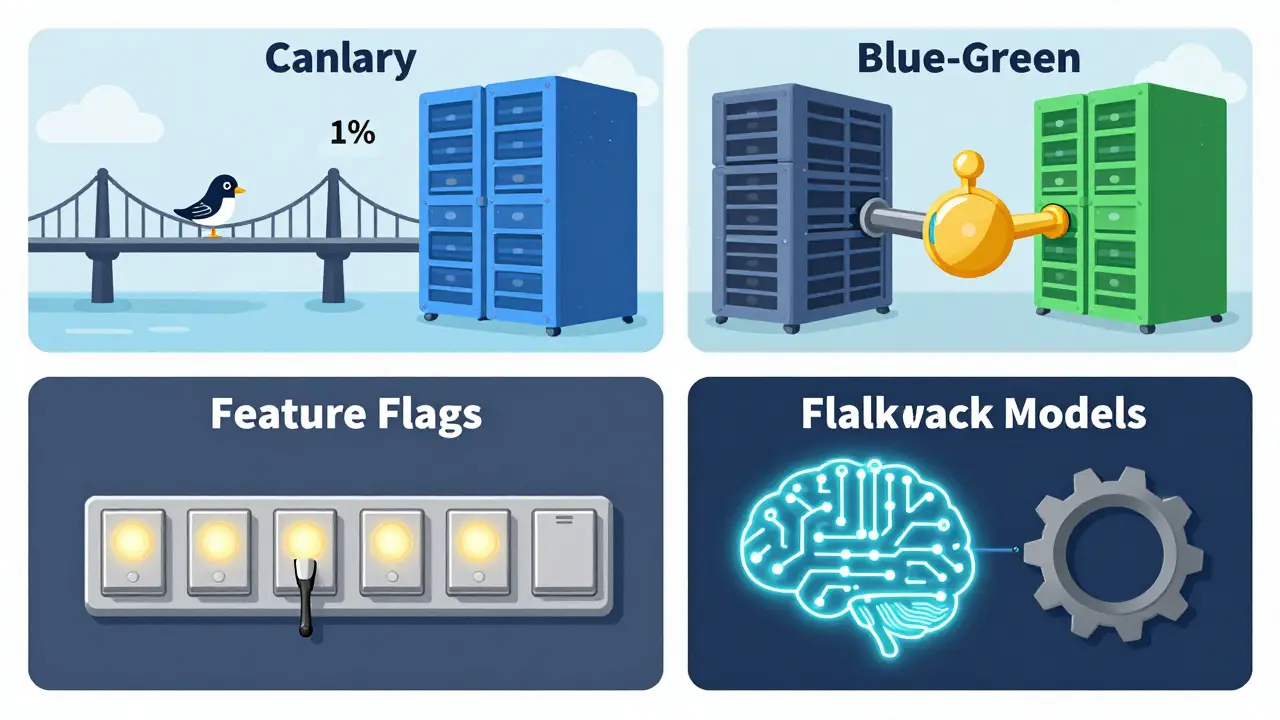
You can't just "undo" an AI deployment like you might a simple text change. Because AI involves weights, data pipelines, and prompt versions, you need a specific technical approach. Most high-performing teams use a combination of these four methods:
- Canary Deployments: This is the "test the waters" approach. You route a tiny slice of traffic (usually 1-5%) to the new model. If the error rate spikes or latency climbs over 300ms, the system automatically kills the new version and sends everyone back to the stable one.
- Blue-Green Deployments: Here, you run two identical environments. "Blue" is your current stable version, and "Green" is the new one. If Green fails, you flip a switch and send 100% of traffic back to Blue instantly. It's the fastest way to recover, though it doubles your cloud bill because you're running two full sets of infrastructure.
- Feature Flags: These act as digital light switches. You deploy the code, but the AI feature remains "off." You flip it to "on" for specific users. If things go south, you flip it back to "off" in milliseconds without needing to redeploy any code.
- Fallback Models: This is a "Plan B" strategy. You deploy a complex model (like a heavy Transformer) but keep a lightweight, simple model (like a logistic regression) running in the background. If the complex model crashes or slows down, the system automatically switches to the simple one to keep the service alive.
| Strategy | Recovery Speed | Infrastructure Cost | Risk Level | Complexity |
|---|---|---|---|---|
| Canary | Medium | Low | Very Low | High |
| Blue-Green | Instant | High | Low | Medium |
| Feature Flags | Instant | Low | Medium | Medium |
| Fallback | Instant | Medium | Low | High |
Technical Requirements for a Reliable Rollback
A playbook is just a document if you don't have the plumbing to support it. To actually execute a rollback, your MLOps pipeline needs three critical components: versioning, observability, and data consistency.
First, you need immutable versioning. Tools like MLflow (v3.2) or DVC (Data Version Control) allow you to tag exactly which model version was running at 2:00 PM on a Tuesday. NIST standards now suggest keeping these production models for at least 90 days. If you don't know exactly what version you're rolling back to, you're just guessing.
Second, you need triggers based on real numbers, not "vibes." A good playbook defines specific thresholds that trigger an automatic rollback. For example, if the Kolmogorov-Smirnov statistic for input drift exceeds 0.15, or if accuracy drops by more than 3% from the baseline, the system should trigger a rollback without waiting for a human to wake up and check a dashboard.
Third, you have to handle the database. This is where most companies fail. If your new AI model changed the way data is stored in your database, simply rolling back the model code will leave you with "poisoned" data. You need version-controlled migration scripts using tools like Flyway to ensure the data schema reverts alongside the model in under 100ms.
Building Your Rollback Playbook: A Step-by-Step Guide
Creating a playbook isn't a one-time event; it's a process. Following a framework like the one suggested by Microtica, you can roll this out over about 11 weeks.
- Assessment (Weeks 1-2): Identify your critical failure points. What happens if the model starts hallucinating? What if latency jumps to 2 seconds? Define what "failure" actually looks like for your specific business case.
- Playbook Design (Weeks 3-5): Write down the exact steps. Who is notified? Which button is pressed? Which environment is the target? Use a "if this, then that" format to remove ambiguity during a crisis.
- Integration Testing (Weeks 6-9): This is the most important phase. Set up a dedicated rollback testing environment. Try to break things on purpose to see if your triggers actually work.
- Production Validation (Weeks 10-11): Run a limited release and verify that the rollback mechanisms are active and monitored.
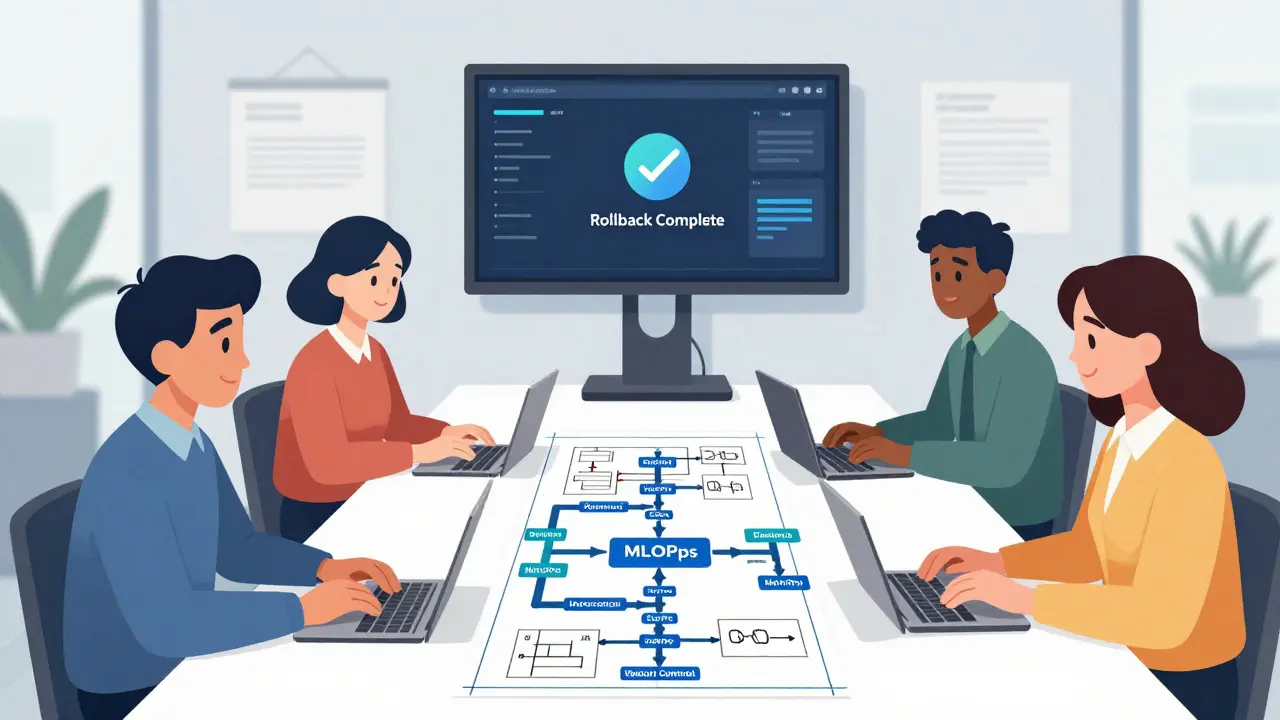
Pro tip: Don't just rely on the software. Run "tabletop exercises" once a quarter. Get your engineers in a room and simulate 12 different failure scenarios. If your team has to figure out how the rollback tool works while the site is down, you've already lost.
Governance and Regulatory Pressure
If you're in healthcare or finance, rollbacks are no longer optional-they're the law. The EU AI Act (Article 28) explicitly requires "immediate remediation capabilities." Similarly, the SEC now mandates "automated circuit breakers" for AI systems used in trading. Failing to have a documented rollback procedure could result in massive fines or legal liability if your AI causes a market flash crash or a medical error.
This regulatory shift is why we're seeing a boom in specialized tools. Platforms like Maxim AI and Braintrust.dev now offer one-click prompt version rollbacks. These tools reduce the incident duration from 45 minutes down to just a couple of minutes by decoupling the prompt version from the actual code deployment.
What is the most common cause of rollback failure?
According to Gartner, the biggest culprit is undefined success criteria. About 41% of failed rollbacks happen because the team didn't agree on what a "successful" state looked like, meaning they didn't know when to stop the rollback or if the reverted version was actually working.
Canary vs. Blue-Green: Which one should I choose?
It depends on your budget and risk tolerance. Use Canary if you want to minimize risk by testing on a small group of users and can handle a slightly slower recovery. Choose Blue-Green if you need an instant "kill switch" and have the budget to pay for double the infrastructure.
How often should we test our rollback playbooks?
Industry leaders recommend quarterly testing. This includes both automated tests in a staging environment and manual tabletop exercises to ensure the human element of the response is still sharp.
Do I need different triggers for different AI models?
Absolutely. A 1% drop in accuracy for a movie recommendation engine is negligible, but a 1% drop in a medical diagnostic AI could be catastrophic. Your triggers must be based on business impact, not just generic technical metrics.
How does database synchronization work during a rollback?
The most effective way is to use version-controlled migration scripts. When the model is rolled back, a corresponding "down" script is executed to revert the database schema to the previous version, ensuring the old model can still read and write data correctly.
Next Steps for Your Team
If you're starting from zero, don't try to build a fully automated system overnight. Start by documenting your manual steps. Who owns the decision to roll back? Which logs do they check? Once you have a manual process that works, automate the monitoring triggers using Prometheus. Finally, move toward a GitOps approach with tools like ArgoCD to make your rollbacks as simple as a Git revert.
Nathaniel Petrovick
April 29, 2026 AT 19:07Totally agree on the feature flags approach. We started using them last year and it's honestly a lifesaver when a model starts acting up in production. Way less stress than doing a full redeploy every time something small breaks.
Honey Jonson
April 30, 2026 AT 15:48this is so helpful!!’ve been strugglin with my current pipeline and didnt even think about the database part... thanks for sharring
Sally McElroy
May 2, 2026 AT 05:53It is truly fascinating how we prioritize the "speed" of recovery over the actual ethics of the failure...!!! We treat these AI hallucinations as mere technical glitches, yet we ignore the fundamental decay of truth in our digital society...!!! The obsession with a 5-minute recovery is just a mask for our refusal to acknowledge the chaos we've unleashed...!!!
Destiny Brumbaugh
May 2, 2026 AT 22:20USA needs to lead the way in AI safety and we gotta make sure we dont let other countries beat us to the punch with better rollbak playbooks!! Lets get this done right!!
Sara Escanciano
May 4, 2026 AT 14:30The fact that some companies only realize their AI is recommending inappropriate products after an hour is absolutely disgusting. It shows a complete lack of moral oversight and a blatant disregard for the end user. This isn't just a technical failure, it's a failure of corporate responsibility.
Elmer Burgos
May 5, 2026 AT 06:55everyone just trying their best to keep the lights on i guess. the fallback model idea sounds like a great way to keep things friendly for the users while the devs fix the main issue
Jason Townsend
May 5, 2026 AT 10:55you think these rollbacks are for "safety" but its actually about control. they just want a way to scrub the evidence when the AI starts leaking the truth about the systems they're really running in the background. follow the money
Angelina Jefary
May 5, 2026 AT 17:04I cannot believe the author used "vibes" in a technical discussion, though it is colloquially acceptable. More importantly, if you actually look at the underlying infrastructure of these "automated circuit breakers," you'll realize they are designed to hide the systemic failures from the public. It is a facade of stability while the core is rotting.
Antwan Holder
May 6, 2026 AT 17:41The tragedy of the rollback is the ultimate metaphor for the human condition! We spend our entire existence trying to return to a "stable state" that never truly existed in the first place! We are all just versions of a model failing in real-time, praying for a a version control system for our own shattered souls! It is an absolute void of despair wrapped in a JSON file!
Jennifer Kaiser
May 7, 2026 AT 01:32We must realize that the technical ability to rollback doesn't solve the systemic problem of why these failures happen. A playbook is a tool for damage control, but it doesn't foster an environment of genuine understanding or empathy toward the users affected by the "hallucinations." True stability comes from rigorous ethical alignment, not just faster switch-flipping. If we only focus on the recovery time, we are simply optimizing our ability to fail efficiently. We need to shift the paradigm from "how fast can we undo" to "why are we allowing this to break in the first place." The infrastructure mentioned is necessary, but it's a band-aid on a deeper wound of corporate negligence. We should be discussing the human impact of these "minor" 1% accuracy drops. In high-stakes environments, those percentages represent actual human lives. A technical manual cannot replace a moral compass. We must demand transparency in how these triggers are set. Who decides what is "negligible"? That power dynamic is where the real failure lies. Only then can we move toward a sustainable AI future.