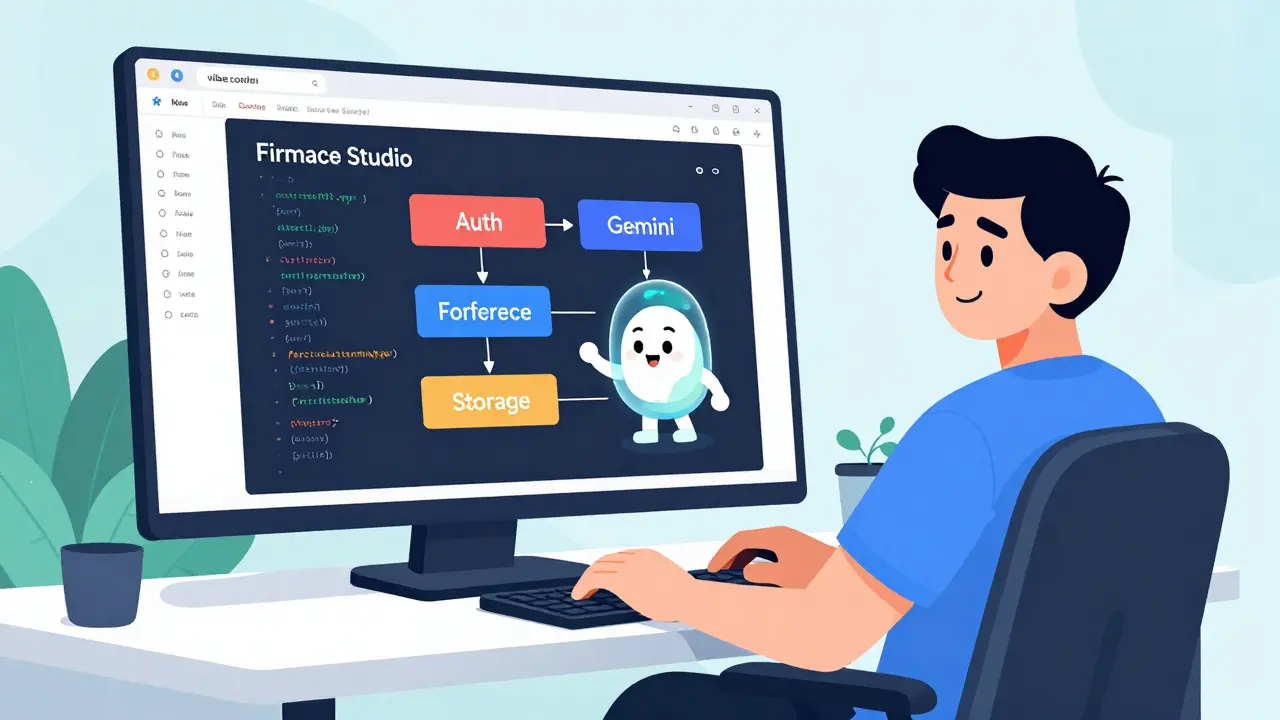
Remember the days when building a full-stack app meant spending hours configuring authentication, setting up database rules, and wrestling with deployment pipelines before you even wrote a line of business logic? Those days are over. With Firebase Studio, an agentic cloud-based development environment launched by Google in 2025, you can describe your application idea in plain English and watch it materialize into a working prototype with a fully connected backend in minutes. This isn't just code completion; it's a fundamental shift in how we build software, moving from manual configuration to what developers are calling "vibe coding."
If you've been hearing buzz about Vibe Coding-a workflow where natural language prompts drive both frontend UI and backend infrastructure-and wondering if it's hype or help, you're in the right place. Firebase Studio represents the evolution of Google's earlier cloud IDE efforts, specifically Project IDX, which was announced in August 2023. But while Project IDX gave us a browser-based editor, Firebase Studio gives us an intelligent agent that understands the entire Firebase ecosystem. It doesn't just write code; it provisions resources, configures security, and connects services automatically.
The Core Problem: Backend Friction Kills Momentum
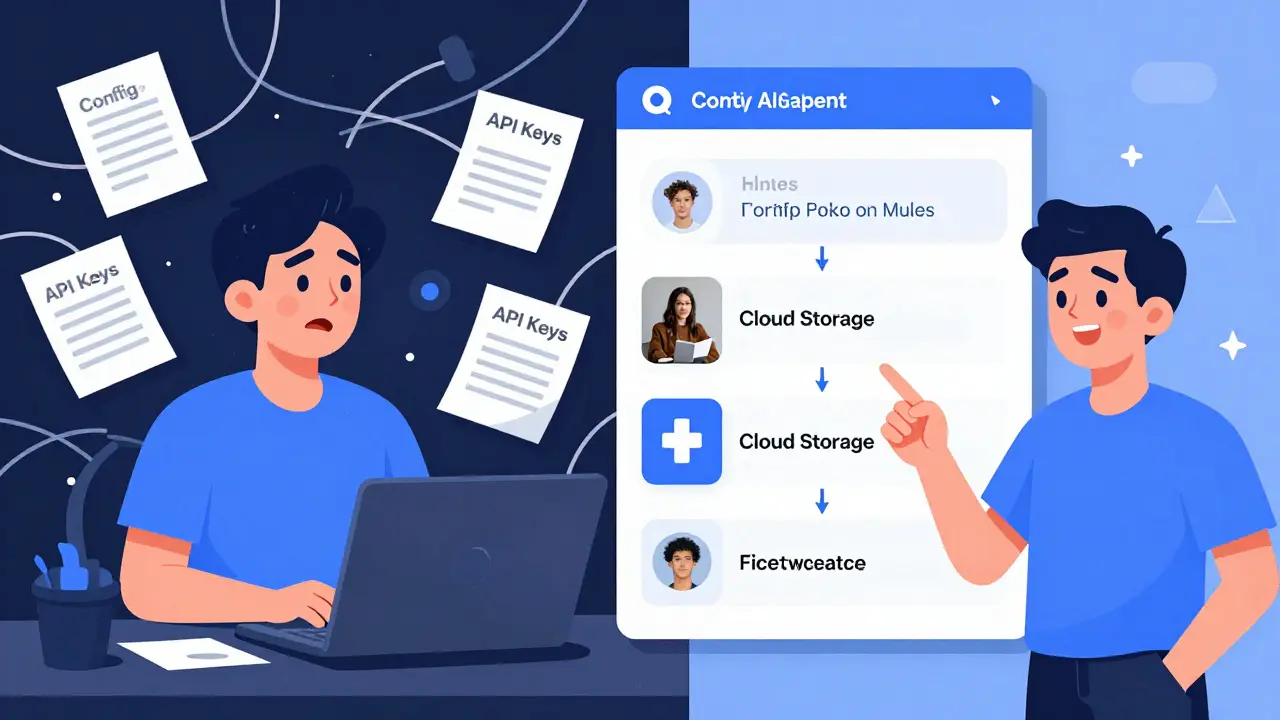
Most developers start with excitement but lose momentum quickly. You have a great idea for an image gallery app or a collaborative document tool. You sketch the UI in your head. Then reality hits. You need to set up Firebase Authentication so users can log in. You need Cloud Firestore to store their data. You need Cloud Storage for files. And you need to make sure all these pieces talk to each other securely.
Traditionally, this setup involves reading multiple documentation pages, copying configuration objects, enabling APIs in the console, and debugging connection errors. It’s tedious. It’s error-prone. And it takes time away from solving actual user problems. Firebase Studio addresses this friction head-on by integrating Gemini, Google’s large language model family introduced in December 2023, directly into the development workflow. Instead of you telling the computer exactly how to connect these services, you tell the computer what you want the app to do, and Gemini handles the plumbing.
How Vibe Coding Works in Practice
Vibe coding is not magic; it’s structured automation driven by AI agents. In Firebase Studio, this happens through two primary workflows: the App Prototyping agent and the Firebase MCP server. Let’s break down how they work together to turn your ideas into reality.
The App Prototyping agent is your first point of contact. Imagine typing a prompt like, "Build a simple photo sharing app where users can sign in, upload images, and add captions." In the past, you’d create a React component, then manually wire up Auth, then write Cloud Functions for storage. Now, the agent executes a five-step process automatically:
- Configuration Injection: It adds the necessary Firebase configuration object (API key, project ID, etc.) to your codebase.
- Sign-in Flow Implementation: It wires up the Firebase Authentication UI and logic, allowing users to authenticate via email/password or federated providers.
- Storage Functions: It writes the functions needed to upload files to Cloud Storage for Firebase.
- Data Persistence: It saves metadata, like image captions, to Cloud Firestore collections.
- Display Logic: It fetches the data back to display in your gallery, closing the loop between frontend and backend.
This entire sequence, which used to take 30-90 minutes of manual setup and debugging, now happens in under 10 minutes. The result is a deployable app with a working backend, ready for you to refine.
The Role of the Firebase MCP Server
While the App Prototyping agent builds the initial structure, the Firebase MCP server keeps you in control during iterative development. MCP stands for Model Context Protocol, a framework that allows LLMs like Gemini to call external tools with structured inputs. In Firebase Studio, this means the AI can perform real backend operations on your behalf through the interactive chat.
Think of the MCP server as a bridge between your conversational prompts and the Firebase infrastructure. It exposes at least six critical capabilities:
- Create and manage Firebase projects directly from the IDE.
- Manage Firebase Authentication users (e.g., listing or deleting test accounts).
- Work with data in Cloud Firestore and Firebase Data Connect.
- Retrieve schemas for Firebase Data Connect to ensure type safety.
- Understand and modify security rules for Firestore and Cloud Storage.
- Send messages using Firebase Cloud Messaging (FCM).
This integration changes how you debug and iterate. Instead of switching tabs to the Firebase Console to check why a rule failed, you can ask Gemini, "Why did my write operation fail?" and the MCP server will inspect your security rules and suggest fixes. You can even say, "Update my Firestore rules to restrict writes to authenticated users only," and the agent will apply the change. This keeps you in the flow state, reducing context switching and increasing productivity.
Auto-Provisioning: From Idea to Infrastructure
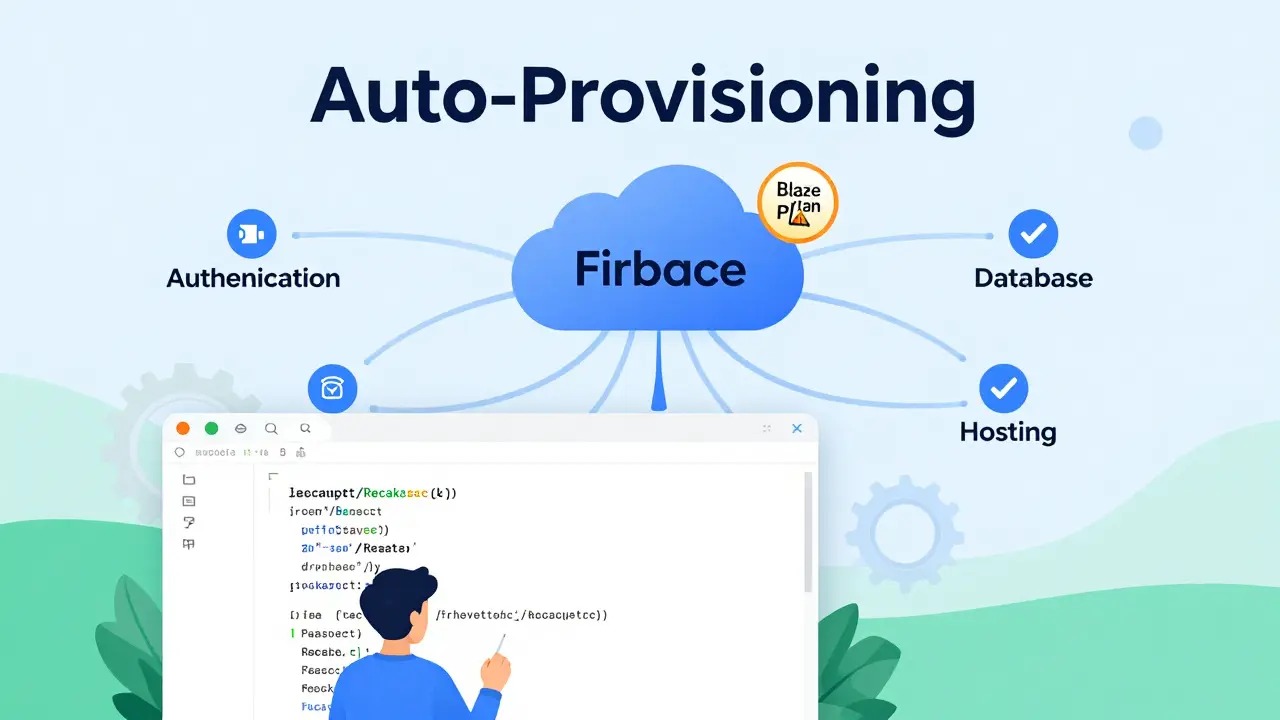
One of the most significant advantages of Firebase Studio is its ability to auto-provision backends. When you start a new project, you don’t need to pre-create a Firebase project in the console. You can simply tell the App Prototyping agent to create one for you. The agent generates the project, links it to your workspace, and displays a Firebase project button in the header, allowing you to switch seamlessly between the editor and the console.
However, auto-provisioning doesn’t mean zero oversight. Certain actions, particularly those involving billing, still require manual confirmation. For example, while the AI can scaffold your app and configure Cloud Storage, you must upgrade your project to the Blaze plan (pay-as-you-go) in the Firebase Console to enable certain features. This is a deliberate design choice to prevent unexpected costs. The AI handles the technical complexity, but you retain financial control.
This hybrid approach ensures that you get the speed of low-code tools without losing the precision and cost-awareness of traditional development. You’re not locked into a black box; you’re working with a transparent, code-first environment that accelerates the heavy lifting.
Firebase Studio vs. Other AI Coding Tools
You might wonder how Firebase Studio compares to other AI-driven tools like GitHub Copilot, Replit’s Ghostwriter, or Vercel’s v0. Each tool serves a different purpose, and understanding these differences helps you choose the right one for your workflow.
| Tool | Primary Focus | Backend Provisioning | Integration Depth |
|---|---|---|---|
| Firebase Studio | Full-stack Firebase apps | Yes (Auto-provisions Auth, Firestore, Storage) | Deep (MCP server, project lifecycle management) |
| GitHub Copilot | Code completion and generation | No | Surface-level (IDE extension) |
| Replit Ghostwriter | General-purpose coding assistance | Limited (Replit-specific services) | Moderate (Integrated with Replit environment) |
| Vercel v0 | Frontend UI generation | No | Shallow (UI components only) |
Firebase Studio occupies a unique niche. While Copilot helps you write code faster, it doesn’t understand your Firebase project structure or security rules. v0 generates beautiful React components, but you still have to wire them up to a backend yourself. Firebase Studio does both. It’s a hybrid between a general AI coding assistant and a platform-specific application creator. If you’re already invested in the Firebase ecosystem, this deep integration provides a significant competitive advantage.
Getting Started: A Step-by-Step Guide
Ready to try vibe coding? Here’s how to get started with Firebase Studio in under an hour.
- Access the IDE: Go to
firebase.studioand sign in with your Google account. No downloads required-it’s entirely browser-based. - Choose a Template or Import: Select a template for a supported language like JavaScript, TypeScript, or React. Alternatively, import an existing Git repository to continue working on an older project.
- Invoke the App Prototyping Agent: Open the chat interface and describe your app idea. Use clear, pseudocode-like specs. For example: "Create a task manager app with user authentication, a list of tasks stored in Firestore, and the ability to mark tasks as complete."
- Review and Refine: The agent will generate the code and provision the backend. Review the generated files, especially the security rules and configuration objects. Make adjustments as needed using the Code OSS-based editor.
- Enable Services: Click the Firebase project button in the header to switch to the console. Enable any additional services like Authentication providers or upgrade to the Blaze plan if you need Cloud Storage.
- Deploy: Once satisfied, deploy your app to Firebase Hosting directly from the IDE. Your app is now live and accessible worldwide.
The learning curve for basic usage is minimal if you’re already familiar with Firebase concepts. Advanced users can customize their workspaces using Nix configurations, extend MCP tools, or integrate with complex monorepos, but for most developers, the out-of-the-box experience is sufficient for rapid prototyping.
Potential Risks and Best Practices
While Firebase Studio offers incredible speed, it’s not without risks. Over-reliance on AI-generated code can lead to security vulnerabilities if you don’t review the output. Always check the security rules generated by the MCP server. Ensure that read/write permissions are restricted appropriately for your use case. Additionally, be mindful of costs. Auto-provisioning can inadvertently trigger high-volume reads or writes if your code contains inefficient loops or queries. Monitor your usage in the Firebase Console regularly.
Another consideration is vendor lock-in. Firebase Studio’s strength lies in its deep integration with Google’s stack. If you plan to migrate to AWS or Azure later, you may find that some of the generated code is tightly coupled with Firebase-specific APIs. To mitigate this, keep your business logic separate from your infrastructure code. Use abstractions where possible, so you can swap out the backend layer without rewriting your entire application.
Is Firebase Studio free to use?
As of mid-2025, Firebase Studio itself does not have a separate per-seat license fee. Access is bundled with general Firebase and Google Cloud access. However, you will incur costs for the backend resources you use, such as Firestore reads/writes, Cloud Storage bandwidth, and Authentication requests. These are billed according to the standard Firebase pricing tiers, including the pay-as-you-go Blaze plan.
Can I use Firebase Studio with existing projects?
Yes. Firebase Studio supports importing existing Git repositories. You can link your current Firebase project to the workspace and use the MCP server to manage and update your backend resources. This makes it easy to integrate AI assistance into your ongoing development workflow without starting from scratch.
What is the difference between Firebase Studio and Project IDX?
Project IDX was Google’s earlier cloud-based IDE, announced in 2023, focused on providing a consistent development environment for web and mobile apps. Firebase Studio, launched in 2025, evolves this concept by adding agentic AI capabilities powered by Gemini. It introduces specialized workflows like the App Prototyping agent and the Firebase MCP server, enabling auto-provisioning of backends and deeper integration with Firebase services.
Does Firebase Studio support languages other than JavaScript?
Currently, Firebase Studio primarily supports JavaScript, TypeScript, and frameworks like React and Node.js, which are common in the Firebase ecosystem. As the platform matures, support for additional languages and runtimes may expand, but its core focus remains on full-stack web and mobile applications built with Firebase.
How secure is the code generated by Firebase Studio?
The code generated by Firebase Studio follows best practices and includes default security rules. However, AI-generated code should always be reviewed by a developer. The MCP server can help you understand and modify security rules, but it is your responsibility to ensure that permissions align with your application’s requirements. Regularly audit your security rules and monitor for unusual activity.
David Smith
May 18, 2026 AT 17:32Oh great, another day, another 'revolutionary' tool that promises to save us hours while secretly turning us into button-pushers who can't read a config file. I spent three years mastering the art of wrestling with deployment pipelines and now Google wants me to just 'vibe' it?
I mean, seriously, do they think we're all just going to sit back and let an AI agent handle our security rules without a second thought? Because if you leave that to chance, you'll have a data leak so big it'll make the Equifax scandal look like a minor typo. And don't get me started on the cost surprises. One wrong loop in your auto-generated code and suddenly you're paying for more cloud storage than you can shake a stick at. It's not progress, it's laziness wrapped in shiny marketing speak.
Lissa Veldhuis
May 19, 2026 AT 19:16honestly this is such a cop out for real devs. i've been coding since before firebase was even a glint in google's eye and watching people rely on these 'agentic' tools makes my blood boil. you lose the soul of programming when you stop understanding how the pieces fit together. it's like learning to drive by letting the car steer itself. sure, you might get there but what happens when the road gets rough or the AI decides to take a scenic route through a security vulnerability? total disaster waiting to happen. plus the vendor lock-in is terrifying. once you're deep in the firebase ecosystem with their specific apis you're basically chained to google forever. no escape. just pure dependency hell disguised as convenience. yikes.
Michael Jones
May 21, 2026 AT 03:47come on guys wake up! this is exactly what we need to break the cycle of burnout. why spend hours configuring auth when you could be building features that actually matter to users? i tried it last week and built a whole task manager app in under an hour. it felt incredible to just describe what i wanted and watch it come to life. the vibe coding thing isn't about being lazy it's about focusing your energy on creativity instead of boilerplate. yes you should review the code obviously but the speed is unmatched. imagine if every startup founder could prototype their idea in minutes instead of weeks. that changes everything. let go of the old ways and embrace the future!
allison berroteran
May 22, 2026 AT 08:34I find myself wondering whether the shift towards natural language prompts truly represents a fundamental change in software development or merely a superficial layer atop existing complexities. While the ability to auto-provision backends certainly reduces initial friction, one must consider the long-term implications for maintainability and technical debt. If developers become accustomed to relying on AI agents for infrastructure setup, will they retain the necessary skills to debug intricate issues when the AI fails to provide adequate solutions? Furthermore, the potential for vendor lock-in remains a significant concern, as deep integration with Firebase-specific APIs may limit future flexibility. It is crucial to approach this technology with both optimism and caution, ensuring that we do not sacrifice depth of understanding for the sake of immediate convenience.
Gabby Love
May 23, 2026 AT 01:58Actually, the point about reviewing security rules is spot on. The MCP server helps a lot with that, but you still need to know what you're looking at. I've used it for a few small projects and it's pretty solid for getting off the ground quickly. Just remember to keep your business logic separate from the infrastructure code so you aren't stuck if you ever need to migrate. It's a useful tool, not a replacement for knowing how things work.