
You spent weeks compressing your Large Language Model. You shaved off gigabytes of memory, slashed inference costs, and felt pretty good about it. Then you deployed it to production, and it started hallucinating financial data or forgetting the user's name in the third turn of a conversation. What went wrong? The problem isn't your compression algorithm; it's how you tested it. Traditional metrics like perplexity don't tell you if a model can actually do work in the real world.
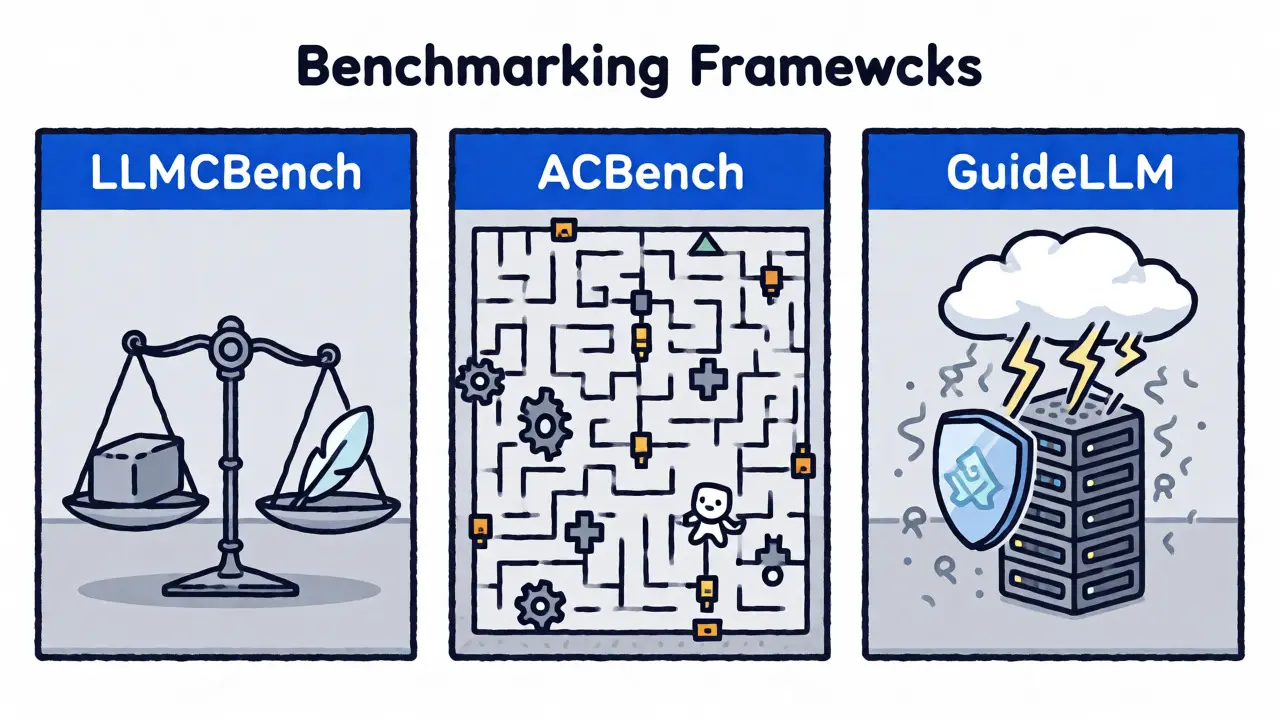
If you're trying to figure out whether a quantized model is ready for agentic workflows, you need more than a simple accuracy score. You need to know how it handles tool calls, long contexts, and bursty traffic. This guide breaks down the three major frameworks shaking up the field in 2026: ACBench, a benchmark designed specifically for agent capabilities like workflow planning and tool use, LLMCBench, a comprehensive suite for evaluating compression algorithms against efficiency and accuracy trade-offs, and GuideLLM, an open-source tool from Red Hat focused on simulating realistic production traffic loads. We'll look at what they measure, where they fail, and how to combine them so you don't ship a broken bot.
Why Perplexity Is Not Enough for Agentic AI
For years, we judged compressed models by their perplexity scores or performance on static benchmarks like GLUE. If the number stayed low, we assumed the model was fine. But that assumption broke when LLMs moved from chatbots to agents. An agent doesn't just predict the next token; it plans steps, calls APIs, and retrieves specific facts from massive documents. Compression techniques like 4-bit quantization (using methods such as GPTQ or AWQ) might preserve general language fluency but destroy nuanced reasoning required for these tasks.
A study presented at ICML 2025 highlighted this gap. Researchers found that while 4-bit quantization caused only a 1-3% drop in standard planning tasks, it degraded real-world application accuracy by 10-15%. Imagine an AI assistant booking a flight. It needs to check dates, compare prices, and confirm seat preferences. If the compressed model loses track of the date after a few API calls, the task fails, even if its perplexity score looks perfect. This is why specialized benchmarks are no longer optional-they're critical for avoiding operational disasters.
ACBench: Testing How Well Your Model Actually Thinks
ACBench (Agent Capability Benchmark) emerged in early 2025 as the first framework built explicitly to test agentic behaviors in compressed models. Unlike older tests that ask multiple-choice questions, ACBench throws 12 complex tasks at your model, divided into four key areas:
- Workflow Generation: Can the model break down a goal into sequential steps?
- Tool Use: Does it correctly format arguments for external APIs?
- Long-Context Retrieval: Can it find a specific needle in a 128K-token haystack?
- Real-World Application Accuracy: Does it perform well in specific domains like finance or robotics?
The results are sobering. ACBench evaluated 15 models, including small ones like Gemma-2B and distilled reasoning models like DeepSeek-R1-Distill. The findings showed that distilled models often struggle significantly with workflow generation, sometimes dropping 22% in performance compared to their non-distilled parents. This happens because distillation optimizes for pure reasoning answers, not the messy, iterative process of agent execution. If your use case involves chaining tools together, ACBench gives you the most honest picture of your model's limits.
| Feature | ACBench | LLMCBench | GuideLLM |
|---|---|---|---|
| Primary Focus | Agentic capabilities (planning, tools) | Algorithmic efficiency & accuracy trade-offs | Production traffic simulation & latency |
| Key Metrics | Task success rate, step accuracy | FLOPS, energy per inference, MMLU/GSM8K scores | RPS, p99 latency, concurrency stability |
| Best For | Agents requiring complex reasoning | Choosing between GPTQ, AWQ, pruning | Load testing before deployment |
| Setup Difficulty | High (requires custom datasets) | Moderate (needs high VRAM GPUs) | Low (predefined configs available) |
| Known Limitation | Lacks deployment metrics | Poor real-world traffic simulation | Less focus on compression quality |
LLMCBench: The Algorithmic Stress Test
While ACBench asks "can it do the job?", LLMCBench asks "is it efficient enough to be worth it?" Launched in 2024, this framework compares different compression techniques-like Wanda pruning versus SmoothQuant-across six tracks. It measures size reduction, inference latency, FLOPS, energy consumption, downstream task performance, and trustworthiness.
One standout feature of LLMCBench is its Pareto-optimal analysis. It plots accuracy against efficiency, helping you see which method gives you the best bang for your buck. For example, recent data shows that OmniQuant currently leads in maintaining performance at 4-bit precision, with only a 2.3% average accuracy drop across 12 benchmarks. In contrast, some pruning methods might save more memory but distort meaning, leading to what experts call "compression failure." This manifests as subtle factual errors or unstable responses that are hard to catch without rigorous testing.
However, LLMCBench has a blind spot: it runs on controlled hardware (typically NVIDIA A800 GPUs) with steady inputs. It doesn't simulate the chaos of real users hitting your server all at once. That's where the next tool comes in.
GuideLLM: Simulating the Chaos of Production
You've picked the right model. It passes ACBench. It's efficient according to LLMCBench. Now, will it crash when 500 people try to use it simultaneously during a lunch rush? GuideLLM, released by Red Hat in mid-2025, solves this by mimicking real-world traffic patterns. It uses a multi-process architecture with async workers to generate requests based on constant rates, concurrency limits, or Poisson distributions.
Why does this matter? Because compressed models behave differently under load. A quantized model might handle one request perfectly but suffer from cache thrashing or memory fragmentation when concurrent requests spike. GuideLLM captures metrics like p99 latency and requests per second (RPS) with 99.7% timing accuracy. One developer shared on Reddit that GuideLLM saved them from a disaster: their model handled steady loads fine but collapsed under burst traffic, a nuance standard benchmarks missed entirely.
How to Build a Robust Evaluation Pipeline
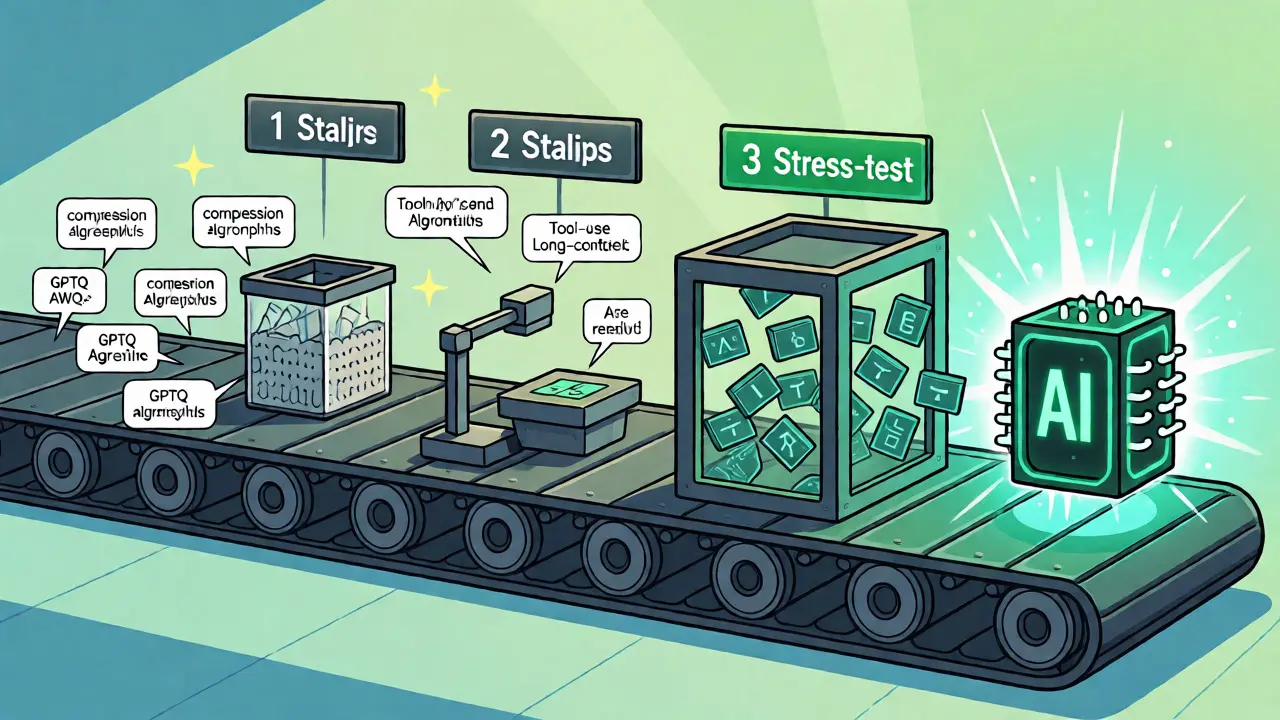
Don't rely on just one tool. The smartest teams use a staged approach to validate compressed LLMs. Here’s a practical workflow that balances depth and speed:
- Stage 1: Algorithm Selection with LLMCBench. Start here to narrow down your compression method. Compare GPTQ vs. AWQ vs. Pruning. Look for the sweet spot where accuracy loss is acceptable (e.g., <5%) and memory savings are maximal. This filters out bad candidates quickly.
- Stage 2: Capability Validation with ACBench. Take your top two candidates and run them through ACBench. Focus on the specific tasks your app performs. If you're building a coding assistant, prioritize the tool-use and code-generation tracks. Discard any model that fails critical agentic tasks, regardless of its efficiency stats.
- Stage 3: Load Testing with GuideLLM. Deploy your chosen model in a staging environment and hit it with simulated traffic using GuideLLM. Watch for latency spikes at high concurrency. If p99 latency exceeds your SLA (Service Level Agreement), consider adjusting batch sizes or reverting to a slightly larger model.
This pipeline prevents the common mistake of optimizing for the wrong metric. You might save 20% on GPU costs with aggressive pruning, but if it causes a 15% error rate in tool calls, those savings vanish when you factor in customer support tickets.
Common Pitfalls and Pro Tips
Even with the right tools, implementation trips up many teams. Here are three things to watch out for:
- Hardware Requirements: Running LLMCBench properly requires significant GPU power. For 7B parameter models, you need at least 40GB of VRAM (NVIDIA A800 or H100 recommended). Don't try to run full-scale benchmarks on consumer-grade cards unless you're okay with waiting days for results.
- Dataset Preparation: ACBench is powerful but demanding. It requires custom datasets for real-world application testing. Many organizations skip this step, leading to generic results that don't reflect their specific use case. Spend time curating 500-1,000 representative prompts for your domain.
- Inconsistent Rankings: Be prepared for surprises. A model might rank #1 on LLMCBench for efficiency but perform poorly on ACBench for reasoning. This isn't a bug; it's a feature of diverse evaluation criteria. Trust the framework that aligns closest with your end-user experience.
Also, keep an eye on regulatory changes. The EU AI Act now requires documentation of capability degradation for high-risk applications. Using standardized benchmarks like these provides the audit trail you'll need for compliance.
Looking Ahead: Continuous Monitoring
The field is moving fast. By 2027, analysts predict that benchmarking will shift from one-time pre-deployment checks to continuous monitoring in production. Tools will alert you when a compressed model's performance drifts below thresholds due to data shifts or infrastructure changes. For now, though, the priority is getting the initial validation right. Start with LLMCBench to pick your method, verify capabilities with ACBench, and stress-test with GuideLLM. Do this, and you won't just have a smaller model-you'll have a reliable one.
Which benchmark should I use first for my compressed LLM?
Start with LLMCBench. It helps you quickly compare different compression algorithms (like GPTQ vs. AWQ) based on efficiency and basic accuracy. Once you've narrowed down the best method, move to ACBench to test specific agentic capabilities, and finally use GuideLLM for load testing.
Does 4-bit quantization always degrade performance significantly?
Not always. According to ACBench findings, 4-bit quantization preserves workflow planning and tool use with only a 1-3% performance drop. However, it can degrade real-world application accuracy by 10-15%, especially in specialized domains like finance or medical diagnosis. Always test on your specific use case.
What hardware do I need to run these benchmarks?
For serious evaluation of 7B+ parameter models, you typically need NVIDIA A800 or H100 GPUs with at least 40GB of VRAM. Smaller models can run on consumer GPUs, but LLMCBench and ACBench are resource-intensive. GuideLLM is lighter on compute resources for the benchmarking tool itself but requires a robust serving infrastructure.
Why did my distilled model fail ACBench despite good reasoning scores?
Distilled models are optimized for answering questions directly, not for multi-step agentic workflows. ACBench revealed that distilled models can lose up to 22% performance in workflow generation because they lack the iterative reasoning structure needed for planning and tool chaining.
Is GuideLLM better than standard load testing tools?
Yes, for LLMs specifically. Standard web load testers don't account for the variable token lengths and stateful nature of LLM conversations. GuideLLM simulates realistic traffic patterns (bursty, variable) and measures LLM-specific metrics like time-to-first-token and inter-token latency, which are critical for user experience.