
Here is the hard truth about AI coding assistants in 2026: they are faster than you, but they might also be making your team slower.
If you bought into the vendor hype that promised a 50% productivity boost out of the box, you’ve likely hit a wall. You see high acceptance rates for suggestions, but your release cycles aren’t shrinking. Your pull request reviews are taking longer. And somehow, the number of bugs in production hasn’t dropped.
The problem isn’t the tool. The problem is how we measure success. For years, we measured developers by lines of code or features shipped. Now, with AI generating code at lightning speed, those old metrics are broken. To get real return on investment (ROI) from tools like GitHub Copilot or Amazon CodeWhisperer, you have to stop looking at individual typing speed and start measuring the entire system’s health.
Why Old Metrics Fail With AI
We used to think productivity was simple: if a developer writes code faster, the company wins. But software development is a flow, not a sprint. When one part of the pipeline accelerates without the rest, bottlenecks just move downstream.
Consider the metric everyone loves: Acceptance Rate. This measures how often a developer hits "tab" to accept an AI suggestion. It sounds useful, right? Wrong. As GitLab researchers pointed out in early 2025, this is "acceptance rate theater." Developers often accept a suggestion just to get it out of the way, only to spend ten minutes rewriting it because it missed subtle context or introduced a security flaw. High acceptance rates can actually mask low productivity.
Then there’s the illusion of speed. In a July 2025 randomized controlled trial by the METR Institute, experienced open-source developers were given realistic coding tasks. They expected AI to speed them up by 24%. Instead, they finished 19% slower. Why? Because the AI generated code that looked correct but required significant debugging, testing, and documentation adjustments that the human had to fix. The initial coding phase was fast; the verification phase was painful.
To measure true impact, you need to look beyond the editor window. You need a framework that balances velocity with quality.
The Balanced Scorecard: DX Core 4 and Tension Metrics
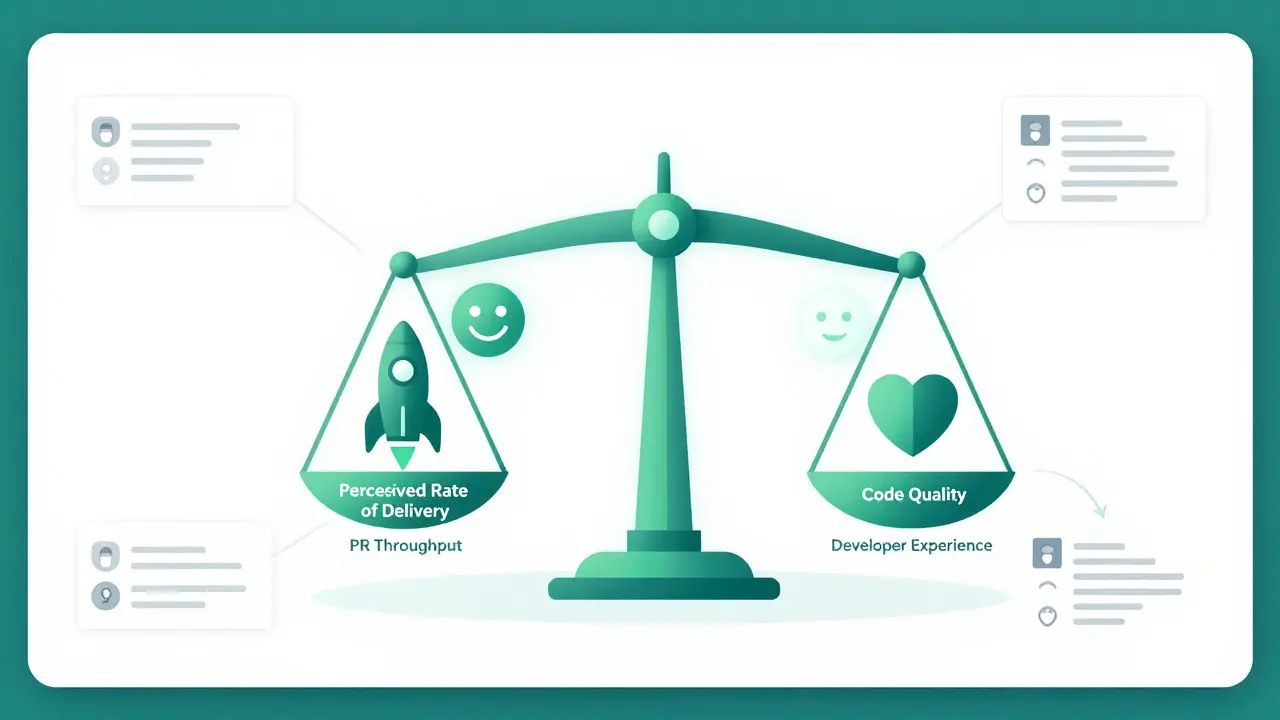
Leading organizations like Booking.com and Block don’t rely on single numbers. They use comprehensive frameworks. One of the most robust is GetDX’s DX Core 4, which tracks four pillars:
- PR Throughput: How many pull requests are merged per week? (Velocity)
- Perceived Rate of Delivery: Do developers feel they are delivering value? (Sentiment)
- Code Quality: Are incident rates and vulnerability counts dropping? (Reliability)
- Developer Experience Index: A composite score of overall satisfaction and friction points. (Health)
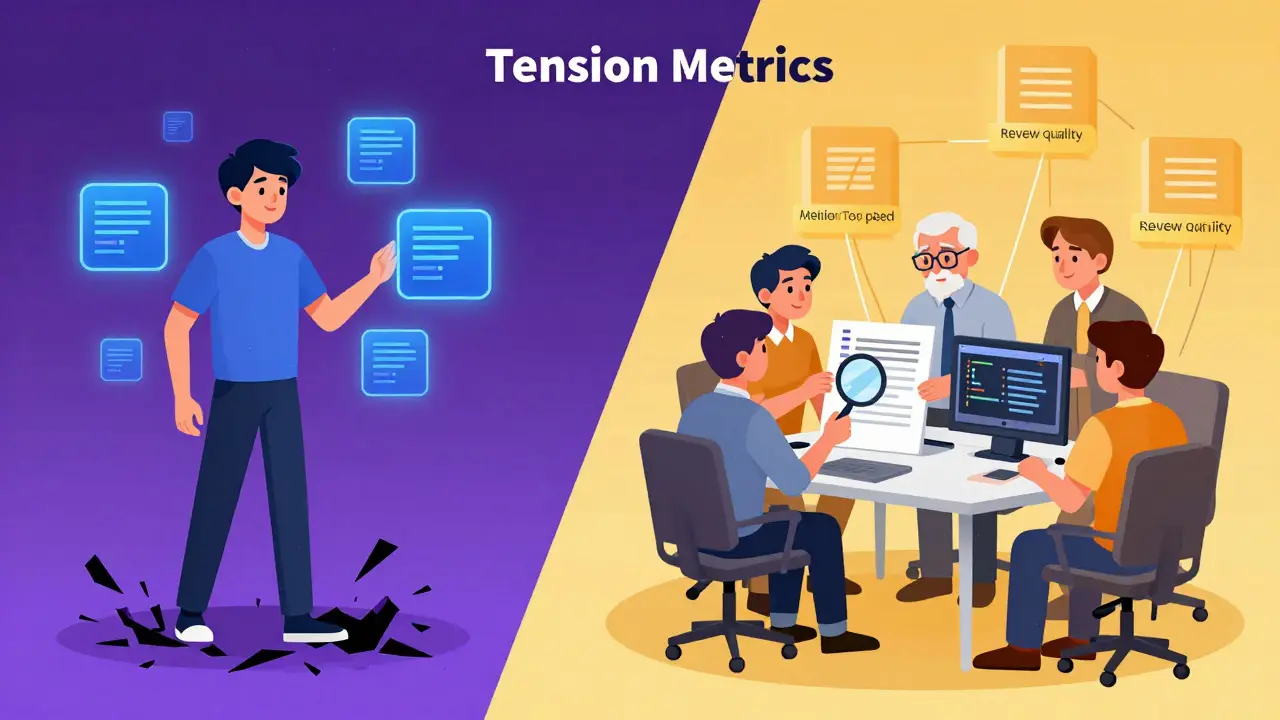
AWS adds another layer called Tension Metrics. These are safeguards. If your PR throughput spikes by 30% due to AI, your tension metrics check if review time has spiked by 50%. If so, you haven’t gained productivity; you’ve just shifted the bottleneck from writing code to reviewing it.
| Metric Type | Traditional Focus | AI-Augmented Reality | Risk if Ignored |
|---|---|---|---|
| Velocity | Lines of Code / Features Shipped | PR Merge Rate + Review Cycle Time | Bottlenecks shift to QA/Review |
| Quality | Bug Count Post-Release | AI-Specific Bug Density + Security Vulnerabilities | Technical Debt Accumulation |
| Efficiency | Hours Coded | Time Saved vs. Time Spent Debugging AI Output | False Sense of Productivity |
| Satisfaction | Employee Retention | Perceived Value of AI Tools + Cognitive Load | Burnout from Constant Verification |
Real-World Data: What Works and What Doesn’t
Let’s look at what happens when big companies try this. Booking.com deployed AI tools to over 3,500 engineers in late 2024. Their result? A 16% increase in throughput within months. But they didn’t just hand out licenses and walk away. They monitored their DX Core 4 metrics closely. They found that while routine boilerplate code sped up, complex architectural decisions slowed down unless senior engineers stepped in to guide the AI output.
Block (formerly Square) took a different approach with their internal AI agent, "codename goose." Dr. Sarah Chen, Director of Engineering Productivity at Block, noted that immediate speed gains came with a cost: code maintainability. Their solution wasn’t to reject the AI, but to change the workflow. They implemented stricter code review protocols where multiple team members collaborated on AI-generated features. This ensured knowledge sharing and caught edge cases the AI missed.
Contrast this with the failures. Many mid-sized companies report "acceptance rates above 35%" but no improvement in feature delivery speed. Why? Because they optimized for the wrong thing. They trained developers to accept suggestions quickly, rather than training them to verify output rigorously. The result is a codebase filled with "good enough" code that breaks under load.
How to Measure Your Own AI ROI (A Step-by-Step Guide)
You don’t need a PhD in data science to measure this. You need discipline. Here is a practical plan to assess your AI coding assistant investment over the next 90 days.
- Baseline Your Current State: Before turning on AI, record your current PR merge times, average bug count per release, and developer satisfaction scores. You can’t measure improvement without a starting point.
- Create Control Groups: If possible, pick two teams with similar tech stacks. Give one team access to AI tools; keep the other on traditional workflows. Track both for 2-3 release cycles. This isolates the variable of AI usage.
- Track "Time to Verify": Don’t just measure time to write code. Measure time to test and review. If AI cuts coding time by 30% but increases review time by 50%, your net gain is negative.
- Monitor Quality Indicators: Watch for "AI-specific" bugs. These are often subtle logic errors or security vulnerabilities that look syntactically correct. Track the number of critical incidents linked to AI-generated modules.
- Survey Developer Sentiment: Every four weeks, ask your team: "Does this tool help you do deep work, or does it distract you?" Burnout is a silent killer of productivity. If developers feel like they’re babysitting the AI, you’re losing money.
The Hidden Cost: Cognitive Load and Team Dynamics
Productivity isn’t just about code. It’s about people. AI changes how teams interact. Junior developers might become over-reliant on AI, missing out on learning fundamental concepts. Senior developers might become overwhelmed reviewing massive amounts of AI-generated code, leading to fatigue.
AWS experts Phil Le-Brun and Joe Cudby highlight a shift from individual productivity to organizational productivity. The goal isn’t to make one dev faster; it’s to make the whole team deliver better business value. If AI causes friction between juniors and seniors, or creates silos where only some team members understand the AI-generated architecture, your long-term velocity will suffer.
Also, consider the regulatory angle. In financial services, the SEC now requires firms to prove AI-assisted code meets the same auditability standards as human-written code. This means you need traceability. You must know who approved the AI output. Measurement systems must include accountability logs, not just speed stats.
Future-Proofing Your Metrics for 2027 and Beyond
The technology is moving fast. By Q3 2026, AWS predicts 85% of enterprises will use tension metrics to prevent AI acceleration from compromising security. Meanwhile, the METR Institute is shifting its focus from coding assistants to autonomous AI agents. These agents won’t just suggest code; they’ll execute tasks. Measuring their productivity will require even more rigorous controls.
The key takeaway? Stop chasing vanity metrics. High acceptance rates mean nothing if your customers aren’t happier. Fast coding means nothing if your servers crash. Focus on the balance: velocity, quality, and team health. That’s where the real ROI lives.
Is acceptance rate a good metric for AI coding assistants?
No. Acceptance rate is misleading because developers may accept suggestions to clear them from view, only to rewrite them later. It measures interaction, not productivity. Focus instead on PR merge times and code quality metrics.
Why did the METR study show AI slowing down developers?
The METR Institute's 2025 RCT found that while AI sped up initial coding, it increased time spent on debugging, testing, and fixing edge cases. The net result was a 19% slowdown because the verification burden outweighed the generation speed.
What are 'Tension Metrics' in AI productivity?
Tension metrics are safeguards that monitor for negative side effects of acceleration. For example, if coding speed increases, tension metrics check if review time or bug rates also increase. They ensure you aren't trading quality for speed.
How long does it take to see real ROI from AI coding tools?
Expect a 6-8 week adjustment period where productivity may dip as teams adapt workflows. Real gains typically appear after 2-3 release cycles once processes for review and testing are optimized for AI output.
Should I measure individual developer productivity or team productivity?
Measure team and organizational productivity. Individual metrics can lead to gaming the system. AI impacts the entire SDLC, so tracking cross-functional metrics like customer cycle time and team satisfaction provides a truer picture of ROI.