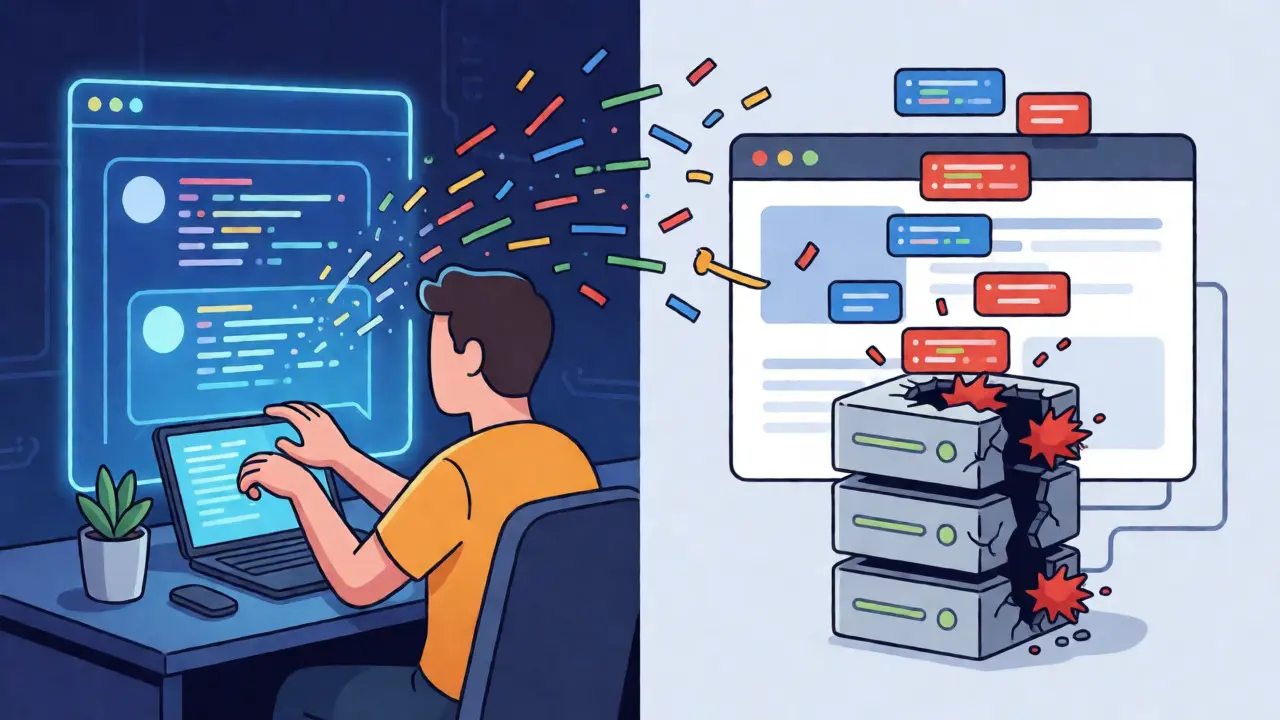
You typed a prompt into your AI assistant, hit enter, and watched a fully functional web app appear. It looked great. The UI was slick, the logic seemed sound, and you deployed it to production in under ten minutes. But here is the uncomfortable truth: up to 40% of that AI-generated code likely contains security vulnerabilities. If you are practicing vibe coding-that rapid-fire development style where large language models write the bulk of your application-you are trading traditional control for speed. And if you aren't locking down your secure defaults, that speed becomes a liability.
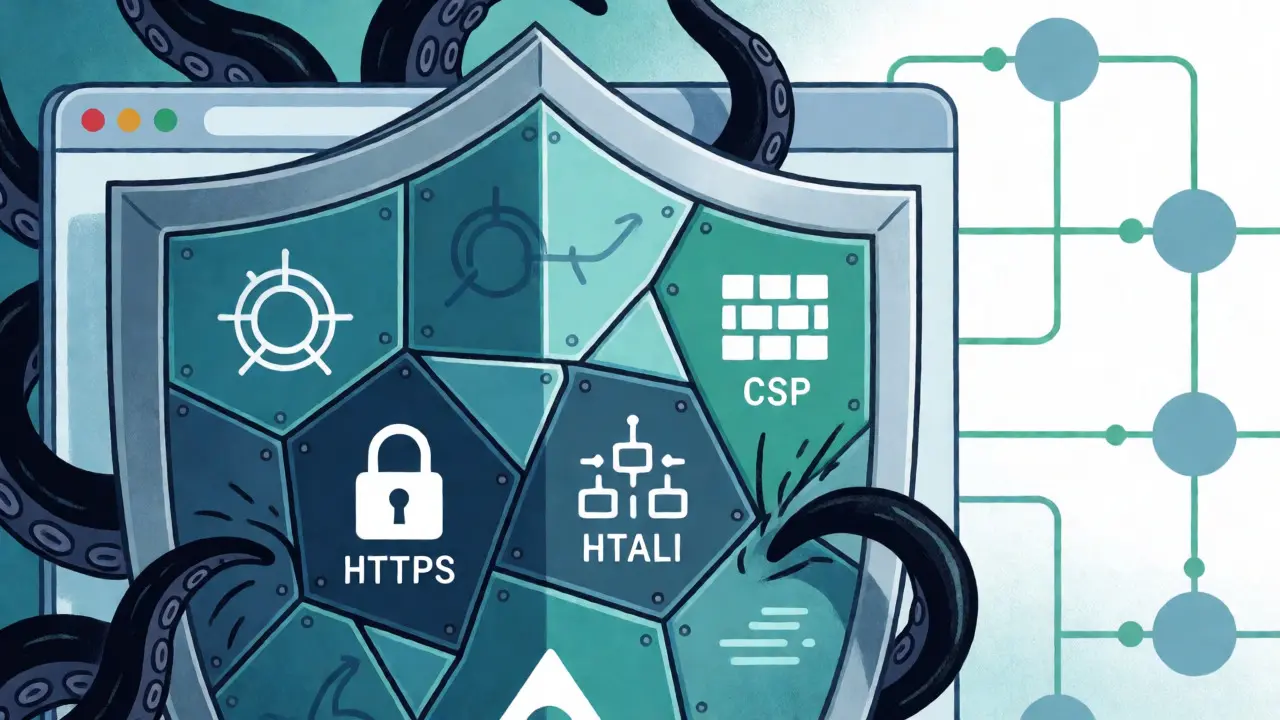
The problem isn't that AI is bad at coding. It's that AI optimizes for functionality and syntax correctness, not necessarily for defensive security posture. A model might give you a perfect React component but forget to sanitize inputs or set proper HTTP headers. This is where secure defaults save you. By enforcing strict Content Security Policies (CSP), mandatory HTTPS, and hardened security headers from day one, you create a safety net that catches the sloppy habits inherent in AI-assisted development.
Why AI Code Needs Guardrails
Think about how you interact with tools like GitHub Copilot, v0.dev, or Replit GhostWriter. You ask for a feature, and the AI gives you code. It rarely asks, "Do you want me to add an X-Frame-Options header?" It just builds what you asked for. Research from Palo Alto Networks' Unit 42 team highlights that most organizations allow employees to use these vibe coding tools without adequate security controls. The result? Vulnerabilities that surface at runtime, where insecure logic interacts with identities, APIs, and data stores.
A study by Wiz Academy found that applications without proper security headers experience 37% more successful Cross-Site Scripting (XSS) attacks compared to those with them configured correctly. Why does this happen? Because AI often generates code that looks safe but lacks context-aware protections. For instance, an AI might generate a clean API endpoint but leave detailed error messages exposed to end-users. In Q1 2025, CSA documentation noted that such exposed error details contributed to 22% of API breaches. Secure defaults act as a blanket policy that overrides individual code flaws, ensuring that even if the generated logic is imperfect, the transport layer remains robust.
Content Security Policy: The First Line of Defense
If you only implement one security measure in your vibe-coded app, make it a strict Content Security Policy. CSP is an HTTP response header that tells browsers which resources they are allowed to load. Without it, any script injected via an XSS vulnerability can run wild, stealing cookies or redirecting users to phishing sites.
Most AI-generated boilerplates don't include CSP by default because it requires specific knowledge of your external dependencies. You need to define directives explicitly. Here is a baseline configuration that works for many modern single-page applications:
default-src 'self': Restricts all resource types to the origin site unless specified otherwise.script-src 'self' 'nonce-{random}': Allows scripts only from your domain and those with a valid nonce (a unique token generated per request).style-src 'self' 'unsafe-inline': Often necessary for frameworks like Tailwind CSS, though nonces are better if possible.img-src 'self' data:: Allows images from your server and inline data URIs.
The tricky part with vibe coding is dynamic content. If your AI tool pulls assets from a CDN like Cloudflare or loads analytics from Google, you must whitelist those domains. Failing to do so breaks your app; whitelisting too broadly (*) defeats the purpose. A common pitfall reported by developers on Reddit’s r/webdev is deploying an AI-built site on Vercel without realizing CSP needs manual configuration until after an XSS incident. Always test your CSP in report-only mode first to see what would break before enforcing it.
HTTPS and HSTS: Non-Negotiable Transport Security
In 2026, running an application over plain HTTP is practically negligent. While major platforms like Vercel and Replit handle SSL certificates automatically, the real risk lies in mixed content and downgrade attacks. You need to enforce HTTPS strictly using TLS 1.2 or higher.
But enabling HTTPS isn't enough. You must implement HTTP Strict Transport Security (HSTS). This header tells browsers to always use HTTPS for your domain, even if the user types "http://" or clicks an insecure link. Without HSTS, attackers can strip encryption during the initial connection. Set your HSTS header to a long duration to maximize protection:
Strict-Transport-Security: max-age=31536000; includeSubDomains; preload
This configuration ensures that once a browser visits your site, it remembers to use HTTPS for the next year across all subdomains. Replit’s platform documentation emphasizes that their infrastructure provides native Git integration and automatic HTTPS, reducing the burden on developers. However, if you deploy to custom servers or less opinionated clouds, you are responsible for this setup. Remember, HTTPS protects data in transit, but it doesn't protect against logic errors in the code itself. That’s why it must work in tandem with other headers.
Hardening with Essential Security Headers
Beyond CSP and HTTPS, three other headers form the core of a secure web application. These are simple to add but frequently missing in AI-generated stacks.
| Header | Recommended Value | Purpose |
|---|---|---|
| X-Content-Type-Options | nosniff |
Prevents browsers from MIME-sniffing a response away from the declared content type, stopping certain drive-by download attacks. |
| X-Frame-Options | DENY or SAMEORIGIN |
Protects against clickjacking by preventing your site from being embedded in frames on other domains. |
| Referrer-Policy | strict-origin-when-cross-origin |
Controls how much referrer information is sent when navigating away, preventing leakage of sensitive URL paths. |
The X-Content-Type-Options: nosniff header is particularly important when dealing with file uploads. If your AI-generated code allows users to upload files, a malicious actor could rename a JavaScript file to .jpg. Without nosniff, some older browsers might execute it as script. Similarly, X-Frame-Options stops attackers from overlaying invisible buttons on top of your UI, tricking users into clicking things they didn't intend to.
Another critical area is secrets management. AI models love to hardcode variables. They might suggest const apiKey = "sk-12345"; directly in your frontend code. In production, this exposes your keys to anyone who views the page source. Platforms like Replit offer encrypted storage for secrets, but if you are building locally, ensure your CI/CD pipeline injects environment variables rather than baking them into the bundle. As noted by David Opton, Chief Security Officer at Replit, making security automatic and integrated is key to mitigating these risks.
Platform Differences: Vercel vs. Replit vs. DIY
Your choice of deployment platform significantly impacts how much security work you have to do. Not all vibe coding environments are created equal.
Vercel, popular among Next.js developers, automatically handles HTTPS and DDoS mitigation. However, it does not enforce CSP or other security headers by default. You must configure these manually in your vercel.json or middleware. This creates a gap where developers assume the platform handles everything, leading to misconfigurations. Wiz identified vulnerabilities in Swagger UIs exposed on subdomains because teams forgot to lock down access controls, a mistake easily made when relying solely on platform defaults.
Replit takes a more comprehensive approach. Their January 2025 security guide states that they implement "production-grade security features" including default HTTPS, DDoS protection, and secure secret management. According to CSA analysis, platforms with comprehensive secure defaults like Replit demonstrate 63% fewer critical vulnerabilities in AI-generated applications compared to those requiring manual configuration. This automation reduces the cognitive load on developers, allowing them to focus on functionality while the platform handles the plumbing.
GitHub’s ecosystem, centered around Copilot, relies heavily on Dependabot for dependency scanning but lacks built-in security header management. You are essentially building a bare-metal security posture. If you use GitHub Actions for deployment, you need to write scripts to inject headers into your Nginx or Apache configs. This DIY approach offers maximum flexibility but demands the highest level of expertise. For beginners, the learning curve to properly secure an AI-generated app averages 15-20 hours, according to Wiz training data.
Implementing a Secure Workflow
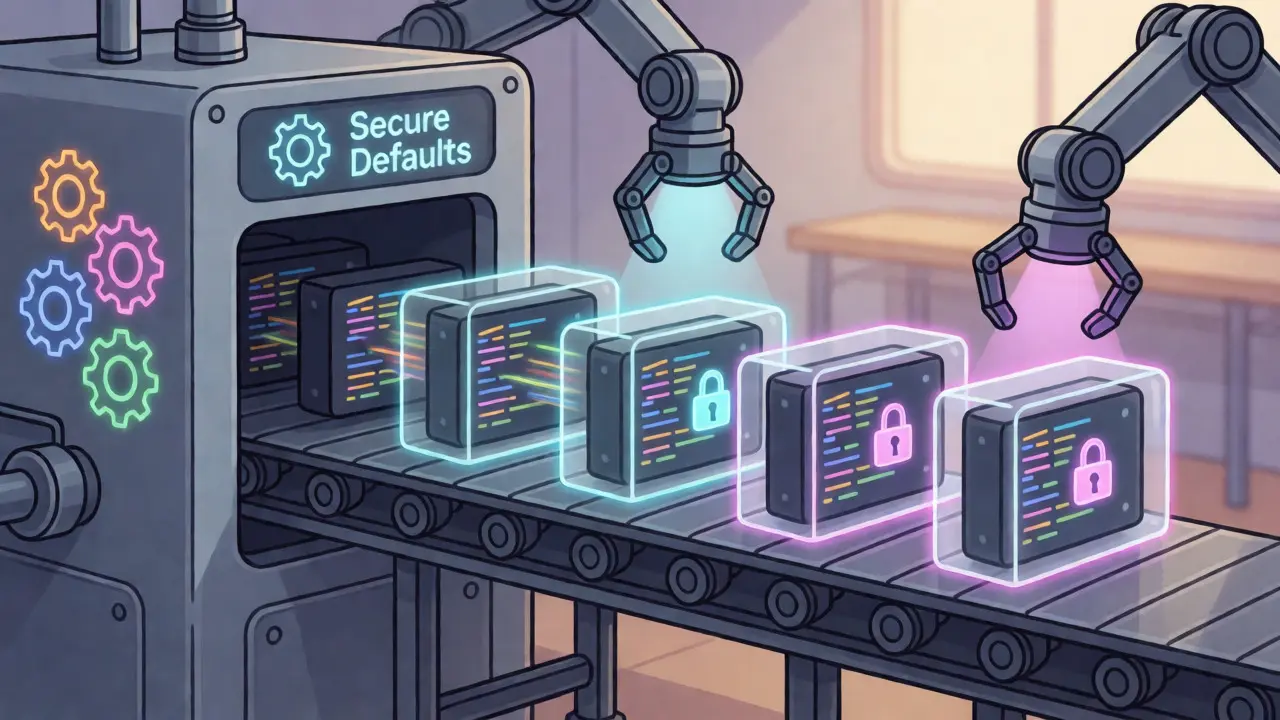
So, how do you actually integrate these practices into your daily vibe coding routine? You can’t check every line of AI output for security flaws manually. Instead, automate the validation.
- Generate Code: Use your preferred AI tool to scaffold the application.
- Inject Defaults: Immediately apply a standard security template that includes CSP, HSTS, and basic headers. Many frameworks now support plugins for this.
- Scan Dependencies: Run tools like Snyk or Checkmarx in your CI/CD pipeline. These tools catch outdated libraries that AI might suggest.
- Review Secrets: Ensure no hardcoded keys exist in the generated code. Move them to environment variables.
- Test in Staging: Deploy to a staging environment with CSP in report-only mode to identify broken resources before going live.
Don't forget about logging. AI often leaves console.log() statements in production code. These can expose sensitive data, such as user IDs or internal state, to the browser console. Configure your build process to strip these logs in production builds. Additionally, disable directory listing on your server. Reconnaissance by adversaries often starts with finding accessible backup files or admin panels left open by default configurations.
The Future of Secure Vibe Coding
The industry is moving toward mandatory secure defaults. Gartner predicts that by 2026, 75% of enterprises will require AI coding platforms to implement security headers by default. We are already seeing this shift with updates to NIST’s Software Supply Chain Security Framework (SSDF), which recommends automated scanning and artifact signing for AI-generated code.
For now, the responsibility still largely falls on you. The speed-security paradox is real: the faster you code with AI, the more you rely on automated guardrails. If you ignore CSP, HTTPS, and headers, you are essentially shipping a prototype to production. Treat your AI assistant like a junior developer who writes fast but forgets to lock the door. Your job is to install the deadbolts.
Does AI-generated code automatically include security headers?
No, most AI coding assistants like GitHub Copilot or v0.dev do not automatically add security headers like CSP or HSTS. They focus on functional code structure. You must manually configure these headers in your web server settings, framework middleware, or deployment platform configuration files.
What is the biggest security risk in vibe coding?
The primary risk is the injection of vulnerabilities due to lack of context. AI may generate code that works functionally but fails to sanitize inputs, validate authentication, or restrict resource loading. This can lead to XSS, SQL injection, or data exposure if secure defaults like CSP are not enforced.
Which platform has the best secure defaults for vibe coding?
Replit is often cited for having comprehensive secure defaults, including automatic HTTPS, DDoS protection, and secure secret management. Vercel handles HTTPS well but requires manual CSP configuration. GitHub requires significant manual setup for security headers. Platforms with automated security enforcement tend to show fewer critical vulnerabilities.
How does CSP help with AI-generated code?
Content Security Policy (CSP) acts as a whitelist for executable code and resources. Even if AI-generated code introduces a vulnerability that allows script injection, CSP prevents the injected script from running unless it comes from an approved source or matches a specific nonce/hash. It effectively neutralizes many XSS attacks regardless of the underlying code flaw.
Should I worry about console logs in production AI code?
Yes. AI models frequently leave debug statements like console.log() in the final code. These can leak sensitive information such as user tokens, internal object structures, or API responses to anyone inspecting the browser console. Configure your build tools (like Webpack or Vite) to remove console logs in production builds.
Quintin Franzese
September 2, 2026 AT 22:32oh great another article telling me i'm doing it wrong because i didn't manually configure nginx headers for my vibe coded todo app that i built in 4 minutes. cool cool.
Dave Gibbeson
September 3, 2026 AT 05:10You are absolutely right to highlight this gap. The speed of AI development is useless if the foundation is rotting. I've seen too many teams deploy 'vibe coded' apps that look pretty but leak API keys like sieves. You need to treat security as a non-negotiable constraint, not an afterthought. If you aren't enforcing CSP and HSTS from the start, you're just asking for trouble. Automate the injection of these headers or don't ship at all. It's that simple.
Meagan Mueller
September 5, 2026 AT 04:38they know they're watching us through those unsecured endpoints. ai doesn't care about your privacy it cares about selling your data to advertisers who pay for the ad slots on your broken site. why do you think copilot suggests those specific libraries? it's all rigged. if you don't lock down your csp you're basically handing them the keys to your kingdom. wake up.
Sabrina Newland
September 6, 2026 AT 13:40this is such a deep topic 🤔 it makes me wonder if we are losing our ability to understand the underlying mechanics of the web by relying so heavily on abstractions. if the ai writes the code and the platform handles the headers, do we still truly own our applications? or are we just renting a facade? 🏛️✨ also typos happen when you type fast with excitement lol
Tamara Miller
September 7, 2026 AT 17:57I find it quite disappointing that we have reached a point where basic hygiene is considered a 'feature.' In my day, we knew what X-Frame-Options did without needing an LLM to remind us. Now everyone thinks they can just prompt their way to production-grade security. It’s lazy. And frankly, it’s dangerous. If you can’t explain why you need a nonce in your script-src directive, maybe you shouldn’t be deploying anything at all. Just saying.
Amara Akbar
September 7, 2026 AT 21:56Hello everyone! I really appreciate the detailed breakdown here. It is very encouraging to see clear steps on how to integrate these practices into a modern workflow. For those feeling overwhelmed by the technical jargon, remember that starting small is perfectly okay. Perhaps begin with enabling HTTPS and adding the basic headers, then move to CSP once you are comfortable. We are all learning together, and every step towards better security is a victory worth celebrating! 💪😊
Susan Cole
September 8, 2026 AT 04:54I generally prefer to keep things simple and avoid over-engineering, but I agree that transport security is critical. However, I feel that strict CSPs often break more than they protect for smaller projects. It requires constant maintenance which might not be worth the effort for hobbyists. I usually stick to HTTPS and basic sanitization.
Mark Harvey
September 9, 2026 AT 01:51love this energy mark wait no dave said automate it and i agree totally
but also dont forget to test in staging first so you dont break prod like quintin hinted at earlier haha good points all around lets keep building safely
Zach Loescher
September 10, 2026 AT 17:59interesting perspective on the trade-off between speed and control. i haven't used replit much recently but the idea of automated defaults does seem appealing for reducing cognitive load. though i worry about vendor lock-in if the platform changes its security policies unexpectedly.