
You just let an AI tool refactor a chunk of legacy code. It looks cleaner, the variable names make sense, and the function is shorter. You run your standard unit tests, they pass green, and you push to production. Two weeks later, a penetration tester finds that the new code silently dropped a critical input validation check, opening a door for SQL injection. This isn't a hypothetical nightmare; it's happening right now in companies adopting AI-assisted development at scale.
Here is the hard truth: traditional regression testing was never designed to catch the subtle security breaks introduced by large language models (LLMs). When tools like GitHub Copilot or Amazon CodeWhisperer rewrite your code, they optimize for readability and functionality, not necessarily for security constraints. If you aren't specifically testing for security regressions after these AI-driven changes, you are flying blind. This guide breaks down exactly how to build a safety net that catches what standard tests miss.
Why Standard Tests Fail on AI-Refactored Code
Most developers assume that if the functional behavior remains identical, the code is safe. For human-written code, this often holds true because humans tend to preserve existing patterns, even if those patterns are flawed. AI doesn't care about your legacy patterns. It cares about statistical likelihood and clean syntax. This creates a dangerous gap known as semantic drift.
When an LLM refactors a function, it might simplify a complex conditional logic block. To a functional test, the output is the same. But to a security auditor, the simplification might have removed a null-check that prevented a race condition, or it might have altered the order of operations in a way that bypasses a permission check. According to Gartner, 68% of enterprises saw security incidents within six months of adopting AI code generation, largely because their QA processes didn't adapt to this new reality.
The core issue is that AI introduces novel vulnerability patterns. It doesn't just copy-paste old bugs; it hallucinates new ones. A study by Snyk found that improper access control issues appeared in 28% of AI-refactored code samples, while security misconfigurations showed up in 22%. These aren't typos; they are logical shifts that standard assertion-based tests simply don't look for.
Building Your Security Regression Suite
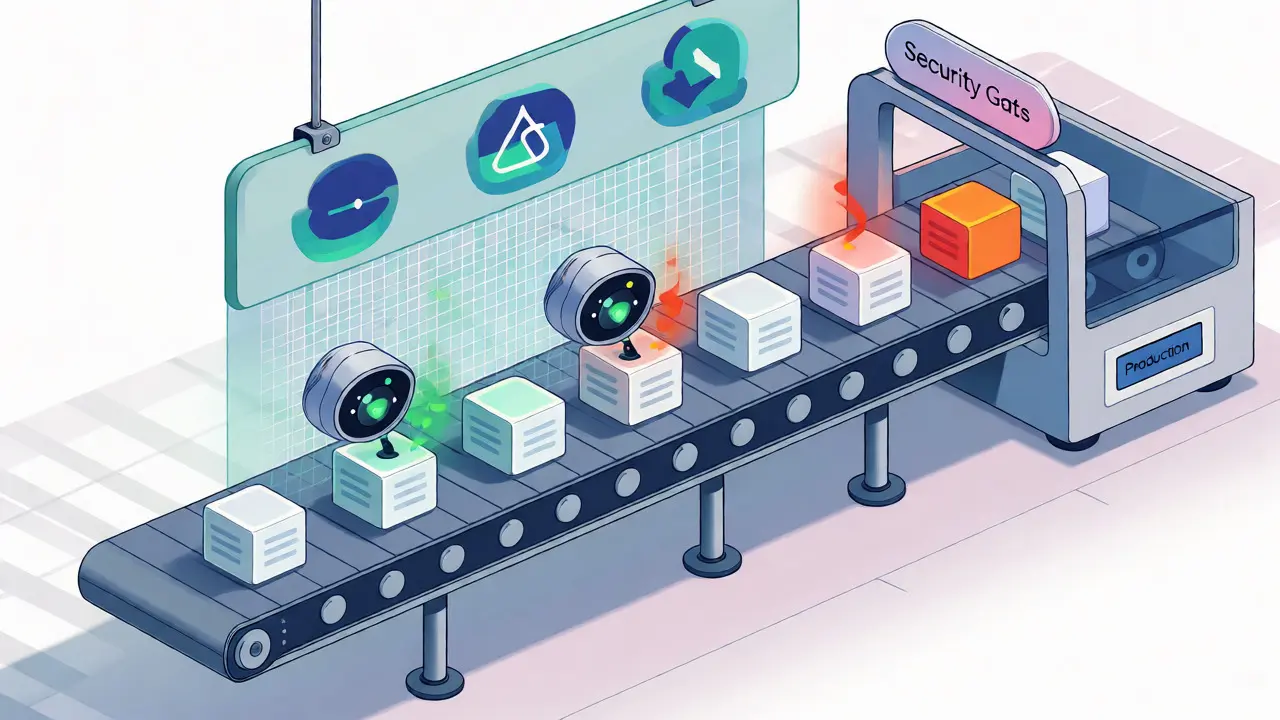
You don't need to rewrite your entire test suite overnight. Instead, you need to layer specific security checks on top of your existing workflow. Think of it as adding a specialized filter to your CI/CD pipeline. Here is how to structure it.
First, identify your security-critical paths. These are areas where authentication, authorization, data validation, and cryptographic functions live. Don't try to test everything equally. Focus your energy here. Once identified, create dedicated test cases that verify these properties remain intact post-refactor. This approach, often called security equivalence testing, ensures that the security posture before and after the AI change is identical.
- Authentication Flows: Verify that session tokens are still validated correctly and that privilege escalation attempts are blocked.
- Data Validation: Ensure that input sanitization hasn't been stripped out during code cleanup.
- Cryptographic Implementation: Check that encryption standards haven't been accidentally downgraded or bypassed.
A practical rule of thumb: add at least 15% more test cases to your suite specifically focused on security properties. Yes, this increases execution time by roughly 18-22%, but consider the alternative. The average cost of a single security incident remediation is around $147,000. Spending a few extra minutes in the pipeline is a cheap insurance policy.
Tooling That Catches What Humans Miss
Generic static analysis tools are getting better at understanding AI-generated code, but you need to configure them correctly. Tools like Semgrep and SonarQube have released updates specifically targeting AI-introduced vulnerabilities. SonarQube 9.9+ and later versions show a 35% better detection rate for these specific issues compared to older versions.
However, static analysis alone isn't enough. You need dynamic testing that understands context. This is where interactive application security testing (IAST) tools come into play. They monitor the application runtime to see if security controls are actually being enforced, not just if the code looks correct.
| Approach | Detection Rate | Primary Strength | Limitation |
|---|---|---|---|
| Standard Functional Regression | ~42% | Fast, familiar to teams | Misses logical security breaks |
| Generic SAST (Static Analysis) | Variable | Catches known patterns | Struggles with novel AI logic |
| Specialized Security Regression | ~87% | Validates business logic security | Requires setup and expertise |
For teams using open-source stacks, OWASP ZAP with AI-specific plugins has shown 32% better efficacy than generic scanners. If you have budget, commercial solutions like Synopsys Seeker offer deeper integration, though they start at around $15,000 annually. The key is integration: these tools must run automatically before code merges. Manual review is too slow and prone to fatigue when dealing with high volumes of AI-generated changes.
Integrating Into the DevSecOps Pipeline
Adding security tests is useless if developers ignore the results. You need to make security regression testing a blocking gate in your CI/CD pipeline. This means if a security test fails, the pull request cannot be merged. High-performing organizations use this strategy heavily; 83% of them implement automated security gates before merging AI-refactored code.
But don't just block everything. Configure your pipeline to provide actionable feedback. If the AI removed an input validator, the error message should point directly to the line number and suggest the missing check. Poorly configured tools create noise, leading developers to disable them. Well-configured tools create trust.
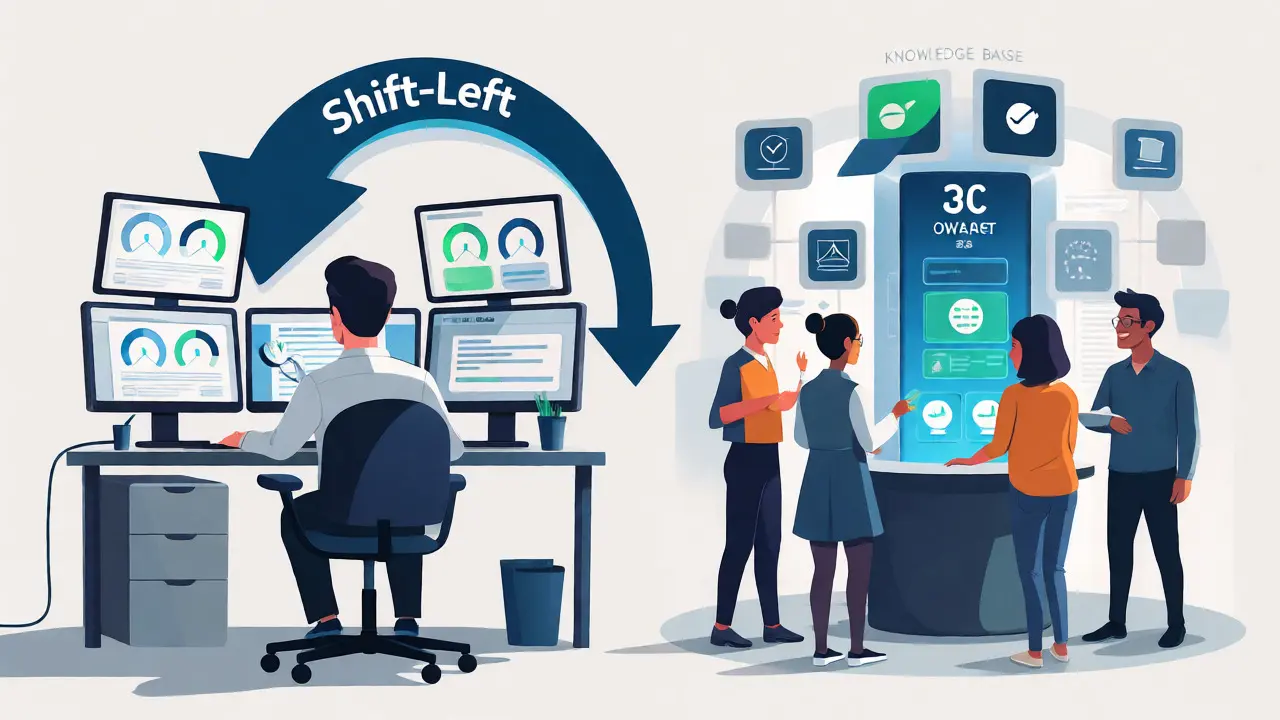
Consider implementing a "shift-left" approach. Run lightweight security checks locally on the developer's machine before they even commit. Tools like Checkmarx and Snyk integrate well with IDEs, catching obvious regressions early. This reduces the burden on the central CI server and gives developers immediate gratification-fixing a bug in seconds rather than waiting ten minutes for a pipeline failure.
Overcoming the Expertise Gap
Here is a bottleneck many teams face: only 37% of QA teams possess the specialized skills needed to write effective security regression tests. Developers know how to test if a button works. They often don't know how to test if a permission boundary holds under edge-case conditions created by AI refactoring.
You don't need to hire a full-time security engineer for every team, but you do need to upskill your current staff. Training should focus on two areas: understanding common AI hallucination patterns and learning basic security testing frameworks. Resources like the OWASP Foundation’s AI Security Testing Guide are invaluable here. Version 1.2, released recently, includes 12 new test cases specifically for detecting regressions in AI-refactored code.
If internal training feels too slow, consider leveraging AI-powered test maintenance tools. Solutions like Testim.io can help maintain test suites as code evolves, reducing the manual effort required to update tests by over 50%. This allows your limited security expertise to focus on designing high-value test cases rather than maintaining brittle scripts.
The Long-Term Payoff
Implementing this discipline takes work. Cataloging security-critical paths takes weeks. Creating the initial test suite adds significant upfront time. And maintaining these tests requires ongoing attention as AI models evolve. But the return on investment is clear.
Companies like JPMorgan Chase reported a 58% reduction in false positives and a 41% increase in true positive security findings after implementing focused security regression testing for AI-assisted code reviews. Capital One saw a 92% reduction in PCI-DSS violations. These aren't just vanity metrics; they represent real risk reduction and compliance savings.
As we move further into 2026, the expectation is shifting. Clients and auditors will increasingly ask not just "Did you test the code?" but "Did you validate the security integrity of AI-generated changes?" Having a documented, automated process for security regression testing answers that question confidently. It turns AI from a potential liability into a controlled asset.
Do I need separate tests for every AI refactor?
Not necessarily for every minor change, but yes for any modification touching security-critical paths. Use impact analysis tools to determine which parts of your security test suite need to run based on the files changed by the AI.
How much does security regression testing slow down deployment?
Typically, comprehensive security regression testing adds 18-22% to the overall test execution time. However, running these tests in parallel with functional tests can mitigate the wall-clock time impact significantly.
Can AI tools themselves perform security regression testing?
Yes, emerging tools use AI to generate security test cases and analyze code changes. However, they currently serve best as assistants to human-defined security policies rather than replacements for strategic oversight.
What is the biggest mistake teams make with AI refactoring?
Assuming that passing functional tests equals security safety. Teams often skip specific security validations because the code "looks" correct, missing subtle logic errors introduced by the AI.
How do I handle false positives in security scans?
Tune your tools aggressively. Mark known safe patterns as exceptions. Use contextual analysis features in modern SAST tools that understand the flow of data, rather than just pattern matching strings.
Bryce Imbriale
October 12, 2026 AT 13:23Yo this is huge for us right now we just started using Copilot on a legacy monolith and honestly the unit tests passing felt too good to be true until I read this. The part about semantic drift really hit home because our AI kept "cleaning up" null checks that were actually critical for race conditions. We are going to implement those specific security gates immediately before we push another refactor to prod.
LoriBeth Blair
October 13, 2026 AT 13:50You clearly haven't been doing your job if you didn't know this already.
The Gartner stat is old news in the enterprise world. Any competent QA lead knows that functional equivalence does not equal security equivalence. It is basic logic that an LLM optimizes for syntax not semantics of safety. Stop blaming the tool and start writing proper assertions. If your team needs a guide like this to understand why input validation matters then you have bigger problems than AI refactors.
Sherri Jones
October 15, 2026 AT 06:14This is such a vital topic! 🌟 Thank you for breaking down the tooling options so clearly. 😊
I particularly appreciate the emphasis on IAST tools because static analysis often misses runtime context issues which are exactly what happen when an AI simplifies conditional logic. 🛡️
We implemented Semgrep with custom rules for our auth flows and it caught three silent regressions last sprint alone. 🚀 Definitely recommend the shift-left approach mentioned here as it saves so much time later on. 👍
william mcstay
October 16, 2026 AT 22:54Foreign models are ruining American codebases. This whole trend of letting algorithms rewrite our work is lazy management trying to cut costs while pretending they care about quality. Real developers write secure code from scratch and don't need some chatbot holding their hand through a refactor. These companies should be ashamed for pushing untested garbage into production just to save a few dollars on headcount.
Liam Whelan
October 18, 2026 AT 17:10Hey guys, just wanted to say thanks for sharing this. 🙏
I've been struggling with this exact issue on my current project and feeling pretty overwhelmed by the sudden influx of AI-generated PRs. 😅
The advice about focusing only on security-critical paths instead of testing everything was a big relief for me personally. I think many of us are trying to do too much at once and burning out. Hope everyone stays sane during this transition period. ✨
Darlene Hopkins
October 19, 2026 AT 14:55Validating the emotional toll of these changes is just as important as the technical fixes.
Mithilesh Singh
October 21, 2026 AT 10:04It is high time that organizations stop relying on foreign-made AI tools without proper moral oversight!!!
These algorithms lack the ethical grounding required to maintain data integrity. They prioritize speed over truth and convenience over correctness. Every single incident mentioned in this article is a direct result of corporate greed ignoring traditional values of craftsmanship. We must reject these automated shortcuts and return to disciplined manual coding practices immediately or face total system collapse.
Elizabeth Calwell
October 22, 2026 AT 21:23Love the positive spin on this challenge! 💪
Instead of seeing AI as a threat, viewing it as a new layer of responsibility helps teams adapt faster. The JPMorgan stats prove that with the right mindset and processes, we can turn potential liabilities into strengths. Keep encouraging those who are learning this new skill set-it takes time but the payoff is worth it for everyone involved.
Shaina Silver-Baird
October 23, 2026 AT 19:31One must consider the implications of allowing opaque algorithms to modify core security infrastructure without full human transparency. The statistical likelihood cited suggests that these systems are not merely making errors but are fundamentally altering the trust model of software development. When a black box removes a validation check, who is accountable? The developer who accepted the suggestion or the corporation that deployed the unverified model? This erosion of accountability precedes the inevitable regulatory backlash.
Sabrina Silvani
October 25, 2026 AT 16:29the deeper question isn't how to test the code but whether we are outsourcing our understanding of security to tools we don't fully comprehend
if the ai hallucinates a vulnerability fix that wasn't there and we test for it do we validate the reality or the simulation
we are building castles on sand made of probability distributions and calling it engineering
stop asking how to catch the bugs and start asking why we allowed the machine to write the foundation in the first place