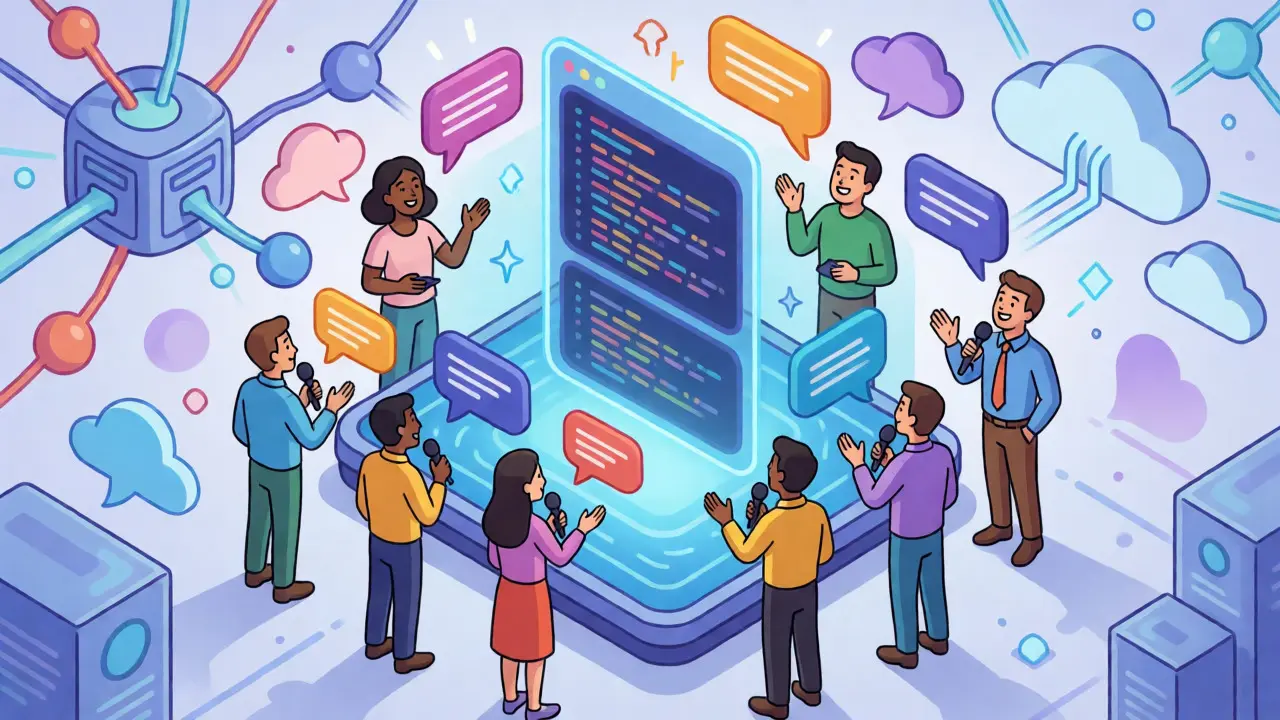
Remember when building a simple app required months of learning syntax, debugging semicolons, and wrestling with deployment servers? That era is ending. Vibe coding is the new normal where you describe what you want in plain English, and AI writes the code for you. It’s not just a buzzword; it’s a fundamental shift in who gets to build software. If you can articulate an idea, you can now create a functional application. This article breaks down how this works, who benefits most, and where the pitfalls lie.
What Exactly Is Vibe Coding?
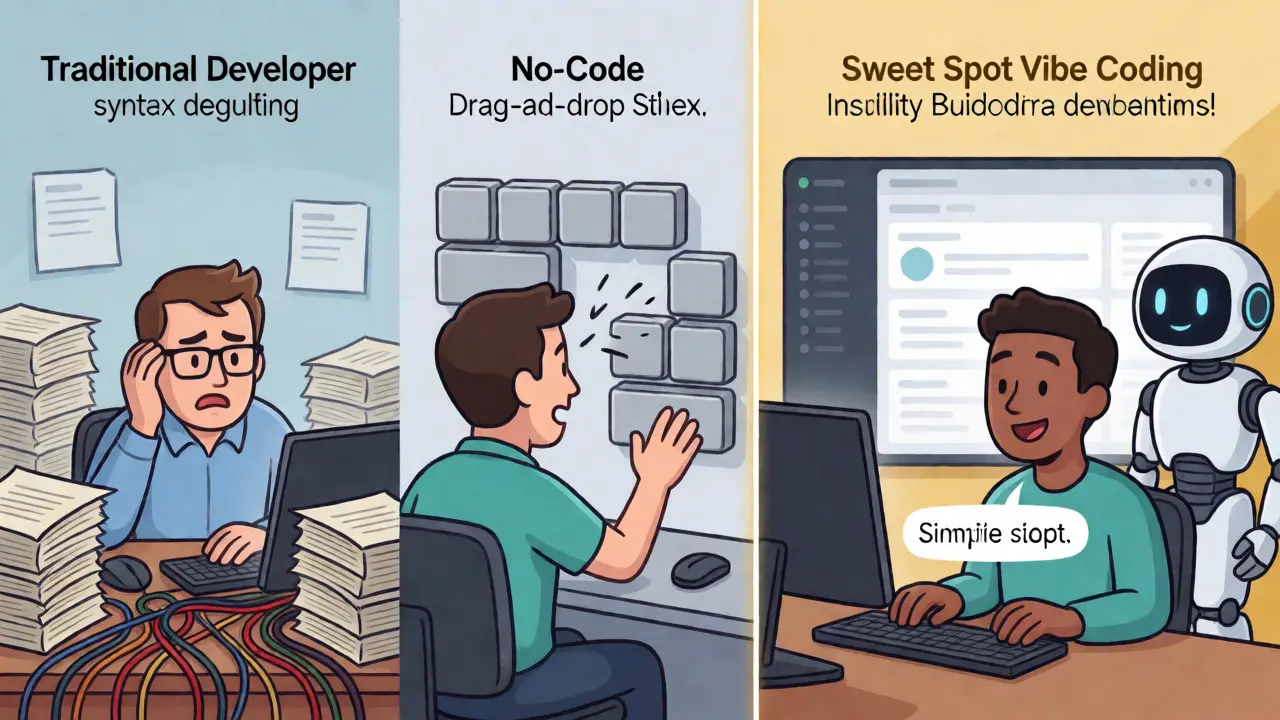
Vibe coding is a hybrid development approach that combines intuitive natural language input with AI-driven code suggestions. Unlike traditional programming, where you write line-by-line instructions, or no-code platforms, which restrict you to drag-and-drop blocks, vibe coding lets you speak your intent. You say, "I need a dashboard with three charts and a filter," and the AI generates the JavaScript, Python, or TypeScript to make it happen.
This isn't magic; it's the result of Large Language Models (LLMs) like Google's Gemini 2.5 Pro and OpenAI's GPT-4 reaching a level of sophistication where they understand context and logic. In December 2024, Google Cloud formally defined this as "a style of programming that uses natural language prompts to assist with the coding process." The goal is simple: remove the technical barrier between an idea and its execution.
Who Can Actually Build Now?
The most exciting part of vibe coding is the expanded audience. It’s not just for computer science graduates anymore. The data shows a clear split in who is using these tools:
- Citizen Developers: Business analysts, product managers, and marketers who need internal tools but lack engineering teams. They use vibe coding to prototype quickly without waiting for IT resources.
- Entrepreneurs: Founders with limited budgets who need MVPs (Minimum Viable Products). One user on Hacker News reported saving $45,000 in developer costs by building three internal tools themselves.
- Educators and Students: Learning to code traditionally takes hundreds of hours. With vibe coding, students can focus on logic and design rather than syntax errors.
- Professional Developers: Yes, pros still use it. They aren't replacing their jobs; they're speeding up boilerplate creation. JetBrains surveys show a 35-50% reduction in time spent on repetitive code.
If you have a clear idea and basic digital literacy, you are now a builder. The skill set has shifted from memorizing syntax to mastering "prompt engineering"-the ability to describe requirements precisely so the AI doesn't hallucinate features you didn't ask for.
Vibe Coding vs. No-Code vs. Traditional Code
You might wonder how this differs from existing solutions. Here is the reality check:
| Feature | Traditional Coding | No-Code Platforms | Vibe Coding |
|---|---|---|---|
| Skill Required | High (Programming languages) | Low (Visual interface) | Medium (Prompting + Basic Logic) |
| Customization | Unlimited | Limited to platform components | High (Can edit generated code) |
| Speed to Prototype | Weeks/Months | Days | Hours |
| Scalability | Excellent | Poor for complex logic | Good with human oversight |
No-code tools like Bubble or Webflow are great for landing pages but hit a wall when you need custom business logic. Traditional code offers total control but demands expert labor. Vibe coding sits in the sweet spot: it gives you the speed of no-code with the flexibility of real code because you can always step in and tweak the AI's output manually if needed.
The Tools Powering the Shift
Several platforms have emerged as leaders in this space. Each serves a slightly different niche:
- Replit Agent: A full-stack powerhouse. It doesn't just write code; it sets up databases, handles authentication, and deploys the app with one click. It’s ideal for beginners who want a working product, not just a snippet.
- GitHub Copilot: Best for those already in an IDE (Integrated Development Environment). At $10/month, it acts as a pair programmer, suggesting lines as you type. It integrates seamlessly with VS Code and JetBrains.
- Google Gemini Code Assist: Offers a free tier with Google Cloud credits. It shines in enterprise environments where integration with Google’s cloud services is critical.
- Wasp: A newer entrant focusing on full-stack frameworks. It provides "batteries-included" templates, giving the AI a solid foundation to build upon, which reduces messy code.
Choosing the right tool depends on your goal. If you want to launch a startup MVP tonight, try Replit. If you’re a dev looking to speed up daily tasks, stick with Copilot.
The Hidden Costs: Quality and Security
Is vibe coding perfect? Absolutely not. There are serious risks if you treat AI-generated code as gospel. GitHub’s 2024 State of the Octoverse report found that 37% of AI-generated code contained security vulnerabilities requiring manual fixes. This is the "spaghetti code" problem: the app works today, but six months later, nobody understands why it was built that way.
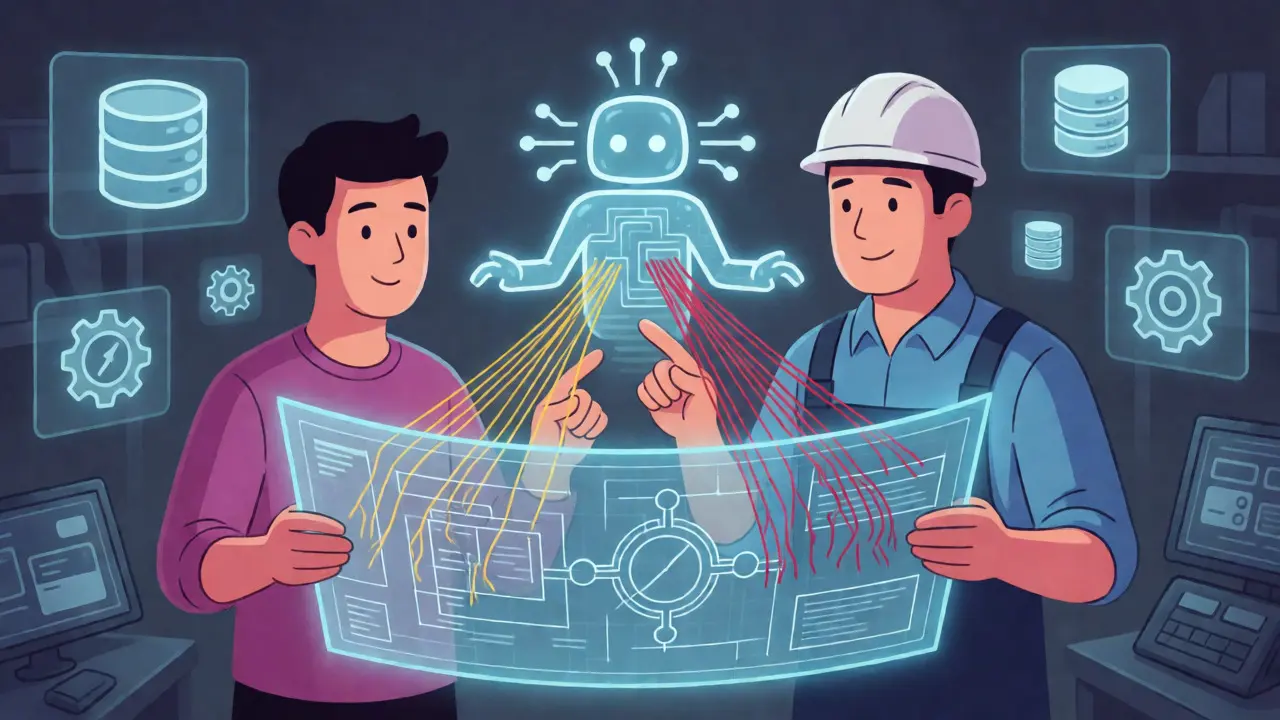
MIT professor Arvind Satyanarayan warns that we risk creating a class of developers who can assemble apps without understanding the underlying systems. When a server crashes or a database query slows down, someone needs to know what’s actually happening under the hood. Vibe coding lowers the entry barrier, but it doesn’t eliminate the need for technical literacy. You still need to know how to read the code enough to debug it.
How to Start Your First Vibe Coding Project
Ready to try it? Follow this practical workflow to avoid common traps:
- Define the Scope Clearly: Don't just say "make me a to-do app." Say, "Create a web-based to-do list where users can add tasks, mark them as done, and delete them. Use a simple UI with blue buttons."
- Iterate in Small Chunks: Ask the AI to build one feature at a time. "First, let's get the input field working." Then, "Now, add the save button." Testing each piece prevents massive headaches later.
- Review the Generated Code: Even if you don't write code, scan it. Does it look organized? Are there obvious security flaws, like hardcoded passwords?
- Deploy Early: Don't wait for perfection. Most vibe coding platforms offer one-click deployment. Seeing your app live helps you refine the next prompt.
A study by General Assembly found that non-technical users could build basic CRUD (Create, Read, Update, Delete) applications within 8-12 hours of guided practice. Compare that to the 120-200 hours required for traditional JavaScript learning, and the efficiency gain is undeniable.
The Future: Agents and Collaboration
We are moving beyond simple code generation toward agentic systems. Google’s recent research demonstrates AI agents that can plan, execute, and debug entire applications with minimal human intervention. Replit recently introduced "multiplayer vibe coding," allowing technical and non-technical team members to collaborate in real-time. Imagine a designer and a backend engineer tweaking the same prompt together.
Gartner projects the AI-assisted development market will grow from $13.8 billion in 2024 to $38.2 billion by 2027. IDC predicts that by 2027, 65% of application development will incorporate some form of AI assistance. The boundary between "developer" and "user" is dissolving. The winners in this new landscape won't be those who know the most syntax, but those who can best articulate problems and validate solutions.
Do I need to know how to code to start vibe coding?
No, you do not need prior coding experience. However, having a basic understanding of logic (if/then statements, loops) helps significantly. The primary skill required is clear communication and prompt engineering. Many successful vibe coders come from backgrounds in design, marketing, or project management.
Is AI-generated code secure?
Not automatically. GitHub reports that 37% of AI-generated code requires security modifications. AI models prioritize functionality over security best practices unless explicitly prompted. Always review generated code for vulnerabilities like SQL injection or exposed API keys before deploying to production.
Which tool is best for beginners?
Replit Agent is widely considered the most beginner-friendly because it handles the entire stack (database, frontend, backend, deployment) automatically. For those who prefer working within a familiar editor, GitHub Copilot is a strong choice, though it assumes you already have a development environment set up.
Will vibe coding replace professional developers?
It will change their role, not necessarily replace them. Developers are shifting from writing every line of code to architecting systems and reviewing AI output. Complex enterprise applications still require deep architectural knowledge that current AI lacks. The demand for developers who can leverage AI effectively is increasing.
What is the biggest challenge in vibe coding?
Maintaining code quality and coherence in large applications. AI can generate spaghetti code that works initially but becomes unmaintainable as the app grows. Without proper scaffolding and regular refactoring, technical debt accumulates rapidly. Human oversight remains critical for long-term project health.