
You’ve compressed your Large Language Model. The file size is tiny, the inference speed is blazing fast, and the perplexity scores look great on paper. But when you deploy it to handle actual customer queries or automate complex workflows, things fall apart. Why? Because traditional metrics don’t tell the whole story. Compressed LLMs need a different kind of evaluation-one that tests how they behave in the messy, unpredictable real world.
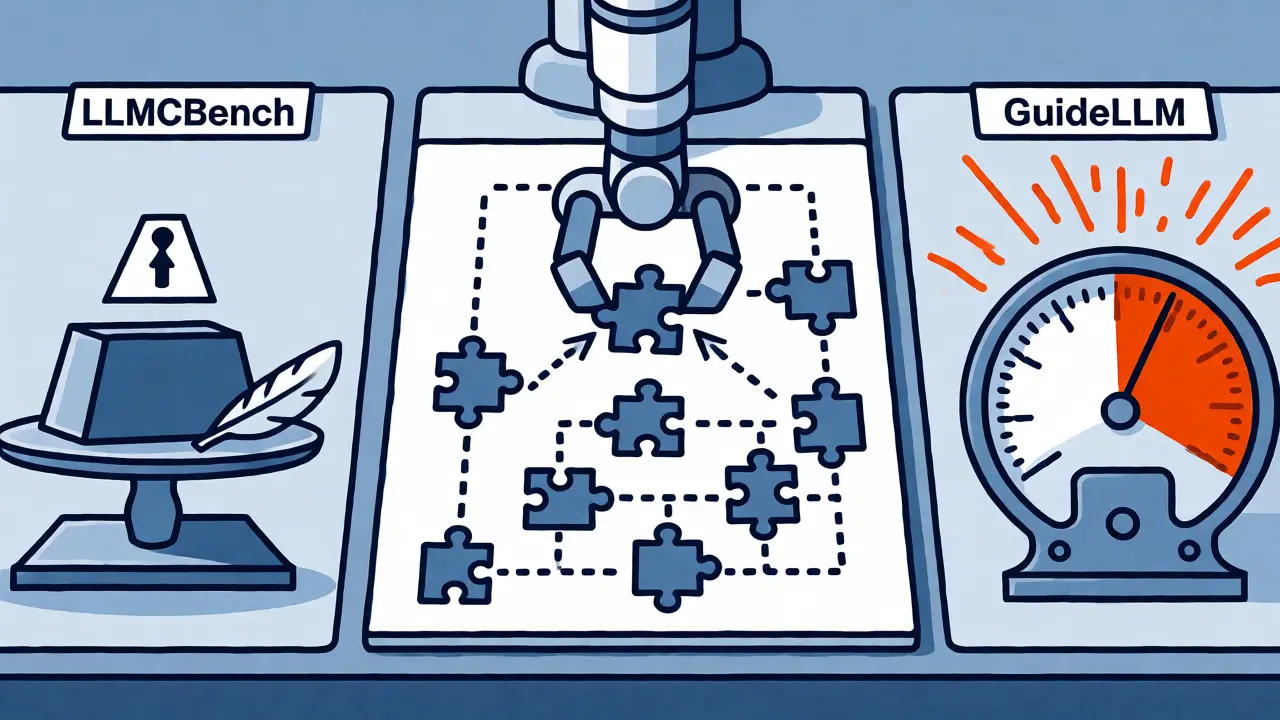
This guide cuts through the noise. We’re not just talking about math; we’re talking about survival in production. If you’re an engineer trying to decide between GPTQ and AWQ, or a product manager wondering why your "optimized" model hallucinates during tool use, this breakdown is for you. We’ll look at the three major frameworks defining this space in late 2025 and 2026: ACBench, a framework focused on agentic capabilities like workflow planning and tool use, LLMCBench, a comprehensive suite for measuring efficiency, latency, and energy consumption, and GuideLLM, a tool designed to simulate realistic traffic patterns and load timing. Understanding these tools isn’t optional anymore-it’s the only way to avoid costly deployment failures.
The Gap Between Metrics and Reality
For years, if a model had low perplexity, we assumed it was good. That assumption broke when models started acting as agents. An agent doesn’t just predict the next token; it plans steps, calls APIs, and retrieves information from massive documents. When you compress a model-using techniques like 4-bit quantization or pruning-you often preserve its ability to generate coherent text but destroy its ability to reason sequentially.
Consider this: Dr. Jane Chen, lead researcher for ACBench, noted that while 4-bit quantization might only drop performance by 1-3% on simple planning tasks, accuracy can plummet by 10-15% in real-world application scenarios. This disconnect is dangerous. A model that looks perfect on a static dataset might fail catastrophically when asked to navigate a multi-step financial analysis or manage a robotics workflow. The problem isn’t the compression algorithm itself; it’s that we were using the wrong yardstick to measure success.
To fix this, the industry shifted toward specialized benchmarks. Instead of asking "How smart is the model?", we now ask "Can the model do the job under pressure?" This shift requires evaluating specific attributes: workflow generation accuracy, tool-calling reliability, long-context retrieval, and robustness against adversarial inputs. Without this granular view, you’re flying blind.
ACBench: Testing Agentic Capabilities
If your application involves automation, chatbots that take action, or AI assistants that manage schedules, ACBench (Agent Capability Benchmark) is your primary tool. Launched in early 2025, it was the first framework specifically designed to measure how well compressed models perform in agent-like scenarios. It doesn’t care about general trivia; it cares about execution.
ACBench spans 12 distinct tasks across four critical capabilities:
- Workflow Generation: Can the model break down a complex goal into logical steps? For example, "Book a flight, then reserve a hotel near the airport." Compression often hurts here because sequential reasoning relies on precise weight distributions that quantization disrupts.
- Tool Use: Does the model correctly format API calls? A compressed model might understand the intent but mess up the JSON structure required for function calling.
- Long-Context Retrieval: Using a "Needle-in-Haystack" test, it checks if the model can find specific details in documents up to 128K tokens. Pruning can accidentally remove the weights responsible for attending to distant context.
- Real-World Application Accuracy: Tests in domains like finance, gaming, and robotics. These are high-stakes environments where a small error compounds quickly.
One standout feature of ACBench is ERank, a metric that identifies which model layers are most critical to preserve during compression. Developers have reported that ERank helped them pinpoint exactly where their compressed models were losing intelligence, allowing for targeted layer preservation rather than blanket compression. However, be warned: setting up ACBench is heavy lifting. Teams report taking up to three weeks to implement the 12 evaluators properly. It’s not a plug-and-play solution, but for agentic apps, it’s indispensable.
LLMCBench: Measuring Efficiency and Trade-offs
While ACBench asks "Does it work?", LLMCBench asks "At what cost?" Established in 2024, this framework provides the most rigorous comparison of compression algorithms themselves. It evaluates six specialized tracks, focusing on the technical trade-offs inherent in making models smaller.
LLMCBench measures:
- Size Reduction: The raw compression ratio from original to final model.
- Inference Latency: Time per token in milliseconds, tested at various batch sizes.
- FLOPS: Floating-point operations per second, indicating computational intensity.
- Energy Efficiency: Watts consumed per inference, crucial for mobile or edge deployments.
- Task Performance: Standard scores on MMLU and GSM8K, though with a focus on degradation relative to the uncompressed baseline.
- Trustworthiness: Robustness and truthfulness metrics, which correlate strongly with real-world failure rates.
A key insight from LLMCBench data is the Pareto-optimal trade-off analysis. It reveals that OmniQuant currently leads in maintaining performance at 4-bit precision, showing only a 2.3% average accuracy drop across 12 benchmarks. In contrast, older methods like basic GPTQ might show higher drops in trustworthiness. Professor David Lee from MIT warns that aggressive compression can distort meaning and amplify bias. LLMCBench helps you quantify that risk before you ship code. Note the hardware requirements: running full LLMCBench suites typically demands NVIDIA A800 or H100 GPUs with over 40GB VRAM for 7B+ models. If you’re working on consumer hardware, you’ll need to scale down your testing scope.
GuideLLM: Simulating Production Traffic
Here’s a scenario many teams face: Your model passes all accuracy tests. You deploy it. Then, during a marketing campaign spike, the system collapses. Why? Because standard benchmarks assume steady-state loads. They don’t account for bursty, variable traffic patterns typical of real users. Enter GuideLLM, an open-source tool created by Red Hat that simulates realistic load conditions.
Released in mid-2025, GuideLLM uses a multi-process architecture combining RequestWorkers and asyncio with thread pools. Its goal is minimal interference, achieving 99.7% accurate load timing. It collects metrics that matter for infrastructure teams:
- Requests Per Second (RPS): Throughput under stress.
- Latency Percentiles: p50, p90, and p99 times. Average latency lies; p99 tells you how bad the worst-case user experience is.
- Concurrency Levels: How many simultaneous requests the system handles before degrading.
Red Hat’s team emphasized that generic benchmarks fail to capture the "bursty" nature of production workloads. GuideLLM allows you to define traffic shapes-constant rate, concurrency-based, or Poisson distributions-to mimic actual user behavior. One Reddit user shared that GuideLLM saved them from disaster: their quantized model handled steady loads fine but collapsed under burst traffic. Standard benchmarks never caught this. If you’re deploying on cloud infrastructure where autoscaling matters, GuideLLM is your safety net.
Comparing the Frameworks
Choosing the right tool depends on your bottleneck. Are you worried about accuracy? Speed? Or stability under load? Here’s how they stack up.
| Feature | ACBench | LLMCBench | GuideLLM |
|---|---|---|---|
| Primary Focus | Agentic capabilities (planning, tool use) | Algorithmic efficiency & accuracy trade-offs | Deployment readiness & traffic simulation |
| Key Metric | Workflow success rate, ERank | Pareto frontier (Accuracy vs. Size/Latency) | p99 Latency, RPS under burst |
| Best For | Autonomous agents, complex workflows | Selecting compression algorithms (GPTQ vs. AWQ) | Infrastructure scaling, load testing |
| Setup Complexity | High (1-3 weeks) | Moderate (Requires GPU cluster) | Low (Hours for basic setup) |
| Hardware Needs | Varies by task | High (A800/H100, 40GB+ VRAM) | Standard serving hardware |

A Staged Approach to Implementation
Don’t try to run everything at once. Most successful teams adopt a staged evaluation pipeline. This saves time and prevents analysis paralysis.
Stage 1: Algorithm Selection with LLMCBench. Start here. Compare GPTQ, AWQ, SmoothQuant, and pruning methods like Wanda or SparseGPT. Look for the method that offers the best balance of size reduction and accuracy retention. If OmniQuant shows a 2.3% drop versus 5% for another method, pick OmniQuant. Filter out candidates that fail basic trustworthiness checks.
Stage 2: Deployment Validation with GuideLLM. Take your top two or three candidates and throw them into a simulated production environment. Run GuideLLM with Poisson-distributed traffic. Watch the p99 latency. If one model spikes to 2 seconds under load while the other stays at 400ms, you have your winner, regardless of marginal accuracy differences.
Stage 3: Capability Verification with ACBench. Finally, ensure the chosen model can actually do the job. Run your specific agentic tasks. Test tool calling formats. Check long-context retrieval. If the model fails here, go back to Stage 1 and choose a less aggressive compression level. Remember, distilled models like DeepSeek-R1-Distill often excel at reasoning benchmarks but degrade significantly in agent tasks-up to 22% worse in workflow generation. Don’t let high MMLU scores fool you.
Common Pitfalls and Pro Tips
Even with the right tools, mistakes happen. Here’s what practitioners consistently get wrong.
Pitfall 1: Ignoring Domain Specificity. A model optimized for general chat might fail in legal document analysis. ACBench 2.0 added medical and legal scenarios, revealing that 4-bit quantization degrades performance by 12-18% in these specialized domains. Always test on your specific domain data, not just public datasets.
Pitfall 2: Underestimating Hardware Variance. Benchmarks run on A800s may not reflect results on consumer RTX cards or Apple Silicon. Energy efficiency metrics from LLMCBench are particularly sensitive to hardware. Validate on your target deployment hardware whenever possible.
Pro Tip: Build a Custom Prompt Suite. Public benchmarks are useful, but nothing beats your own data. Create a test suite of 500-1,000 representative prompts from your production logs. Include edge cases. Measure the drop in performance on this custom set. This is the single most predictive indicator of real-world success.
Pro Tip: Monitor Post-Deployment. Compression isn’t a one-time event. As data drifts, compressed models can degrade faster than full-precision ones. Forrester predicts that by 2027, continuous monitoring will be standard. Set up alerts for when accuracy thresholds breach, so you can re-compress or swap models proactively.
Why do compressed LLMs fail on agentic tasks even if they score well on perplexity?
Perplexity measures how well a model predicts the next token in a sequence, which is a passive task. Agentic tasks require active reasoning, such as planning multiple steps, selecting the correct tool from a list, and maintaining state over long contexts. Compression techniques like quantization introduce noise that disproportionately affects the subtle weight adjustments needed for complex reasoning chains, leading to errors in logic and tool selection that perplexity metrics miss entirely.
Which compression method generally preserves accuracy best according to recent benchmarks?
According to LLMCBench data from late 2025, OmniQuant has emerged as a leader in maintaining performance at 4-bit precision, showing an average accuracy drop of only 2.3% across various benchmarks. Other methods like AWQ also perform well, often preserving financial analysis accuracy better than GPTQ despite similar compression ratios, depending on the specific model architecture and task.
Is it necessary to use all three benchmarking frameworks?
Not necessarily, but a combination is recommended for enterprise-grade deployments. LLMCBench helps select the algorithm, GuideLLM ensures infrastructure stability, and ACBench validates functional capability. For smaller projects, starting with GuideLLM for stability and a custom prompt suite for functionality might suffice, skipping the heavy setup of ACBench unless you are building complex autonomous agents.
What are the hardware requirements for running these benchmarks?
Requirements vary. GuideLLM is relatively lightweight and can run on standard serving hardware. ACBench requirements depend on the specific tasks but generally need significant memory for long-context tests. LLMCBench is the most demanding, typically requiring NVIDIA A800 or H100 GPUs with at least 40GB of VRAM for 7B parameter models to run comprehensive evaluations efficiently.
Do distilled models perform better than standard compressed models?
It depends on the task. Distilled models like DeepSeek-R1-Distill often excel at pure reasoning benchmarks but can perform worse in agentic tasks. ACBench findings showed up to 22% performance degradation in workflow generation for distilled models compared to non-distilled counterparts. Always validate distilled models against your specific agentic use cases rather than assuming they are superior due to smaller size.